
Limited private preview

zCAD AI for Mac is coming soon.

Join the early-access list to be considered for upcoming preview waves and help shape an editable, parametric AI-to-CAD workflow.

Invitations are sent in limited waves and joining does not guarantee immediate access.

By submitting, you agree that ZIXEL may contact you about this preview. See our Privacy Policy.

AI-NATIVE DESIGN WORKFLOW

START WITH AI. CONTINUE IN CLOUD CAD.

Turn text or a reference image into editable parametric CAD with zCAD AI. Refine every feature in zCAD Online—or begin precise modeling directly in the browser.

Start designing online
TEXT PROMPT

Exploded industrial gearbox with shafts, bearings, gears, housing, and circular flange fasteners.

Analyzing intent
GEARBOX REFERENCE
Rendered exploded gearbox reference model
EDITABLE PARAMETRIC MODEL
FEATURE HISTORY
Sketch 01

Constrained profile

Extrude 01

Main body

Fillet 01

Edge treatment

Hole 01

Mounting pattern

01Start from design intent

Use text or a reference image to express what you want to create.

02Keep the model editable

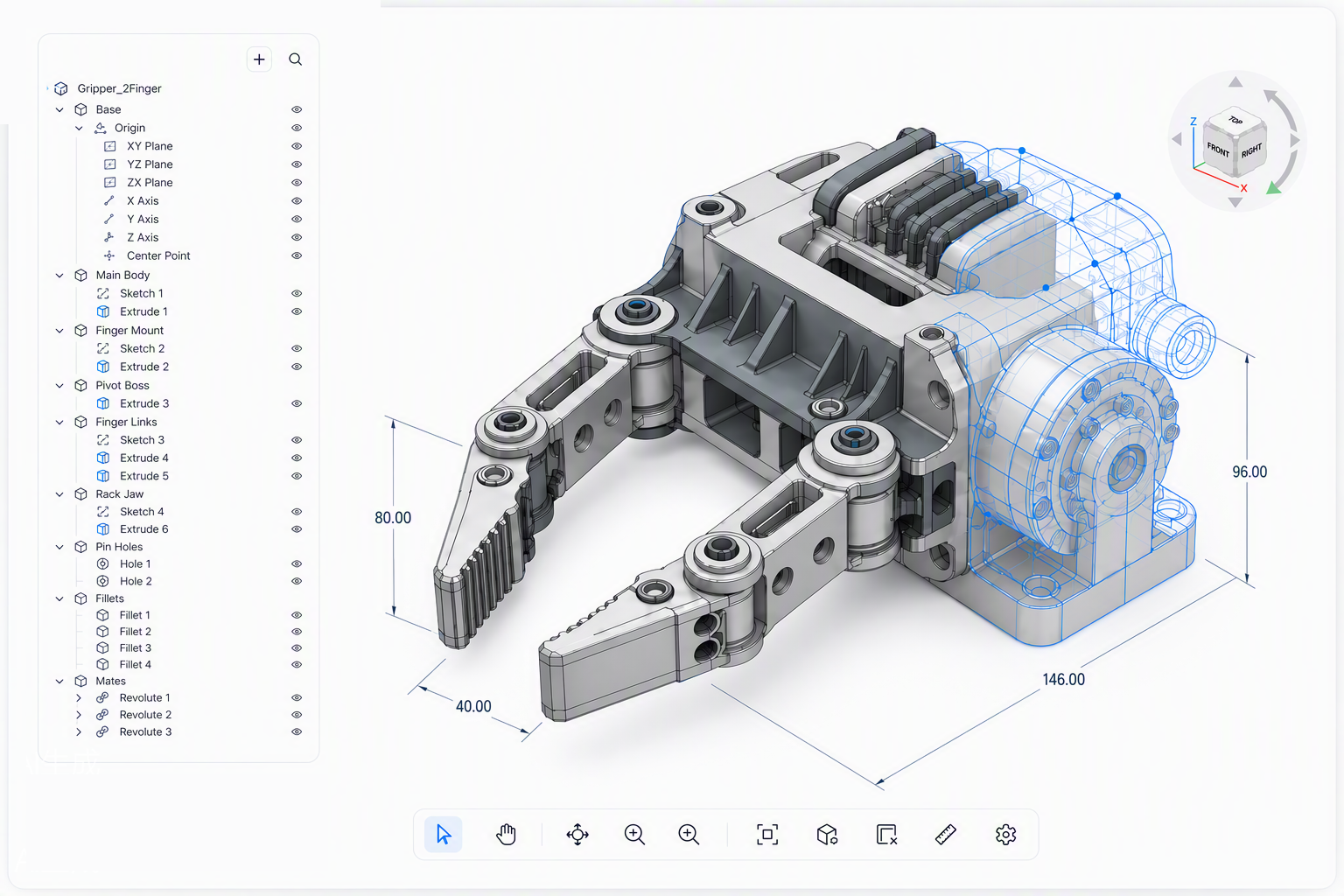
Continue with dimensions, constraints, features, and parametric design history.

03Design in the browser

Build precise parts, assemblies, and drawings in zCAD Online without a desktop CAD setup.

04Save, version, and share

Keep the latest design online and bring others into review when you need feedback.

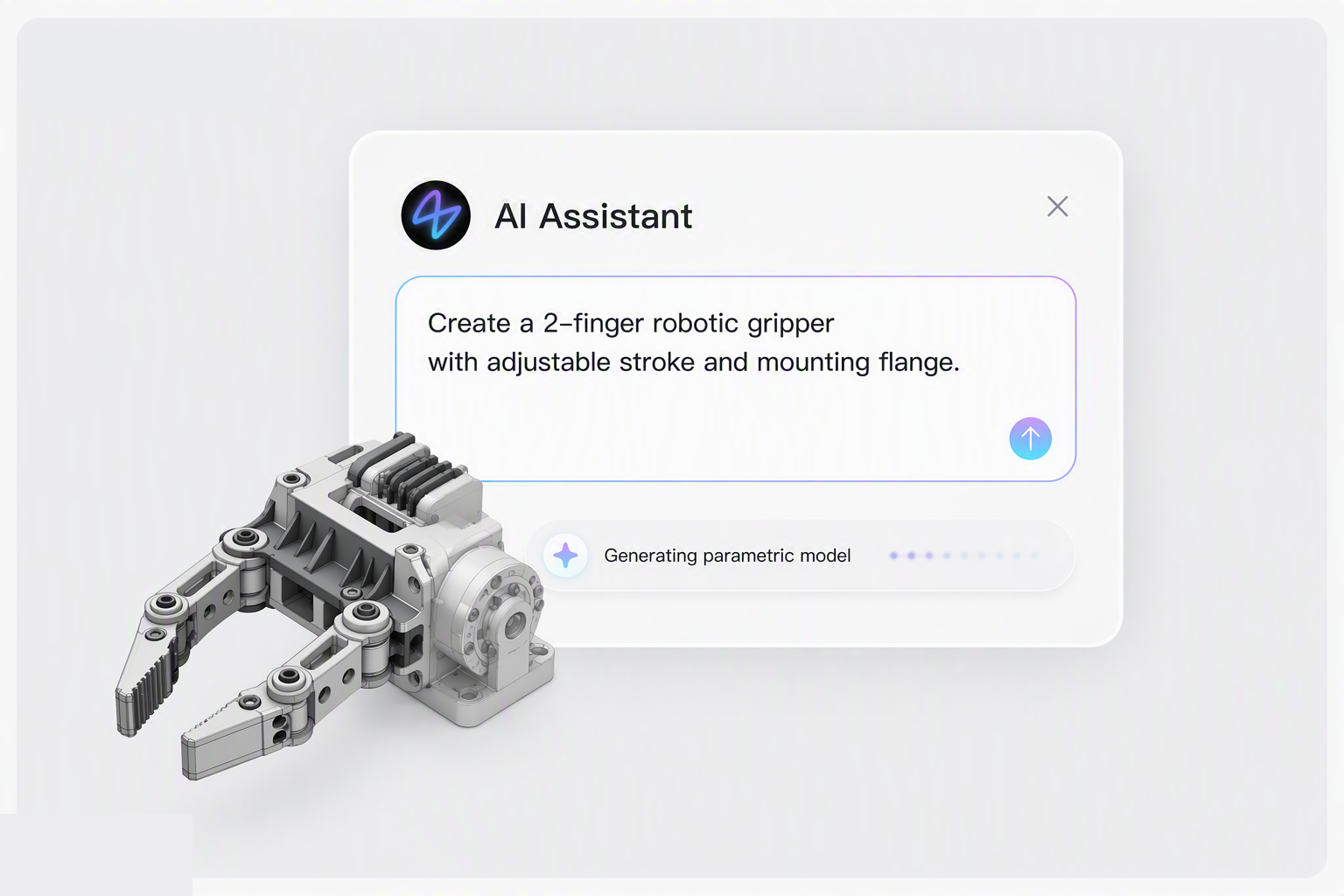
zCAD AI workspace actively generating an editable robotic gripper, with neutral CAD solids transitioning into blue construction wireframe
zCAD Online workspace continuing a multi-part automotive axle assembly, with most geometry complete and a blue wireframe region still being generated

WHAT IS zCAD AI

Intent to editable 3D.

Describe what you want to create or provide a reference image. zCAD AI understands your design intent and turns it into structured, editable parametric CAD.

Text and image input

Describe an idea in words or use a reference image to communicate the intended form.

Understands design intent

Interprets the form and function you want before generating geometry from your direction.

Editable parametric model

Continue with dimensions, constraints, features, and design history.

WHAT IS zCAD Online

Cloud CAD for real engineering work.

Model precise parts and large assemblies, create engineering drawings, manage versions, and collaborate with the team in one cloud-native workspace.

Parts and large assemblies

Create precise features and product structures from an AI model, imported CAD, or a blank project.

Specialized engineering tools

Develop sheet metal, weldments, freeform surfaces, drawings, and production-ready geometry.

Real-time collaboration

Keep simultaneous editing, permissions, automatic saving, versions, comments, and review connected.

WHO zCAD IS FOR

Built for designers. Ready for teams.

Work independently with professional CAD tools, then bring teammates, reviewers, or manufacturing partners into the same design when the project grows.

Built around industry work.

Explore how design, review, engineering change, documentation, and training connect across the products and equipment your team develops.

All industries

Build the futurewith zCAD.

Generate editable parametric CAD with AI, refine every feature in the browser, and move from idea to engineering-ready output.

Start designing online