
Free
$0/ month
200 credits / monthPlus a one-time 600-credit Beta gift.
- Assembly generation included
- All export formats, including STEP
- Public models on free accounts; generation data used for training
- Non-commercial use · standard queue
Engineering starts with an idea
Go from a brief or reference image to CAD you can inspect, edit and refine as the design evolves.
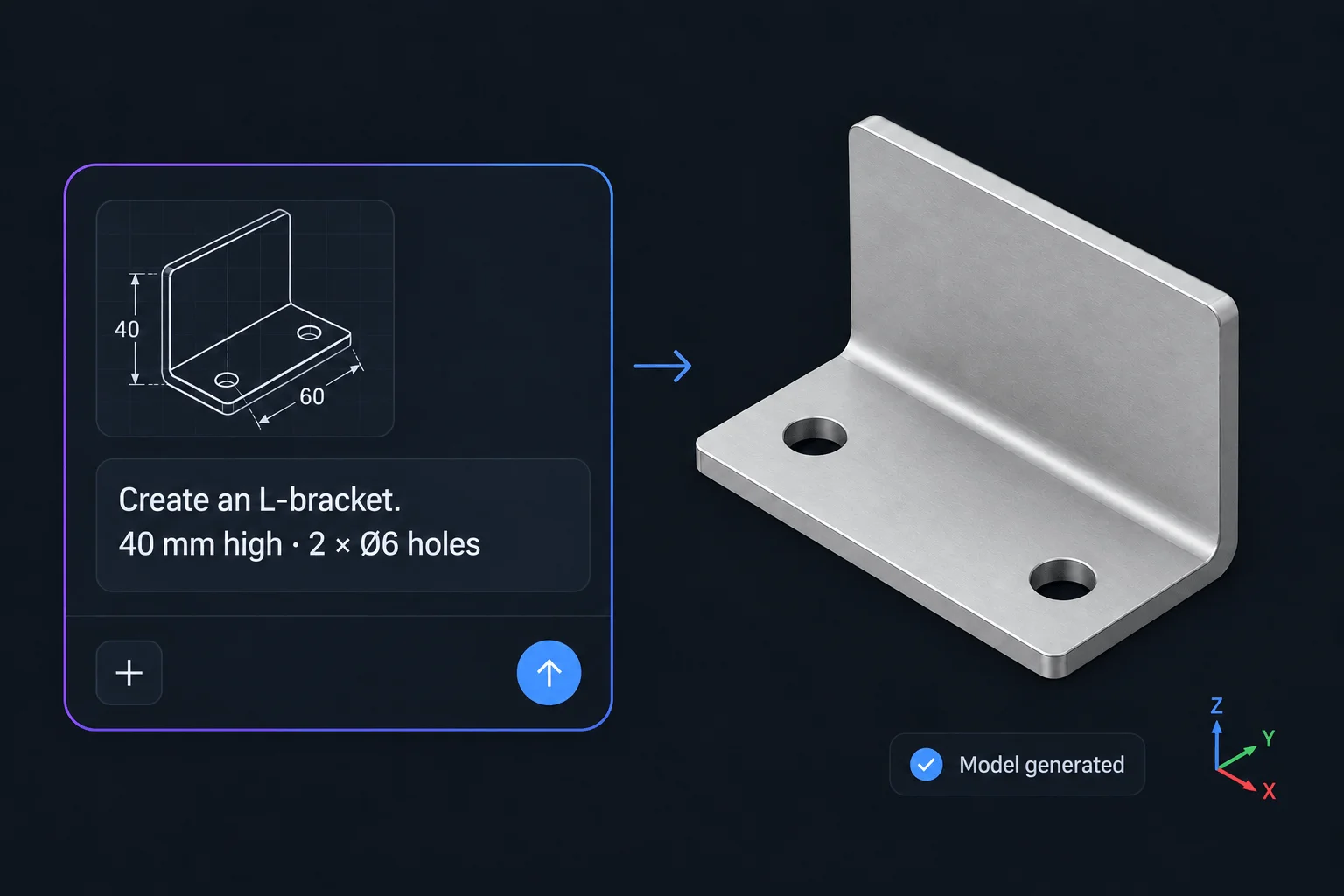
Describe what you want to build. Generate different types of CAD parts and assemblies with zCAD. AI.
Specify the function, dimensions, and required constraints.
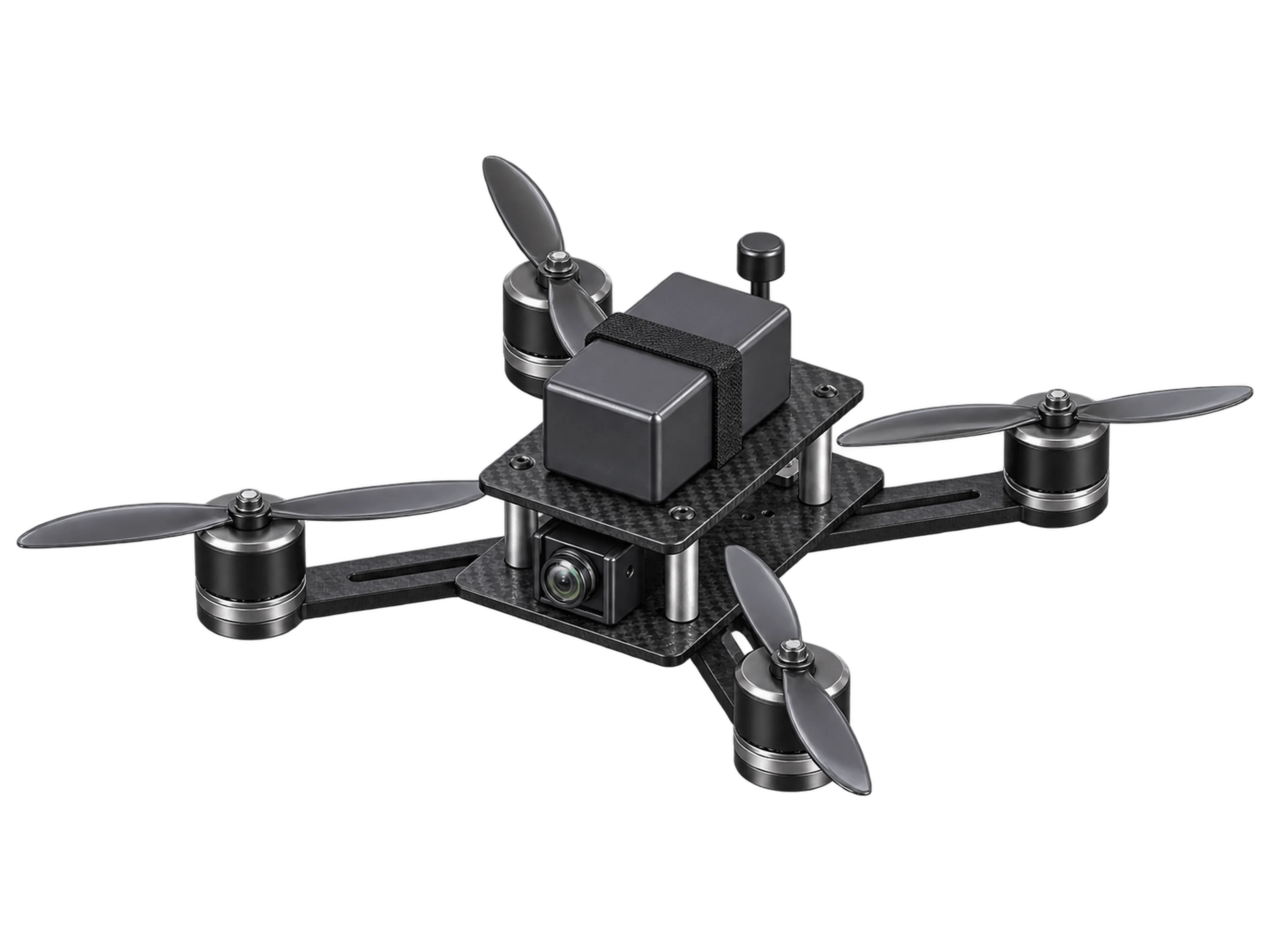
A precision-fit ~14-part 3D 5-inch FPV drone frame with top/bottom plates, four arms, standoffs, motor/camera/antenna mounts, and no moving parts.
Created the 5-inch FPV drone frame:
Generate a starting point. Inspect the result. Keep developing the design in zCAD. Online.
Describe the part's function, key dimensions and how it fits into your design.
Note the geometry and interfaces to preserve.
Turn your brief into editable CAD parts and assemblies to start developing the design.
Refine the prompt where changes are needed.
Check dimensions, mating faces and clearances to see how the parts fit together.
Review assembly behavior before continuing.
Open the native model in zCAD. Online to refine the design, prepare drawings, and collaborate.
Explore$0/ month
200 credits / monthPlus a one-time 600-credit Beta gift.
$49.99/ month
1650 credits / monthPrivate models across AI and Online.
$89.99/ month
3,000 credits / monthIncludes all Online Standard permissions.
Contact us
Team planPlan scope and pricing through sales.
Prices are in USD and billed monthly. Monthly credits reset each month. The one-time Beta gift remains until used. All AI plans use the same generation model during Beta.
generates B-rep CAD geometry from text, with support for reference images. The workflow supports parts, assemblies and assembly mates. Review the generated features, dimensions and relationships before using the model in a design.
Yes. Every AI plan supports all available export formats, including STEP. STEP carries solid geometry, but generally does not preserve the original feature history or assembly constraints. You can continue editing the geometry in a compatible CAD tool, or continue the native model in .
The output is engineering geometry, not manufacturing approval. Check dimensions, fits, tolerances, material, loads and process requirements before making a part. For complex assemblies, build the main structure first, then add and verify details in stages.
Free includes 200 credits each month and a one-time 600-credit Beta gift. Available generation features, assembly generation and all export formats are included. All AI plans use the same generation model during Beta. Free is for non-commercial use; accounts without a paid subscription have public models and generation data is used for training.
Any active paid AI or Online subscription makes models private across both products and excludes them from training. Commercial-use and export rights follow the product where a model version was last saved: AI Plus and above allow commercial use of AI-generated versions; Online Standard and above allow commercial use after editing in Online. AI Pro includes Online Standard. AI Plus includes Online Personal, with private models.
Bring the function, the dimensions and the details that matter.