Legacy ZIXEL documentation. Screens and plan limits may differ from the current zCAD Beta. View current 3D CAD help.
Select the views, right-click, and choose Export as vector graphics.
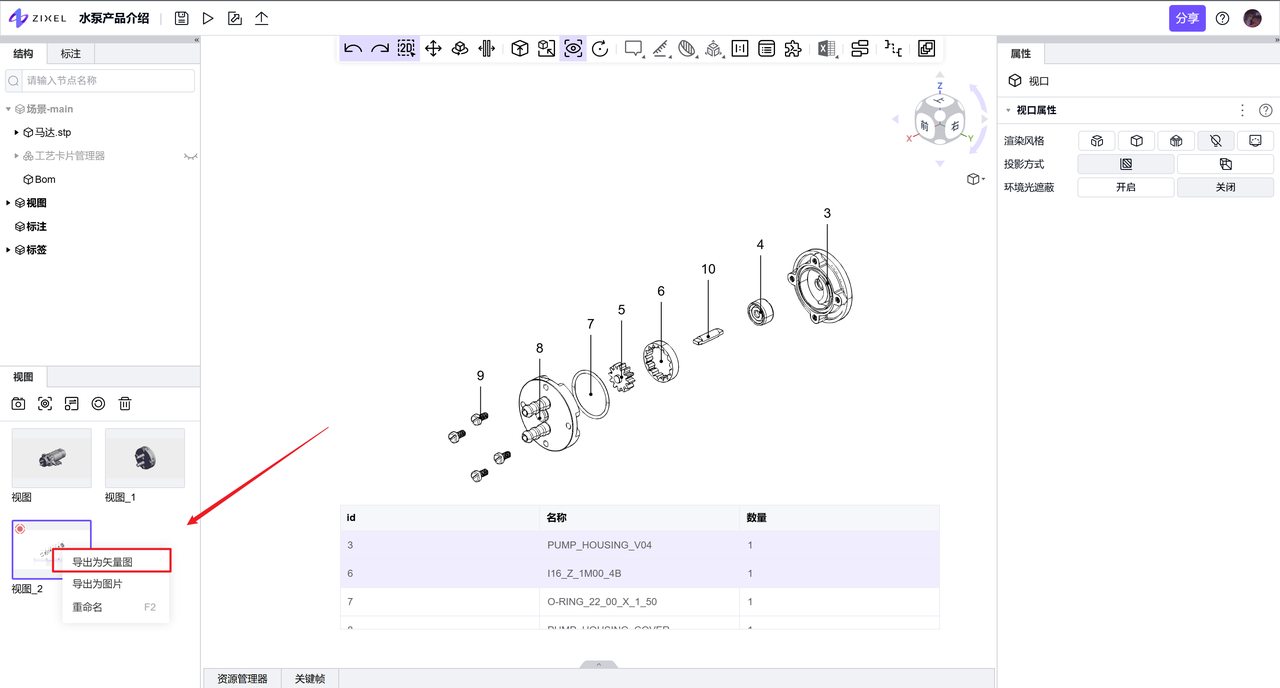
Click Page layout in the toolbar to open the layout editor.
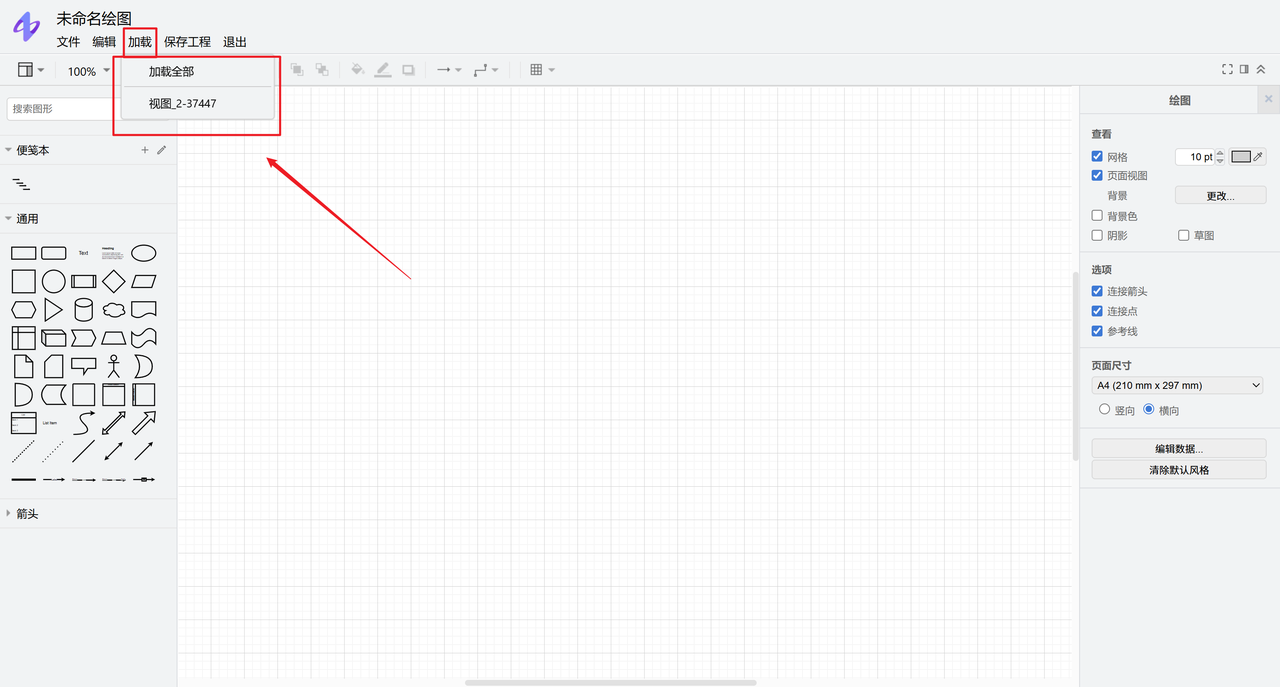
Click Load and choose all views or a specific view to import its vector graphics. Visible BOM tables are imported with the view.
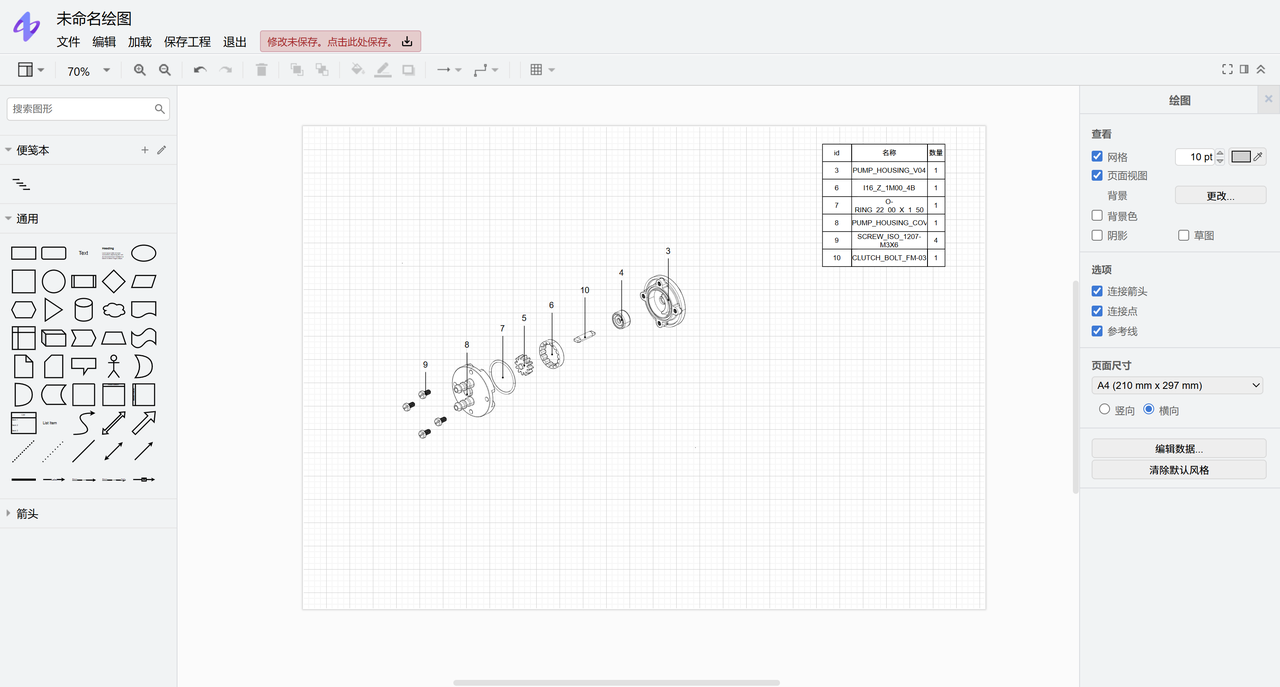
Export
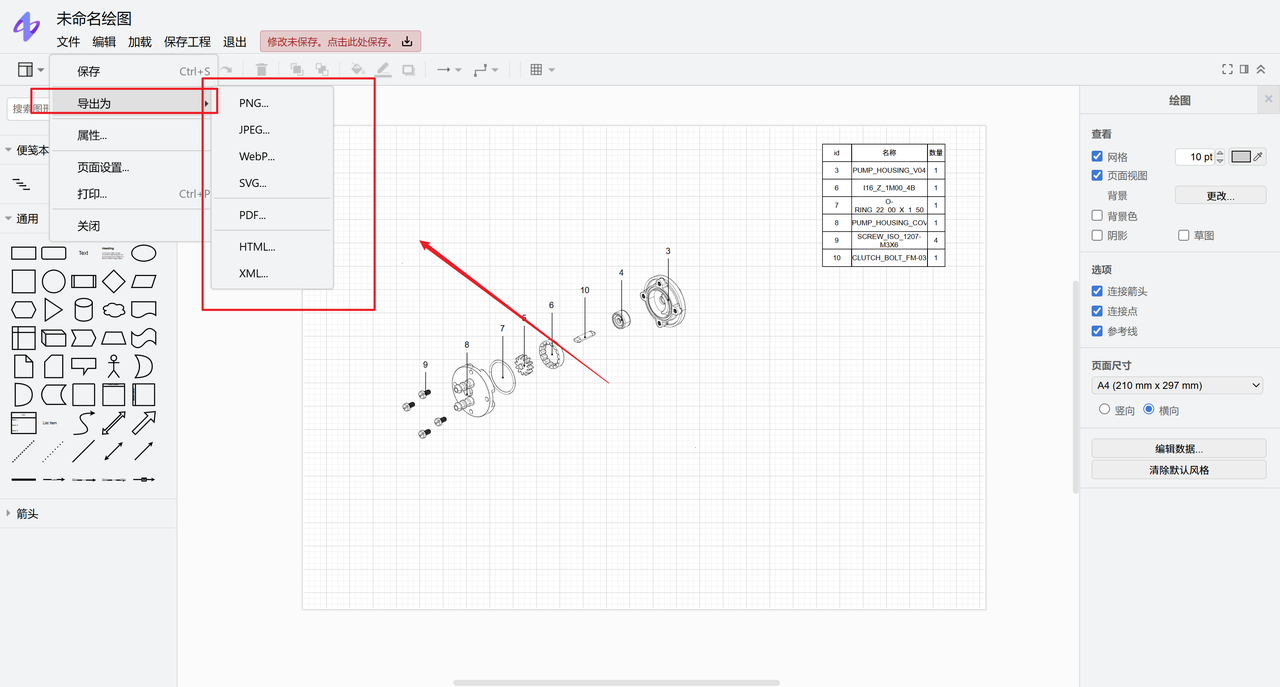
Open File > Export as in the upper-left corner and select a file format.
Open File > Print in the upper-left corner.
Save and reopen a page layout
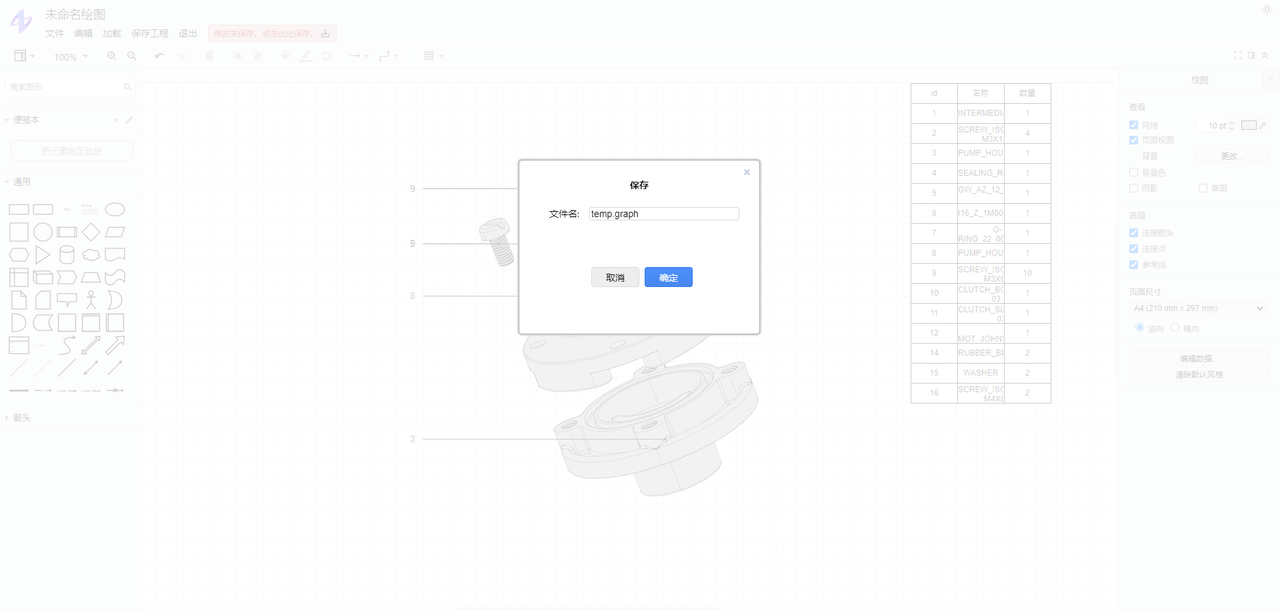
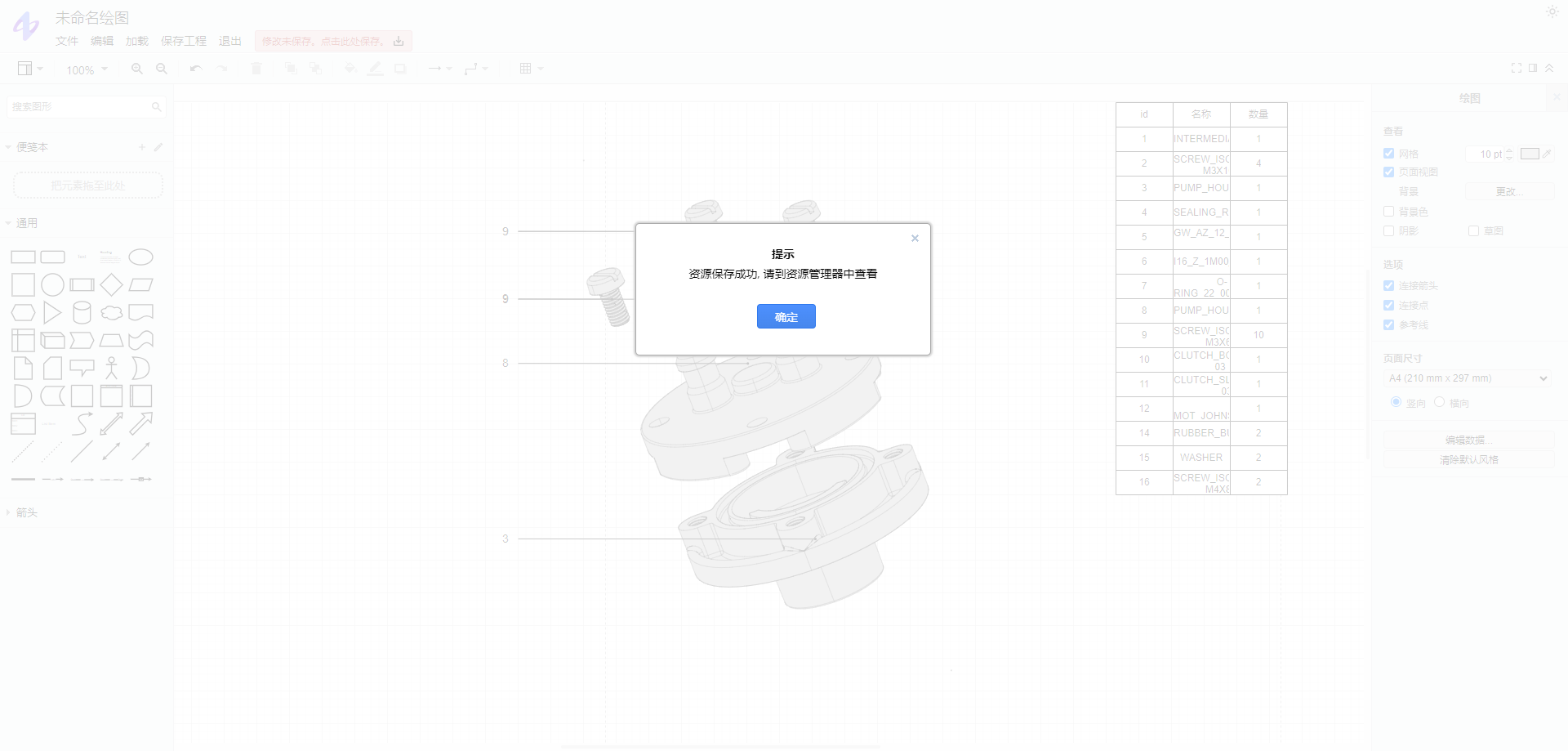
Click Save project in the upper-left corner and enter a file name.