Legacy ZIXEL documentation. Screens and plan limits may differ from the current zCAD Beta. View current 3D CAD help.
Keyboard shortcuts
Action | Windows shortcut |
Cut | Ctrl+X |
Copy | Ctrl+D |
Paste | Ctrl+V |
Delete | Delete |
Exit | Escape |
Show or hide | H |
Isolate | I |
Fit to view | F |
Deselect | Esc |
Toggle transparency or contact transparency | T |
Switch selection mode | 1 |
Move | 2 |
Rotate | 3 |
Explode | 4 |
Reset | R |
Select
Viewport
Action | Keyboard shortcuts |
Select an object | Left-click |
Box selection | Drag from left to right with the left mouse button to select parts that are partly inside the selection box. Drag from right to left with the left mouse button to select only parts fully inside the selection box. |
Add to or remove from the selection | Ctrl + left-click |
Add to the selection | Shift + left-click |
Remove from the selection | Ctrl + Shift + left-click |
Deselect | Esc |
Structure tree and views panel
Action | Windows shortcut |
Select an object | Left-click |
Add to or remove from the selection | Ctrl + left-click |
Select a range | Shift + left-click |
Deselect | Esc |
Rename an object | F2 |
Camera controls
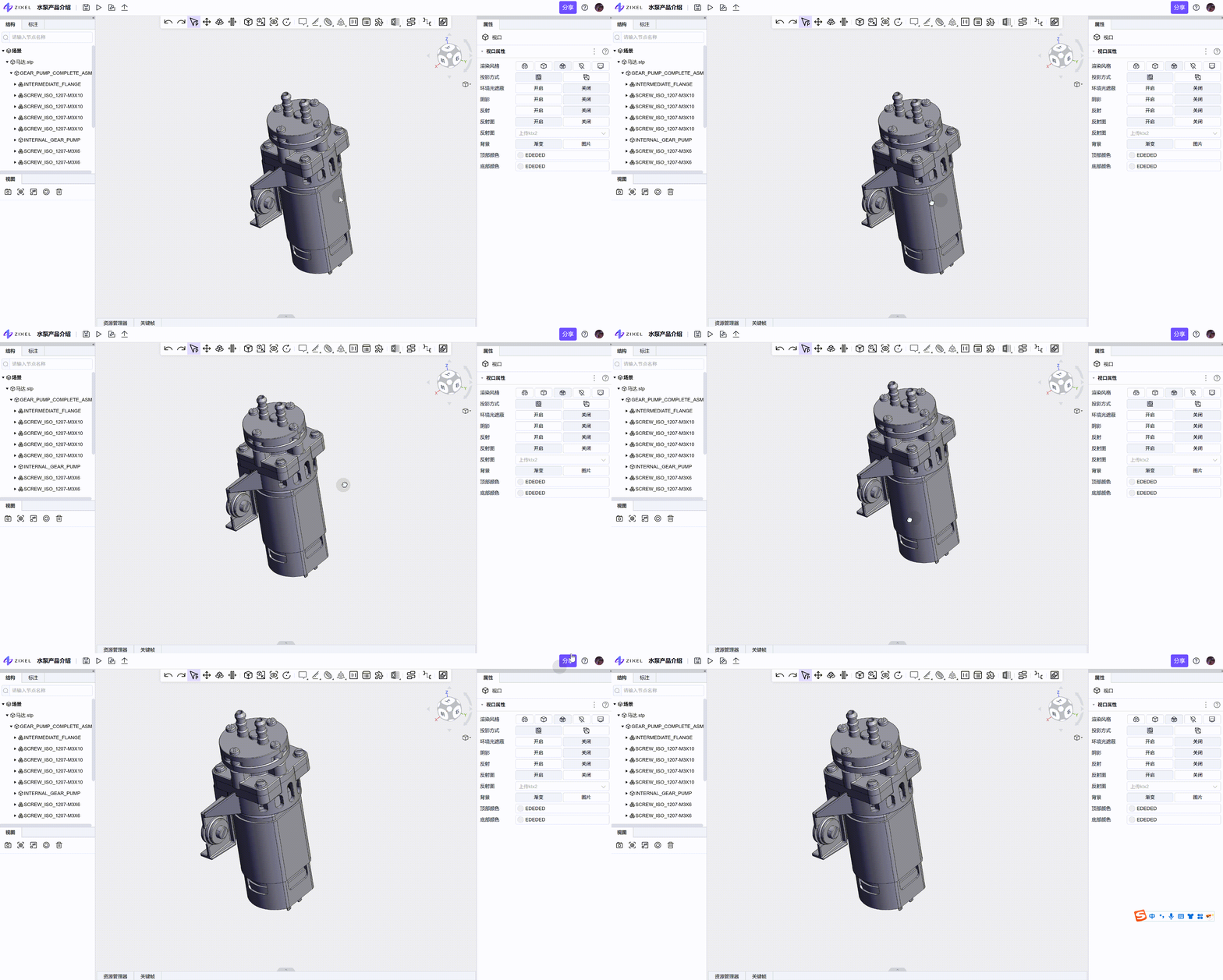
Rotate: hold the right mouse button and drag.
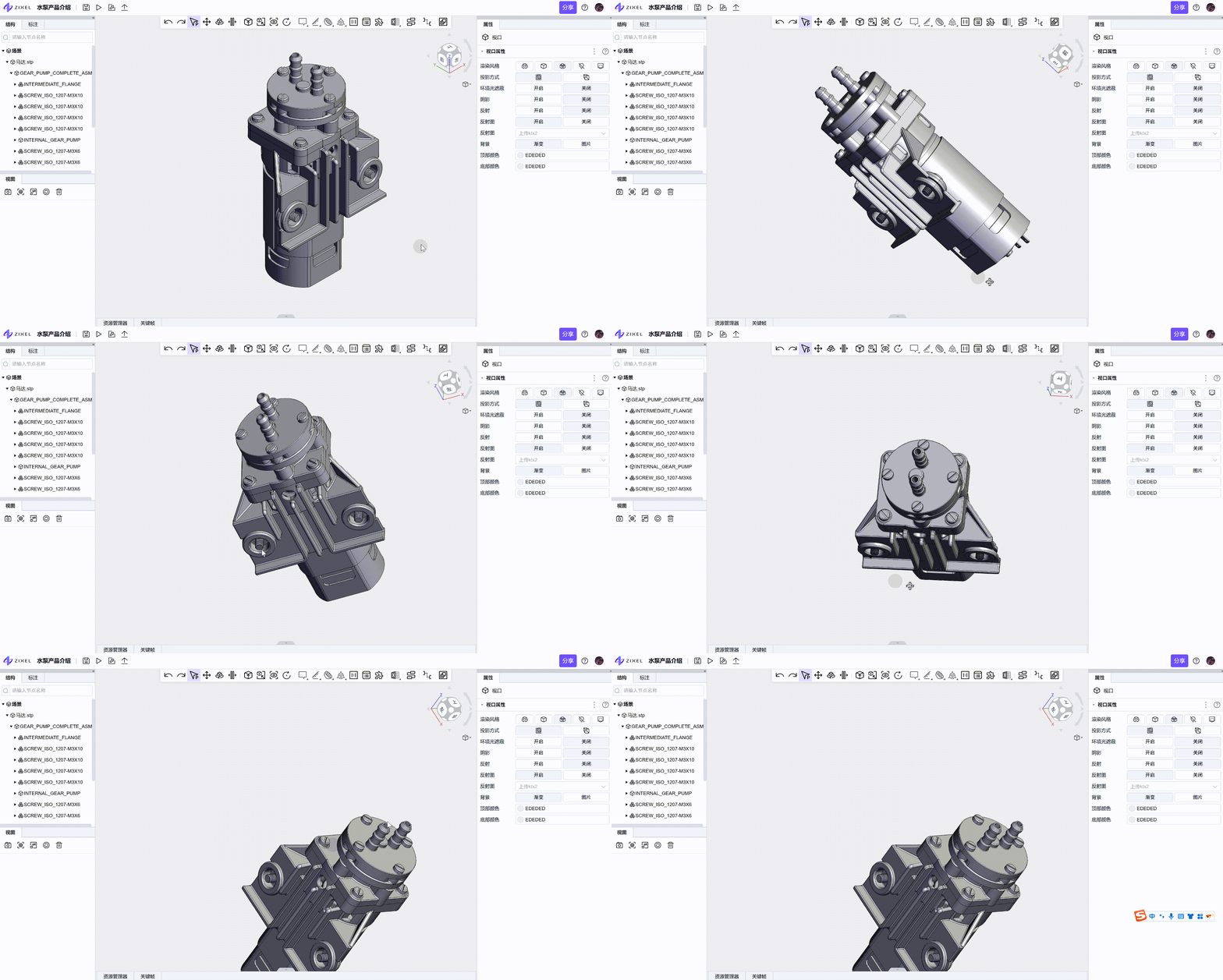 Zoom: scroll the mouse wheel.
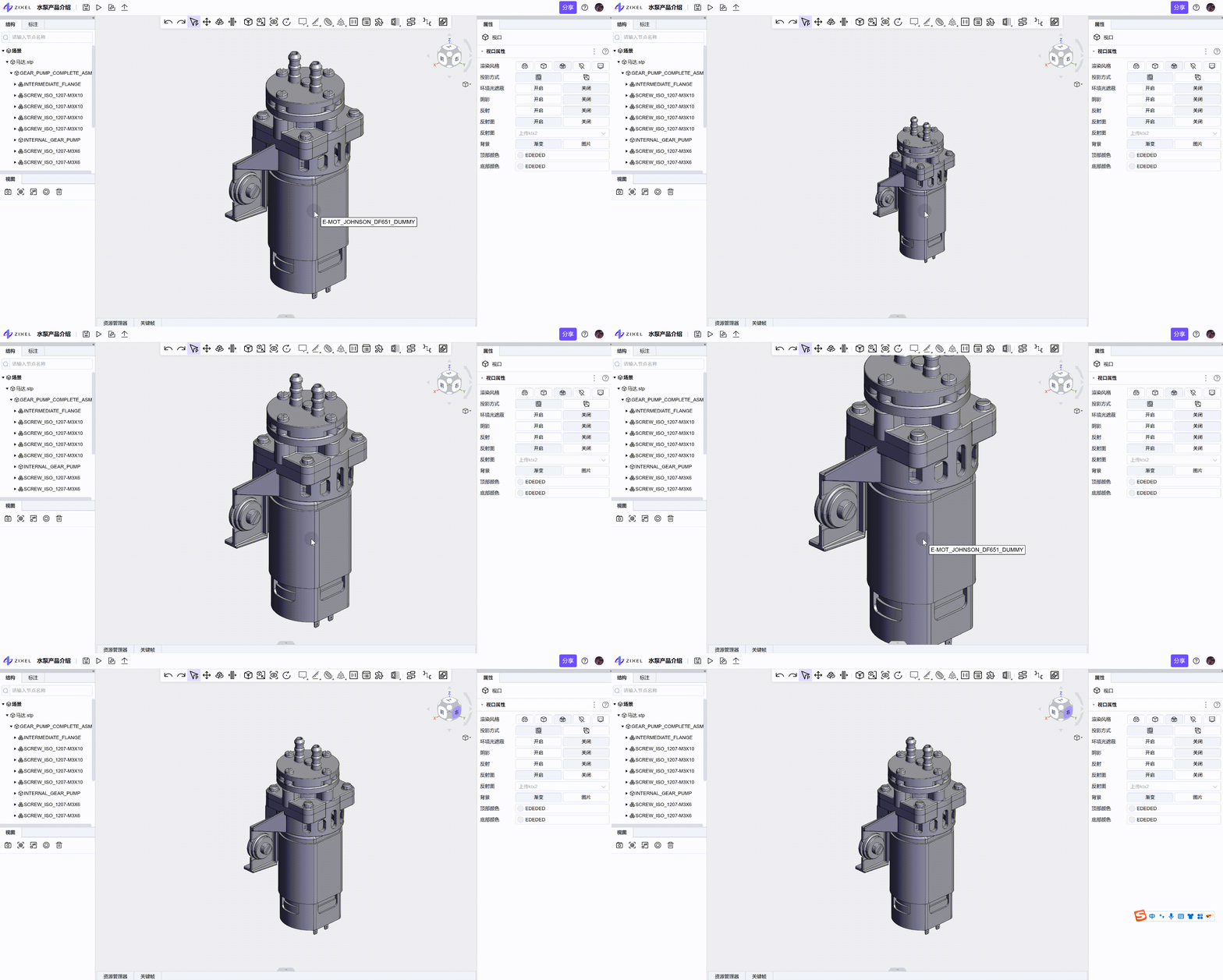 Pan: hold the middle mouse button and drag.