Legacy ZIXEL documentation. Screens and plan limits may differ from the current zCAD Beta. View current 3D CAD help.
Create an account or sign in
Open https://www.zixel3d.com and click Sign in / Register.

Register
On the sign-in page, click Register now if you do not have an account.
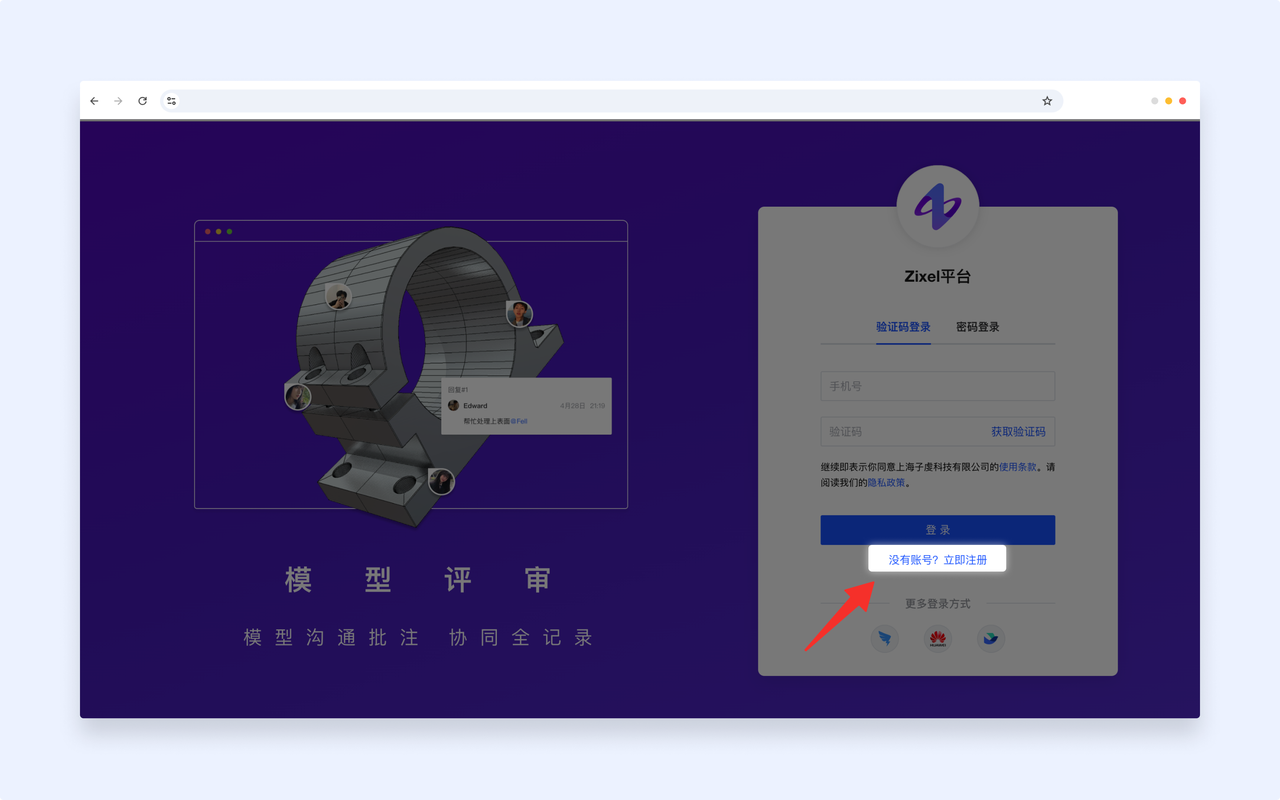
Enter your phone number and verification code, then click Register. Set a password to finish creating your account.

Sign in
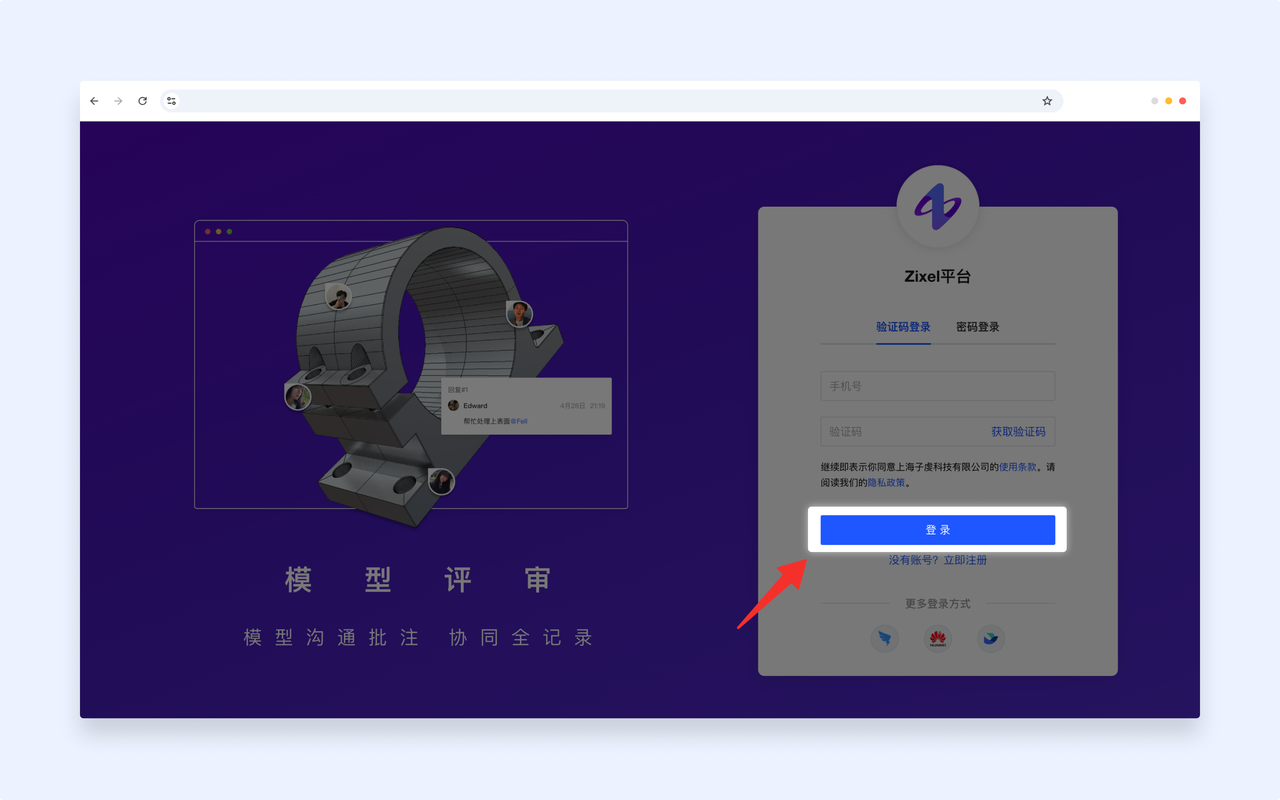
If you already have an account, sign in with your phone number and a verification code or password.
Create or switch organizations
Create an organization
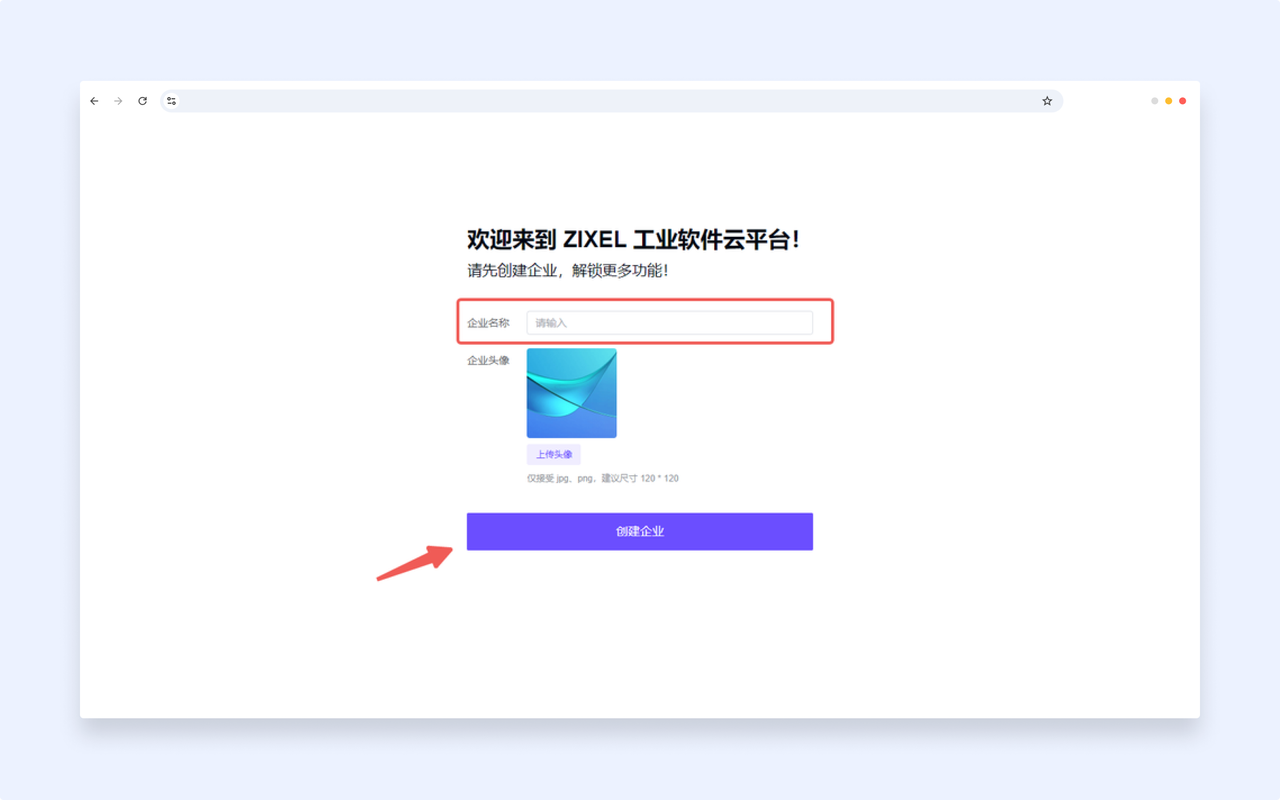
If you do not belong to an organization, enter an organization name after signing in and click Create organization to open the workspace.
Switch organizations
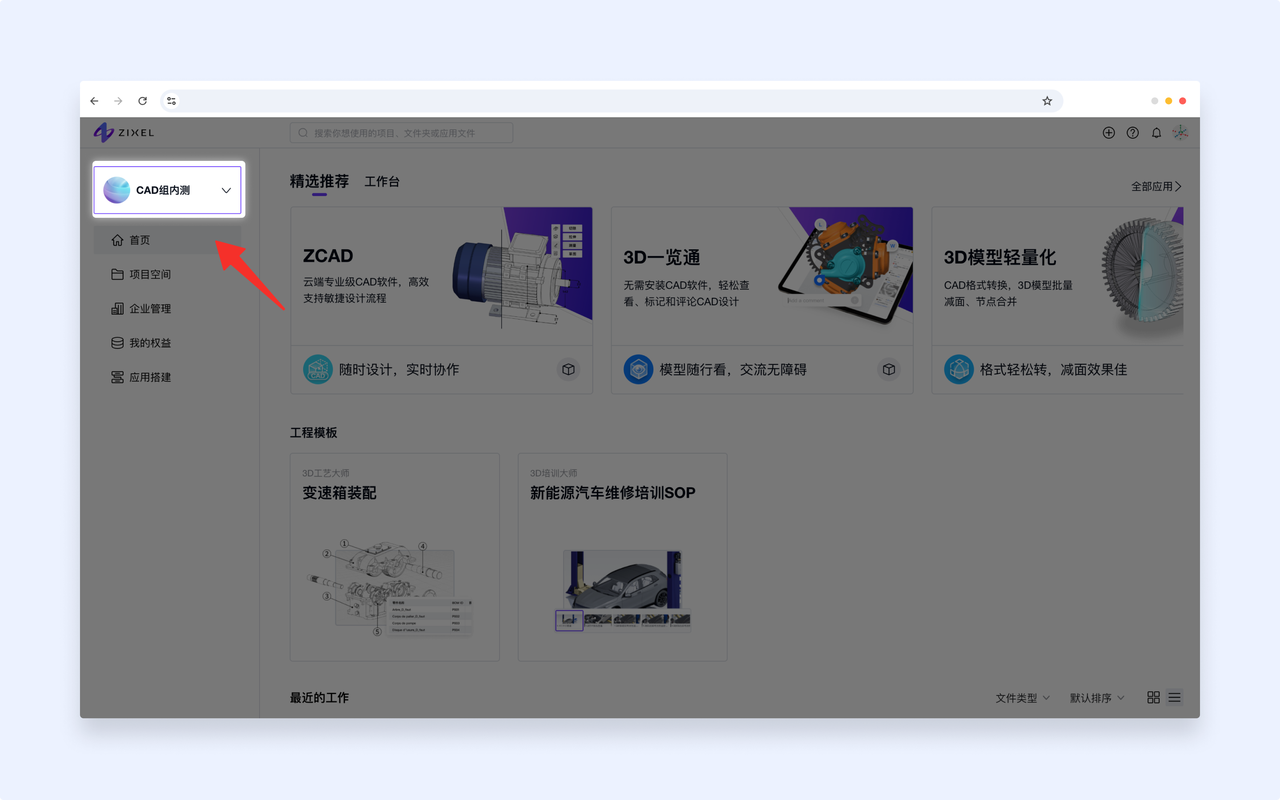
If you already belong to an organization, signing in opens the workspace. Use the dropdown on the left to switch organizations.