Archived release notes. Features described here refer to the release date shown. View current 3D CAD help.
CAD
General
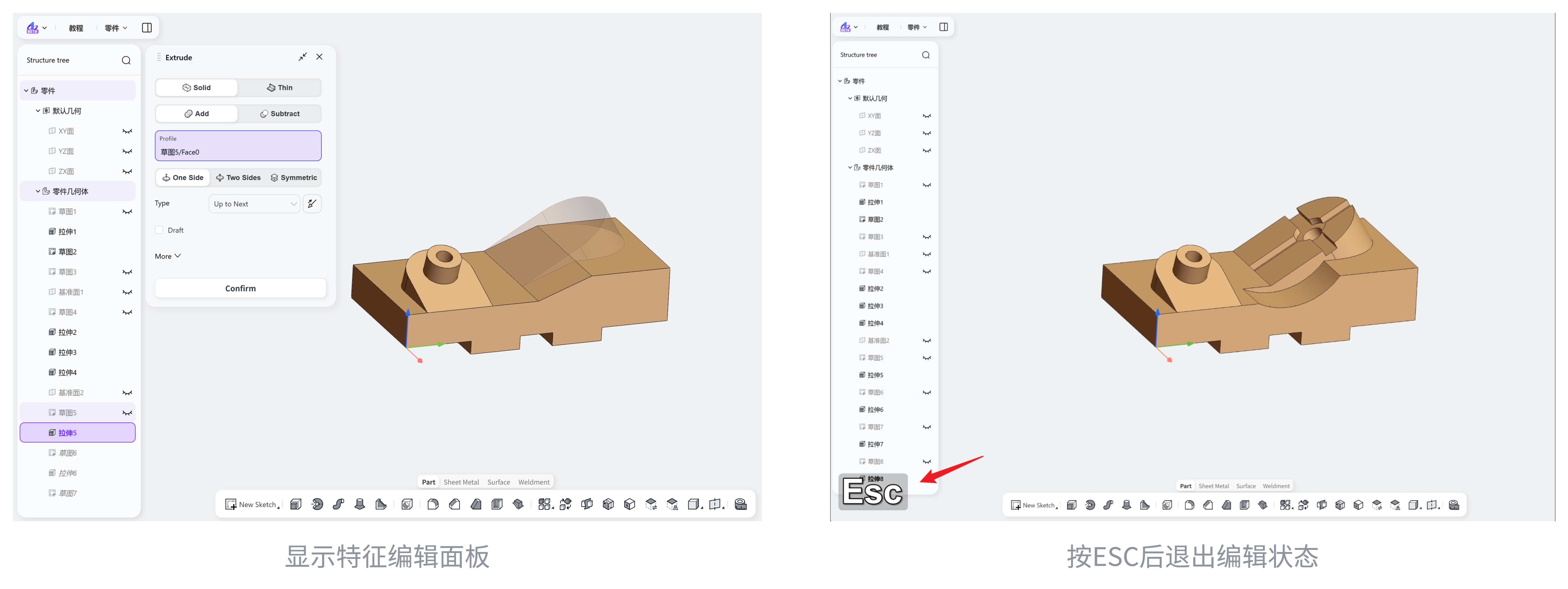
Press Esc to exit editing in the parameter panel.
Sketch
3D sketching is now available, with support for:
Basic geometry: points, lines, rectangles, circles, and arcs.
Geometry editing: fillet, chamfer, trim, split, and conversion to construction geometry.
Convert entities
Smart dimensions, with switching between driving and driven dimensions.
Geometric constraints: coincident, parallel, perpendicular, equal, midpoint, collinear, and alignment with the global X, Y, or Z axis.
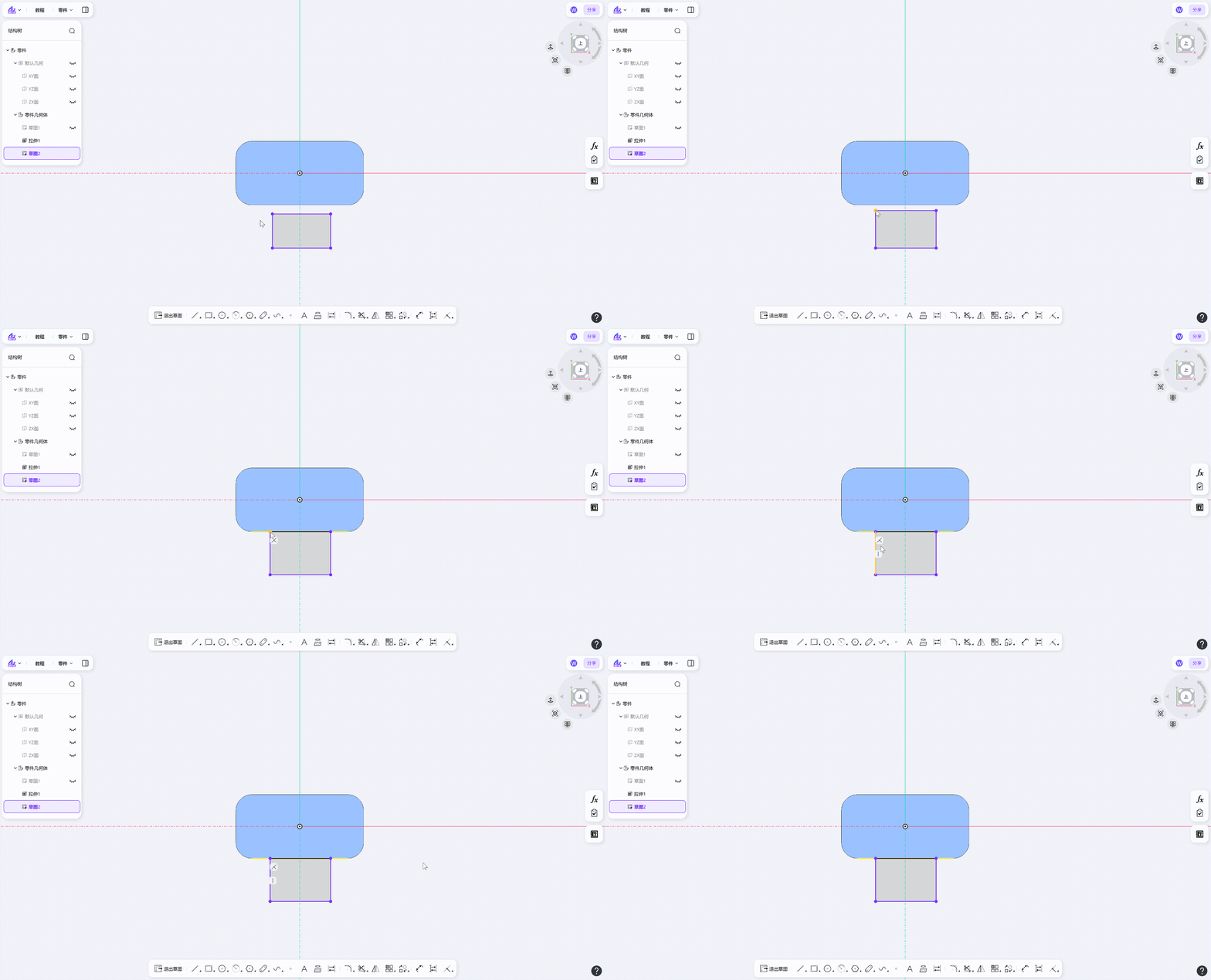
Dragged sketch geometry can snap to external edges.
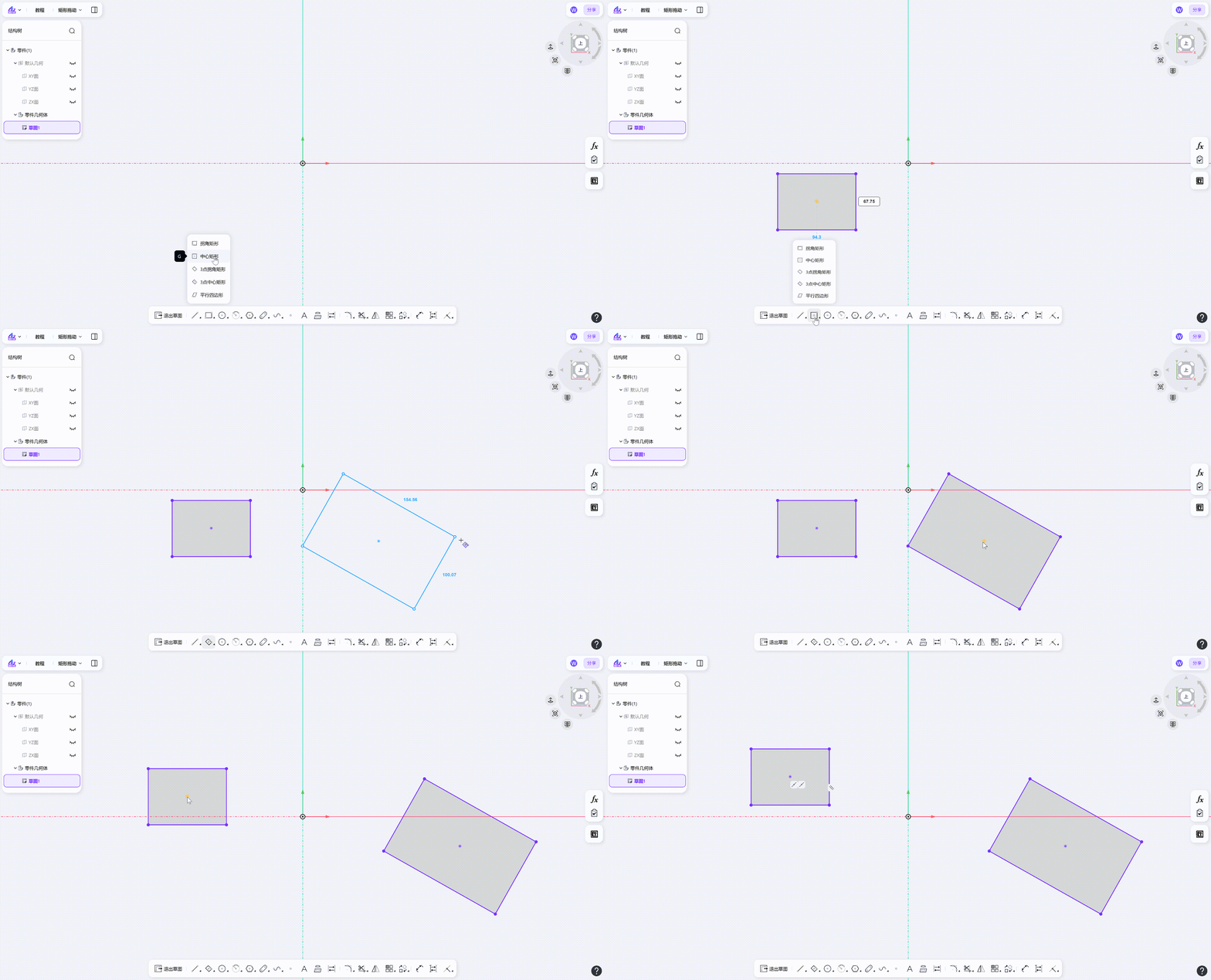
Center rectangles and three-point center rectangles can be dragged by their center point.
Sketch fillet and chamfer tools remember the last value used.
Assembly
Centered mates now support planar faces, cylindrical faces, and part reference planes.
You can now measure multiple objects in an assembly.
Set colors for parts and subassemblies within an assembly.
The 3D viewport context menu now includes Hide
Conical faces now support coaxial mates.
Points and lines now support coincident mates.
Drawings
Hole tables
Hole callout editing panel
Annotations with multiple leaders
Open the corresponding part or assembly from its drawing.
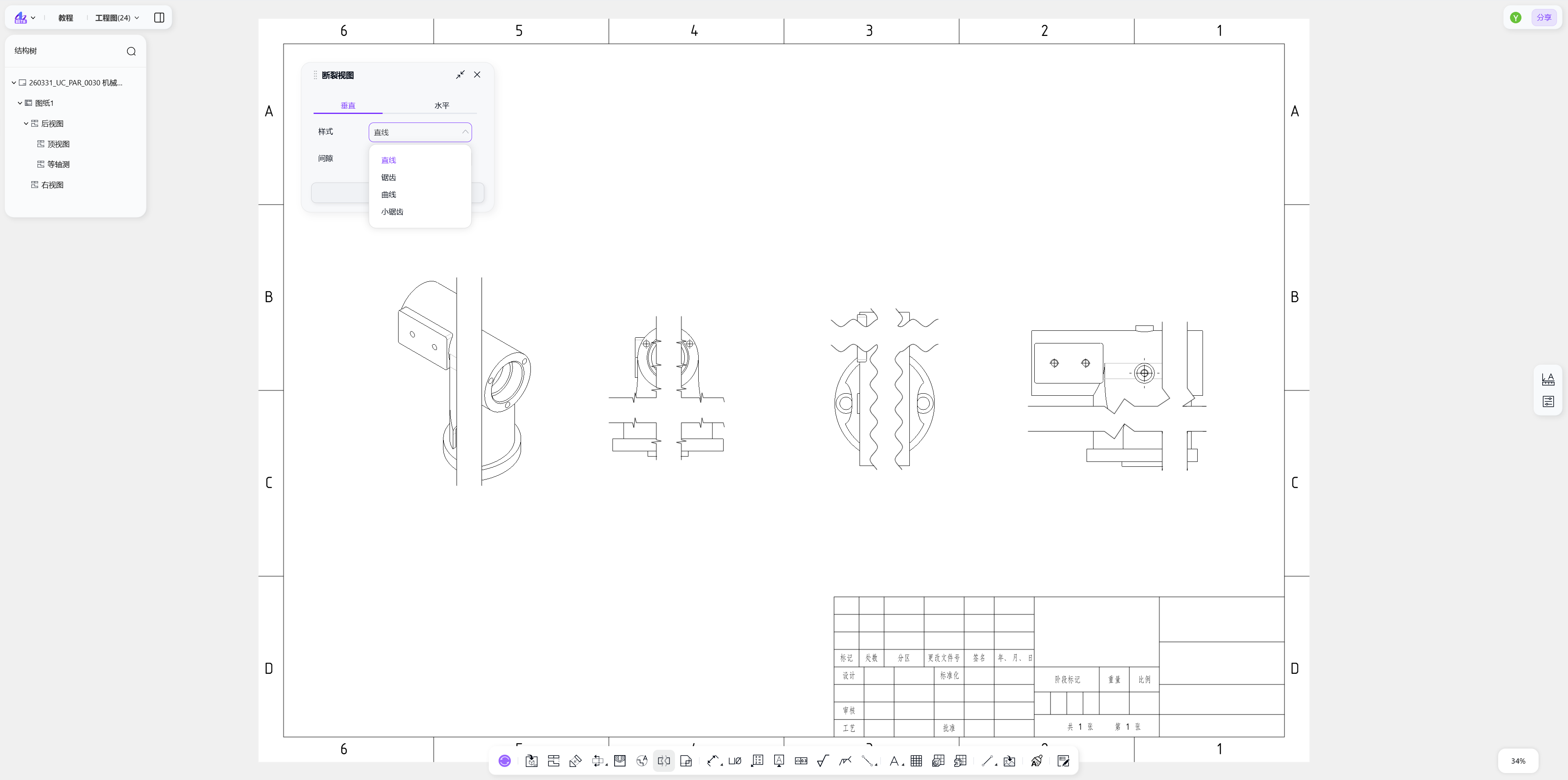
Break views now offer more break-line styles.
View scales accept decimal values.
Annotations can snap to dimension and extension lines.
Dimension lines extend automatically, and dimension text can be placed below the line.
Sheet metal
Set the bend position when creating a sketched bend.
Weldments
Create structural members using different standards and profiles.
Trim and extend
End caps
Gussets
Weld beads
Welded corners
PDM
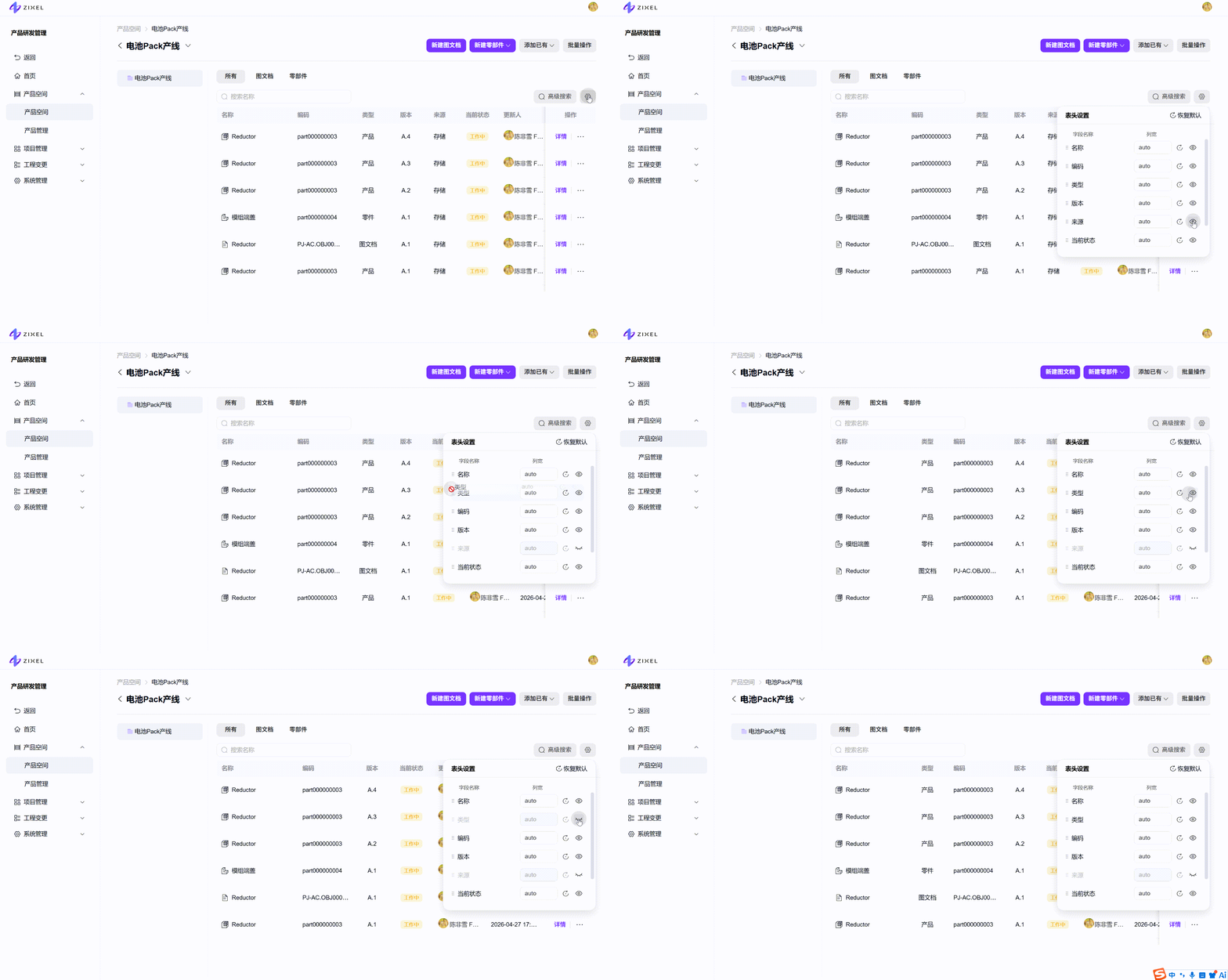
Lists now support showing and hiding fields, changing column order, and adjusting column widths.
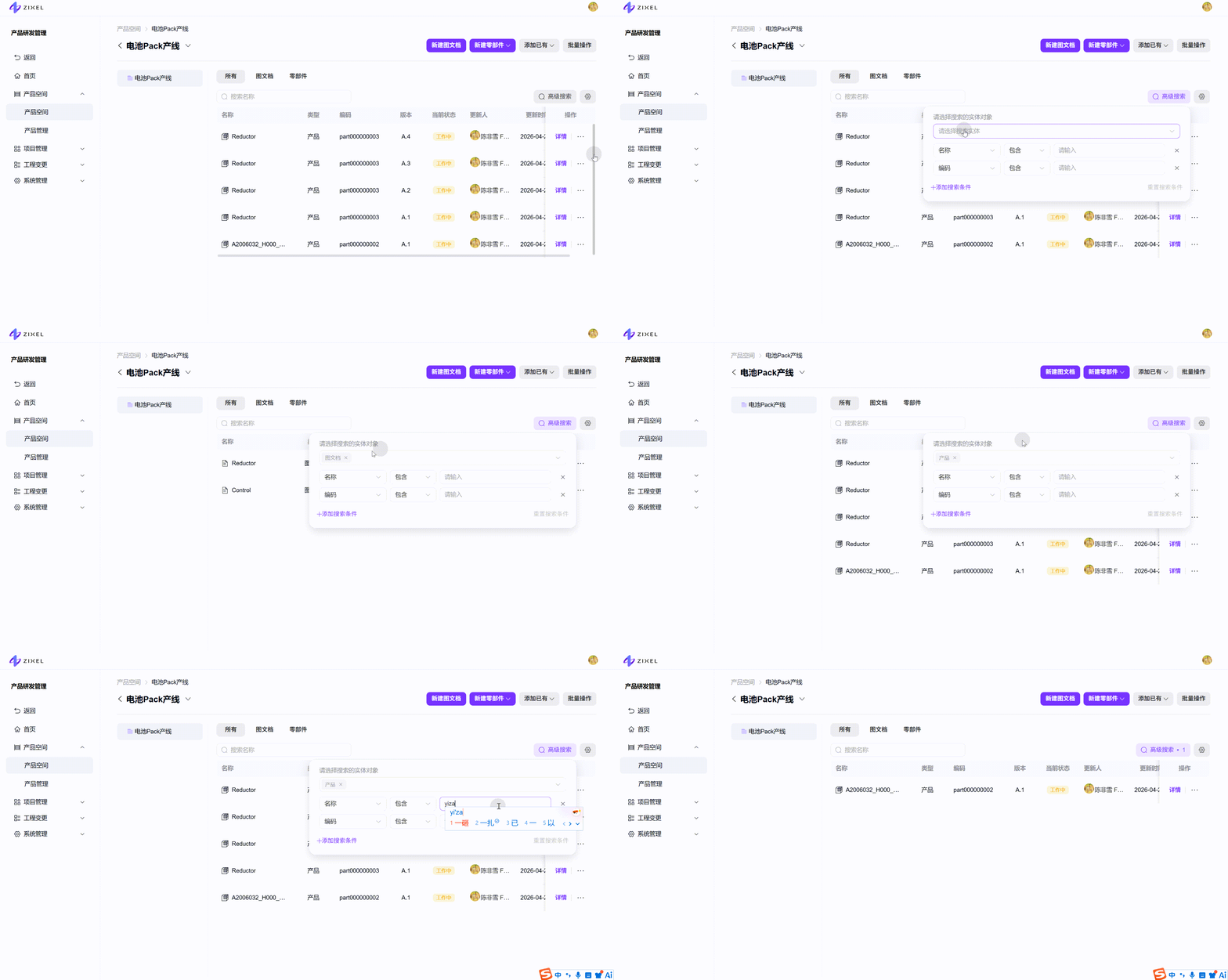
Advanced search for products, parts, drawings, documents, projects, tasks, ECRs, and ECNs.
Platform
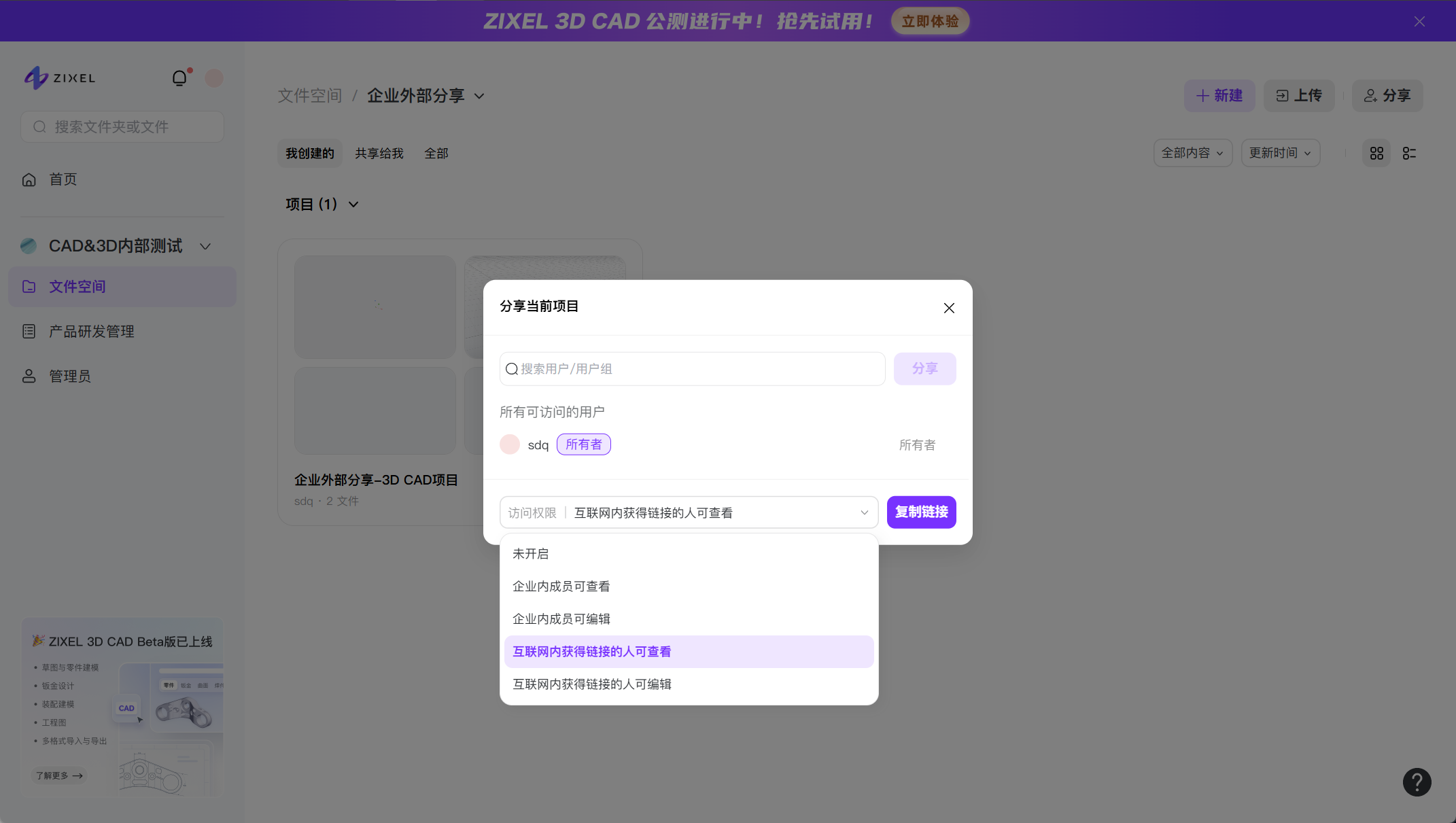
Share 3D CAD projects, 3D Overview files, and 3D Craft Master files outside your organization.