Legacy ZIXEL documentation. Screens and plan limits may differ from the current zCAD Beta. View current 3D CAD help.
Project plan
Project plan is the default tab on the project details page.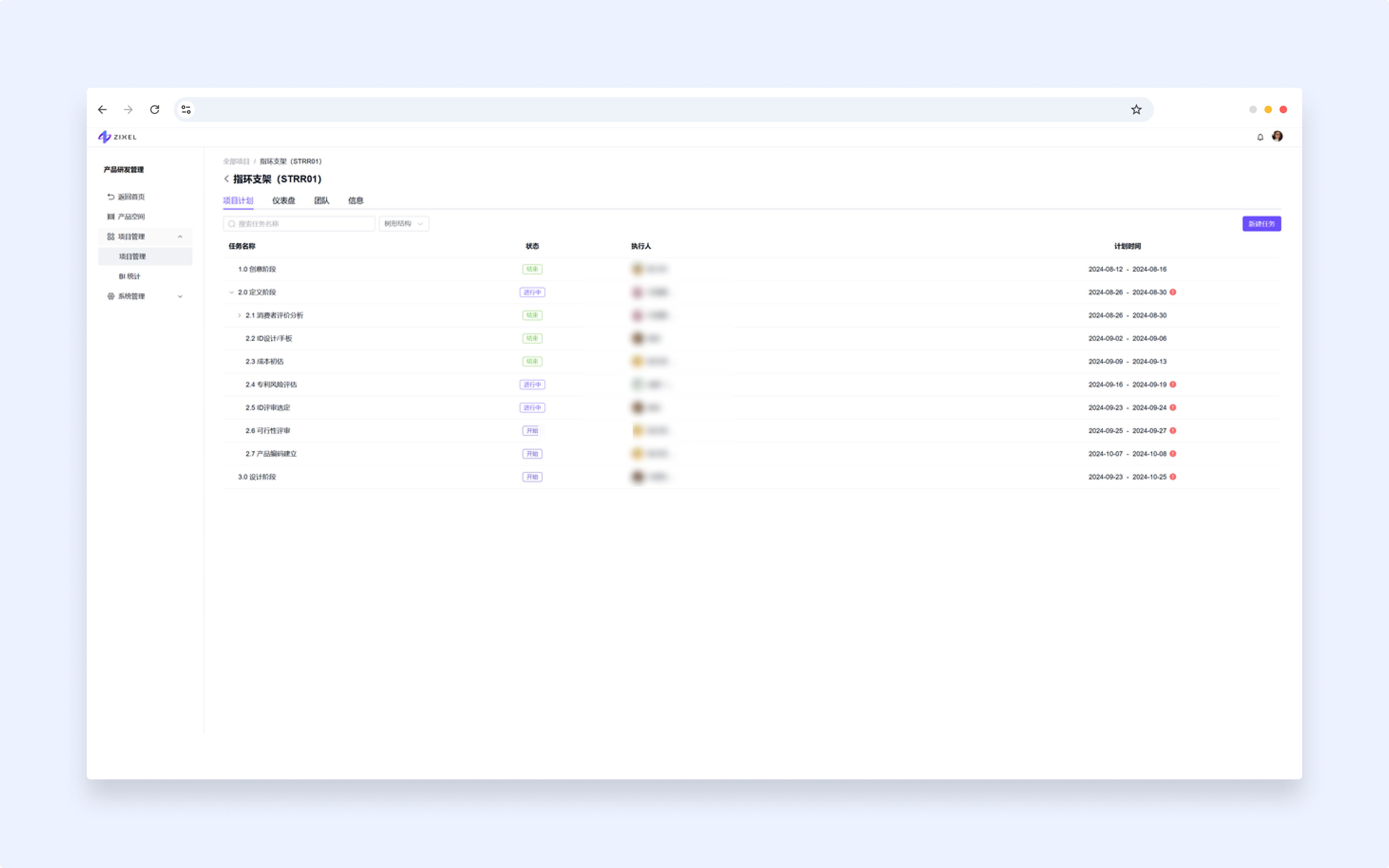
Create a task
Project administrators, editors, and viewers can click New task, enter its details, and click Finish.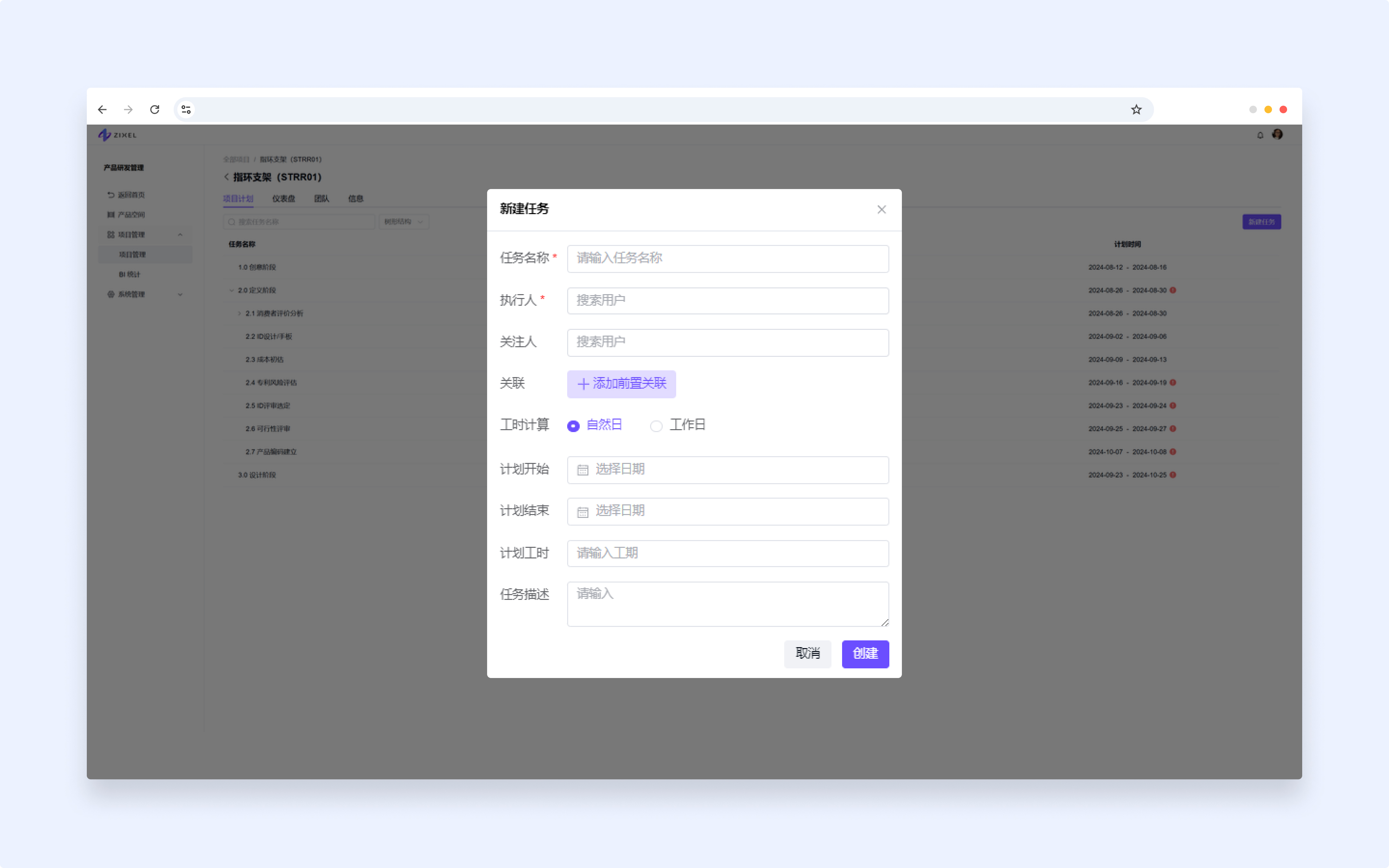
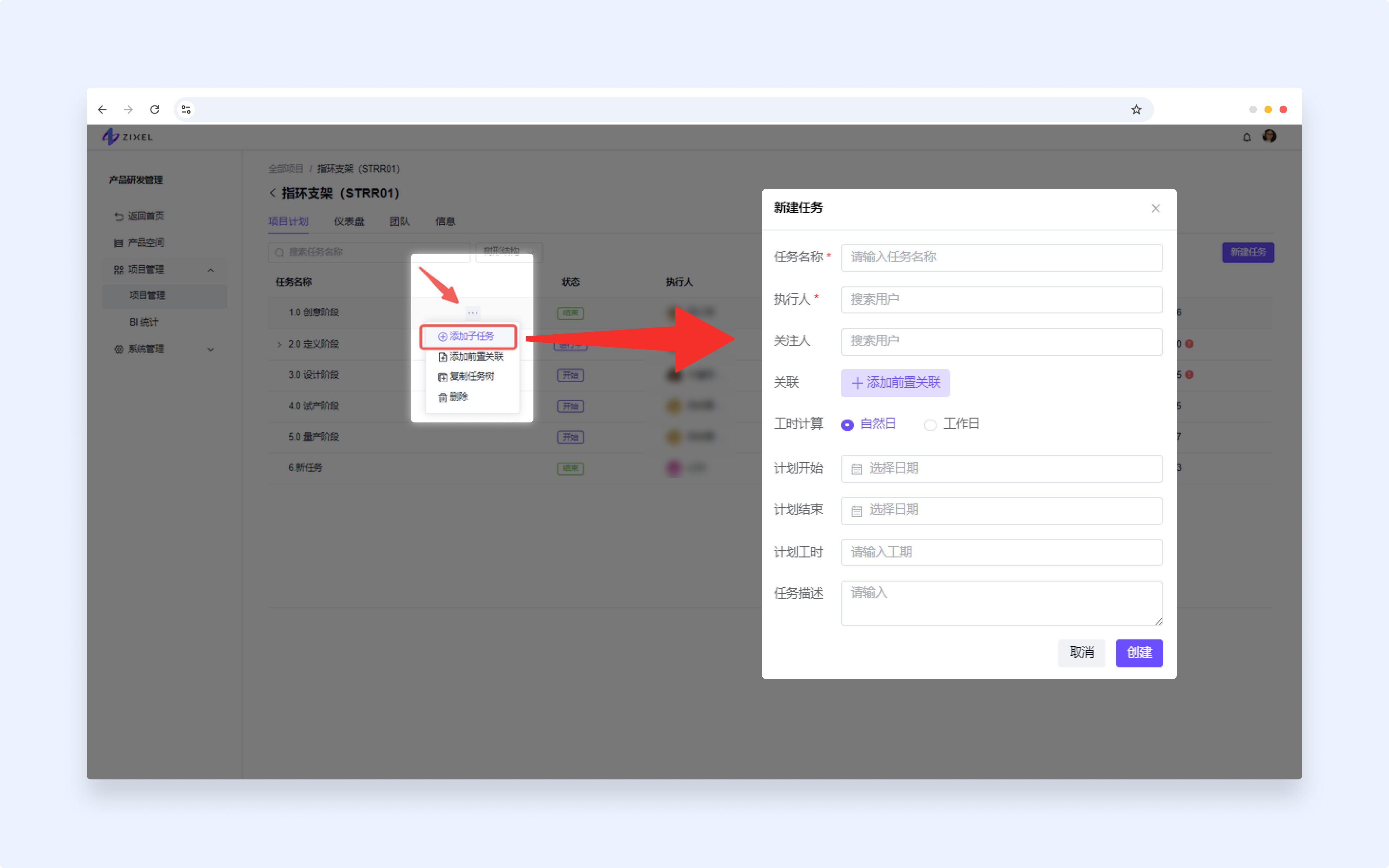
Add a subtask
Hover over a task, open More (...), choose Add subtask, enter the details, and click Finish.
Tasks support a maximum of three levels.
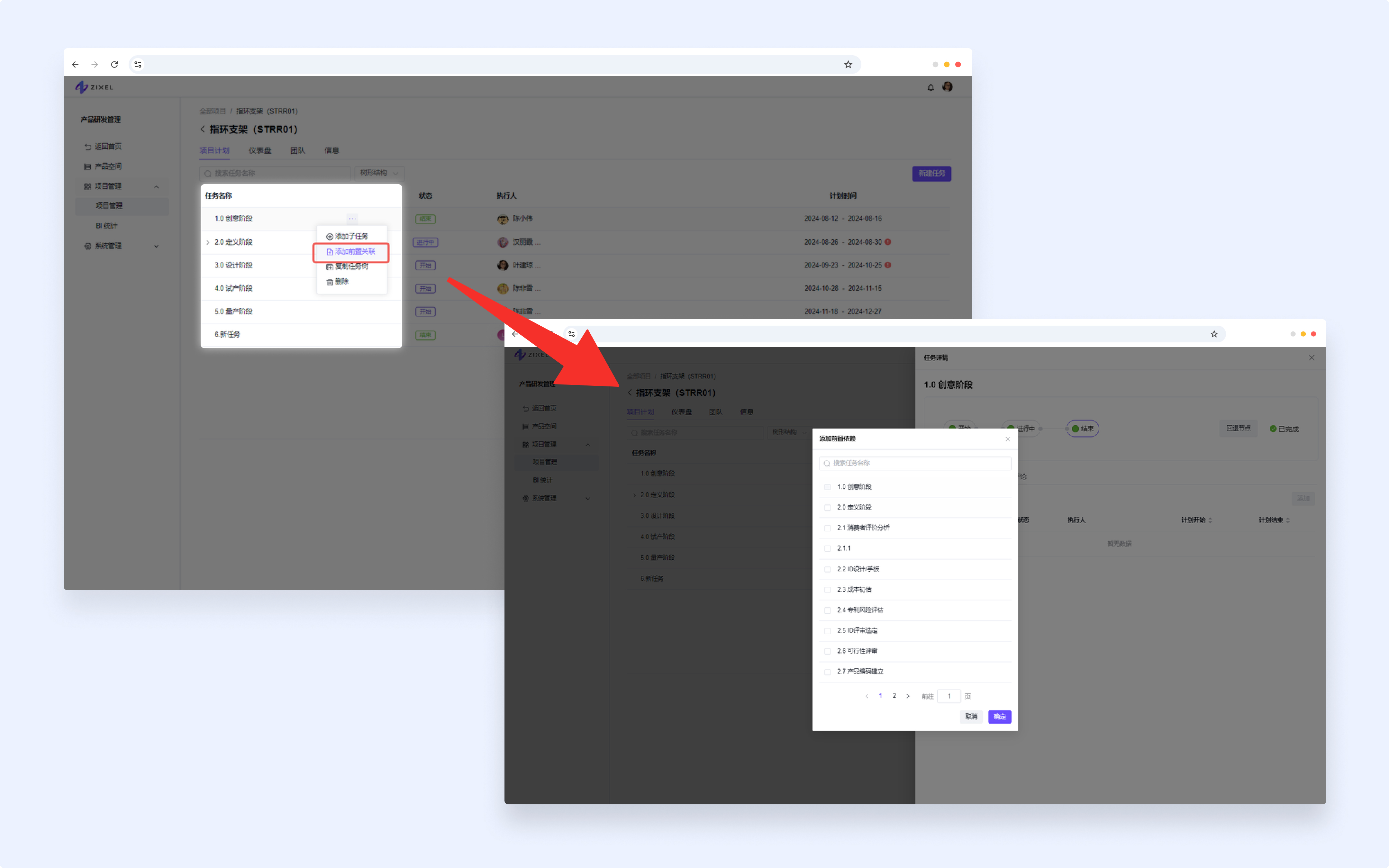
Add a predecessor
Open More (...) > Add predecessor to link the task to work that must happen first.
Copy a task tree
Copy a task and its subtasks to quickly create related work. Choose which information to copy and a destination project where you have edit access.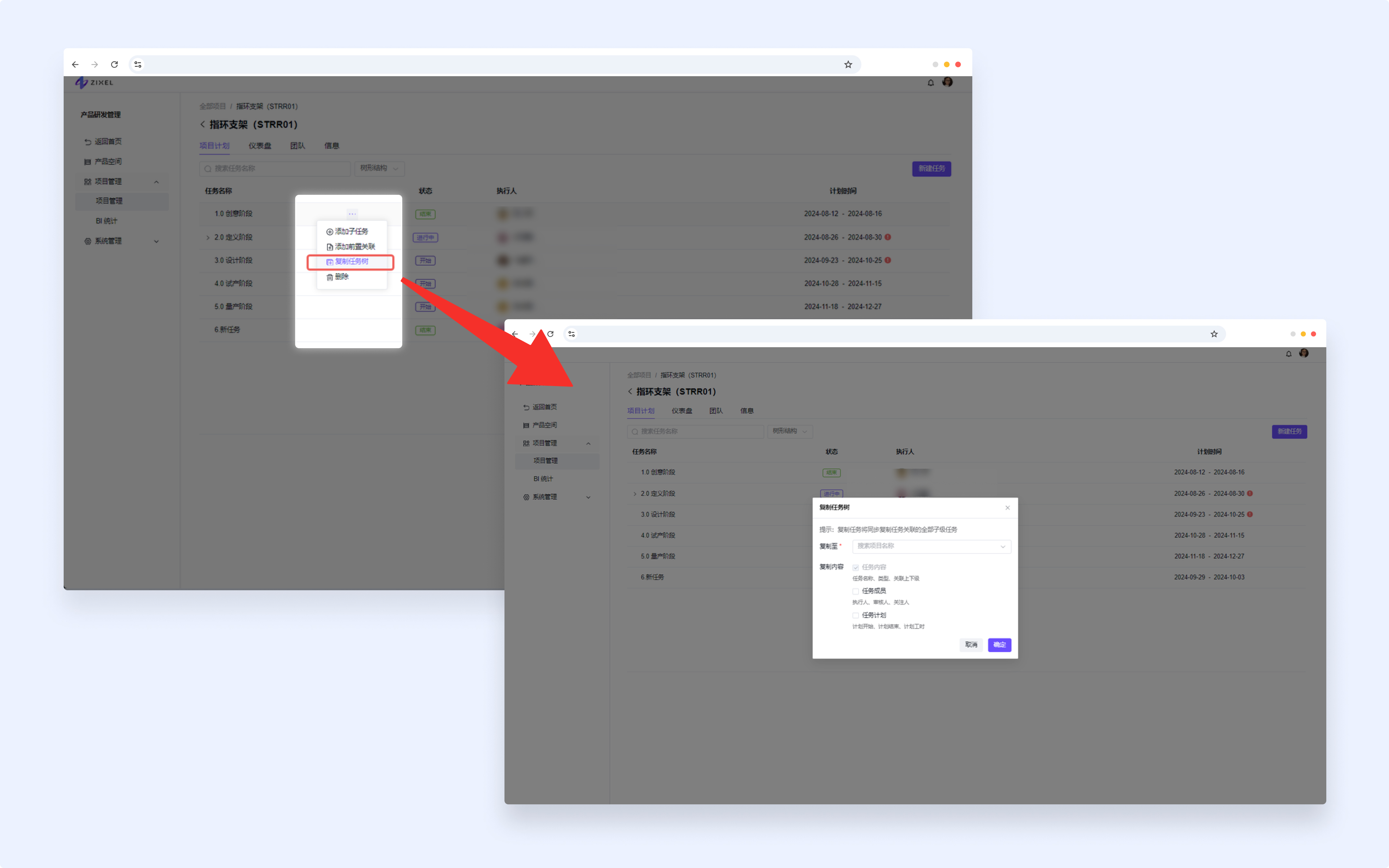
Rule 1: Copying a parent task also copies all its subtasks.
For example, copying a top-level task includes all second- and third-level tasks and their parent-child relationships.
You can also copy a second- or third-level task. The copied root becomes a top-level task.
Rule 2: Select the information to include in the copy.
Task content: task name, type, and hierarchy. Always included.
Task members: assignees, reviewers, and followers. Included by default; optional.
Task schedule: planned start and end dates and planned work hours. Included by default; optional.
Other fields
Fields with creation defaults use those defaults, such as the starting task stage, calendar-day work calculation, milestone setting, and notification setting.
Fields without creation defaults are left blank.
Rule 3: Choose the destination project.
By default, tasks are copied to the current project.
You can choose another project where you have edit access.
When copying to another project, review and confirm the destination.
Edit a task
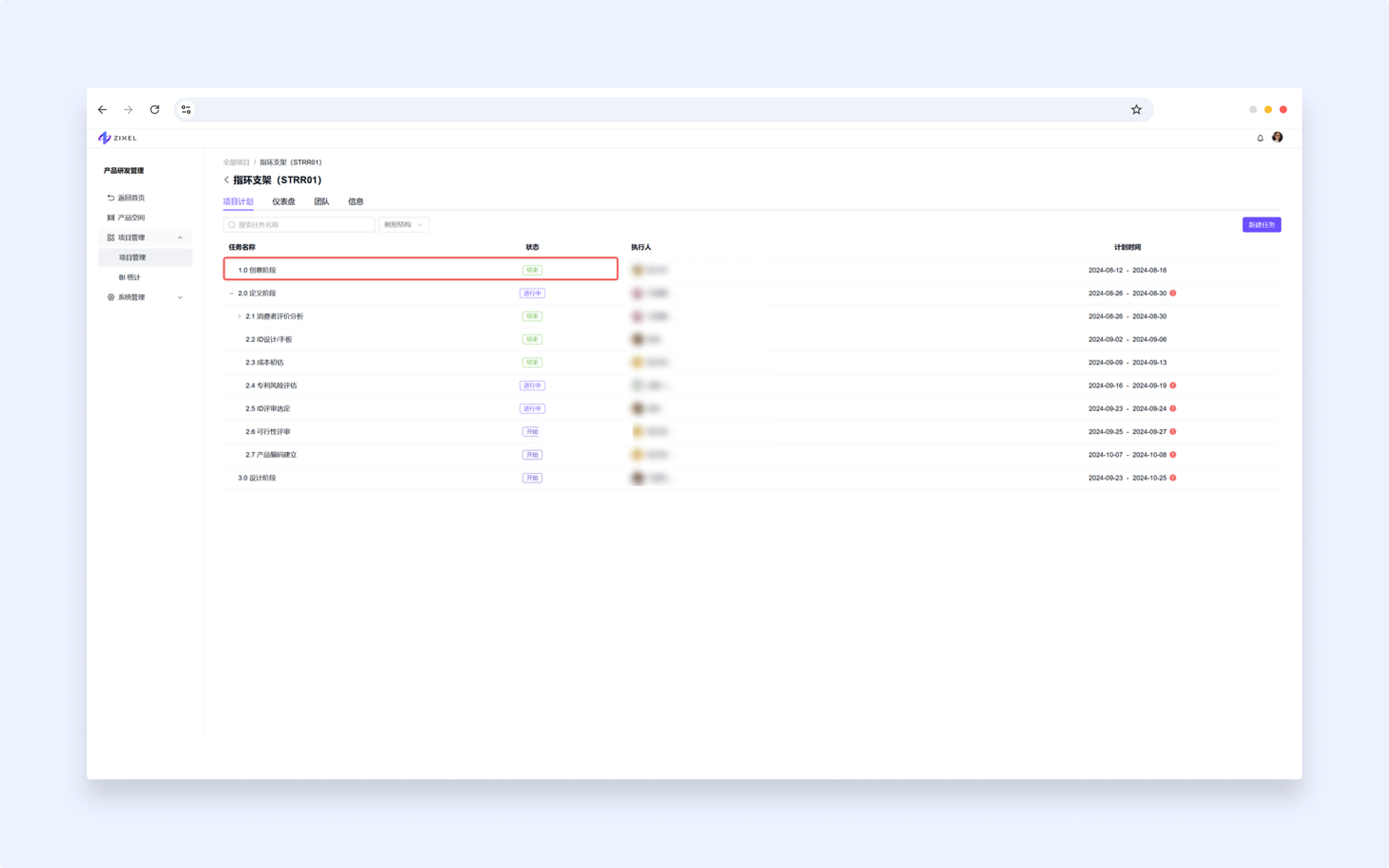
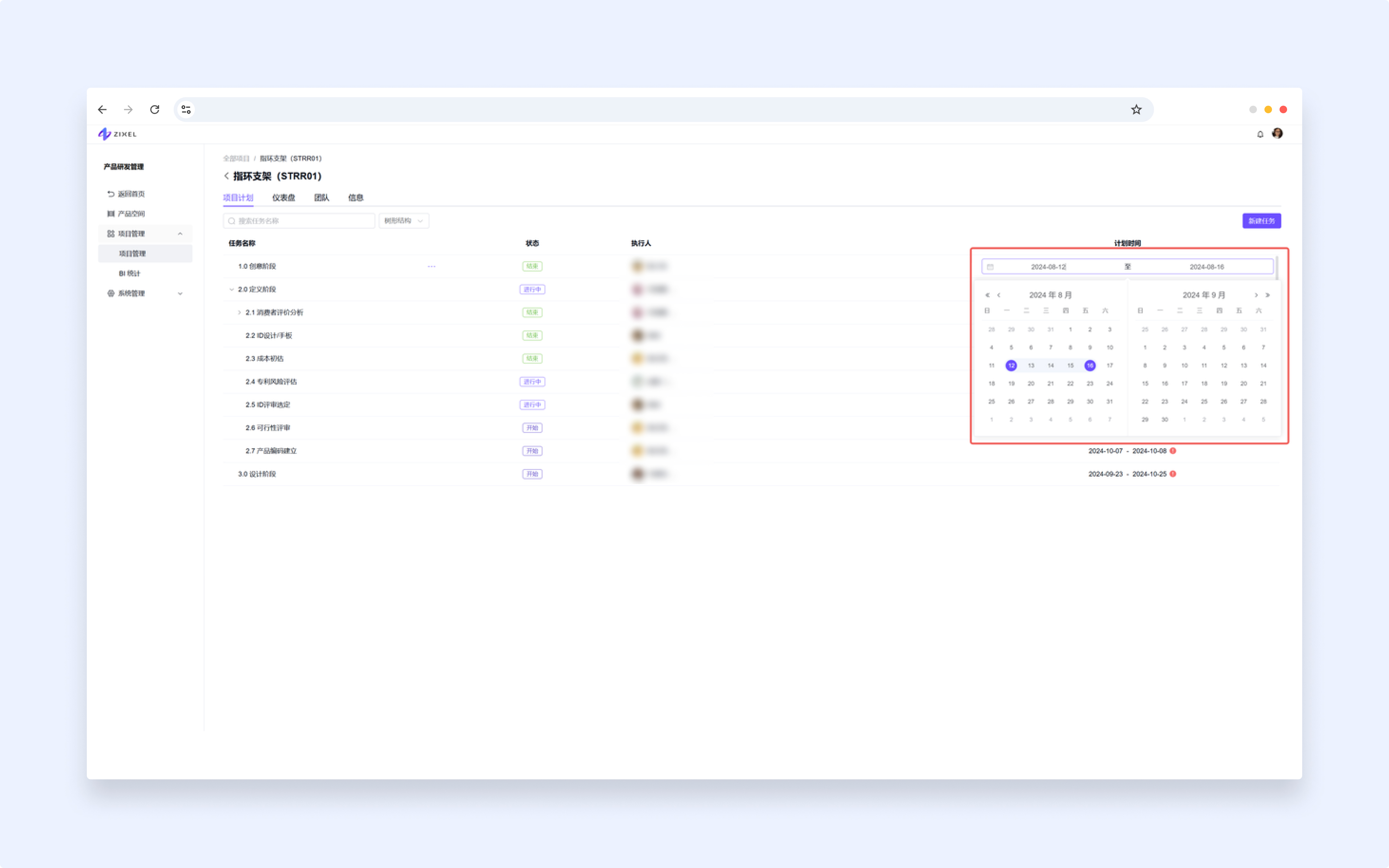
Click the Assignee or Planned dates column to edit those fields directly in the list.
Delete a task
Project and organization administrators can open More (...) next to the task name and choose Delete.
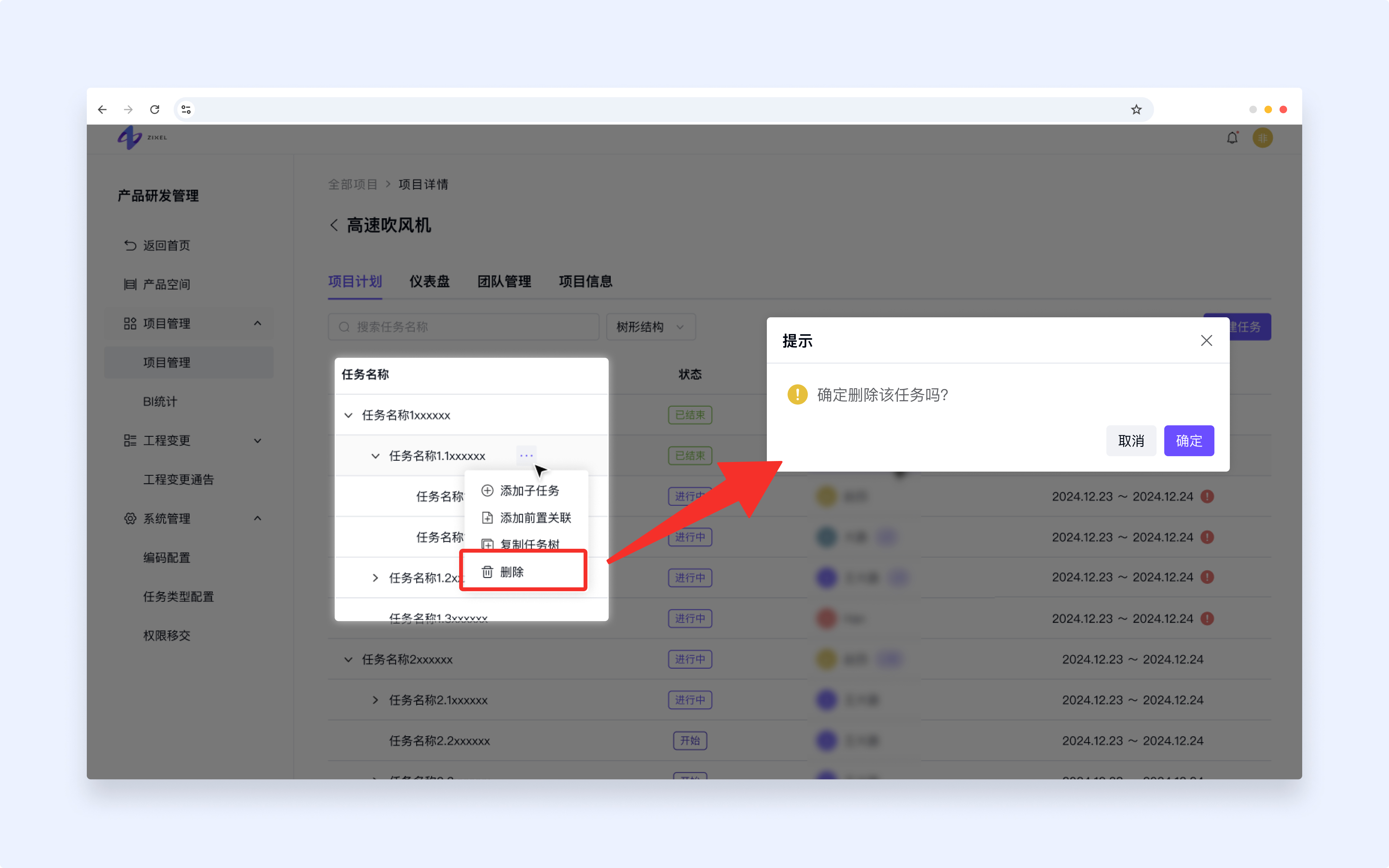
For a task without subtasks, confirm the deletion to remove it from the list.
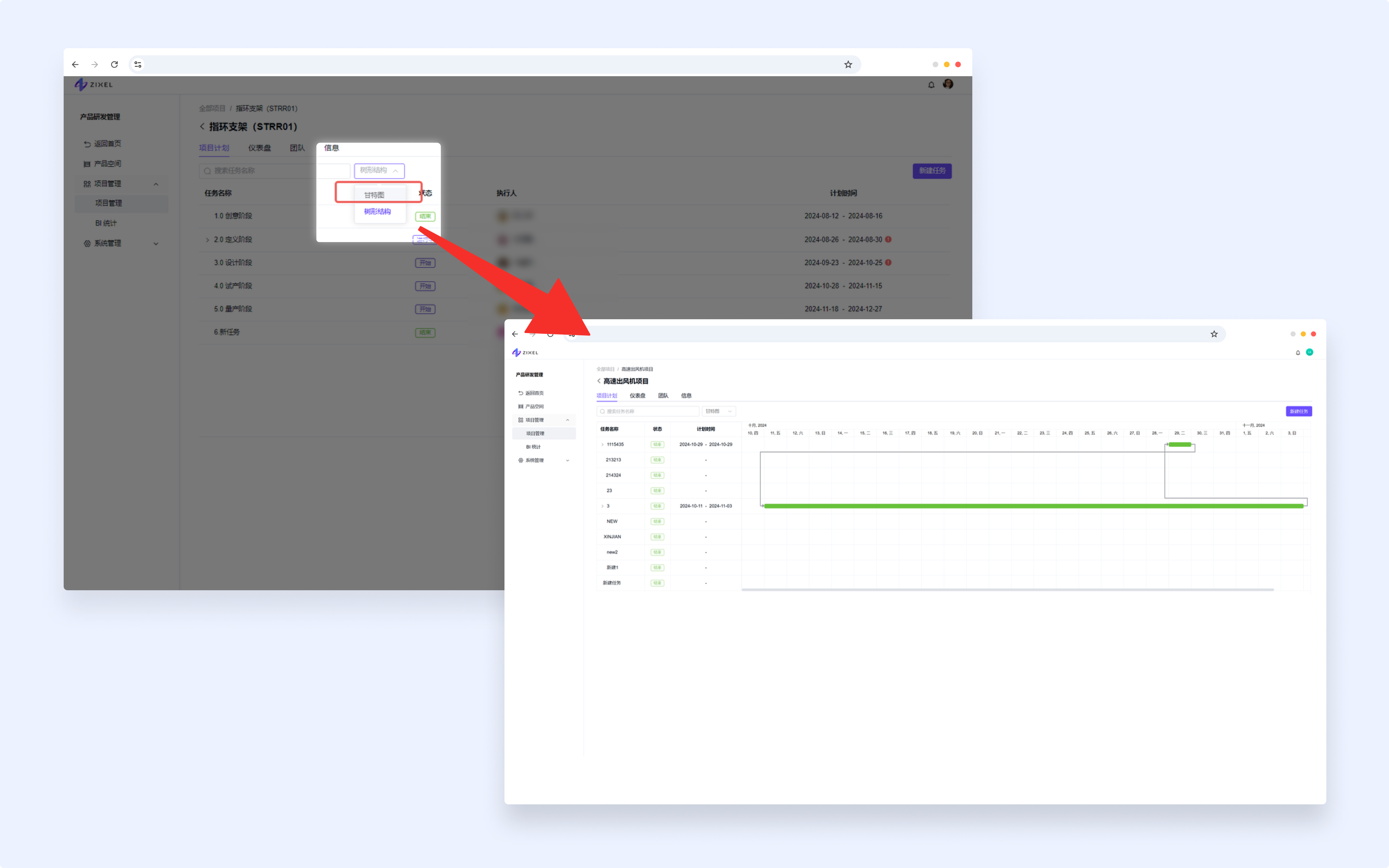
Gantt chart view
TUse the dropdown below the tabs to switch to Gantt chart view. The chart shows planned dates and predecessor relationships.