Legacy ZIXEL documentation. Screens and plan limits may differ from the current zCAD Beta. View current 3D CAD help.
1.1 Purpose
Use PDM to manage part documents and project tasks during product development.
1.2 Walkthrough and estimated time
Configure numbering rules, create a development project and product space, and assign permissions: 3 minutes.
Create and assign part design tasks: 2 minutes.
Create and update part documents: 2 minutes.
Review the part design online: 2 minutes.
Update the part design documents: 2 minutes.
Approve the part design: 1 minute.
1.3 Environment
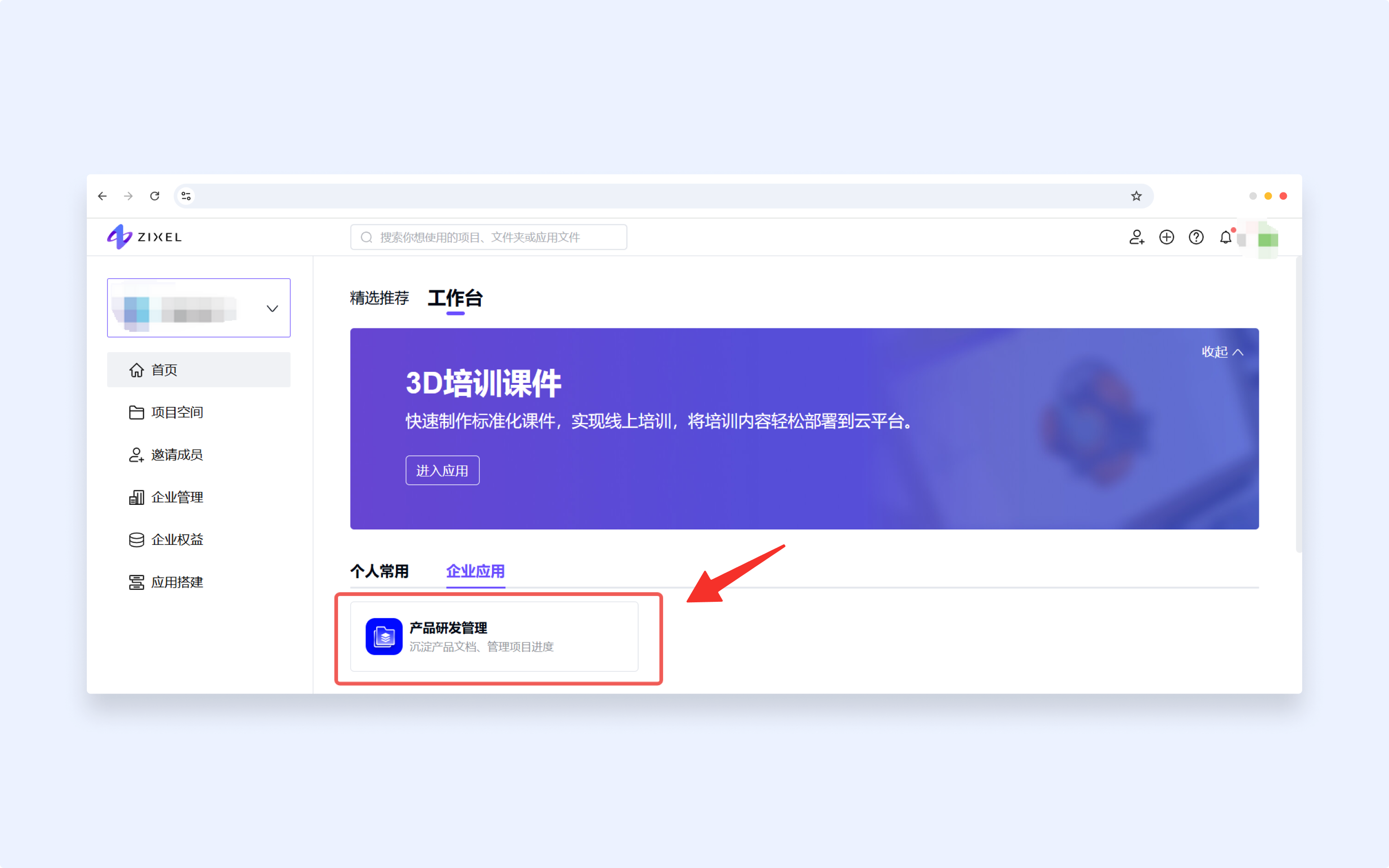
This walkthrough uses the Product Development Management app in the production environment.
Production URL: ZIXEL Industrial Software Cloud Platform