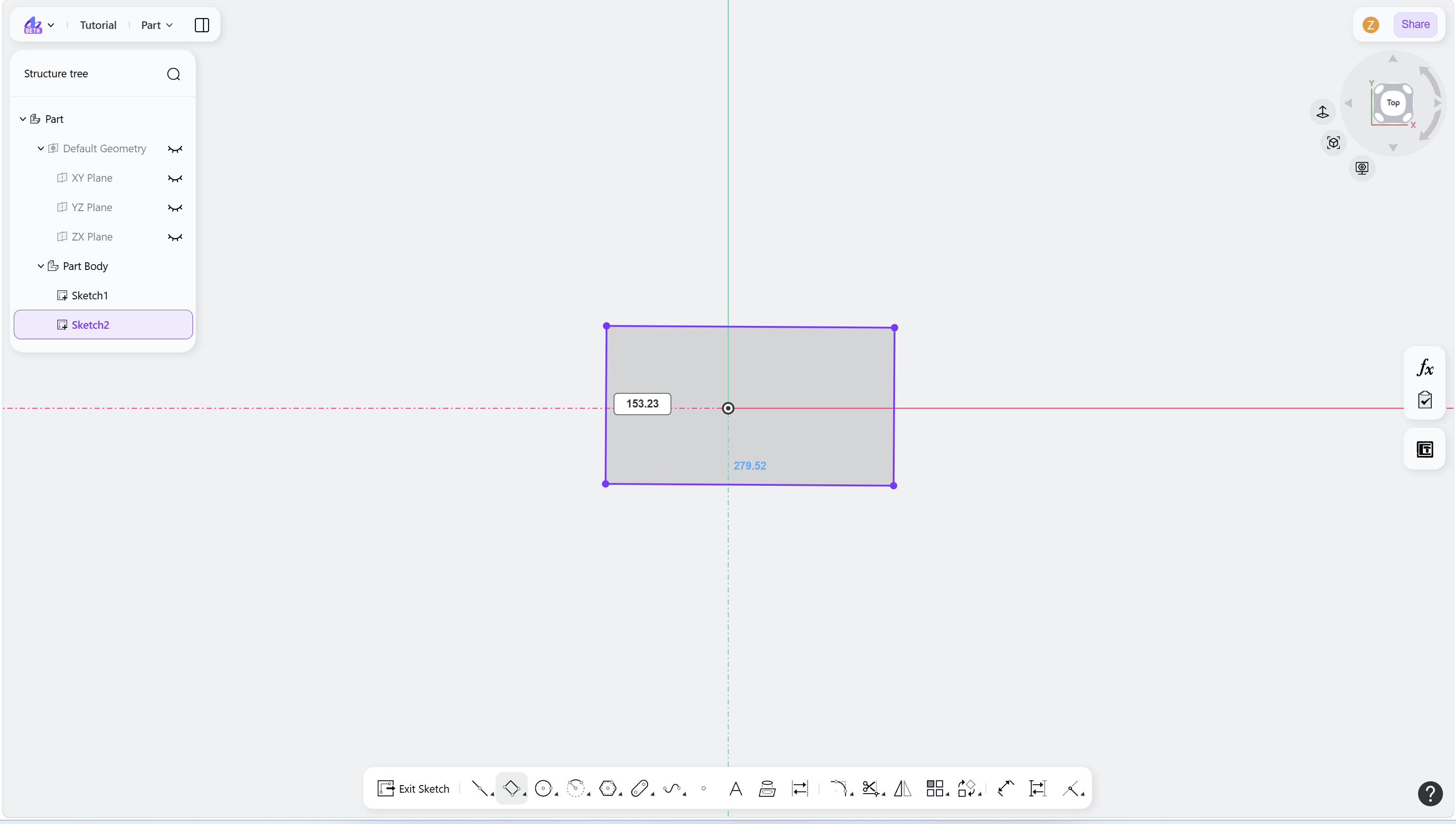
Steps
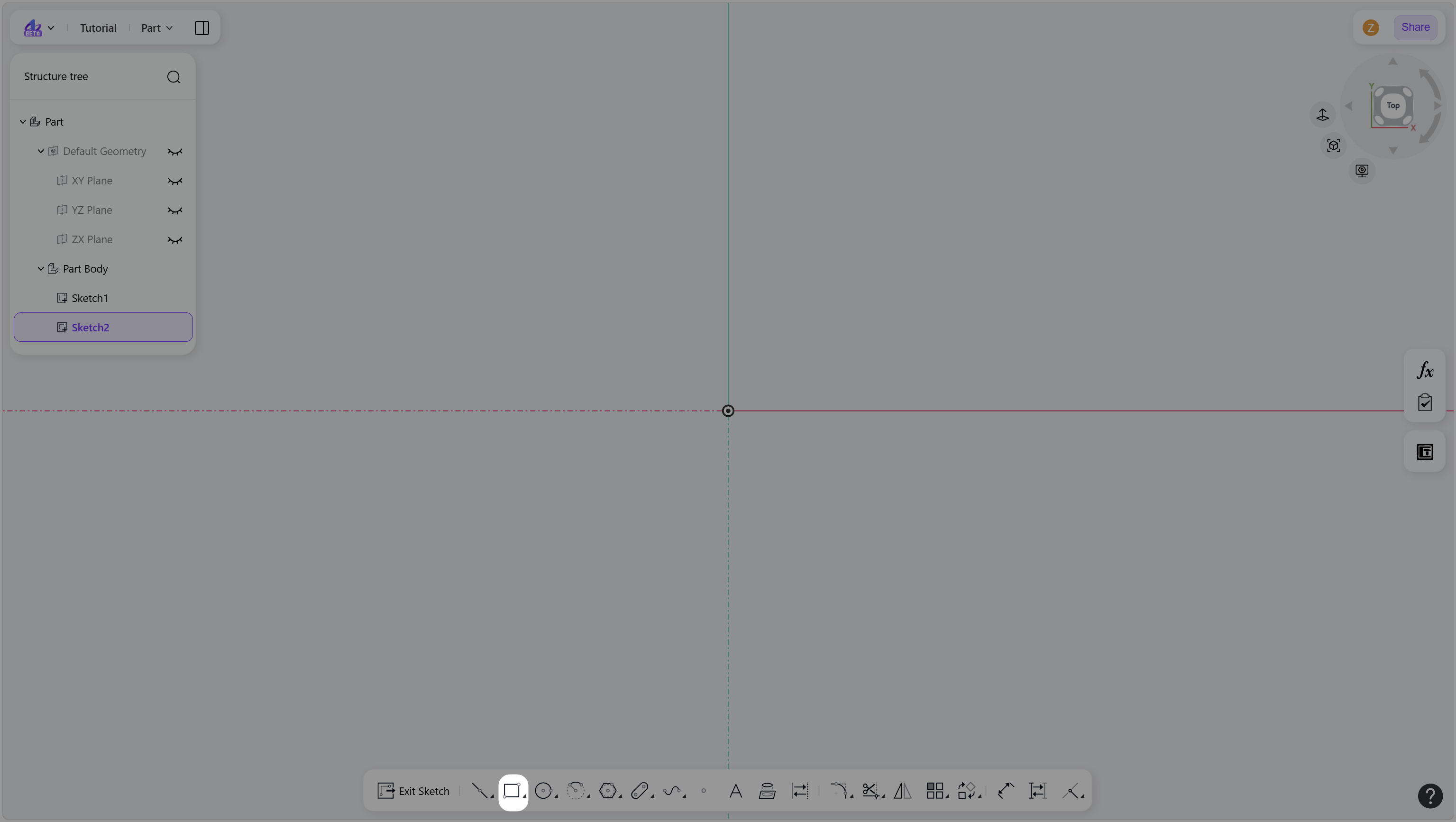
Hover over the "Rectangle" icon in the toolbar.
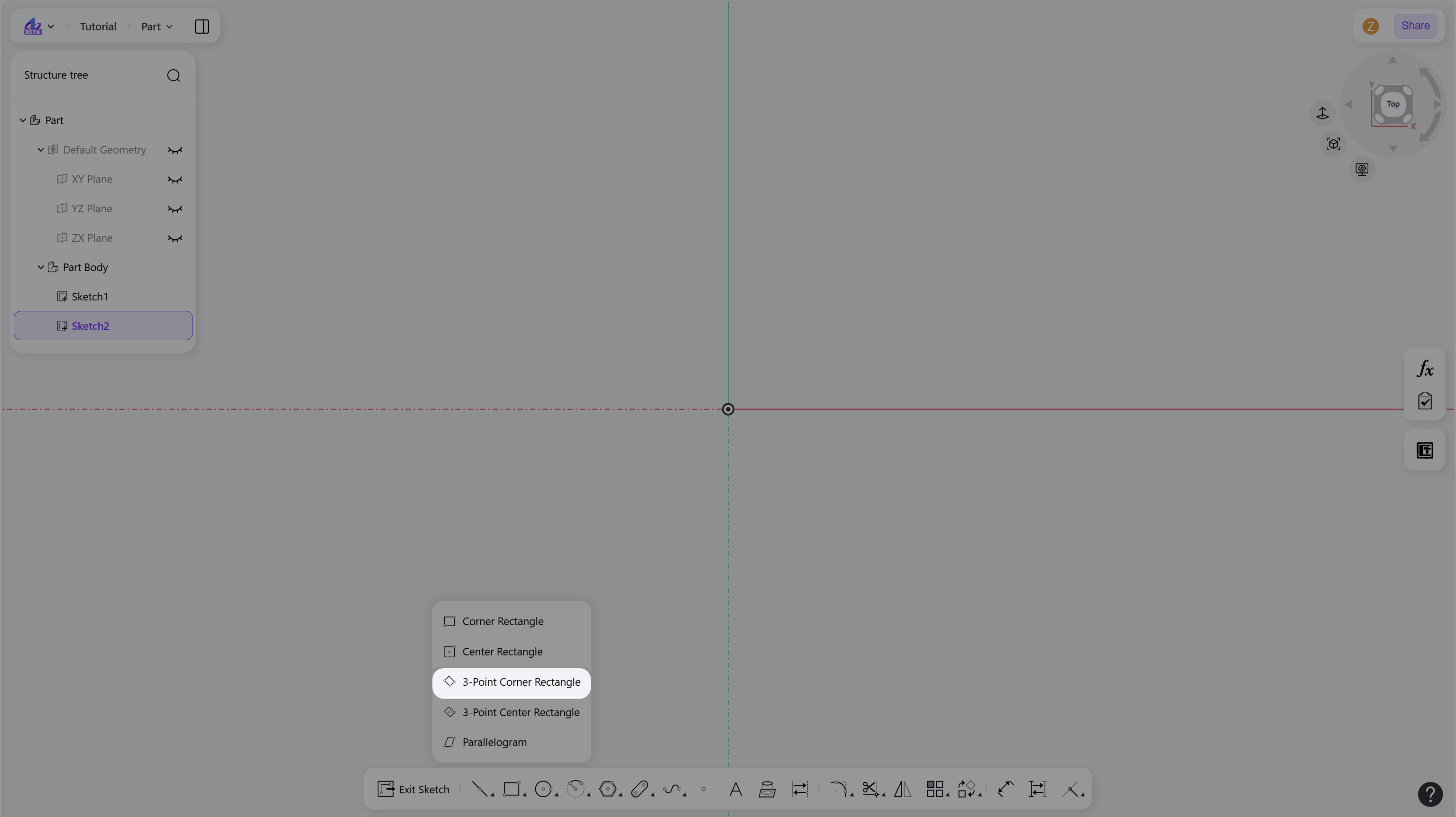
Select "3-Point Corner Rectangle" to enter 3-Point Corner Rectangle mode.
Create a 3-Point Corner Rectangle:
Left-click to define the first corner point.
Move the cursor and click to define a second corner point.
Move the cursor and click to define a third corner and complete the rectangle.
(Optional) Enter values and press Enter to apply constraints.
Right-click or press Esc to exit.
Step 1 - Hover over the "Rectangle" icon in the toolbar:
Step 2 - Select "3-Point Corner Rectangle" to enter 3-Point Corner Rectangle mode:
Step 3 - Left-click to define the first corner point:
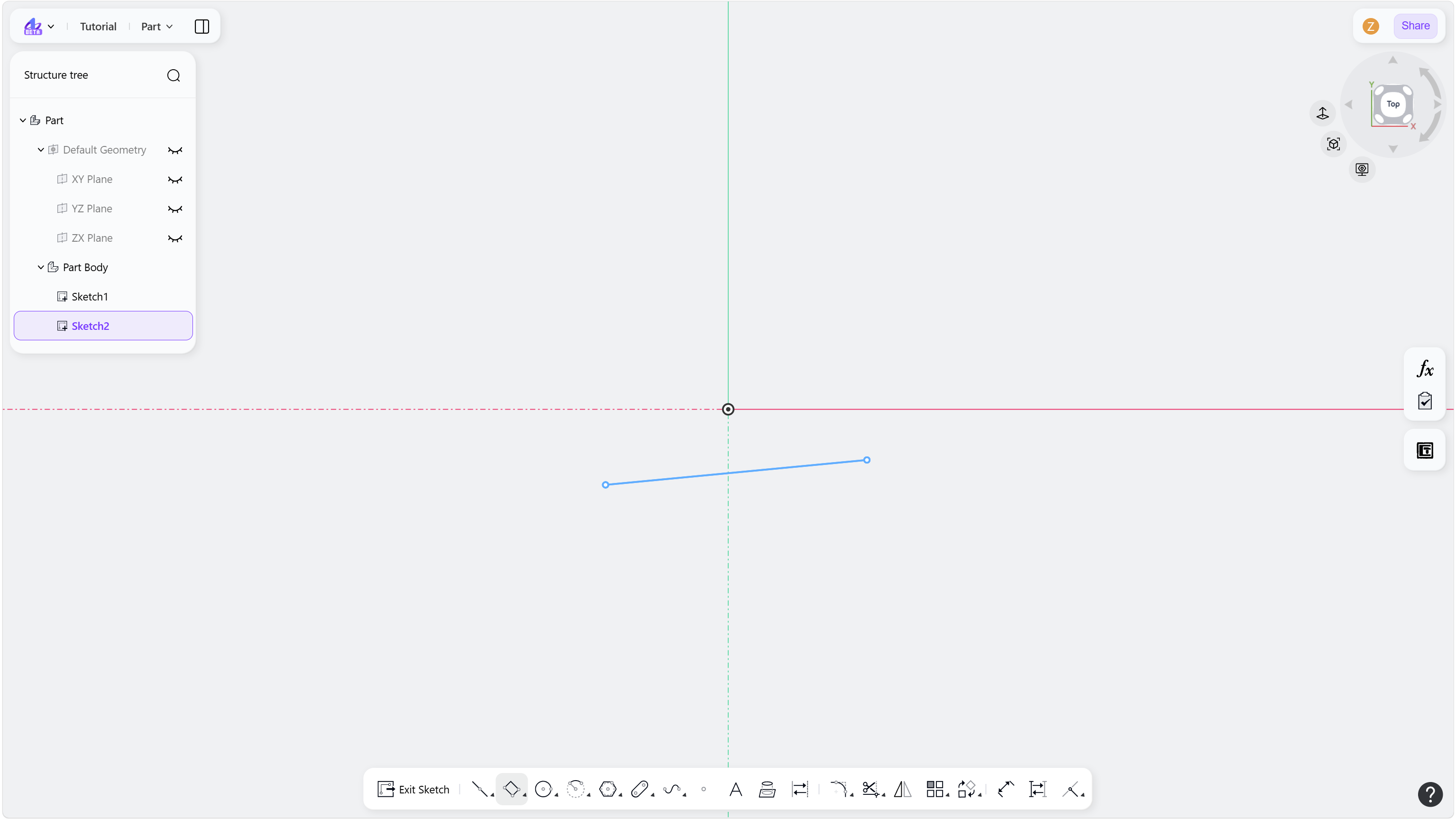
Step 4 - Left-click to define the adjacent corner point:
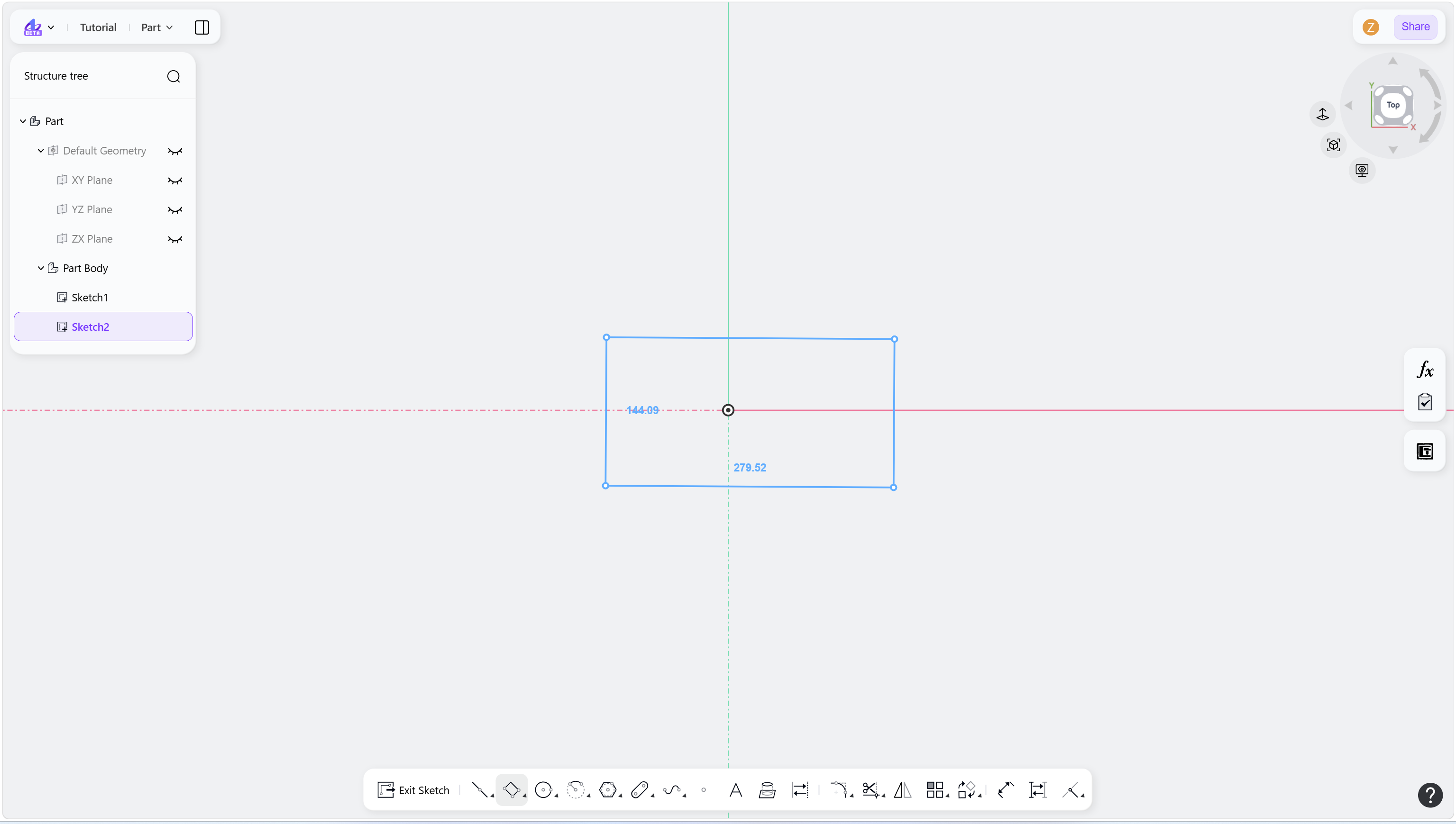
Step 5 - Left-click to define the third corner point: