Steps
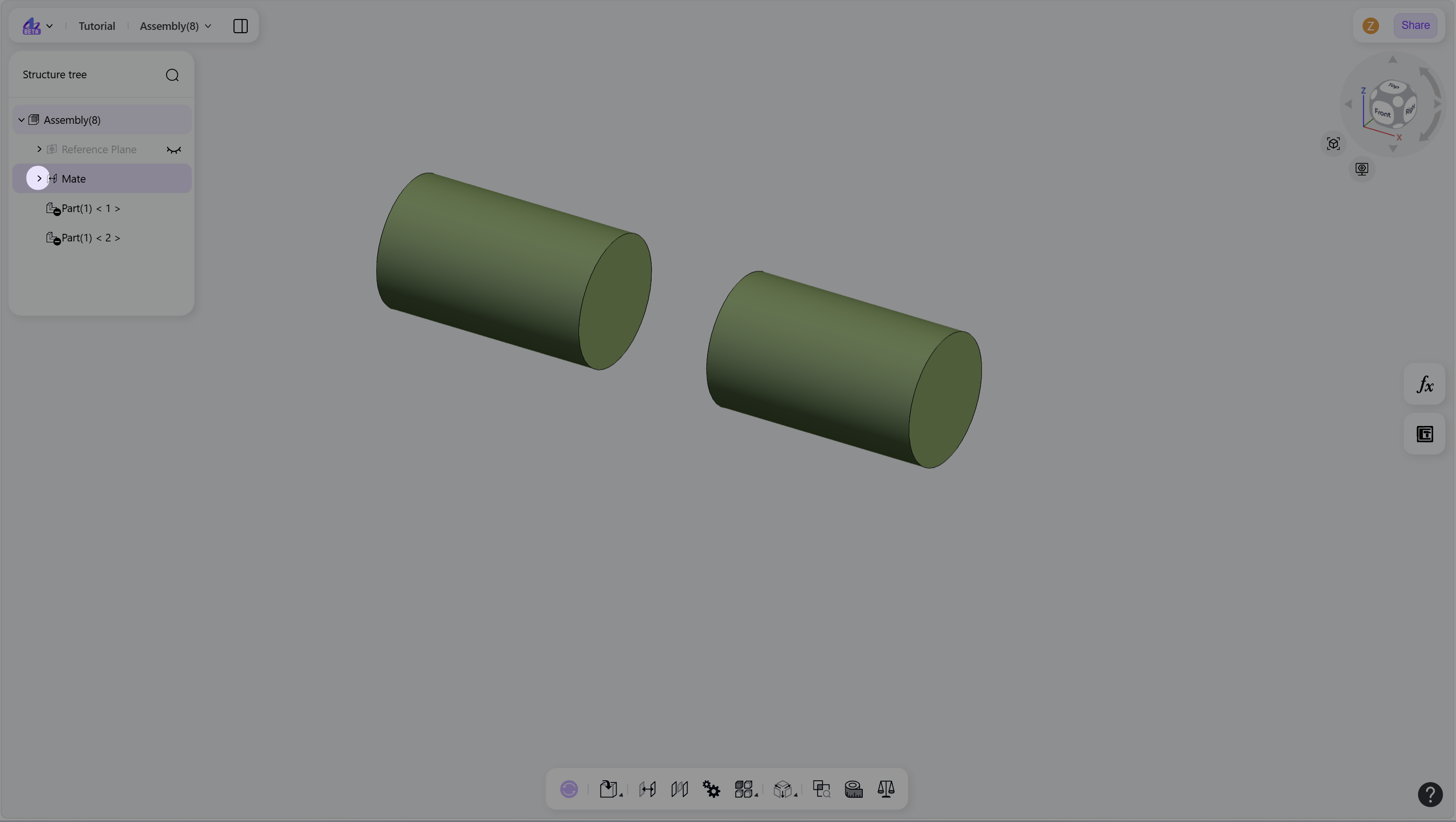
Click the "Collapse/Expand" icon next to the mate root node in the structure tree. All mates in the active assembly are displayed.
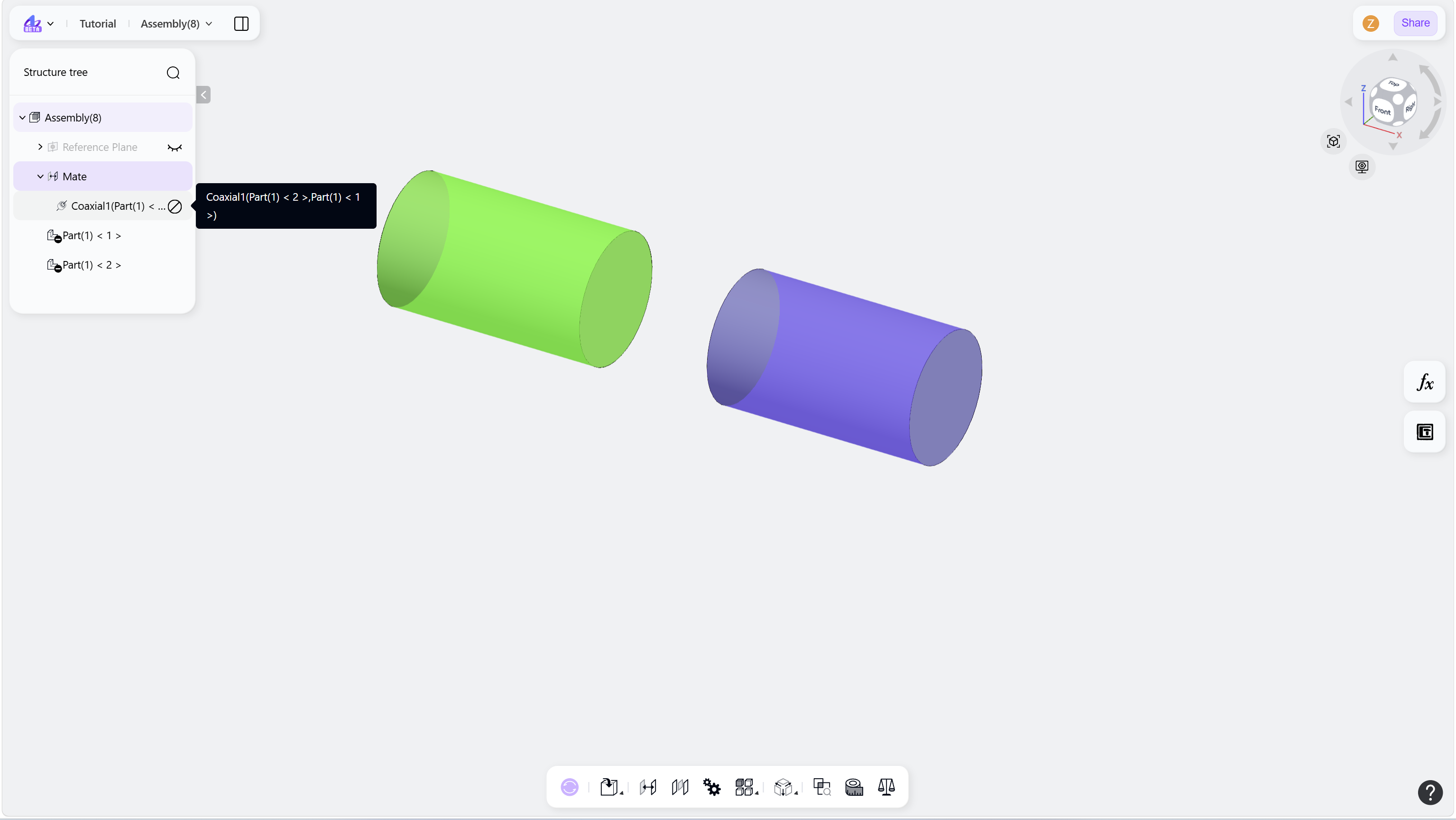
Hover over a mate node. The associated objects are highlighted in the graphics area.
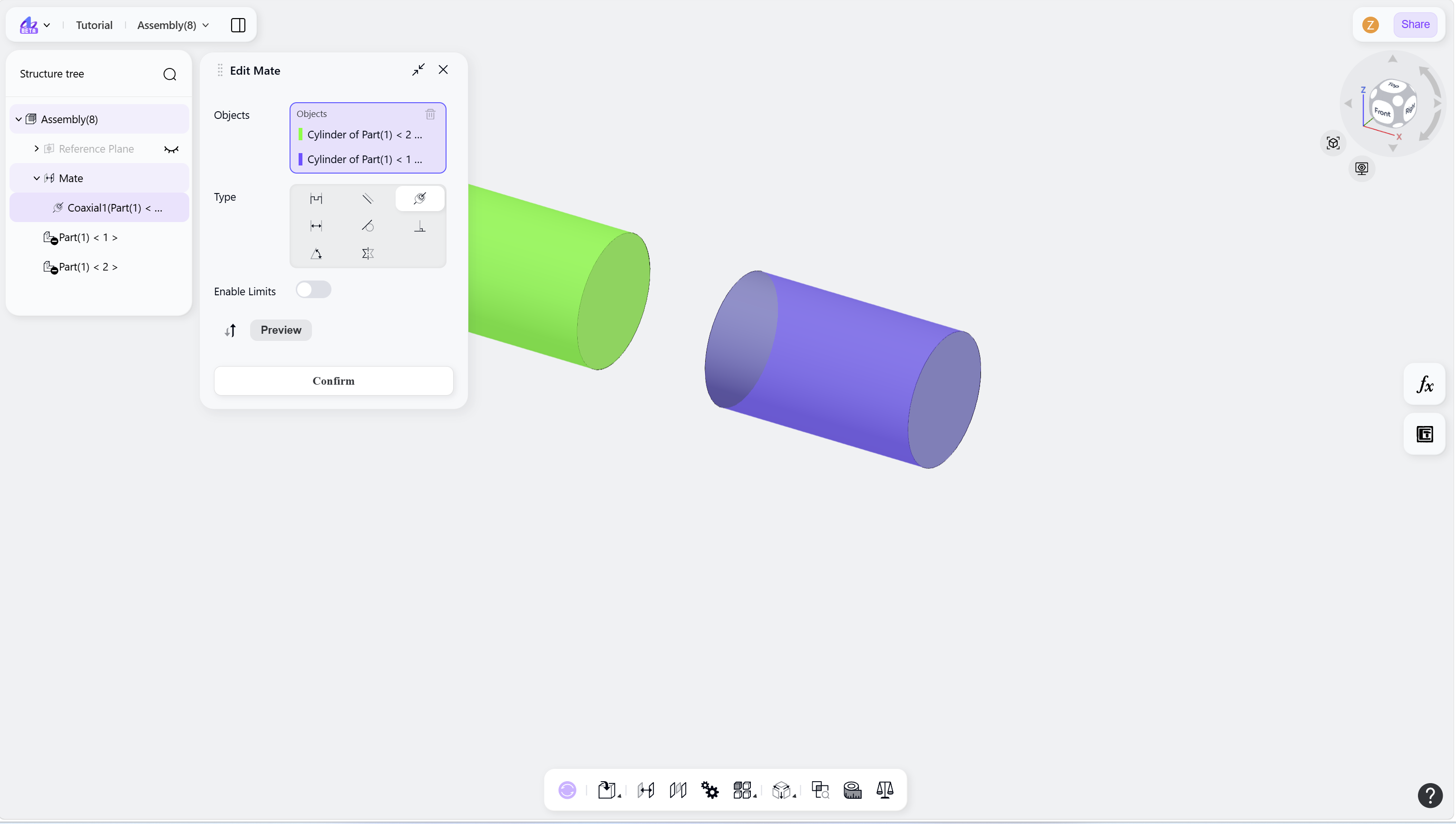
Double-Click a mate node to open the Mate panel.