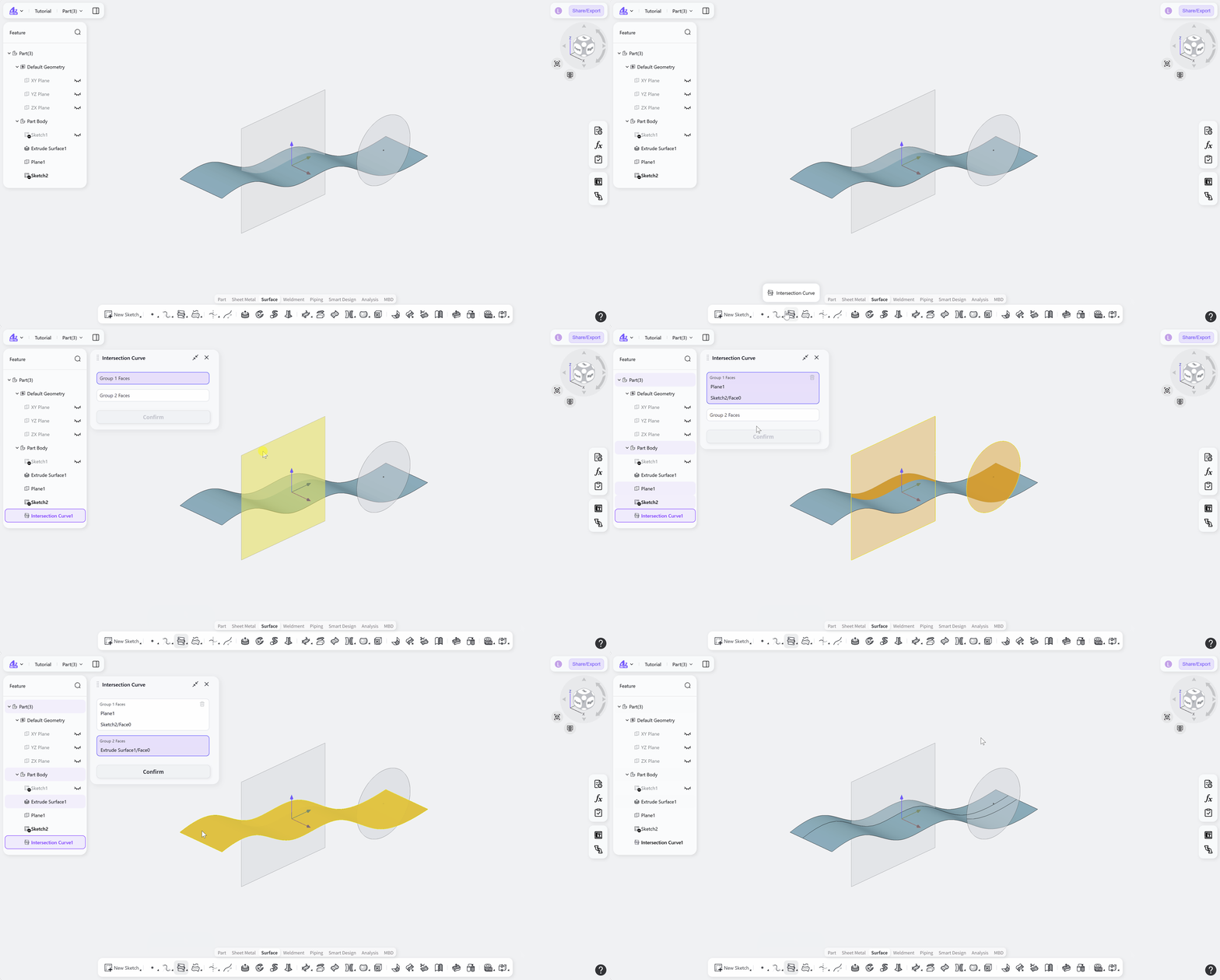

The Intersection Curve tool creates intersection curves between two sets of surfaces. By selecting two sets of surfaces, intersection curves can be generated where surfaces from the two sets intersect. These curves are commonly used for auxiliary surface construction, boundary definition, and model editing.
Steps:
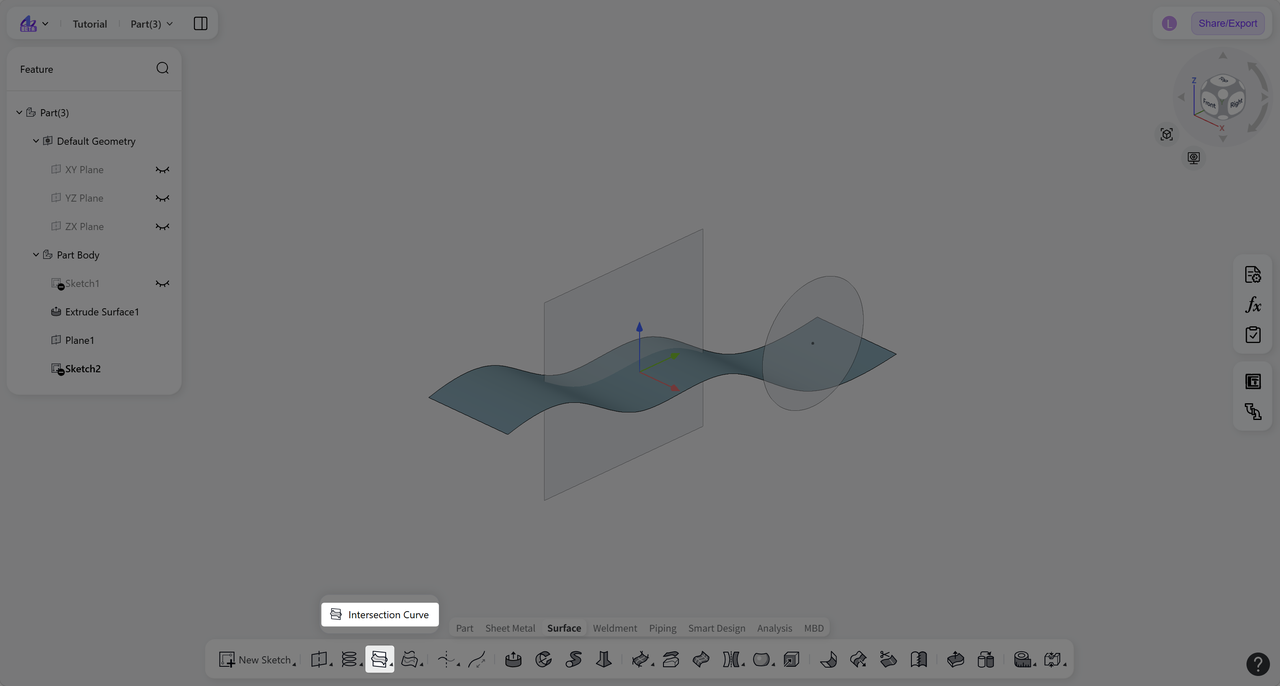
Click the "Intersection Curve" icon on the toolbar.
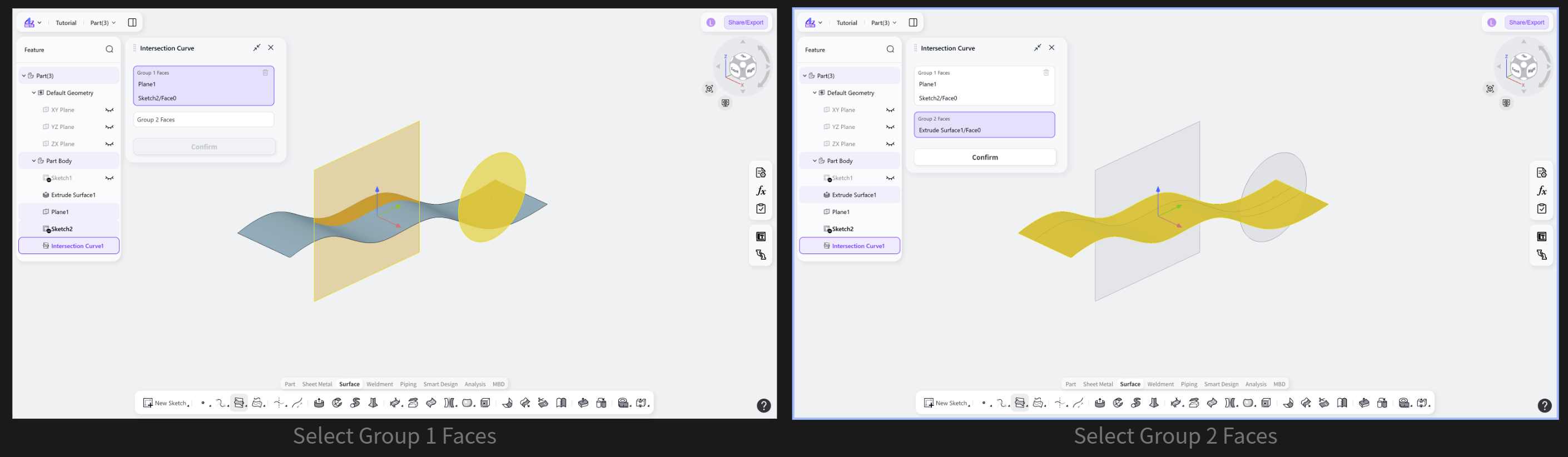
Select "Group 1 Faces". A single surface or multiple surfaces can be selected.
Click "Group 2 Faces", then select one or more surfaces that intersect with "Group 1 Faces".
Click "Confirm" to create the surface intersection curves.