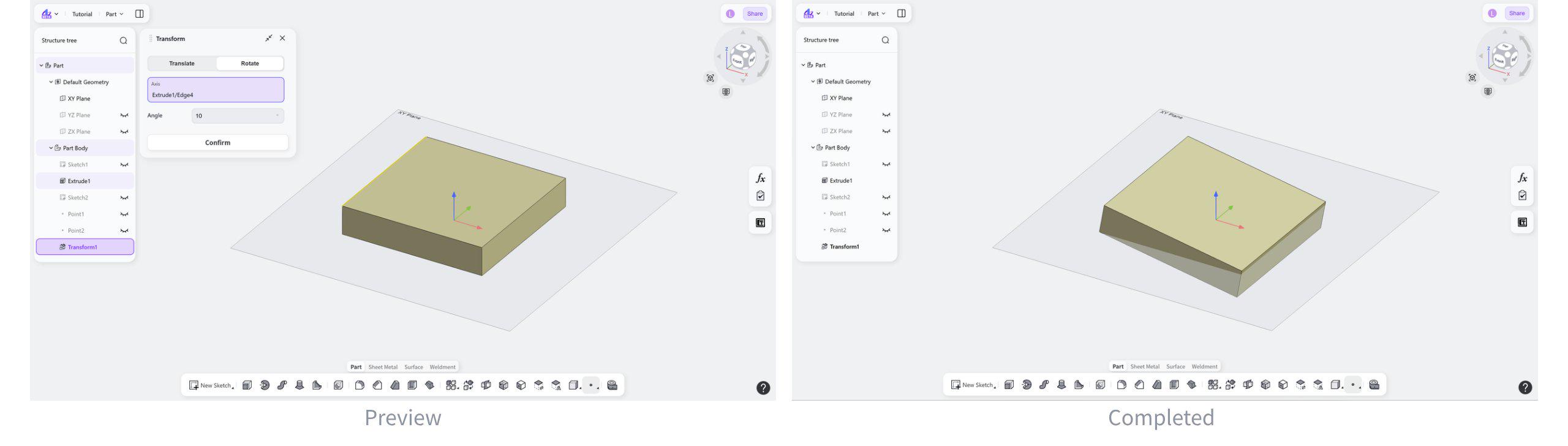
The Transform tool adjusts the position or orientation of existing features or solids in the Part module. With operations such as translation, rotation, and scaling, users can place features or solids in new positions or orientations.
Steps:
Select the transformation method: "Translate" or "Rotate".
Set the transformation parameters and transformation direction.
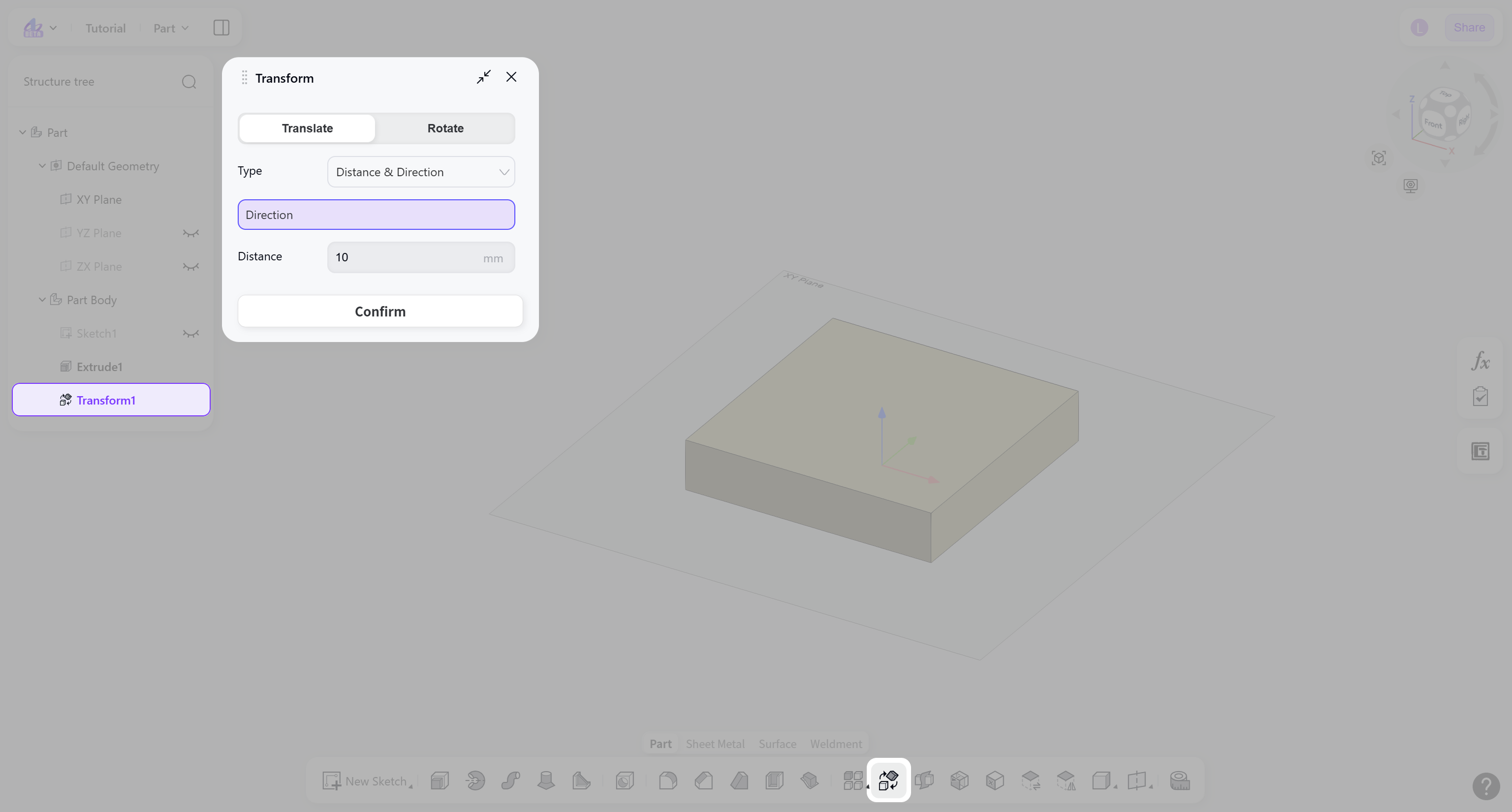
Transformation Method
Translate
Moves the object by changing its spatial position.
Select "Translate".
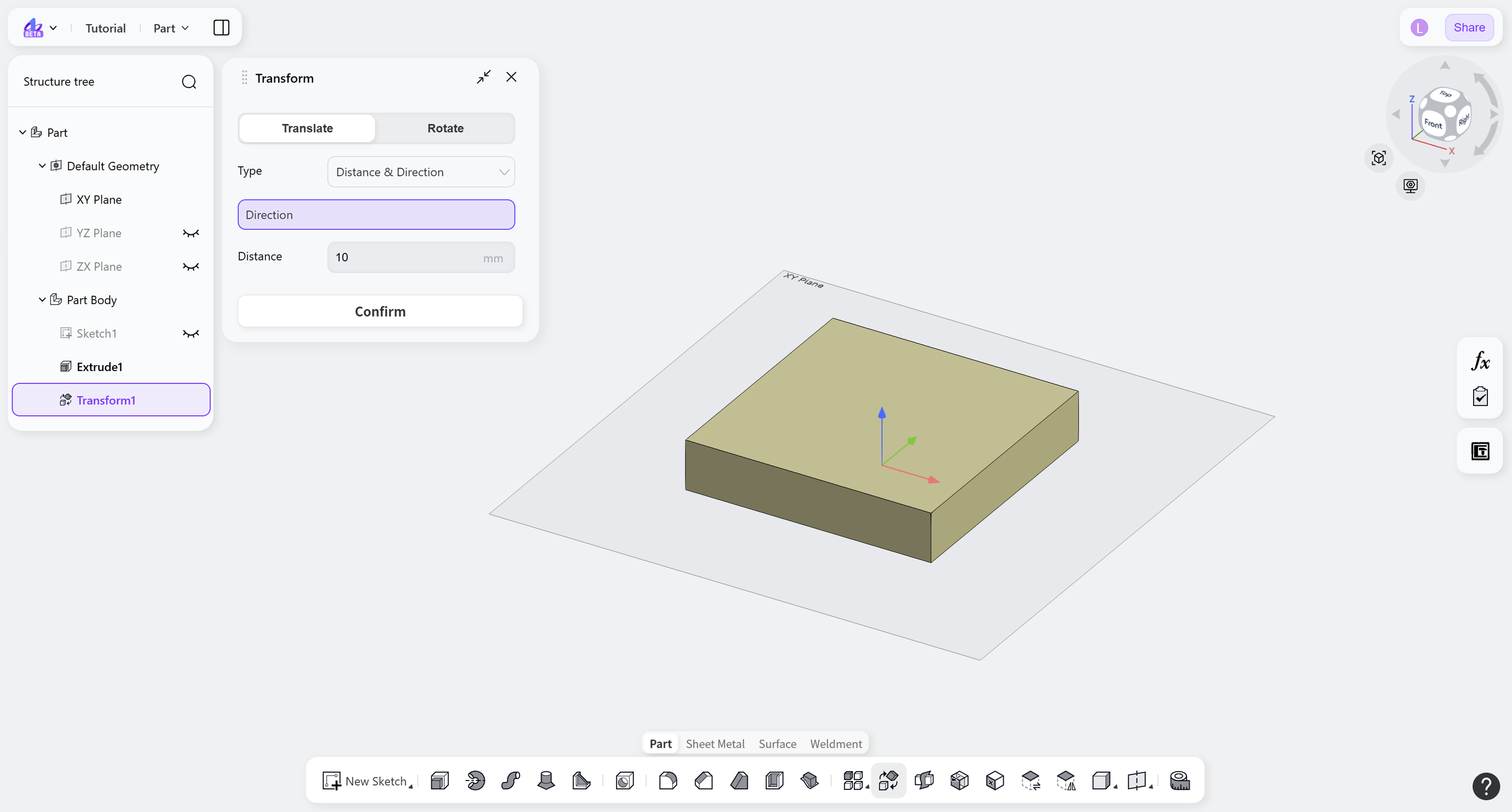
Rotate
Changes the object orientation by rotating it around a specified axis.
Select "Rotate".
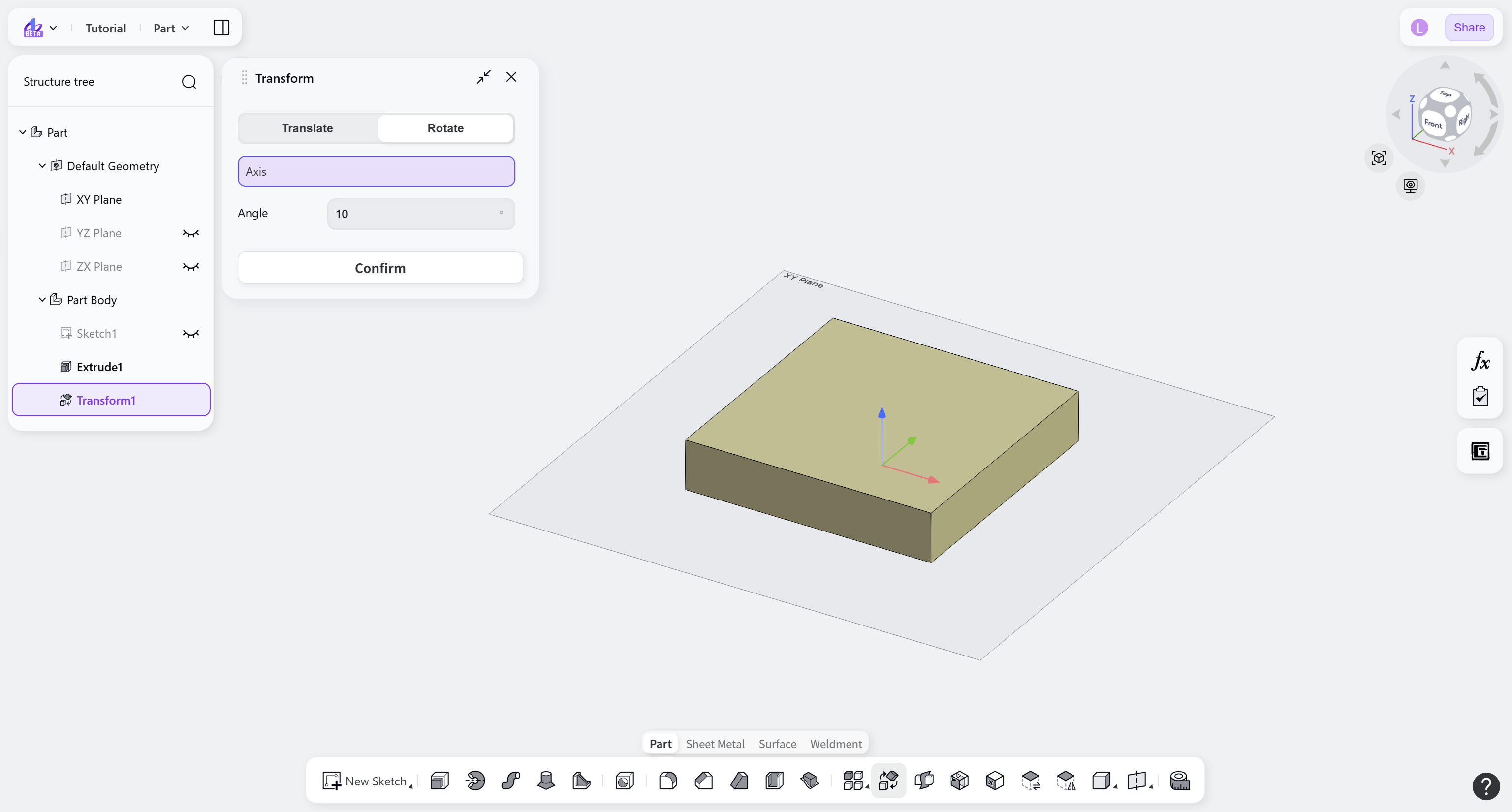
Transformation Parameters
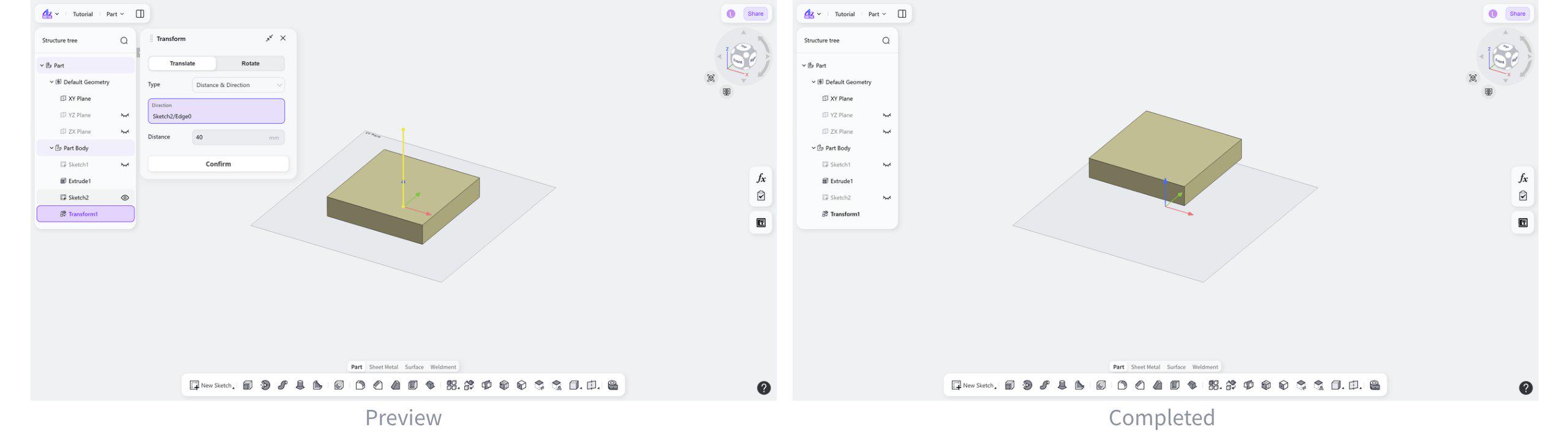
Distance & Direction
Select an edge or face as the direction reference, then set the movement distance to translate the object.
Steps:
Select "Distance & Direction".
Select the translation direction and set the distance.
Point to Point
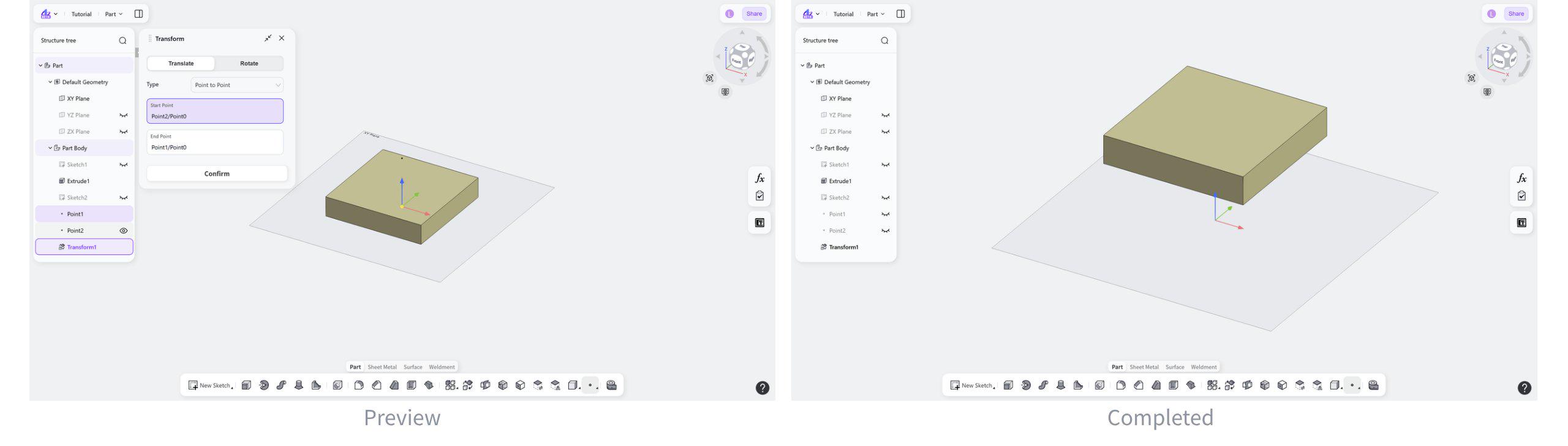
Moves an object by defining a start point and an end point.
Steps:
Select "Point to Point".
Select the start point and end point.
Along XYZ
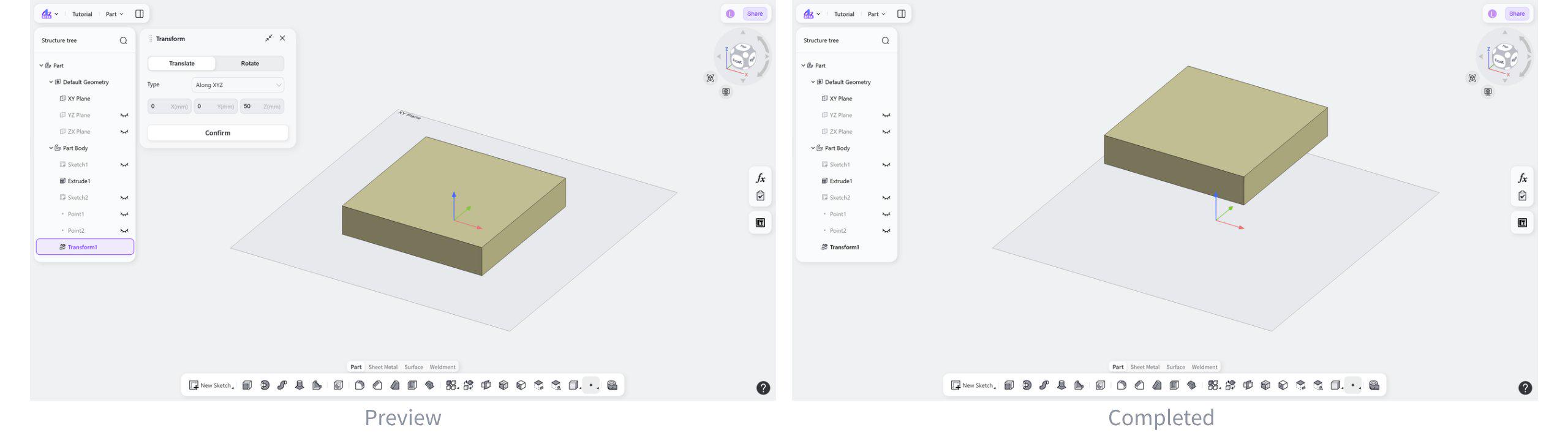
Translates an object by setting separate displacement values along the X, Y, and Z axes.
Steps:
Select "Along XYZ".
Set the offset distances along the X, Y, and Z axes.
Rotation axis and angle
Changes the object orientation by selecting a rotation axis and setting a rotation angle.
Steps:
Select the rotation axis.
Set the rotation angle.