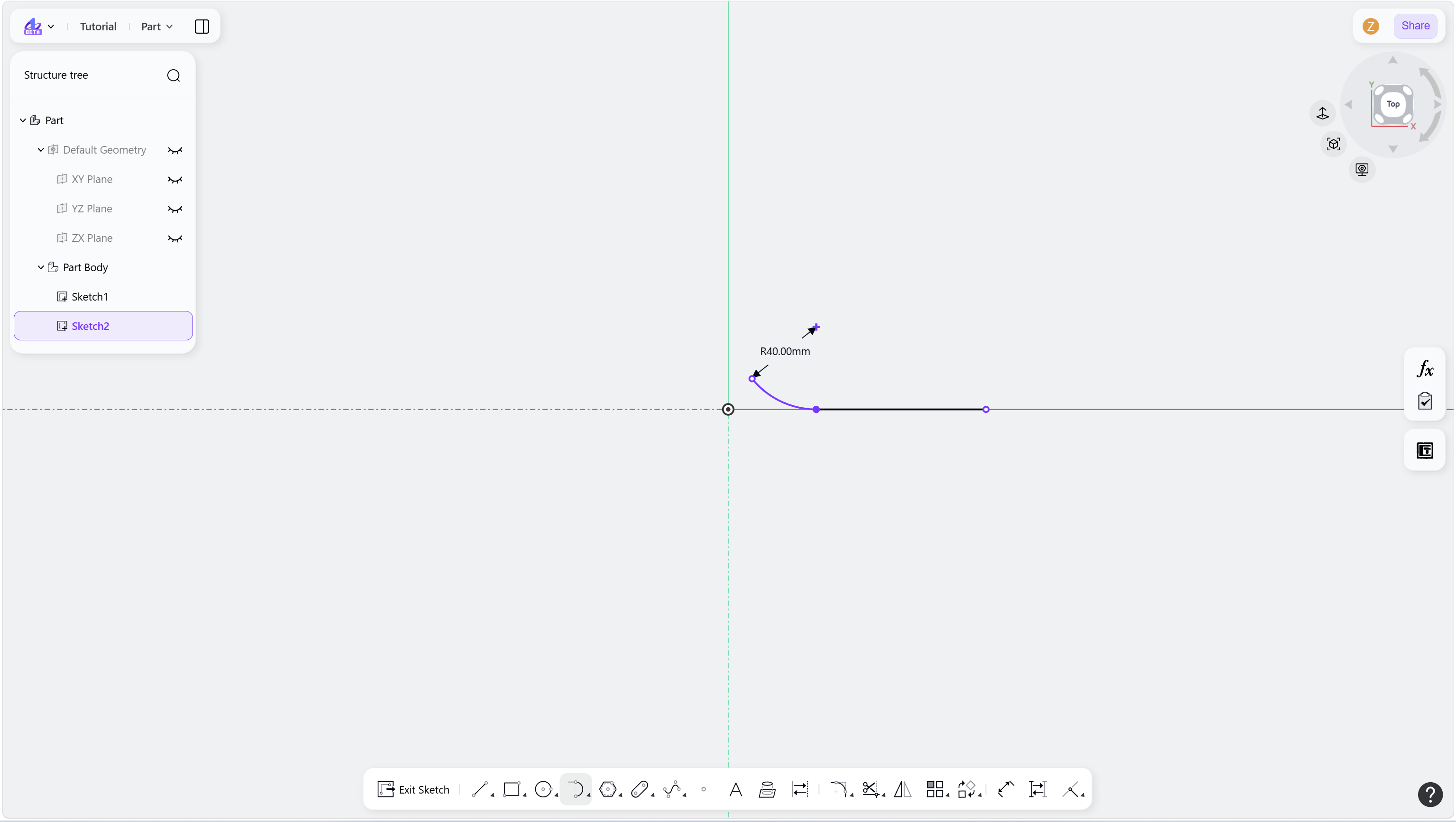
Steps
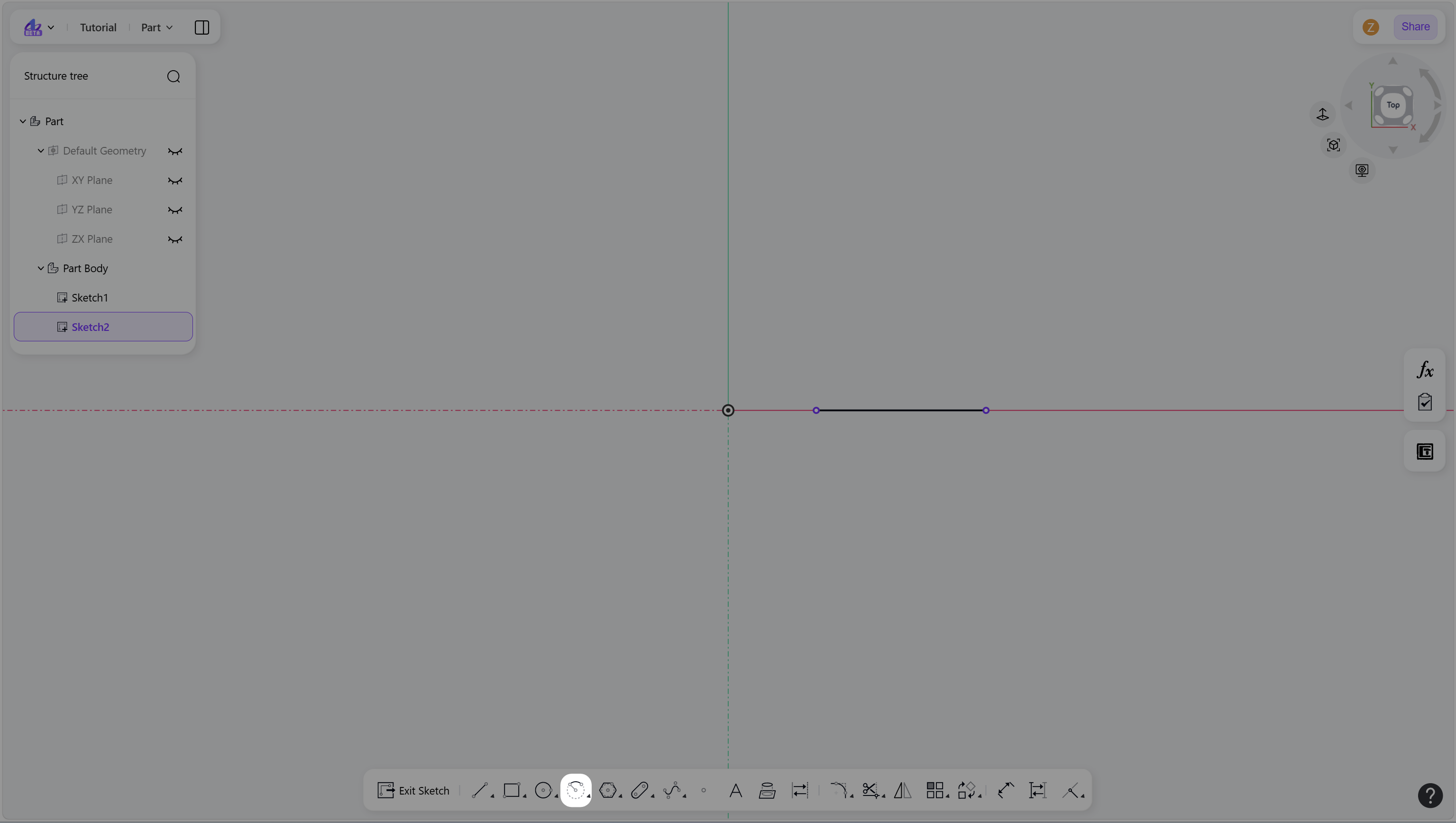
Hover over the "Arc" icon in the toolbar.
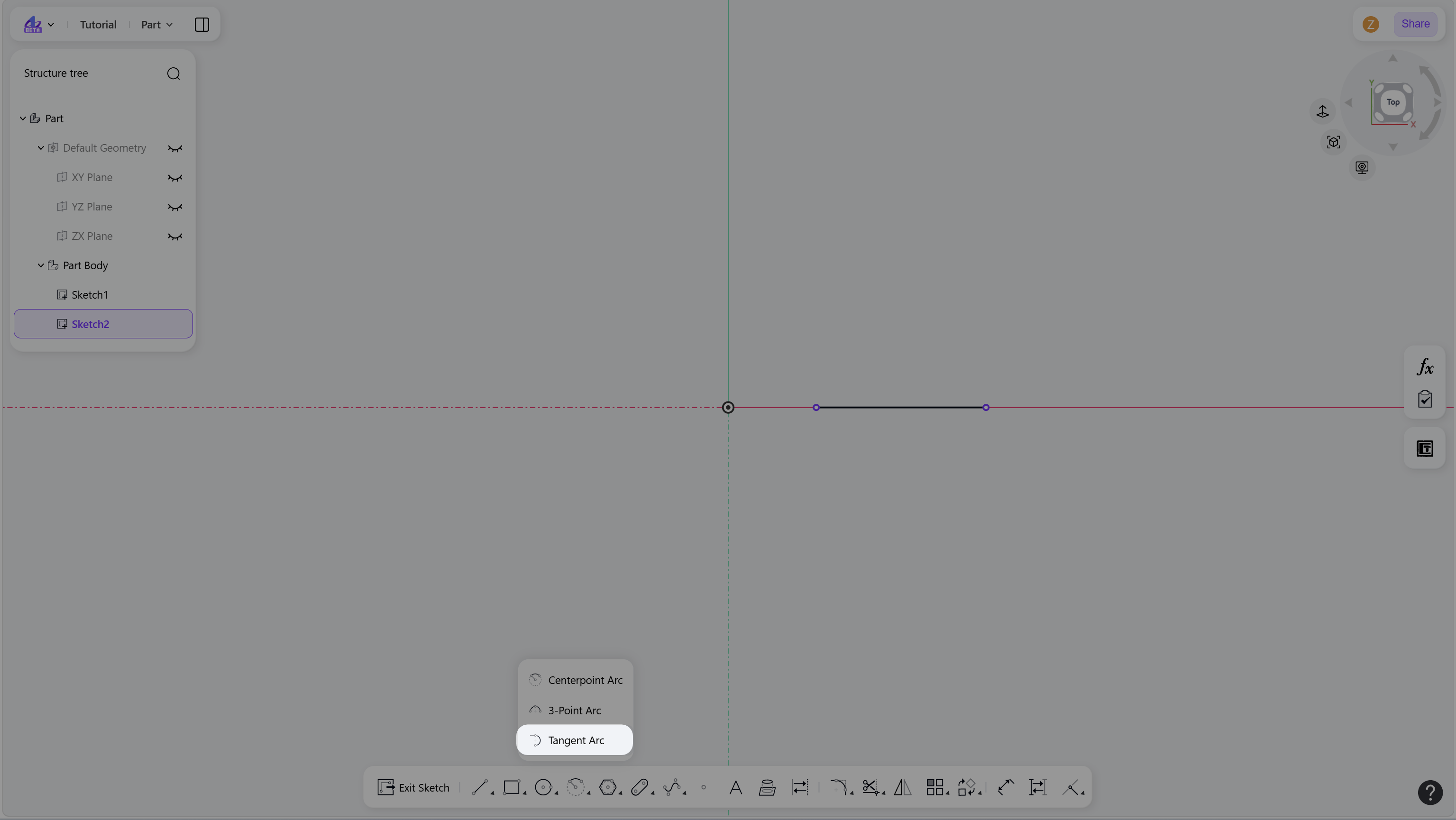
Click the "Tangent Arc" to enter Tangent Arc mode.
Create a tangent arc:
Select an endpoint of an existing line, arc, or spline as the start point of the arc.
Move the cursor and define the arc endpoint.
(Optional) Enter a radius value and press Enter.
Right-click or press Esc to exit.
Step 1 - Hover over the "Arc" icon in the toolbar:
Step 2 - Click the "Tangent Arc" to enter Tangent Arc mode:
Step 3 - Select an endpoint of an existing line, arc, or spline as the starting point of the arc:
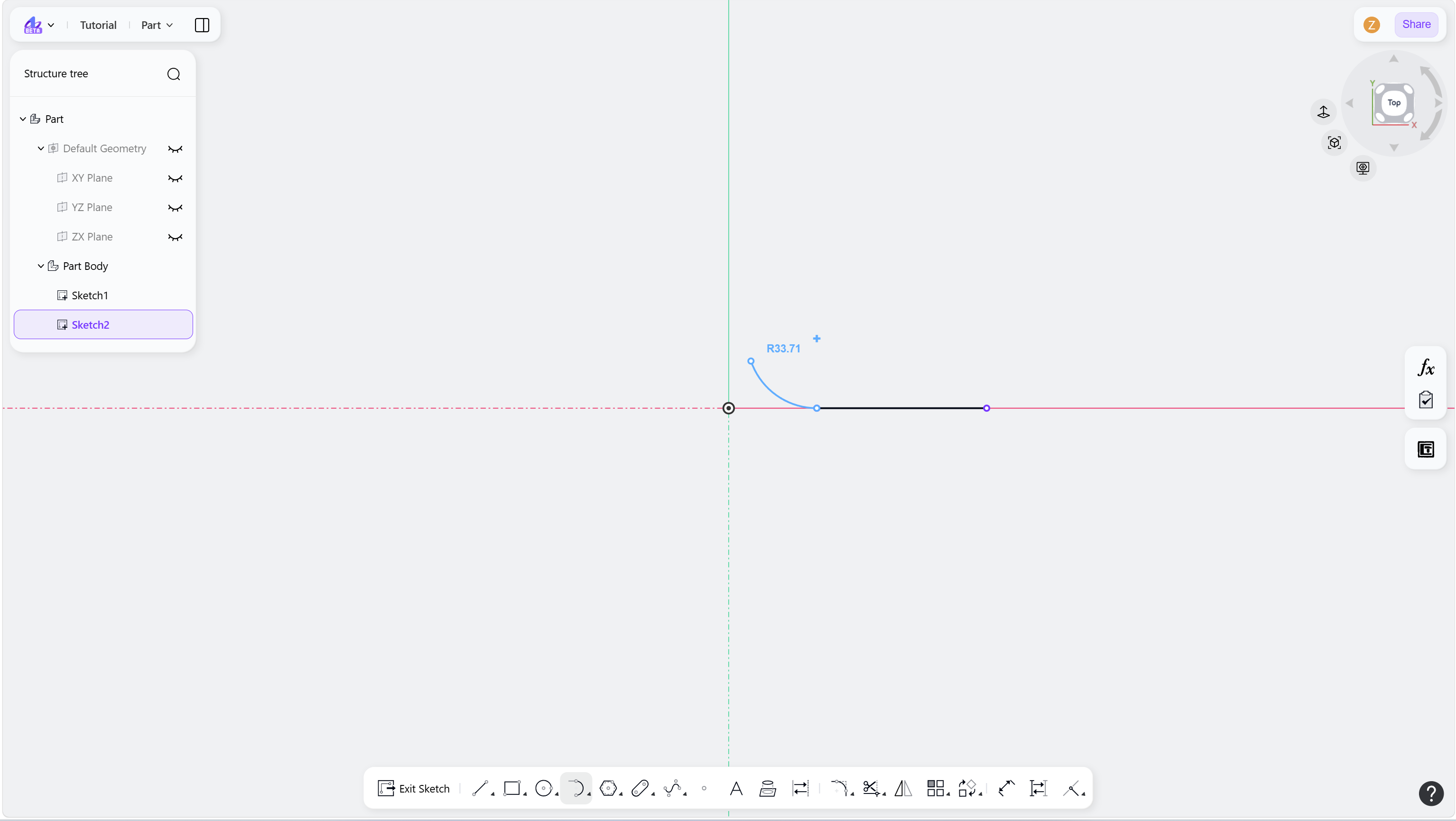
Step 4 - Left-click to define the end point of the arc:
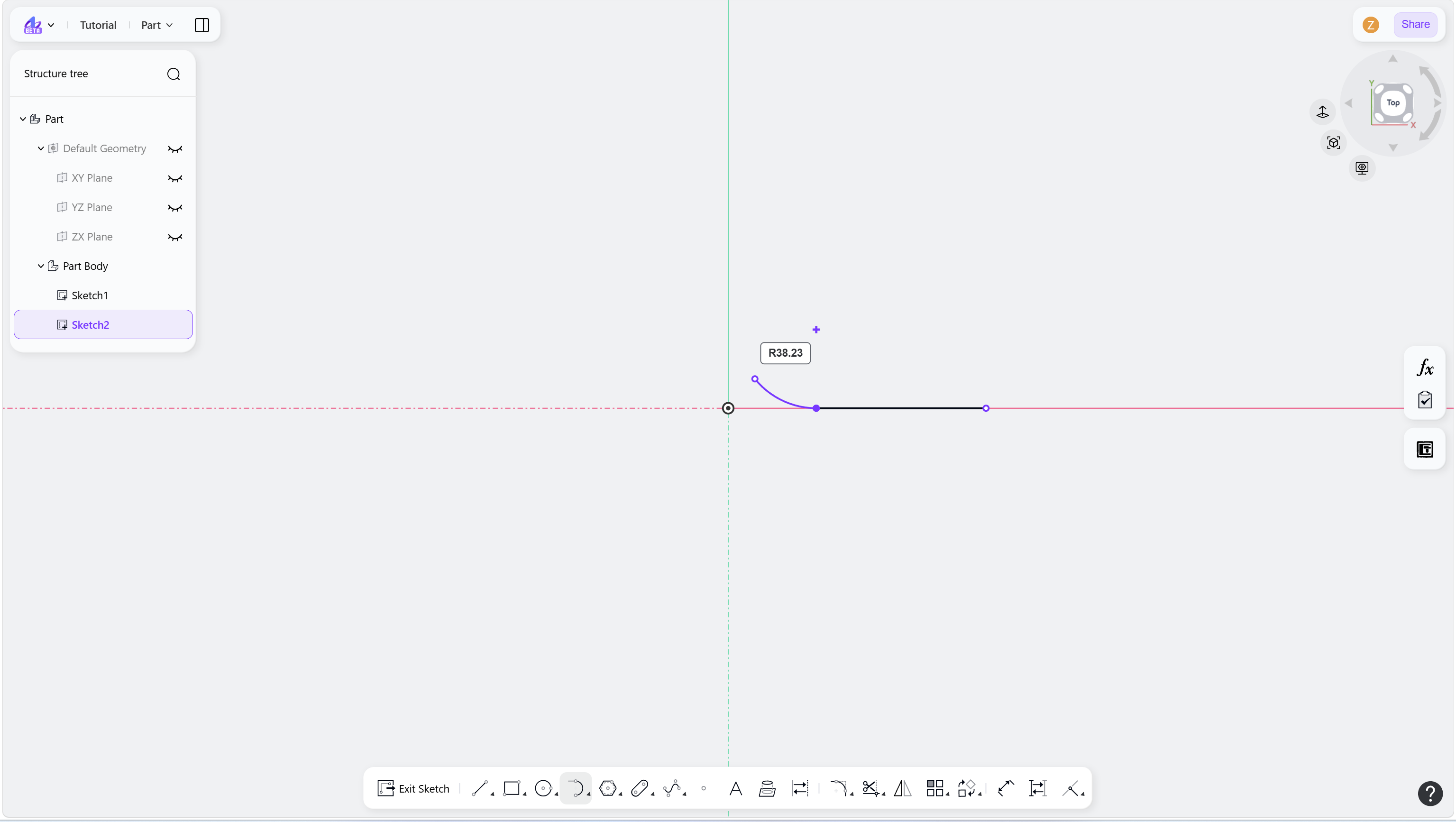
Step 5 - Apply a dimensional constraint: