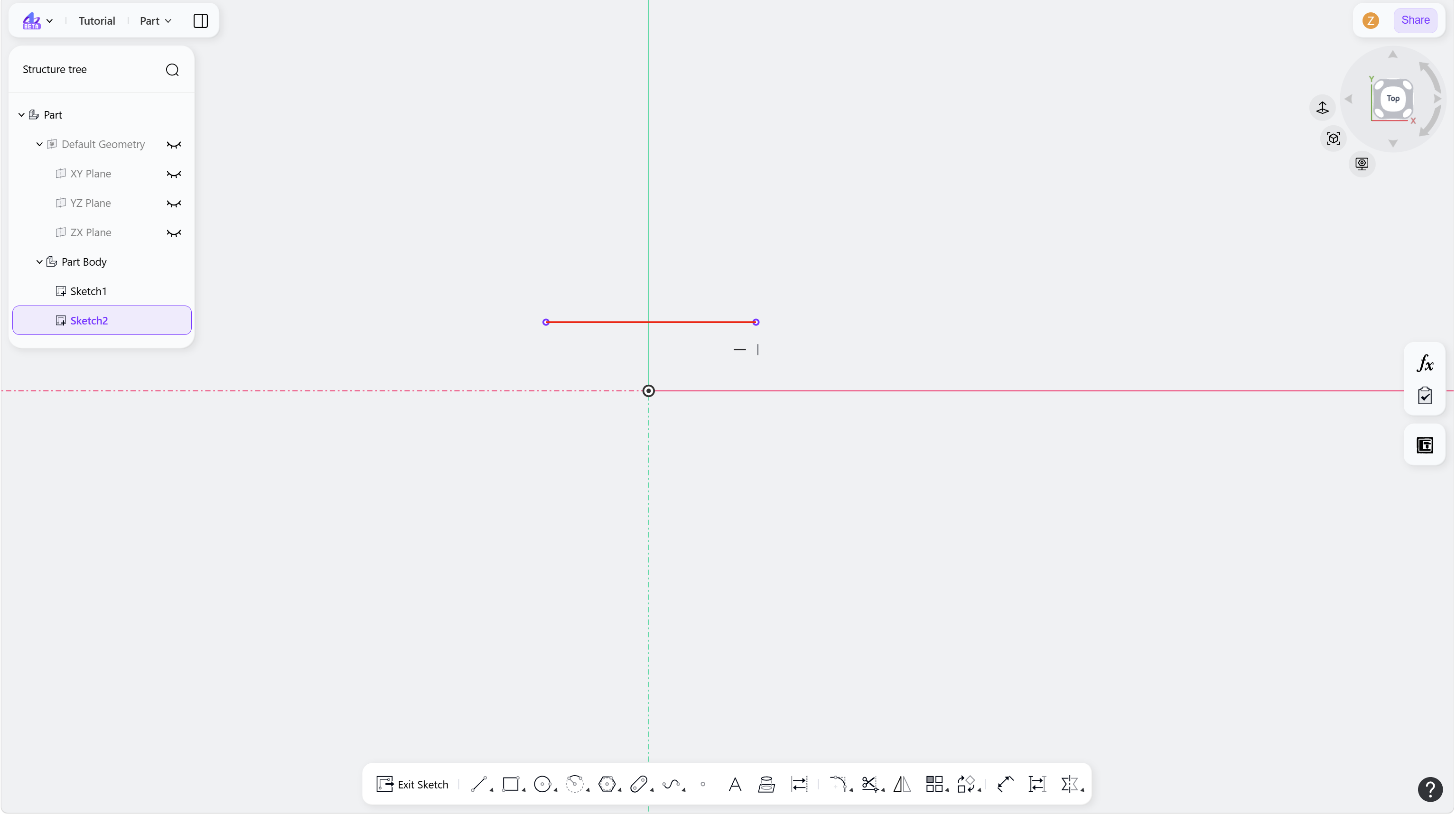
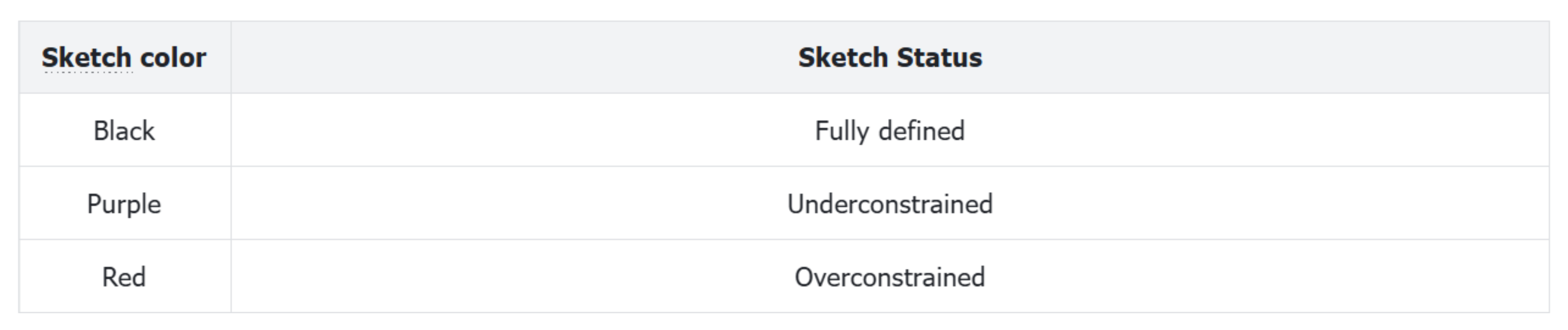
Sketch Status reflects the completeness of geometric constraints in a sketch. It typically uses colors to intuitively indicate the degrees of freedom of current sketch elements, helping prevent sketch anomalies caused by missing or redundant constraints. This ensures accuracy in subsequent 3D modeling and stability in parametric associations.
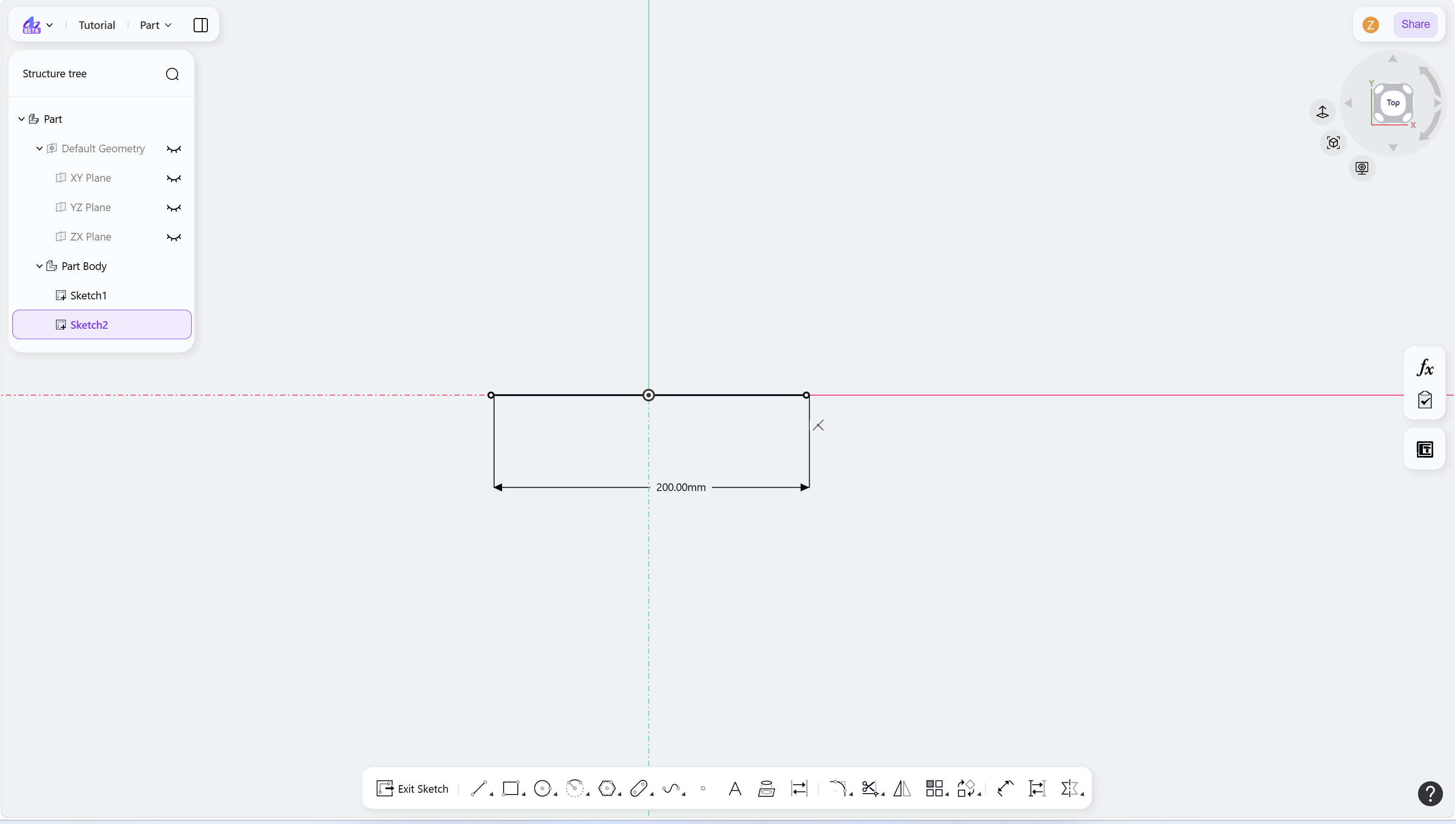
Black indicates a fully defined element:
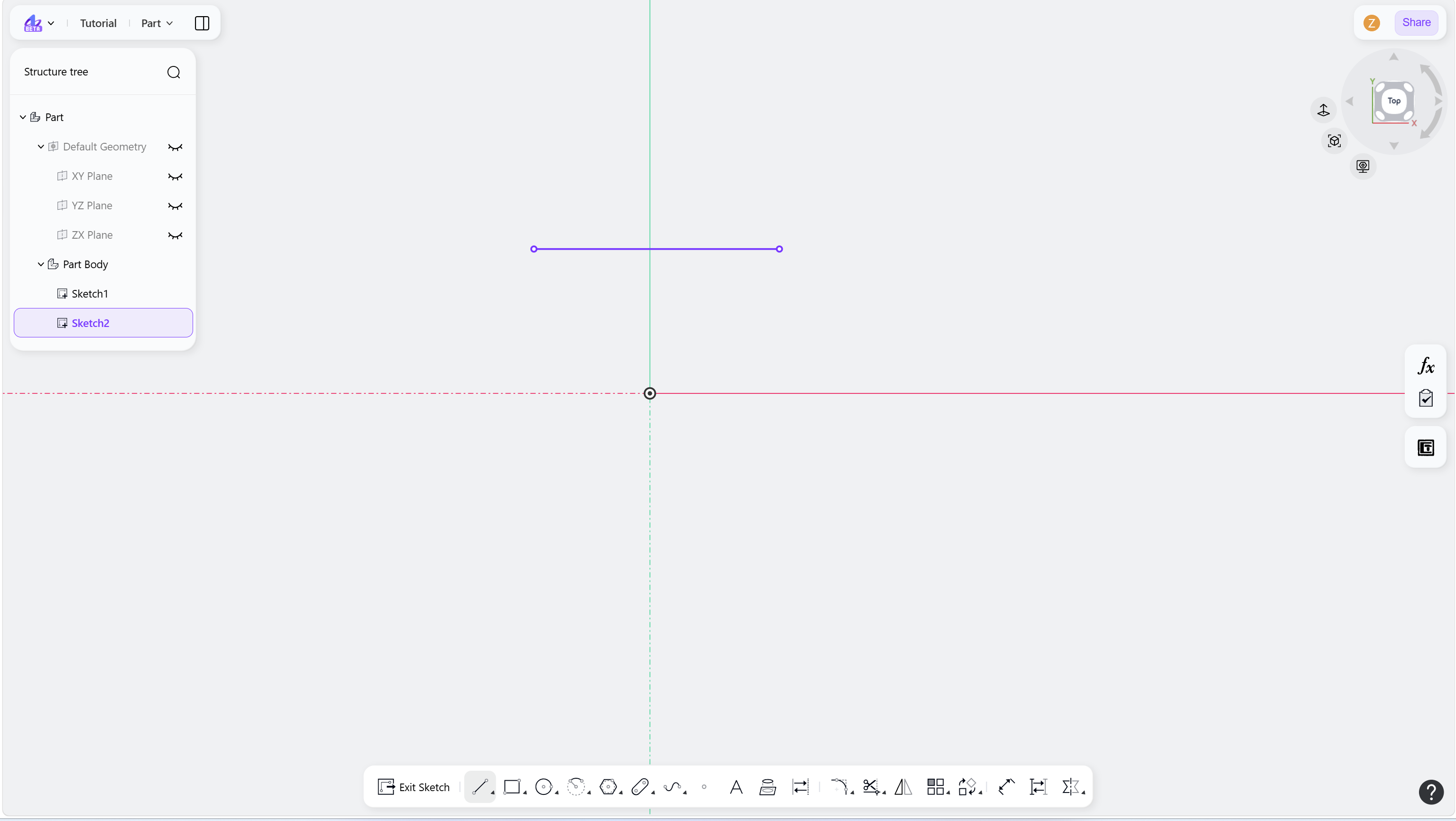
Purple indicates an underconstrained element:
Red indicates an overconstrained element: