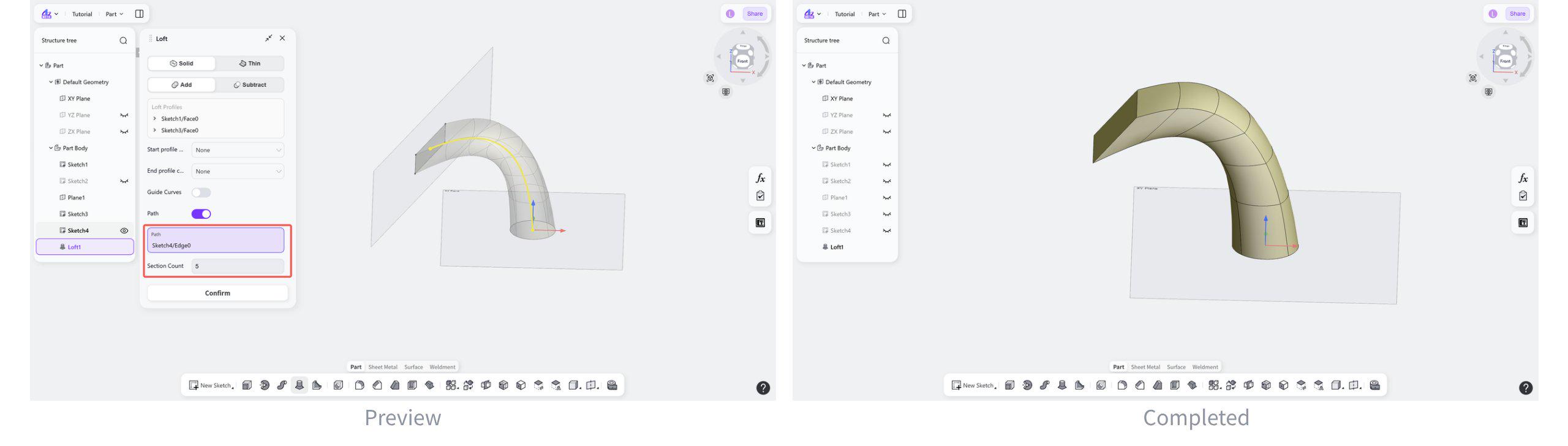
The Loft tool generates smoothly transitioning 3D solids from multiple section profiles in the Part module. By connecting different profiles in sequence, complex shapes can be created such as tapered pipes and freeform shells.
Steps:
Select the loft method: "Solid" or "Thin".
Select the boolean type: "Add" or "Subtract".
Select the loft profiles.
Select the profile condition: "None", "Normal to Profile", or "Tangent to Profile".
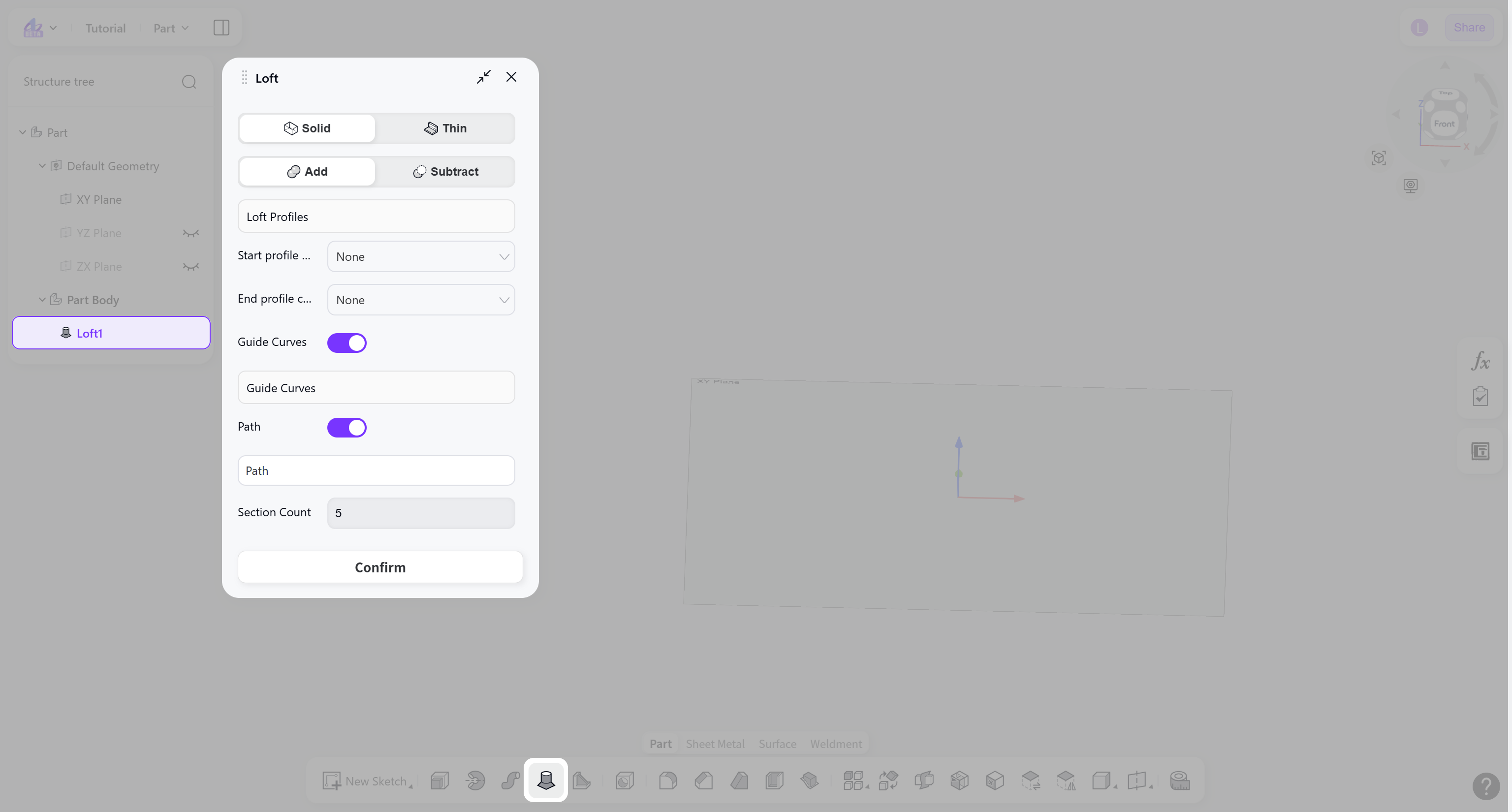
(Optional) Enable "Guide Curve" to select auxiliary curves that control the loft transition shape.
(Optional) Enable "Path" to select a spatial curve that defines the overall transition direction of the loft.
Loft Type
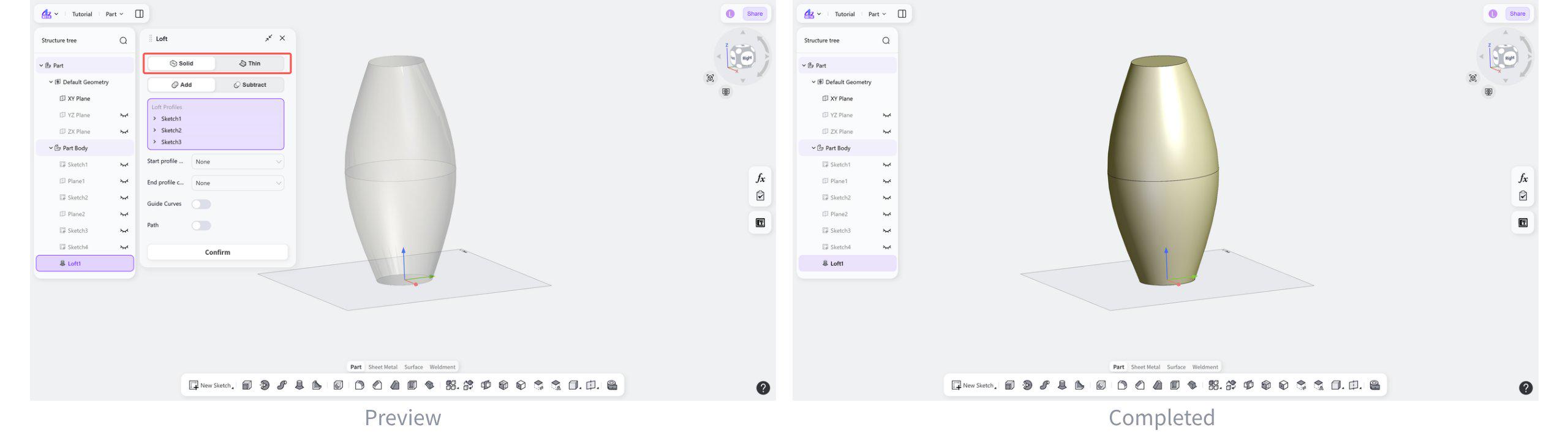
Loft Type: Solid
Generates a solid body by creating a continuous transition between multiple profiles.
Select "Solid".
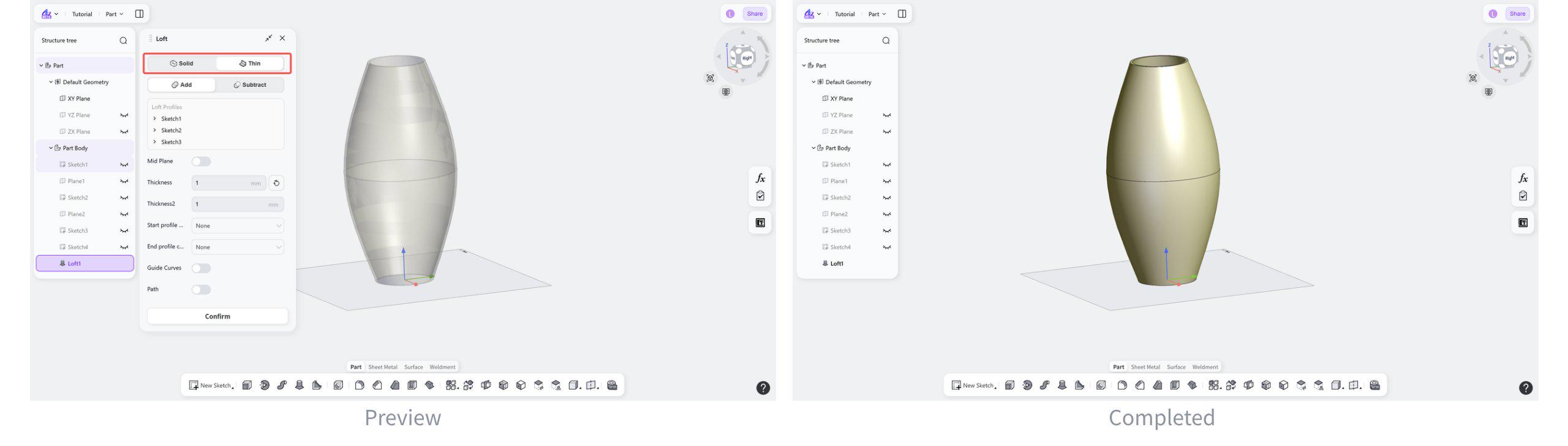
Loft Type: Thin
Generates a thin-wall body by creating a continuous transition between multiple profiles.
Steps:
Select "Thin".
(Optional) Enable "Mid Plane" to apply the thickness symmetrically.
Boolean Type
Boolean Type: Addtion
Merges the newly created loft geometry with the existing solid into a single body.
Select "Add".
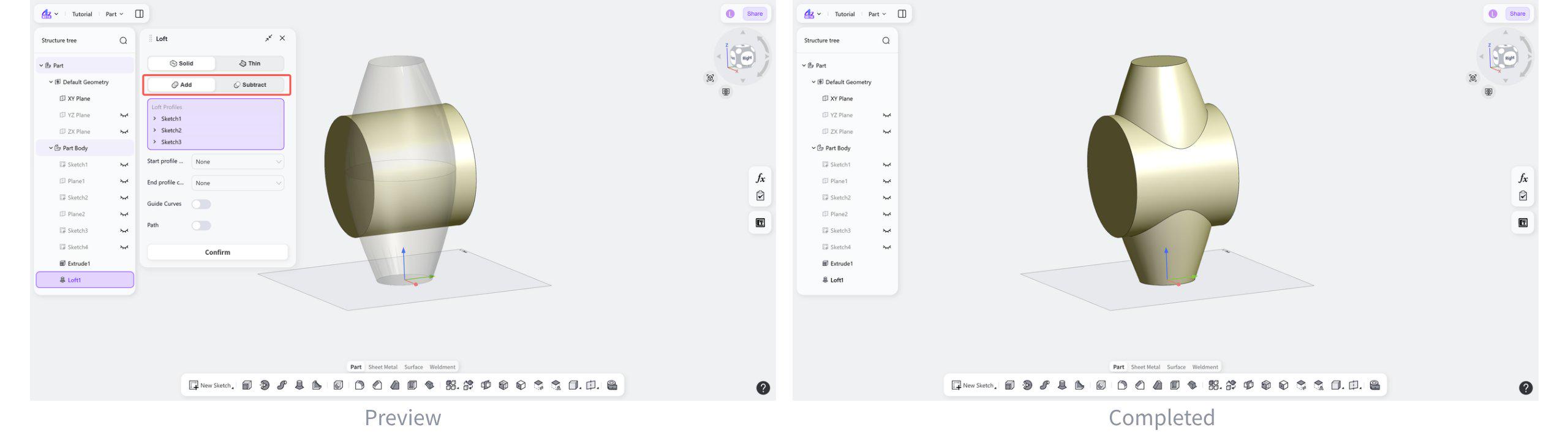
Boolean Type: Substraction
Subtracts the newly created loft geometry from the existing solid and removes the overlapping material from the original body.
Select "Substract".
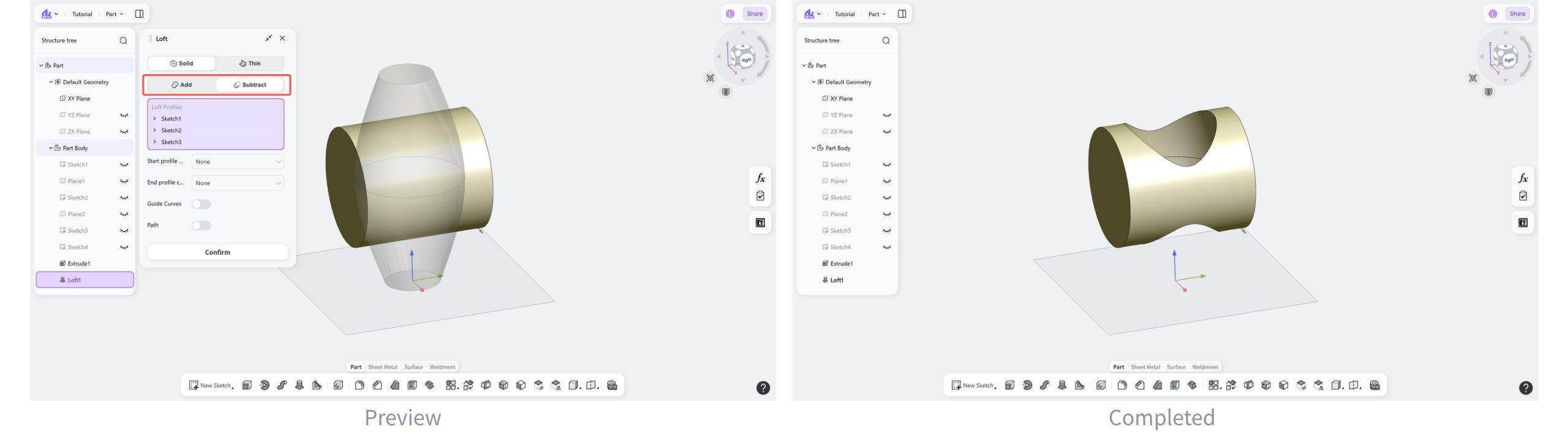
Loft Profile Condition
Profile Condition: None
No additional constraints are applied to the start or end direction of the loft profile.
Select "None".
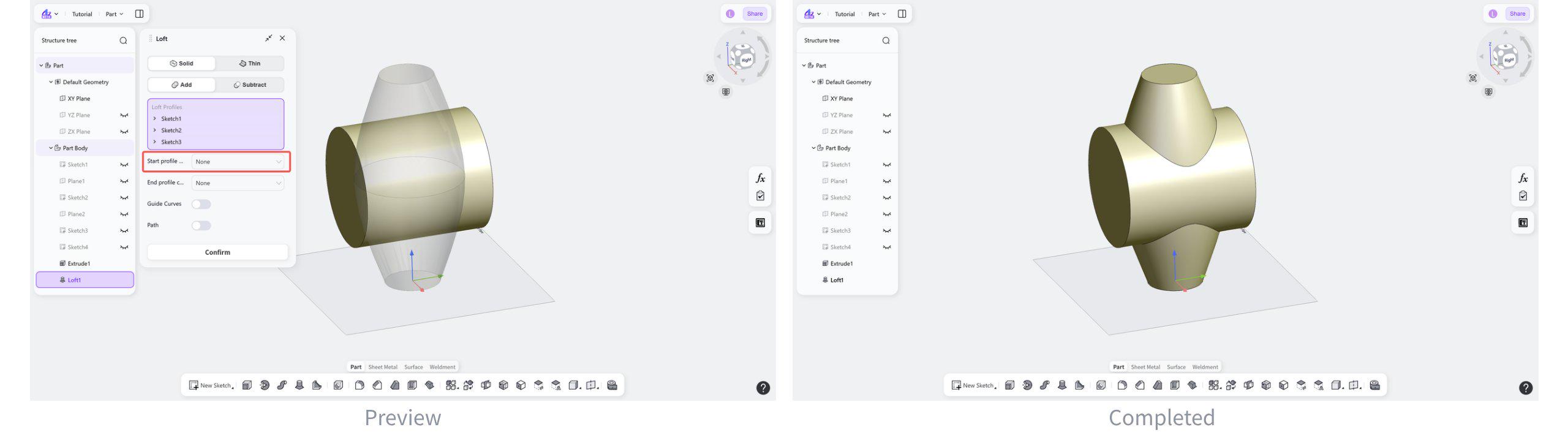
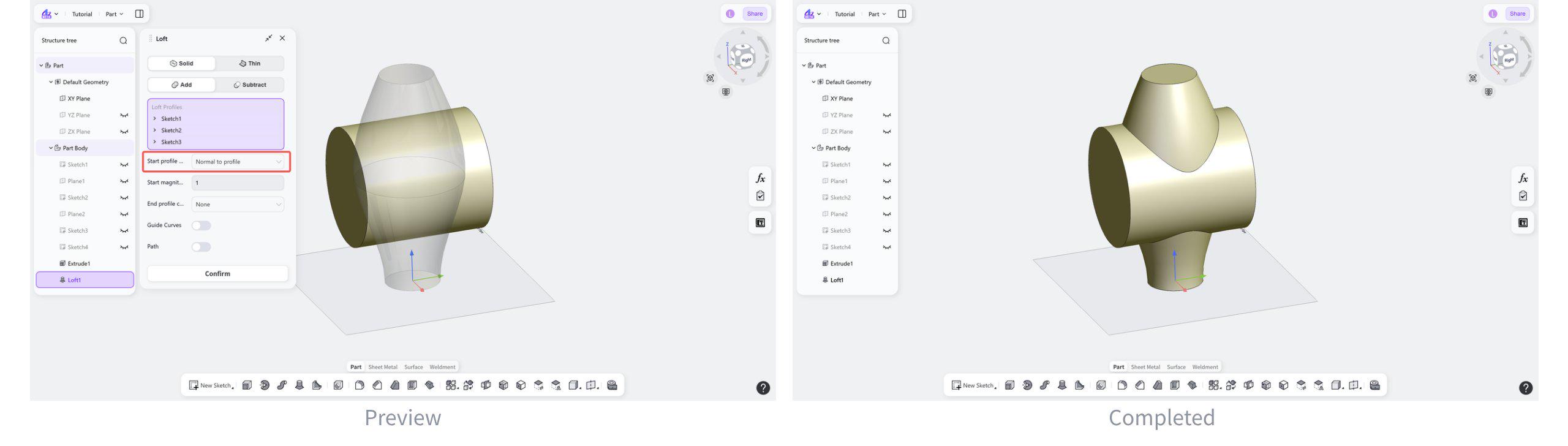
Profile Condition: Normal to profile
Makes the transition direction at the start or end of the loft normal to the profile plane.
Steps:
Select "Normal to Profile".
(Optional) Set "Start Magnitude" to control the influence of the tangent transition.
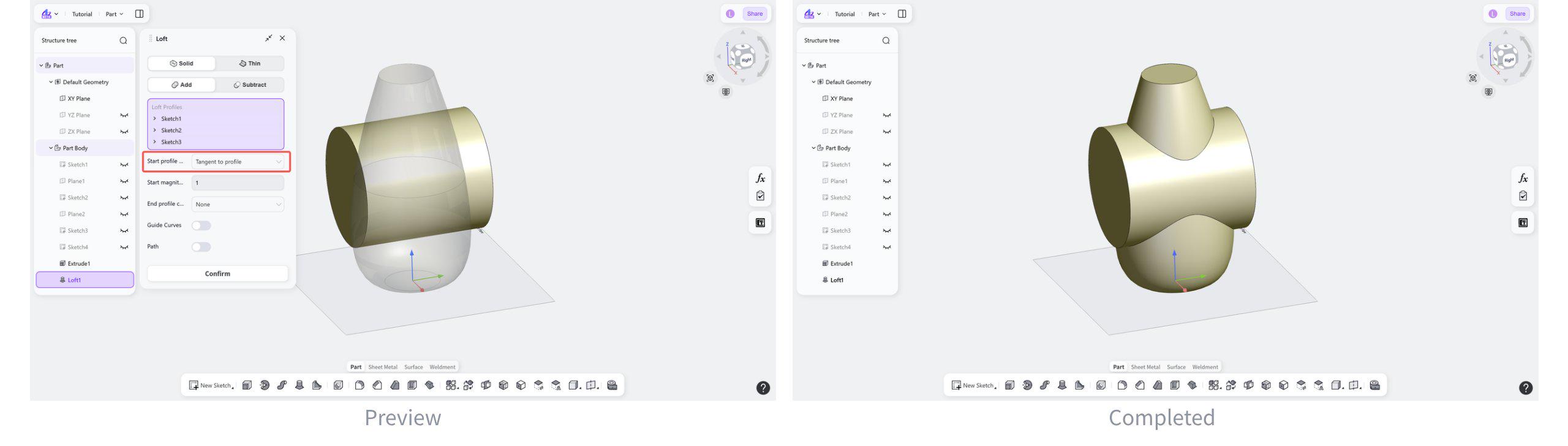
Profile Condition: Tangent to profile
Makes the transition direction at the start or end of the loft tangent-continuous with the profile curve.
Steps:
Select "Tangent to Profile".
(Optional) Set "Start Magnitude" to control the influence of the tangent transition.
Loft Guide Control
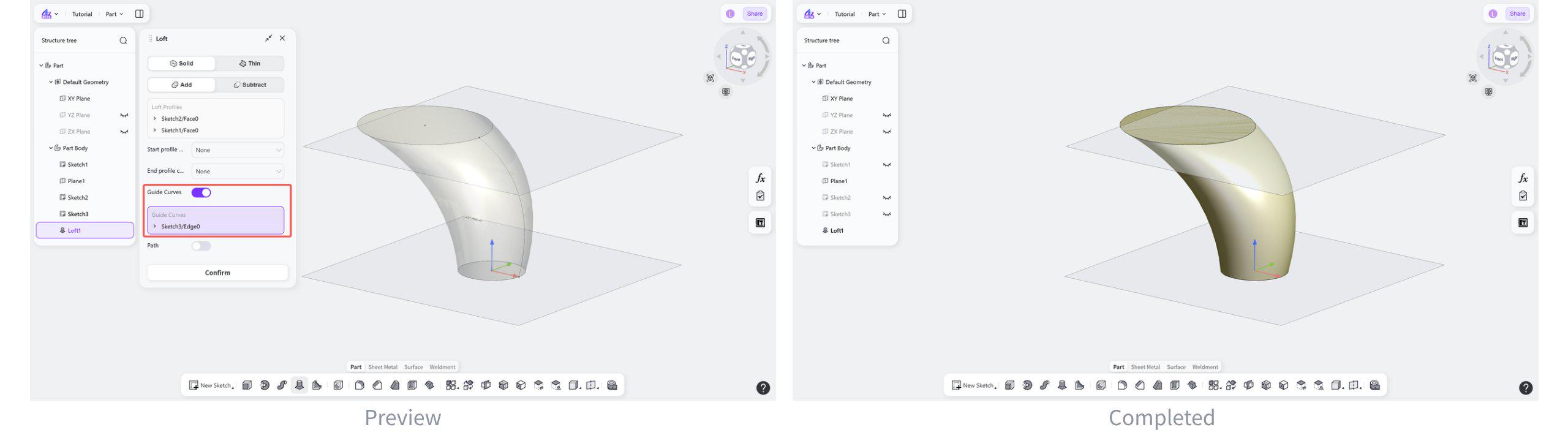
Loft Guide Control: Guide Curves
Select auxiliary curves to constrain the section transition path during the loft operation.
Steps:
Enable "Guide Curve".
Select the guide curves in the graphics area.
Loft Guide Control: Path
Select a spatial curve that defines the overall transition direction of the loft.
Steps:
Enable "Path".
Select the path in the graphics area.