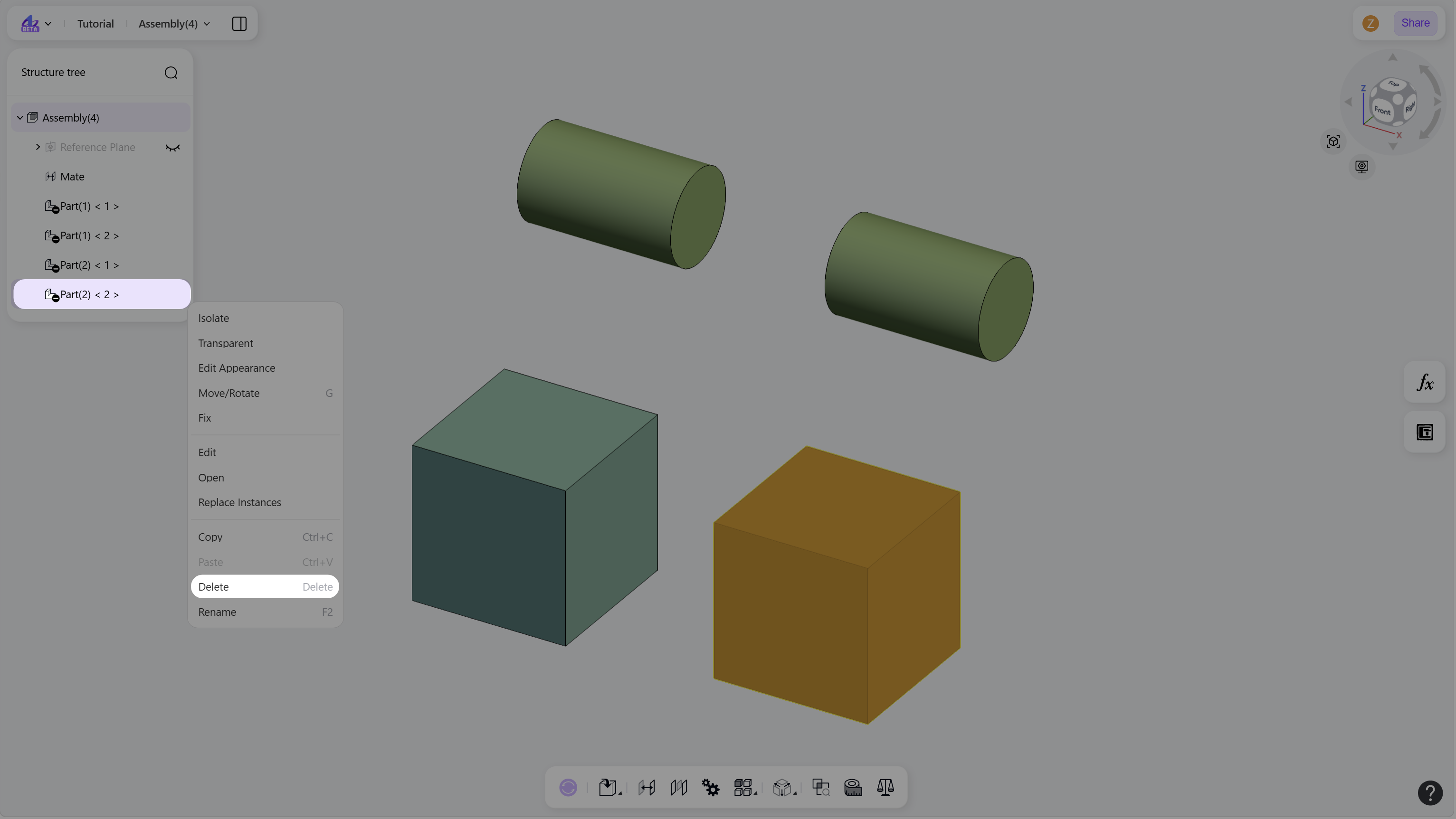
The Delete command removes selected parts or subassemblies from the current assembly. It is commonly used to remove unnecessary components and maintain a clean assembly structure.
Use either of the following methods:
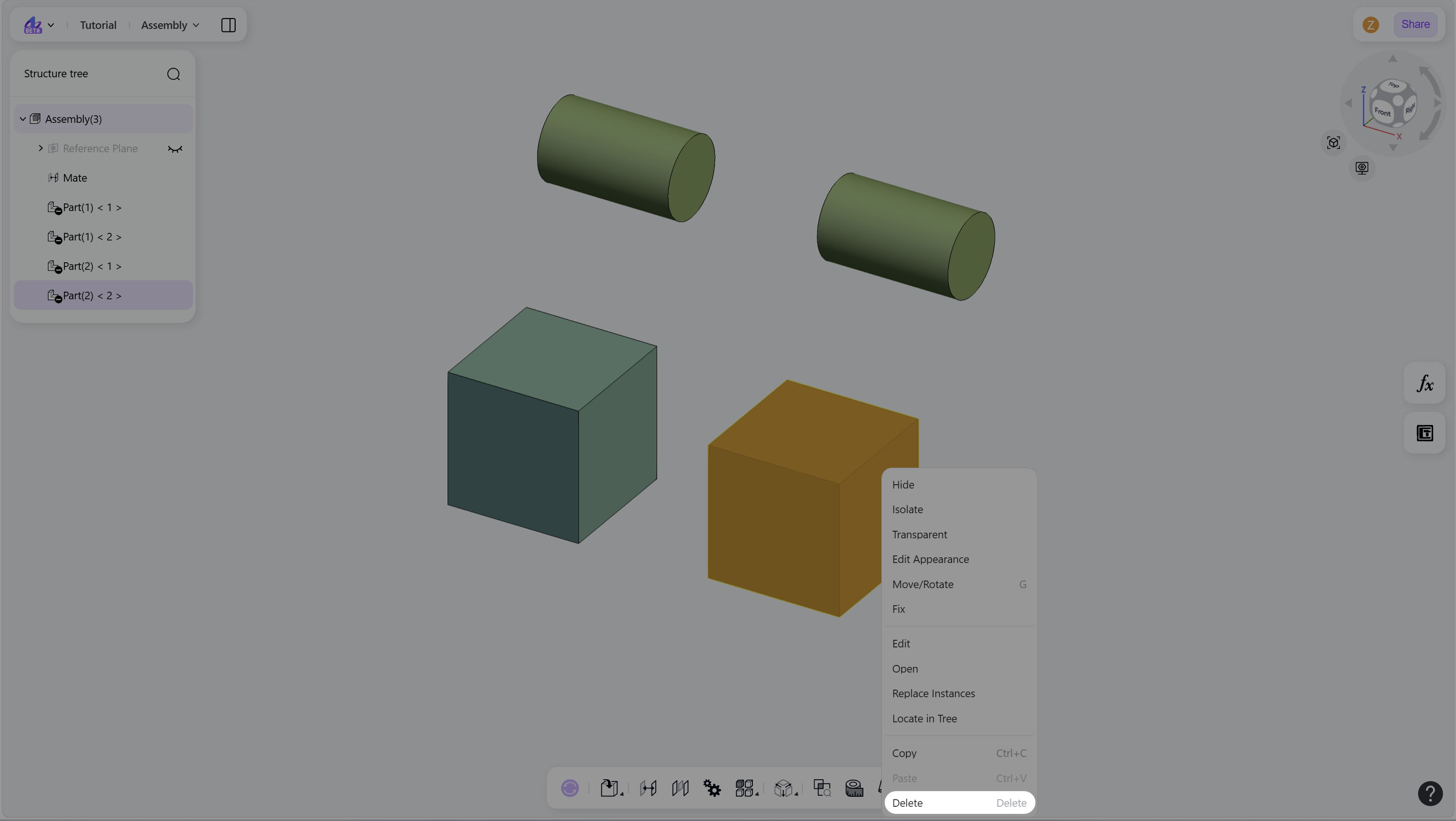
In the graphics area, select the component and press "Delete", or right-click and choose "Delete".
Select the component node in the structure tree, then press "Delete", or right-click and choose "Delete".