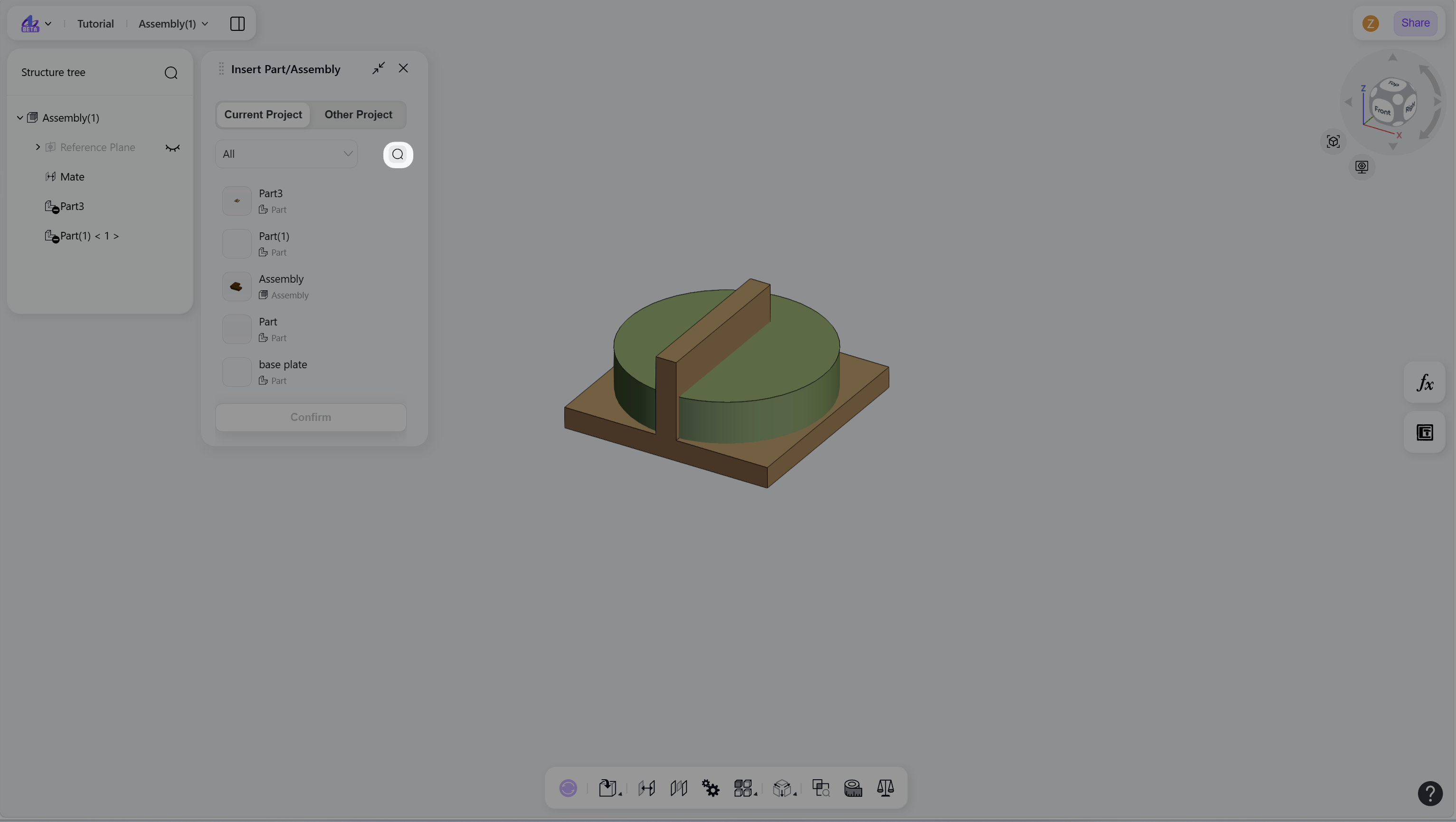
Steps
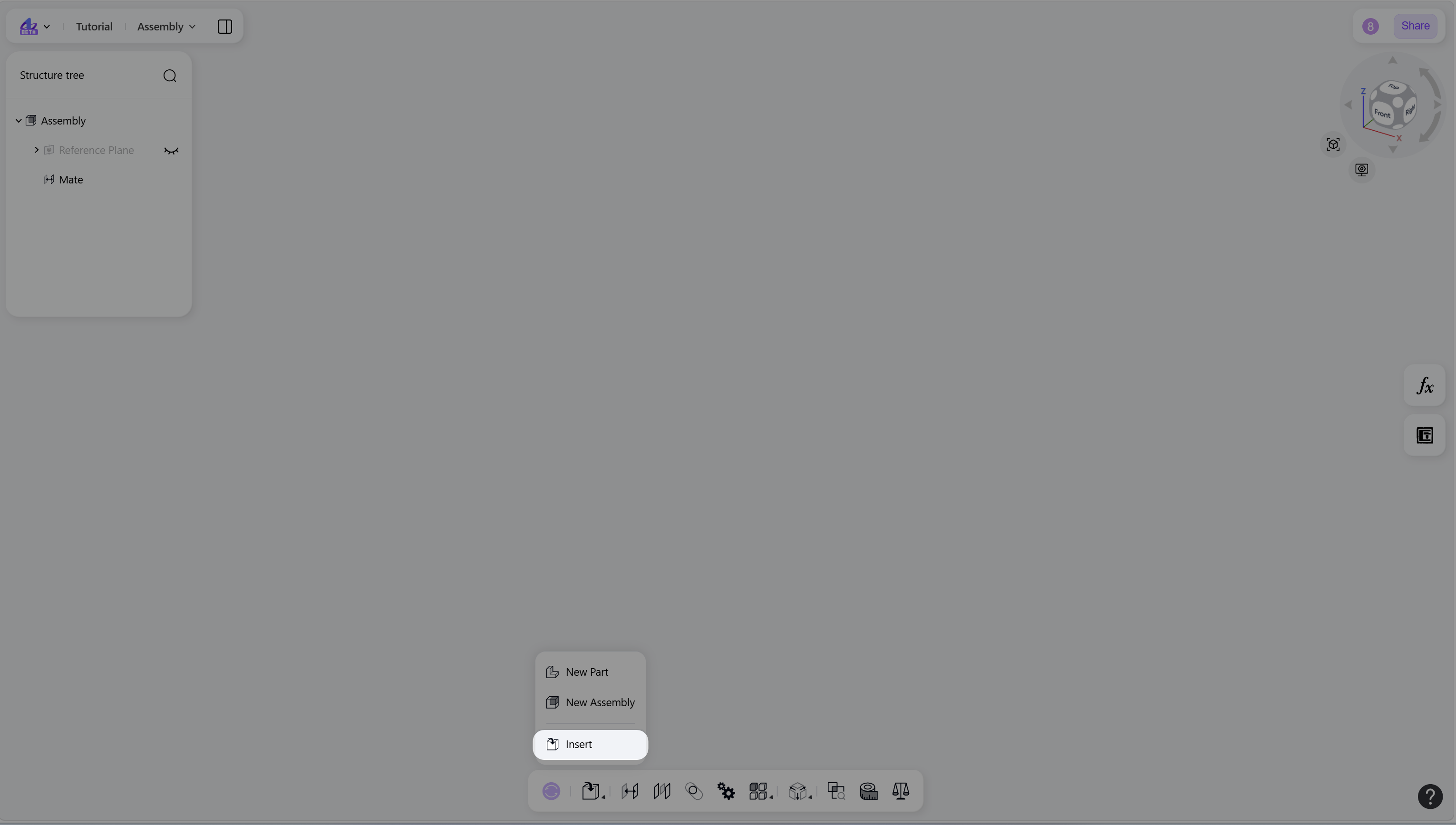
Hover over the "Insert" icon on the toolbar, then click it.
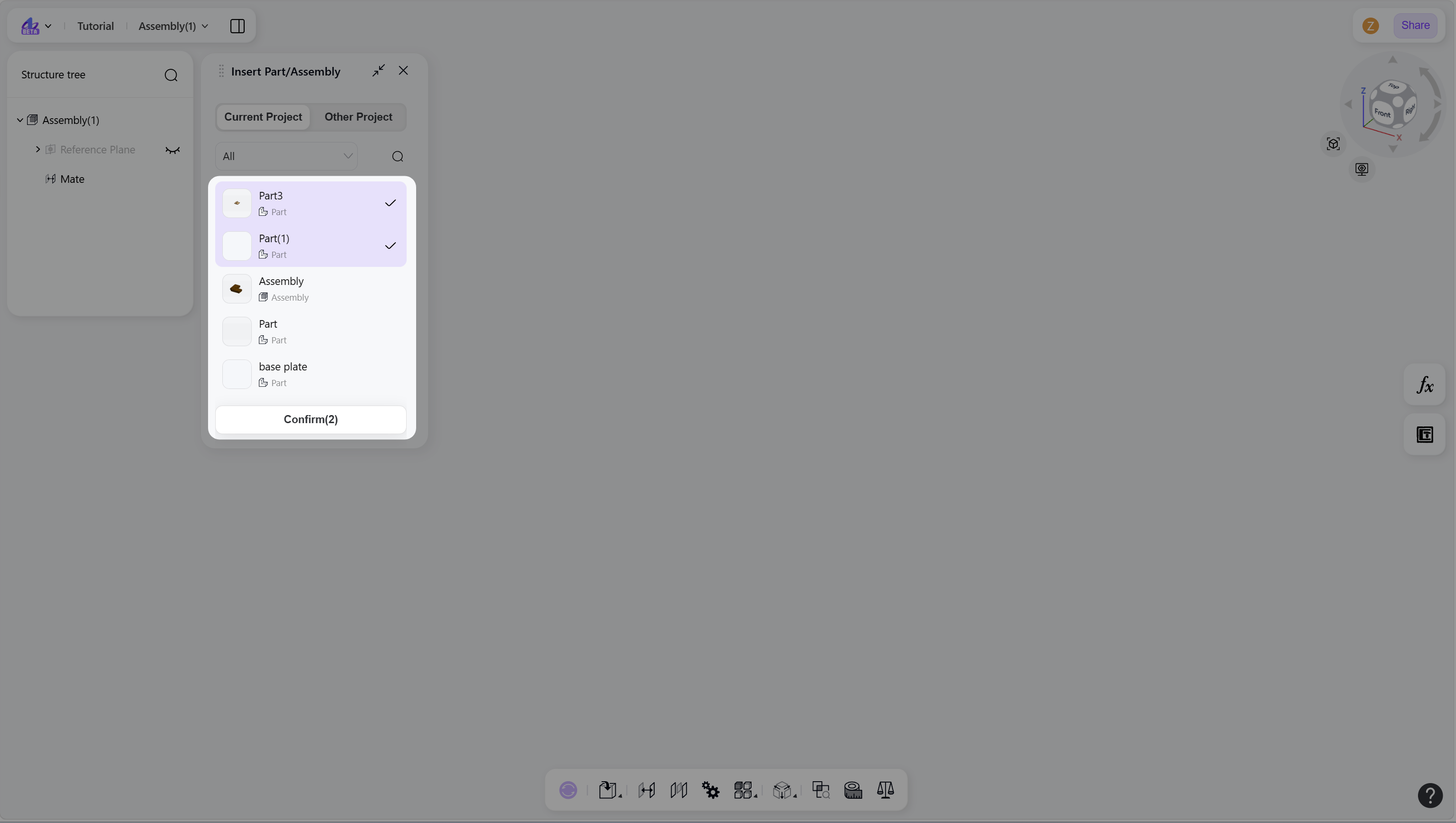
In the panel, select the parts or assemblies to insert, then click "Confirm".
Step 1 - Hover over the "Insert" icon and click:
Step 2 - Select Part/Assembly and confirm:
Notes
Hold Shift to select multiple components.
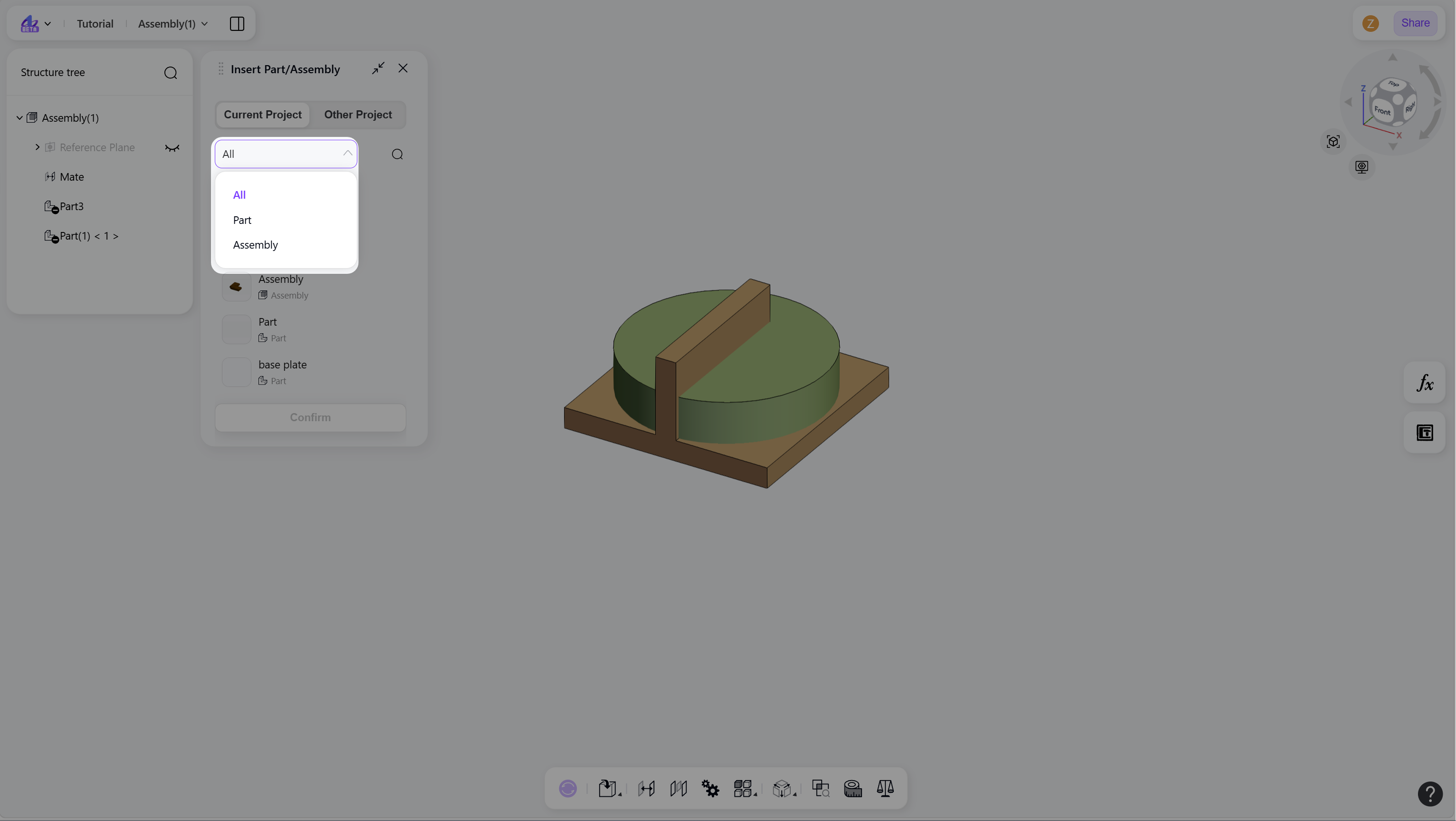
Use the category filter to display specific types of components.
Filter components by category:
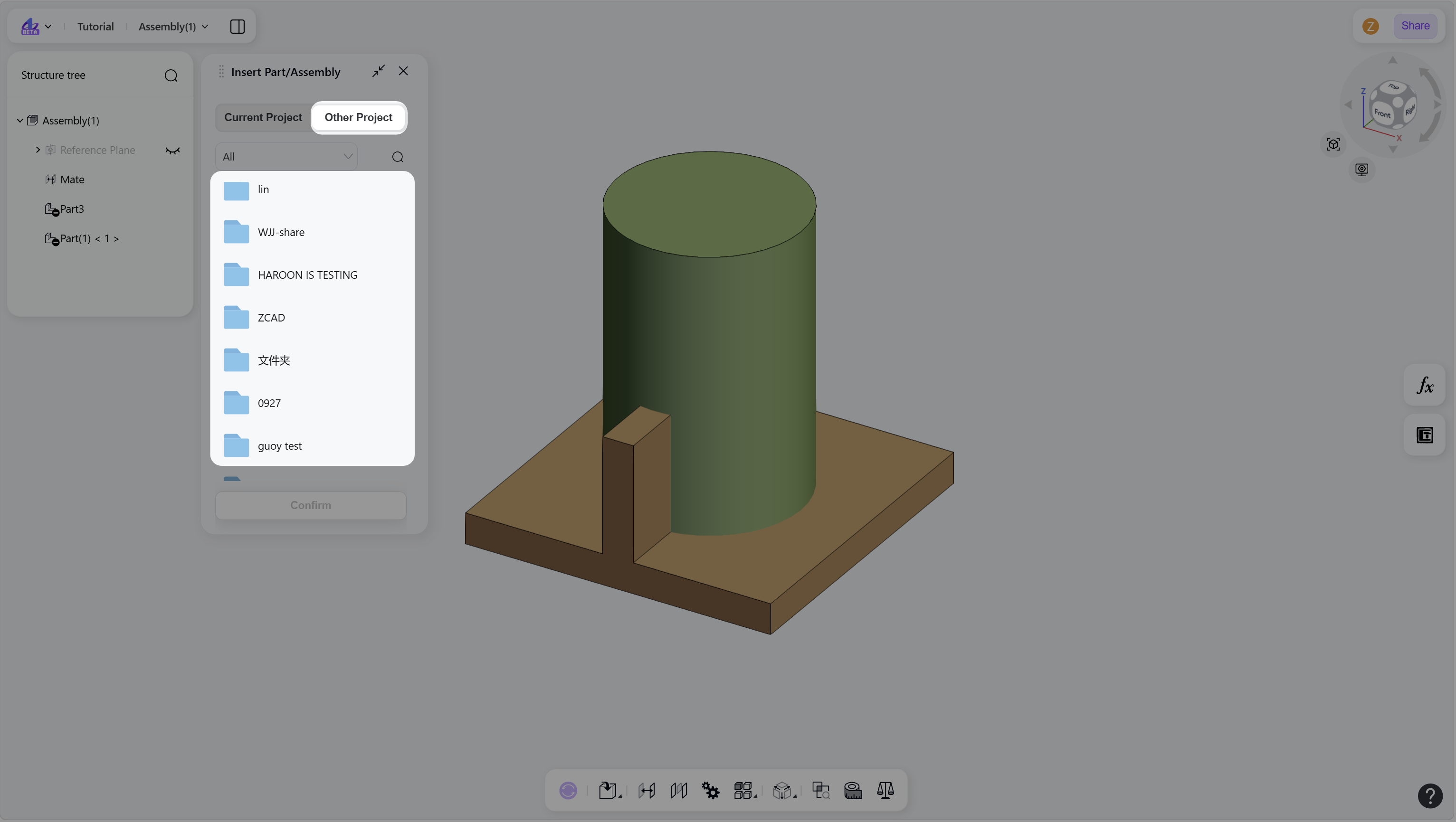
Insert components from other projects:
Search for components by name: