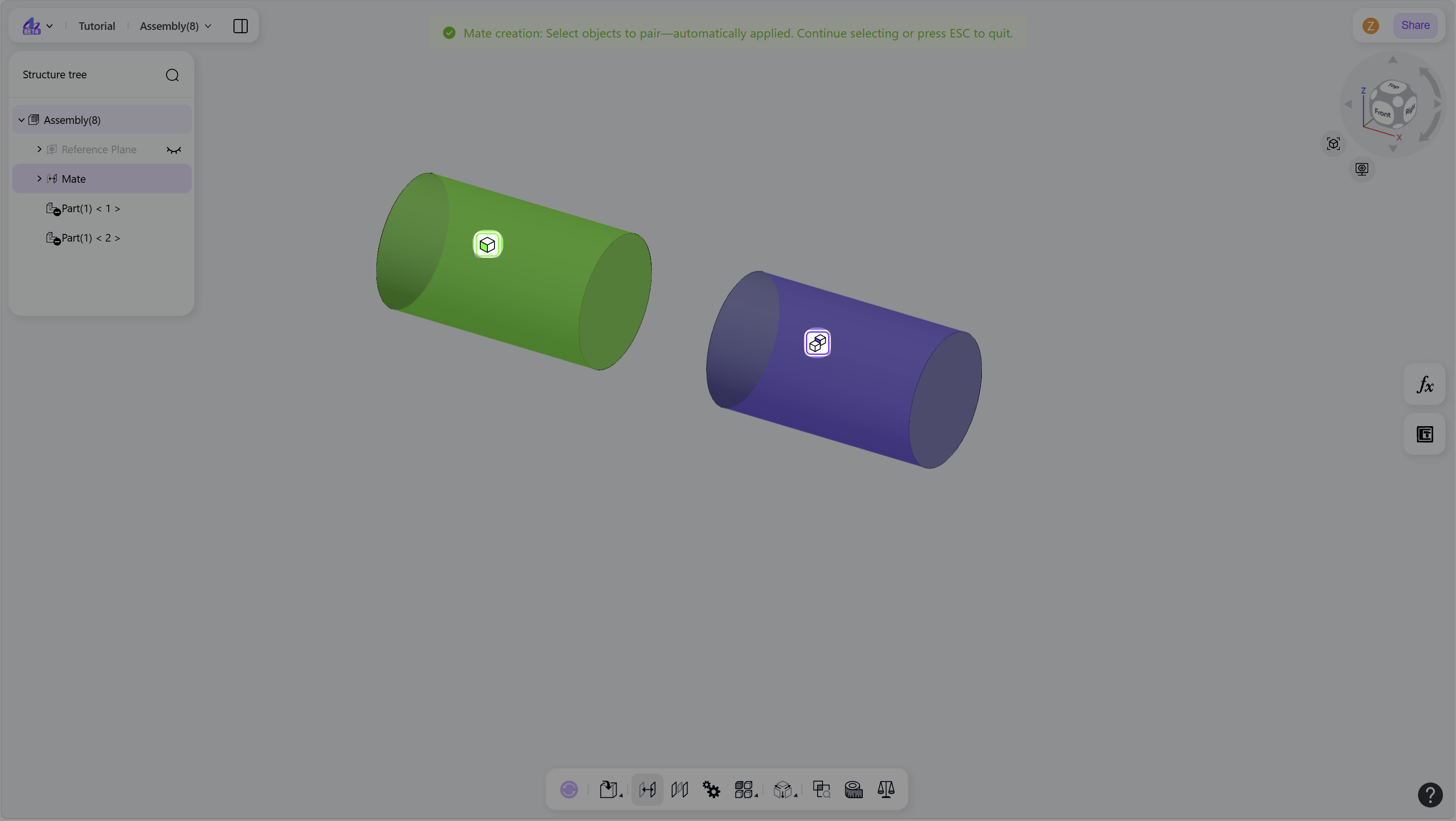
The New Mate command creates geometric constraints between components in an assembly. It defines how components are positioned relative to each other.
Steps
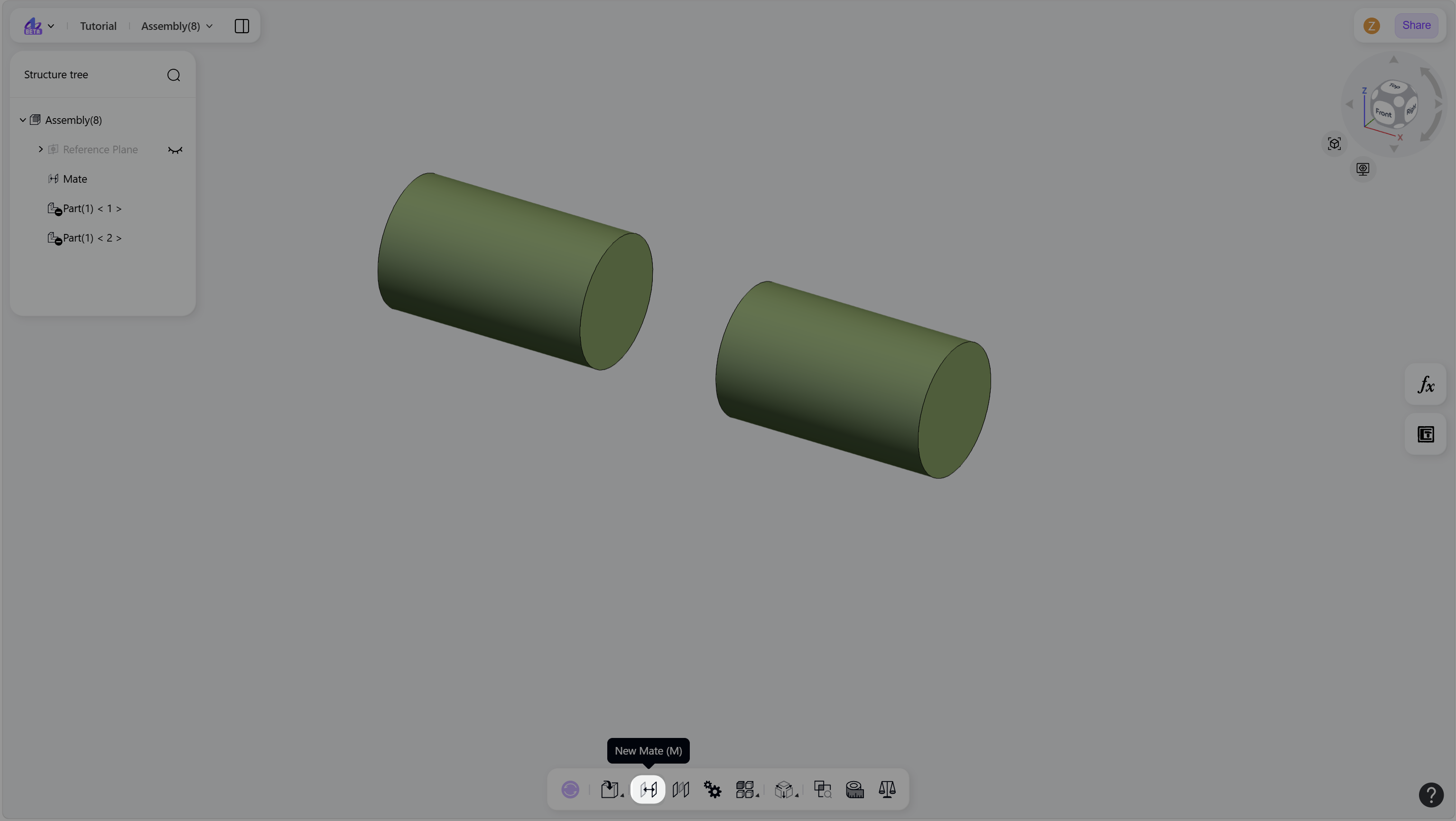
Press M or click the "New Mate" icon to enter mate mode.
Create a mate:
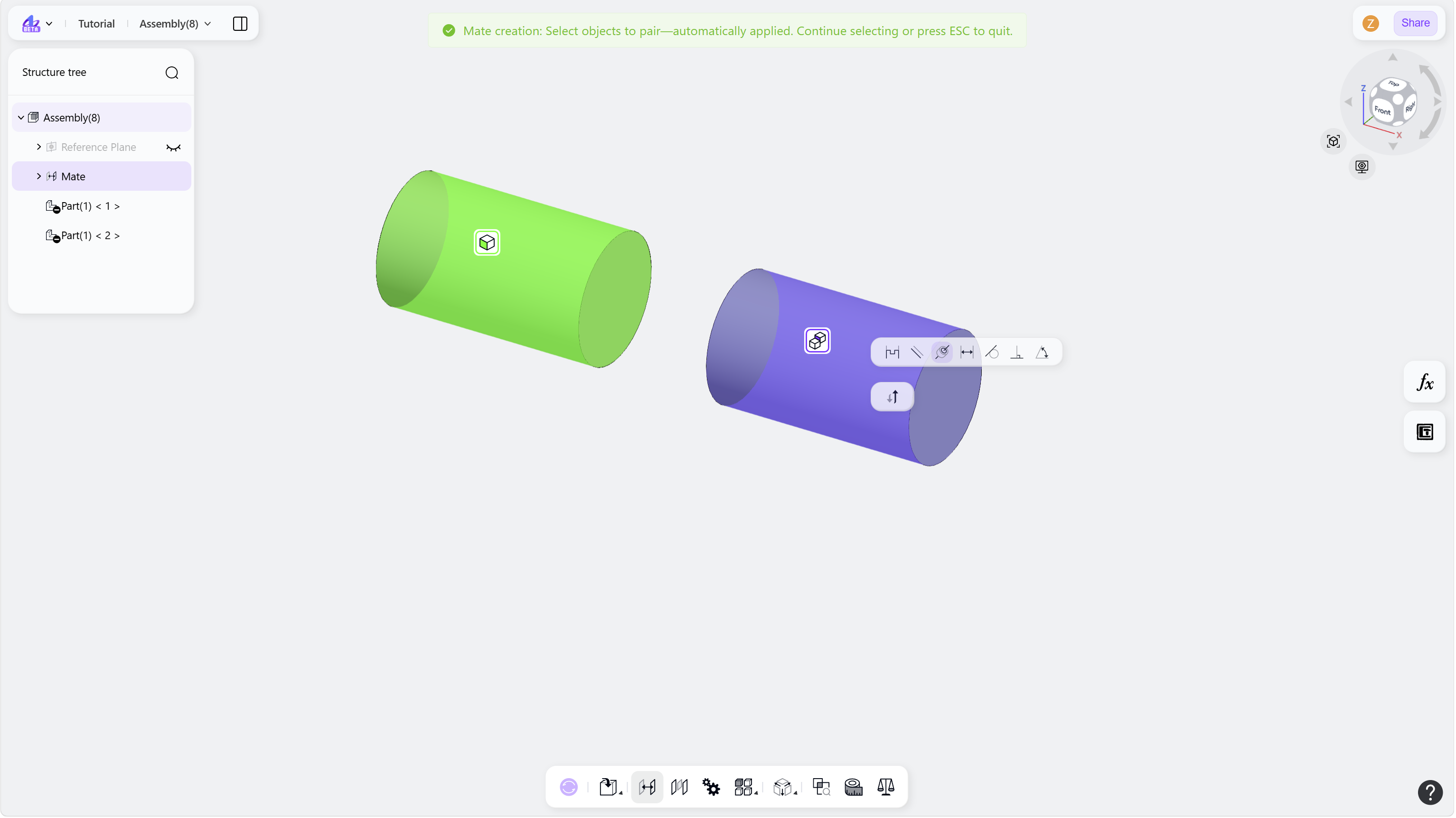
Select a pair of mate objects in the graphics area. The most suitable mate type is applied automatically.
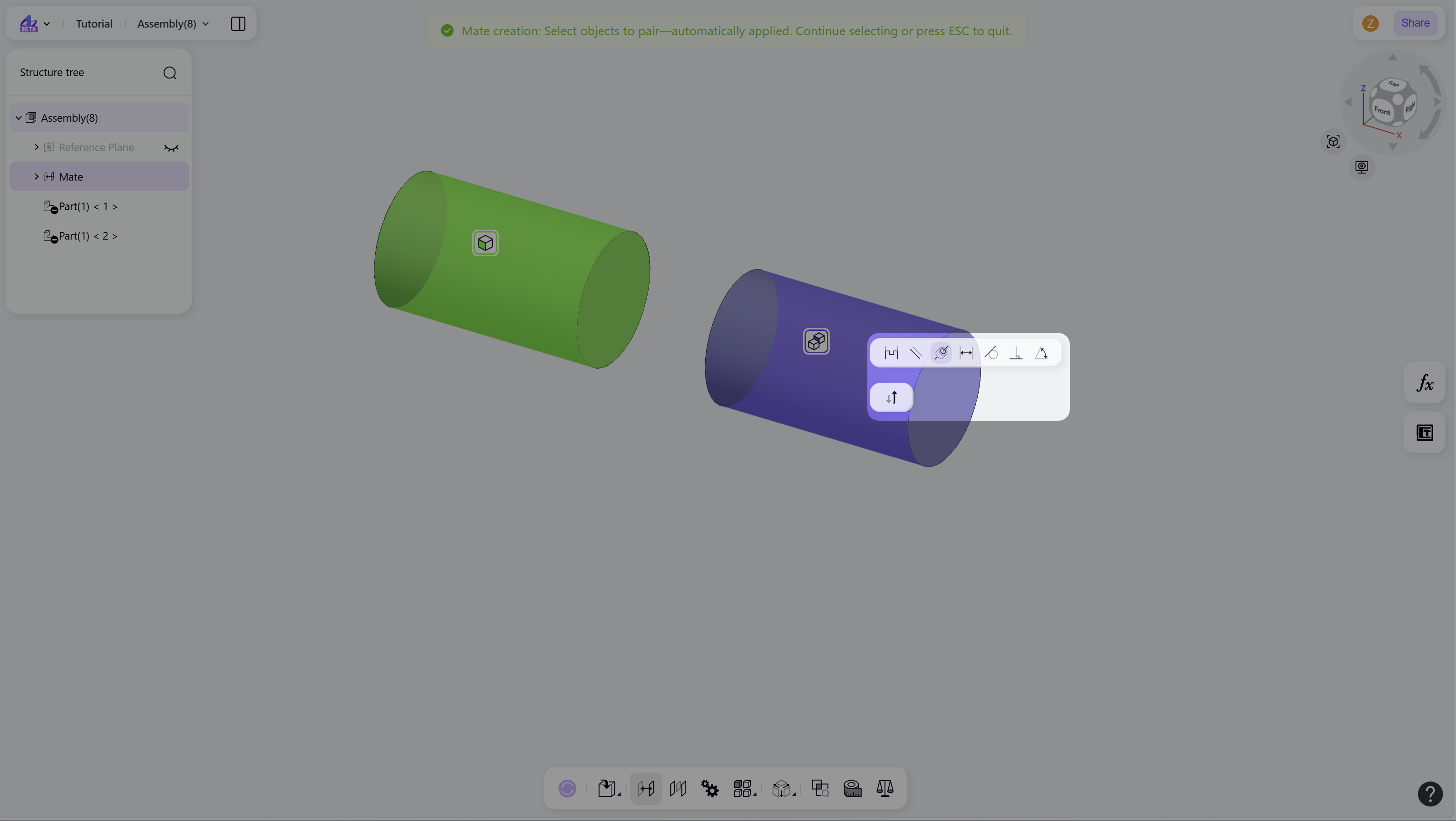
Change the mate type in the Mate menu as needed.
(Optional) Click Flip button to reverse the alignment direction.
(Optional) Select another pair of mate objects to create additional mates.
Press Esc or click the "New Mate" icon again to exit mate mode.
Step 1 - Press M or click the "New Mate" icon:
Step 2 - Select a pair of mate objects in the graphics area:
Step 3 - Choose the mate type and adjust the alignment direction:
Notes
Click a colored "Mate Selection Label" to deselect the corresponding mate object.