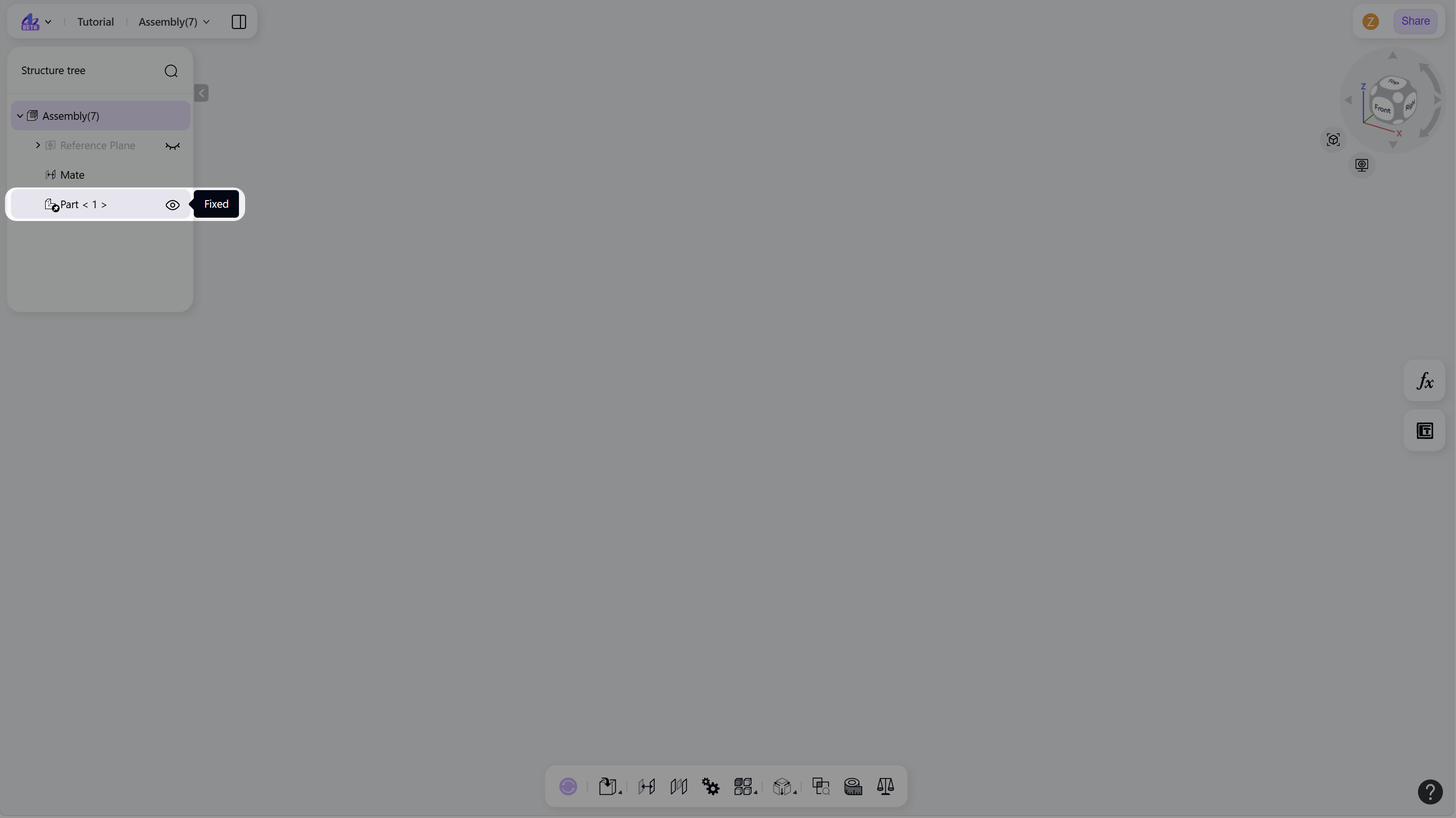
Creating new parts is a key operation in top-down assembly design. It enables part creation directly within the active assembly environment, using existing assembly layout and component geometry as design references.
Create a New Part
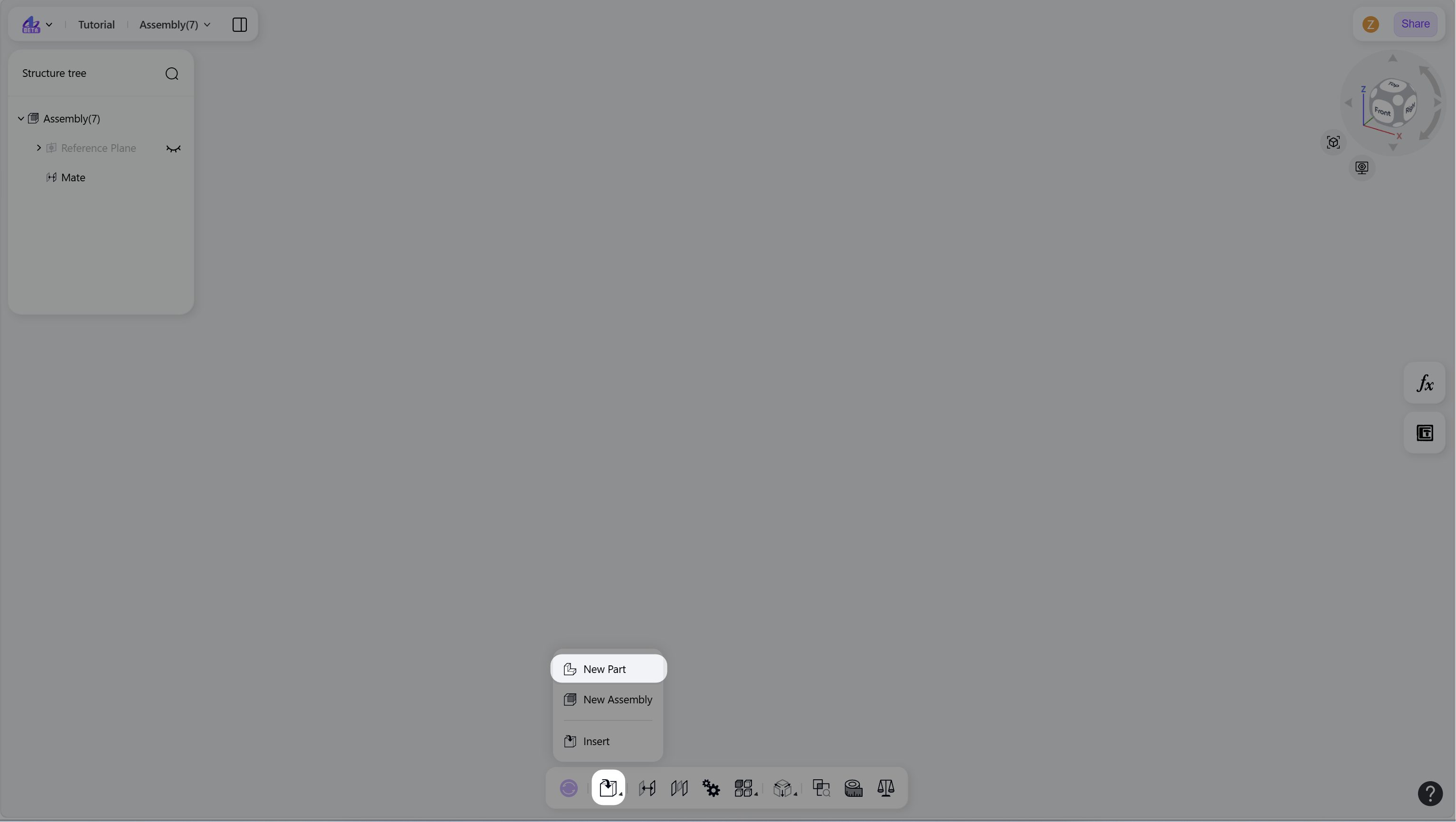
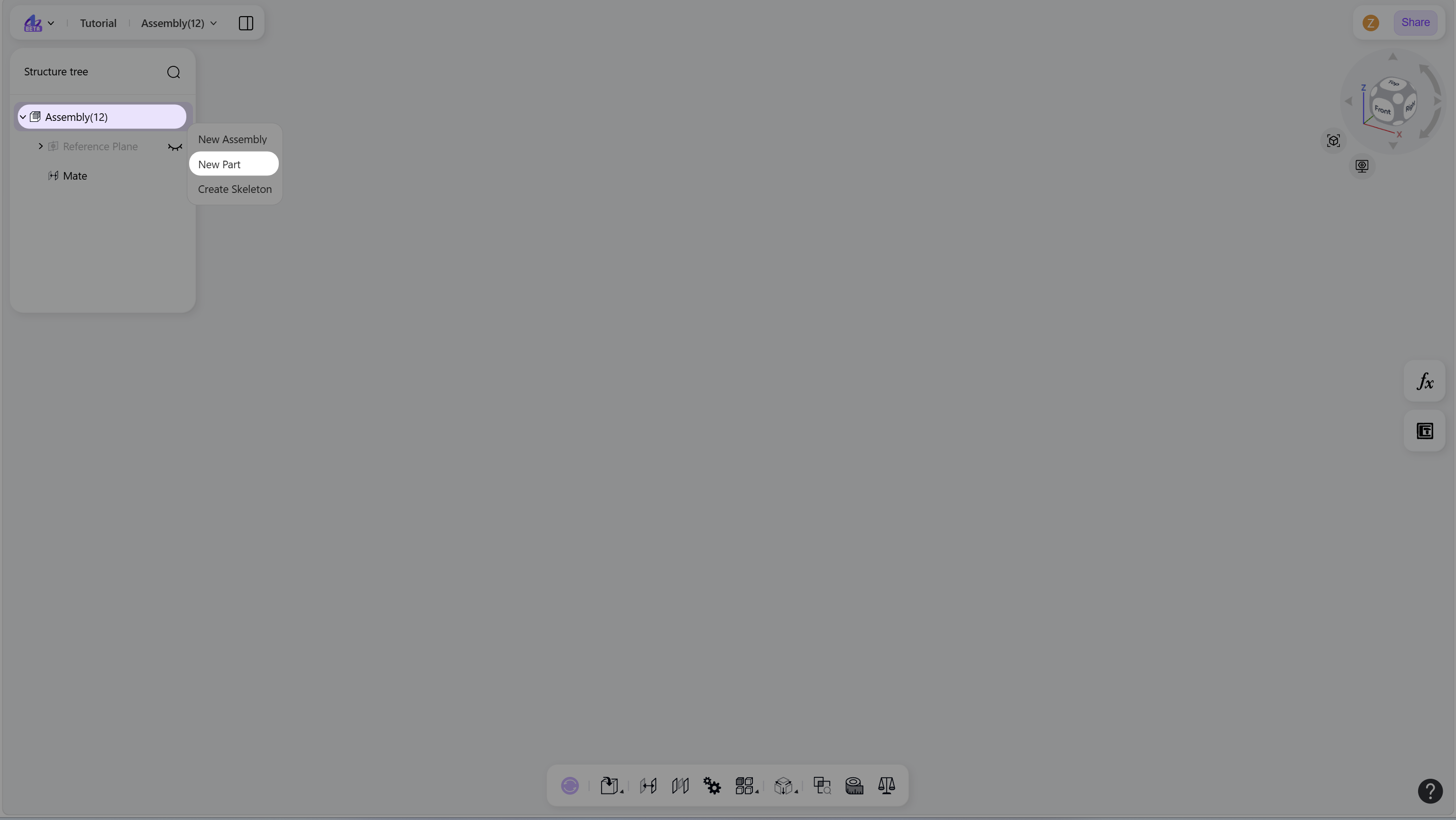
Use one of the following methods to create a new part in the current assembly:
Hover over the "Insert" icon, then select "New Part".
Right-click the assembly node in structure tree, then select "New Part".
Notes
A new part node is automatically added to the assembly structure.
The new part is saved as an independent part file. To open it, right-click the part node and select "Open".
The origin of the new part is aligned with the assembly origin.
The new part is fixed by default.