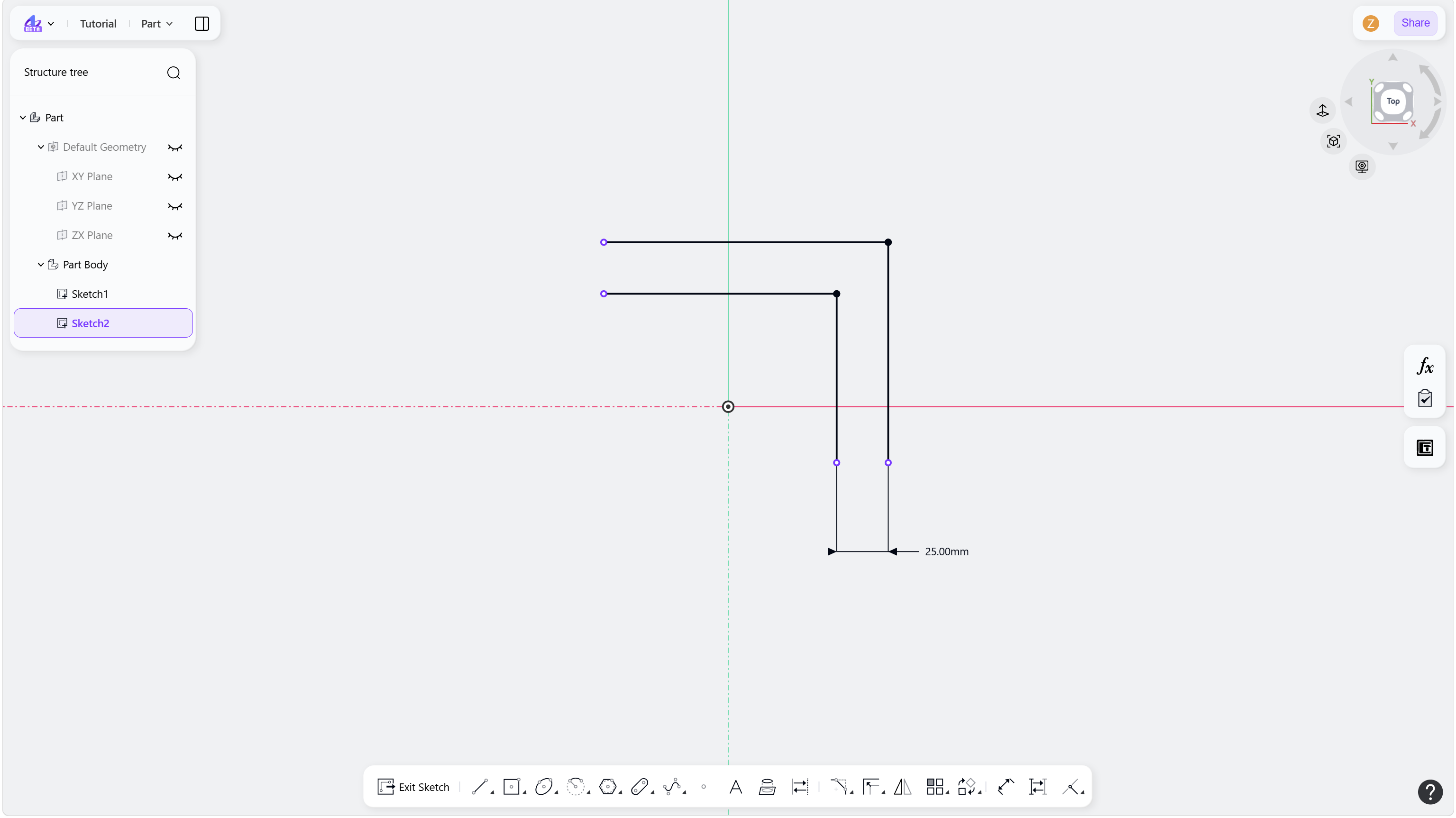
The Offset tool creates parallel geometry at a specified distance from the original geometry.
Steps
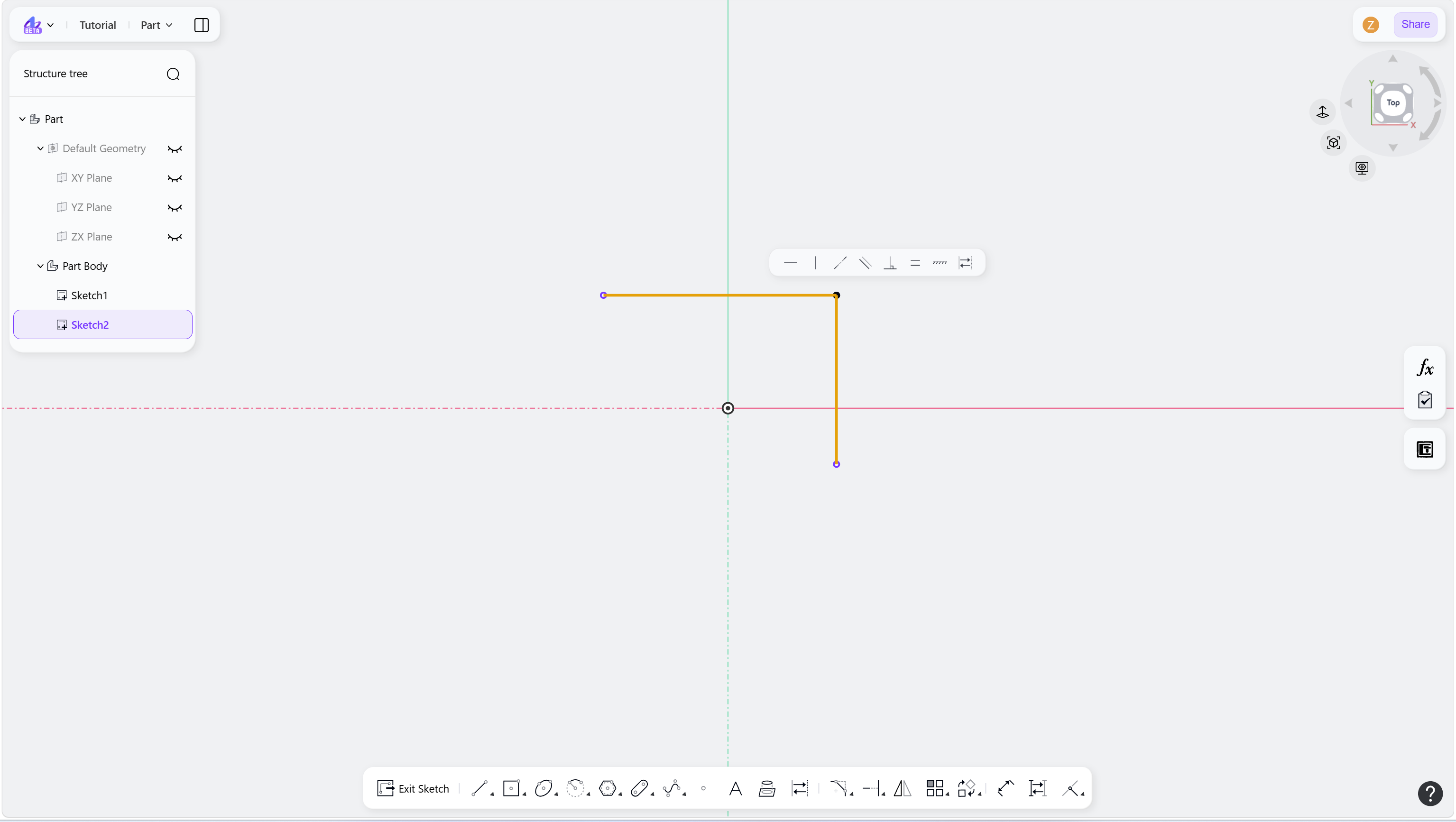
Select the elements to offset.
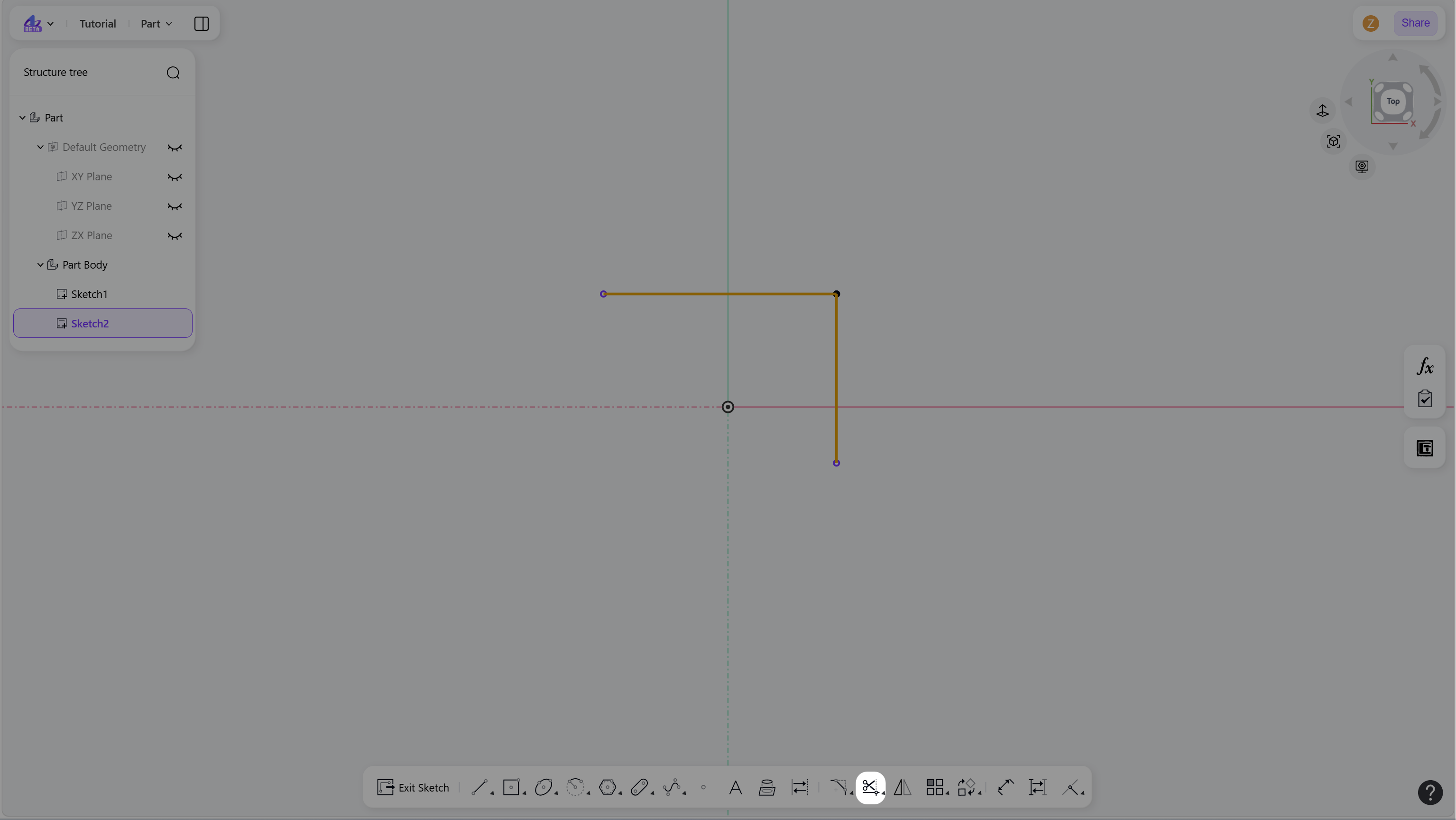
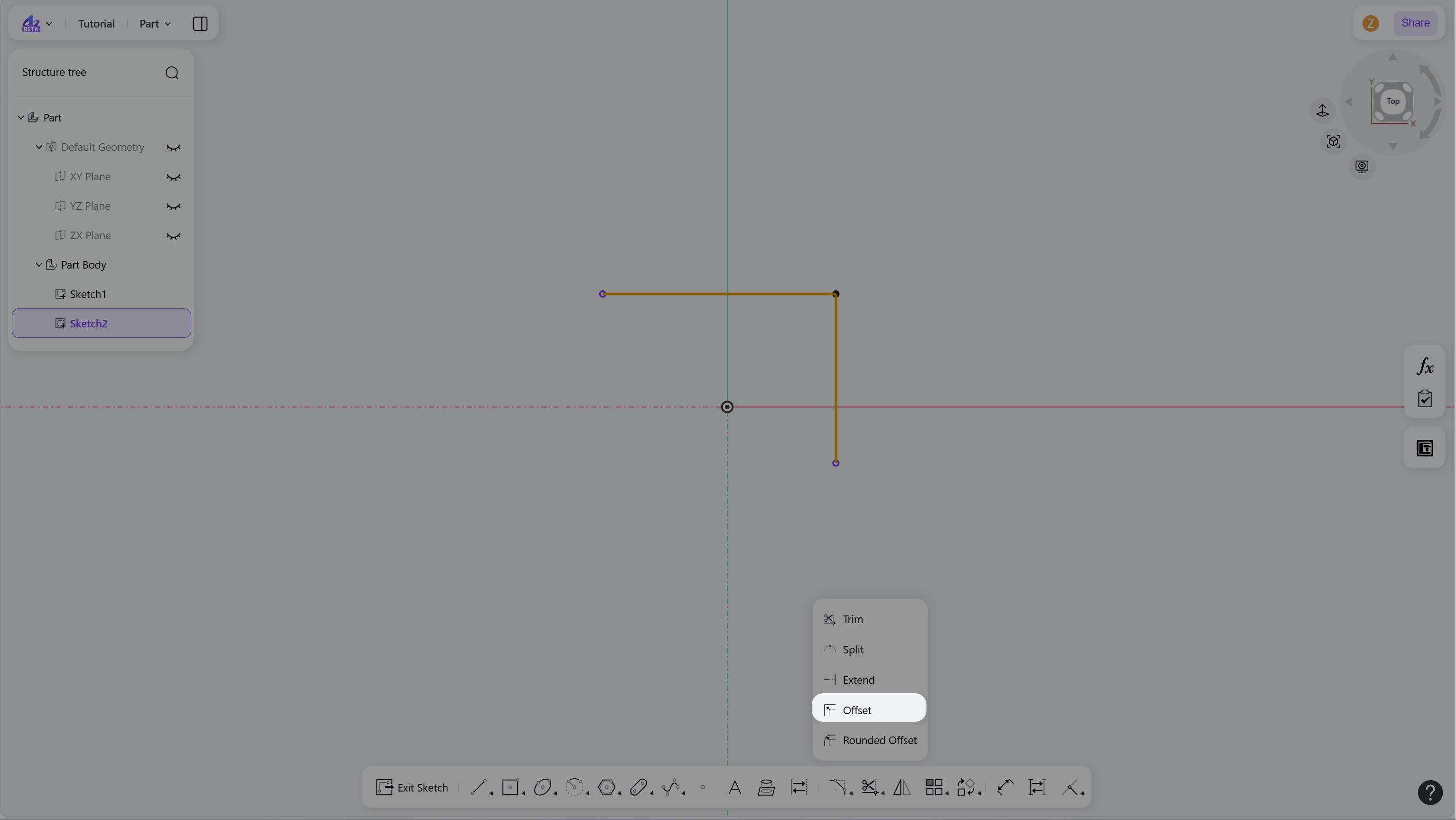
Hover over the "Trim" icon in the toolbar and select "Offset".
Click to define the offset direction and position.
Enter an offset value and press Enter.
Right-click or press Esc to exit.
Step 1 - Select the elements to offset:
Step 2 - Hover over the "Trim" icon in the toolbar:
Step 3 - Click the "Offset":
Step 4 - Click to define the offset direction and position:
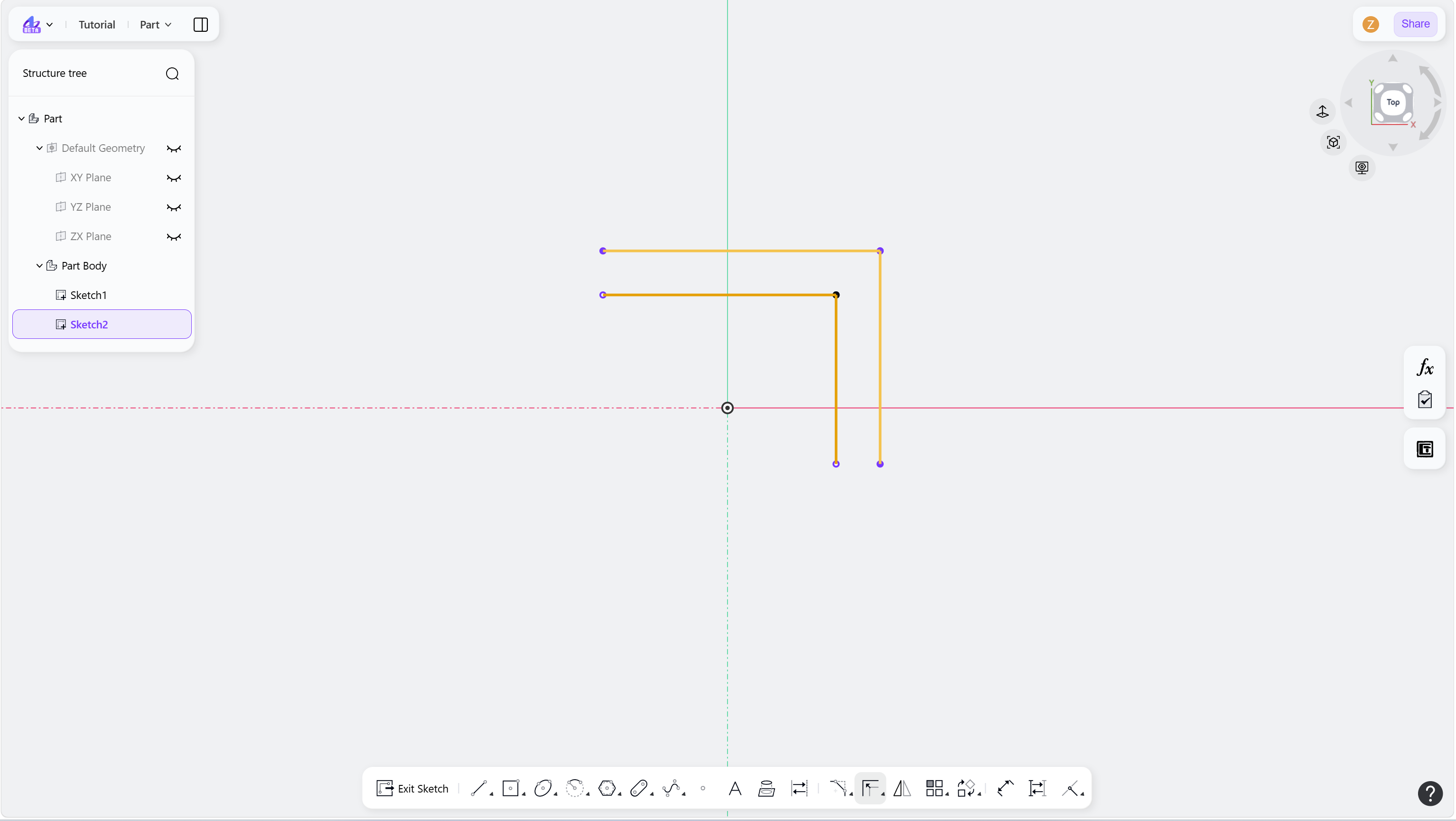
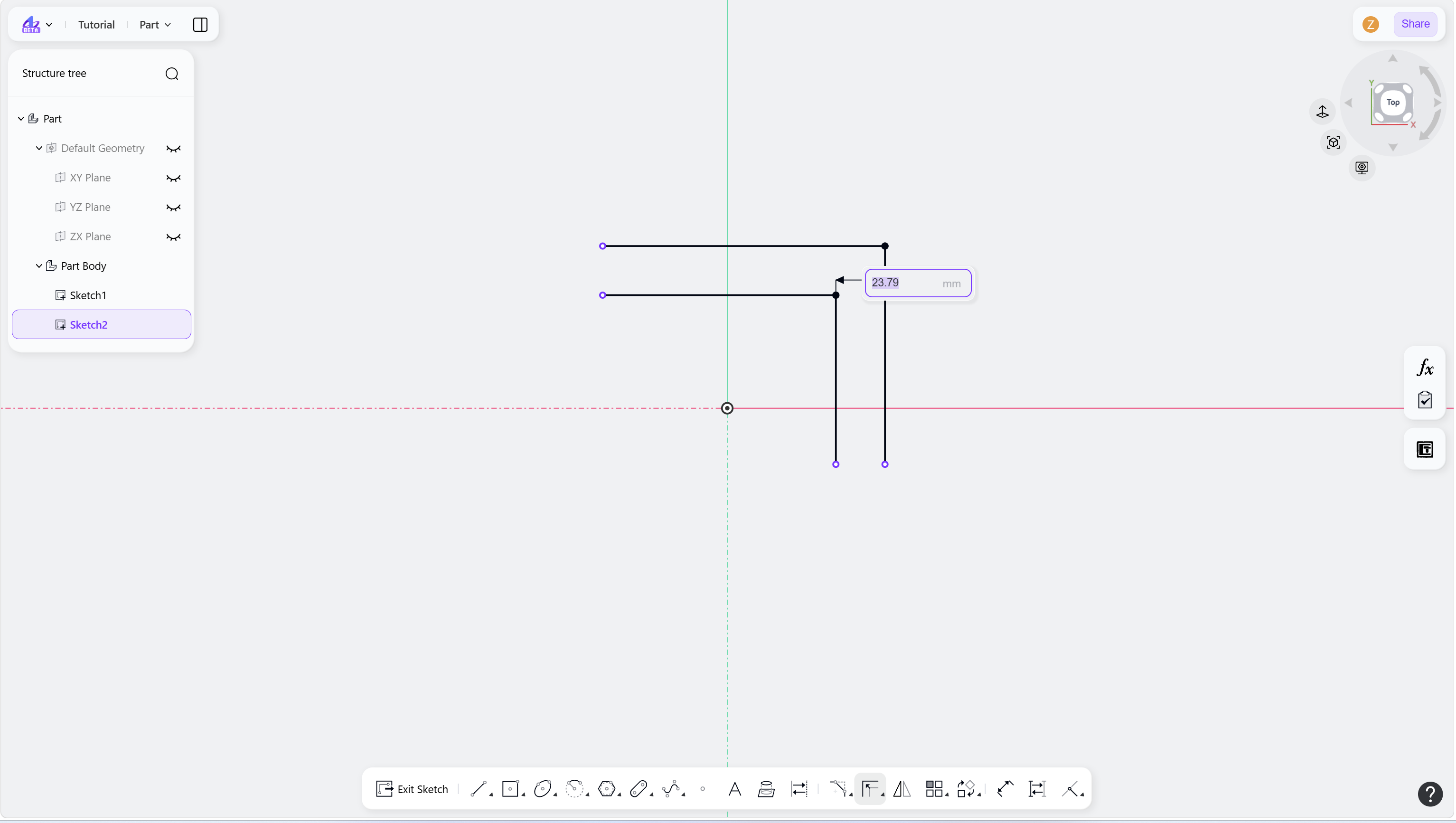
Step 5 - Add dimensional constraint: