
The editing function allows you to modify parts or subassemblies directly within the assembly environment. This enables efficient updates to component geometry or assembly structure without switching workspaces.
Enter Edit Mode
Use either of the following methods to edit a component:
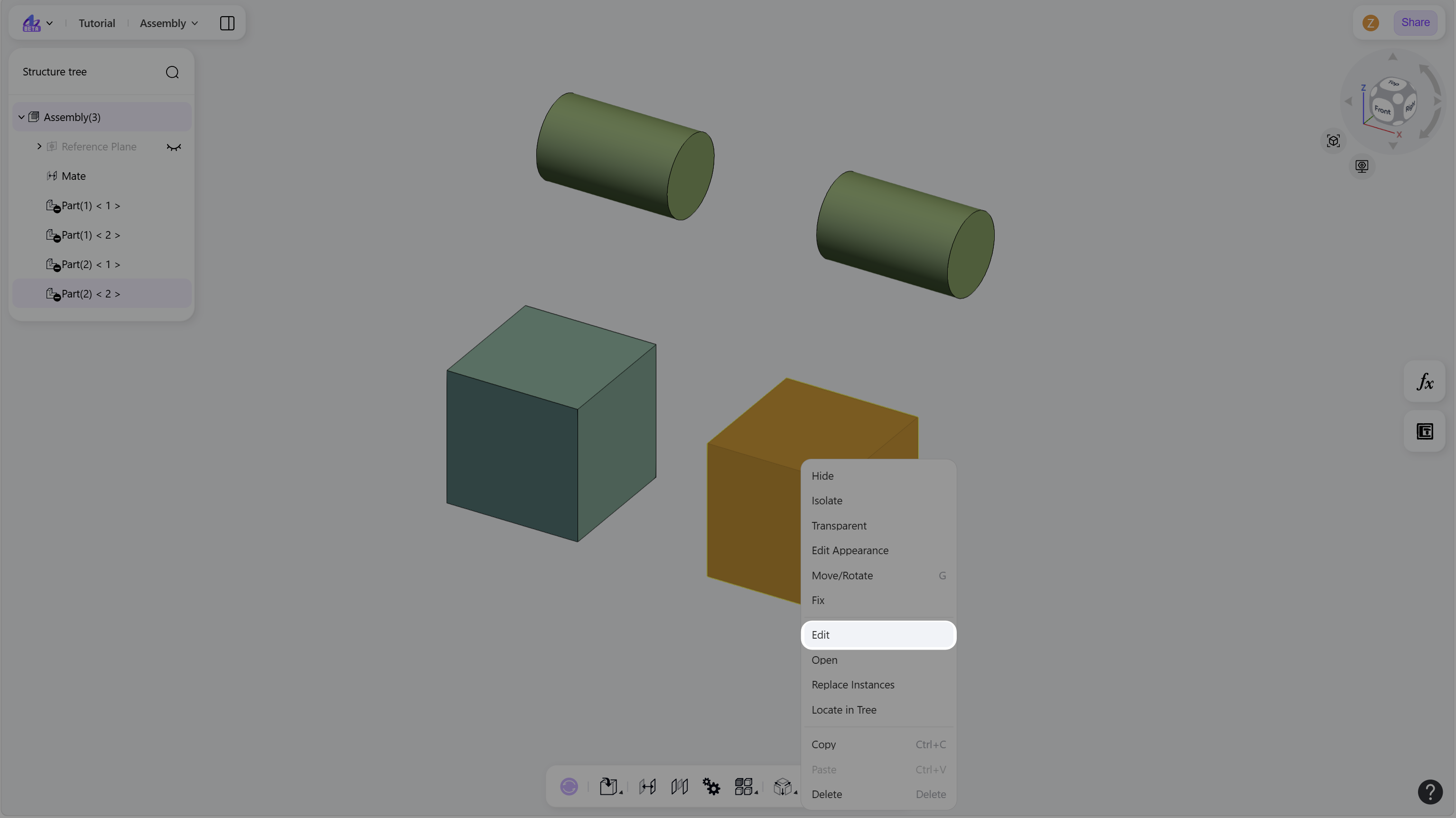
Select a part in the graphics area, right-click, and choose "Edit" from the context menu.
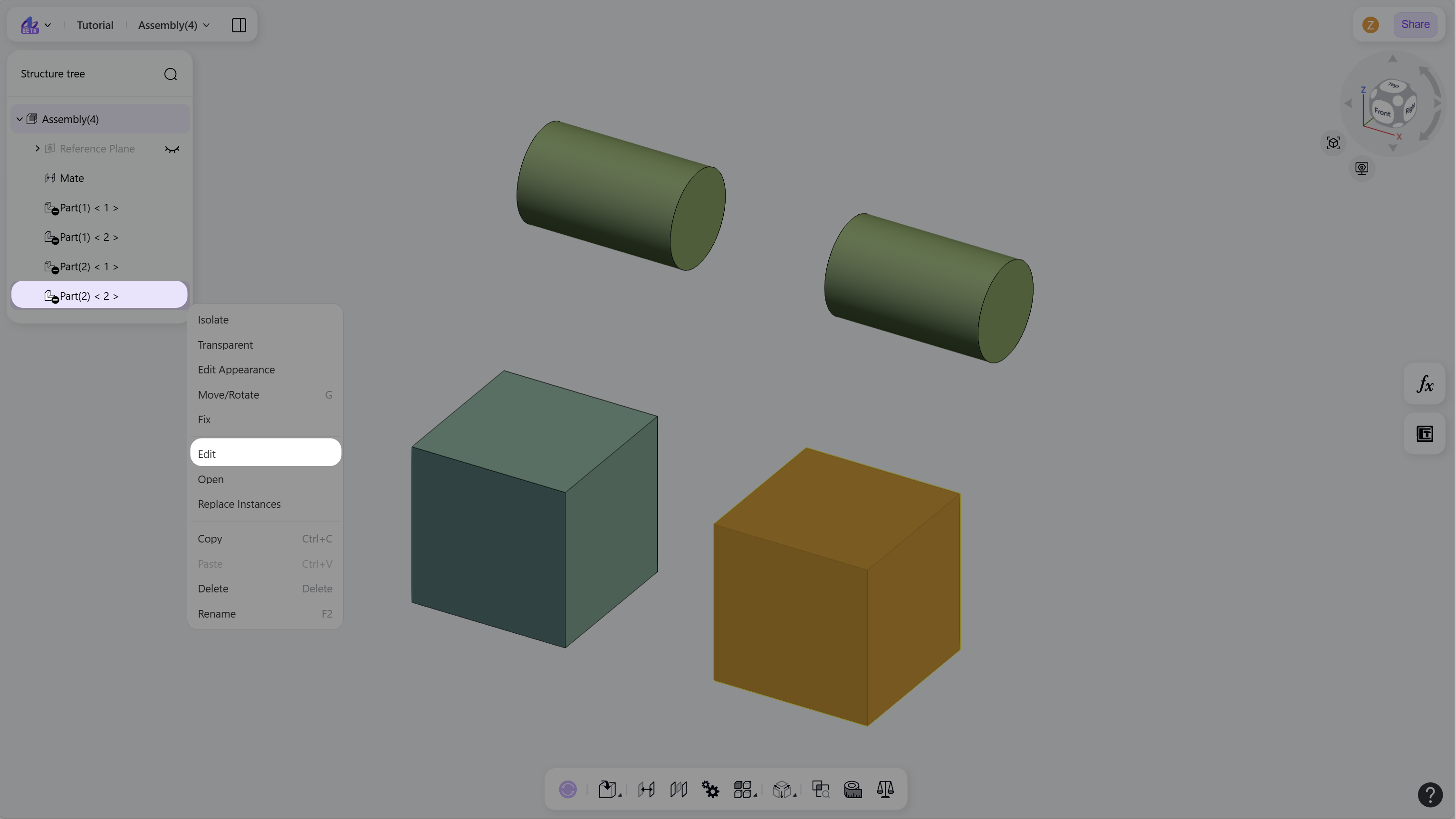
In the structure tree, right-click a part or subassembly node and choose Edit.
Exit Edit Mode
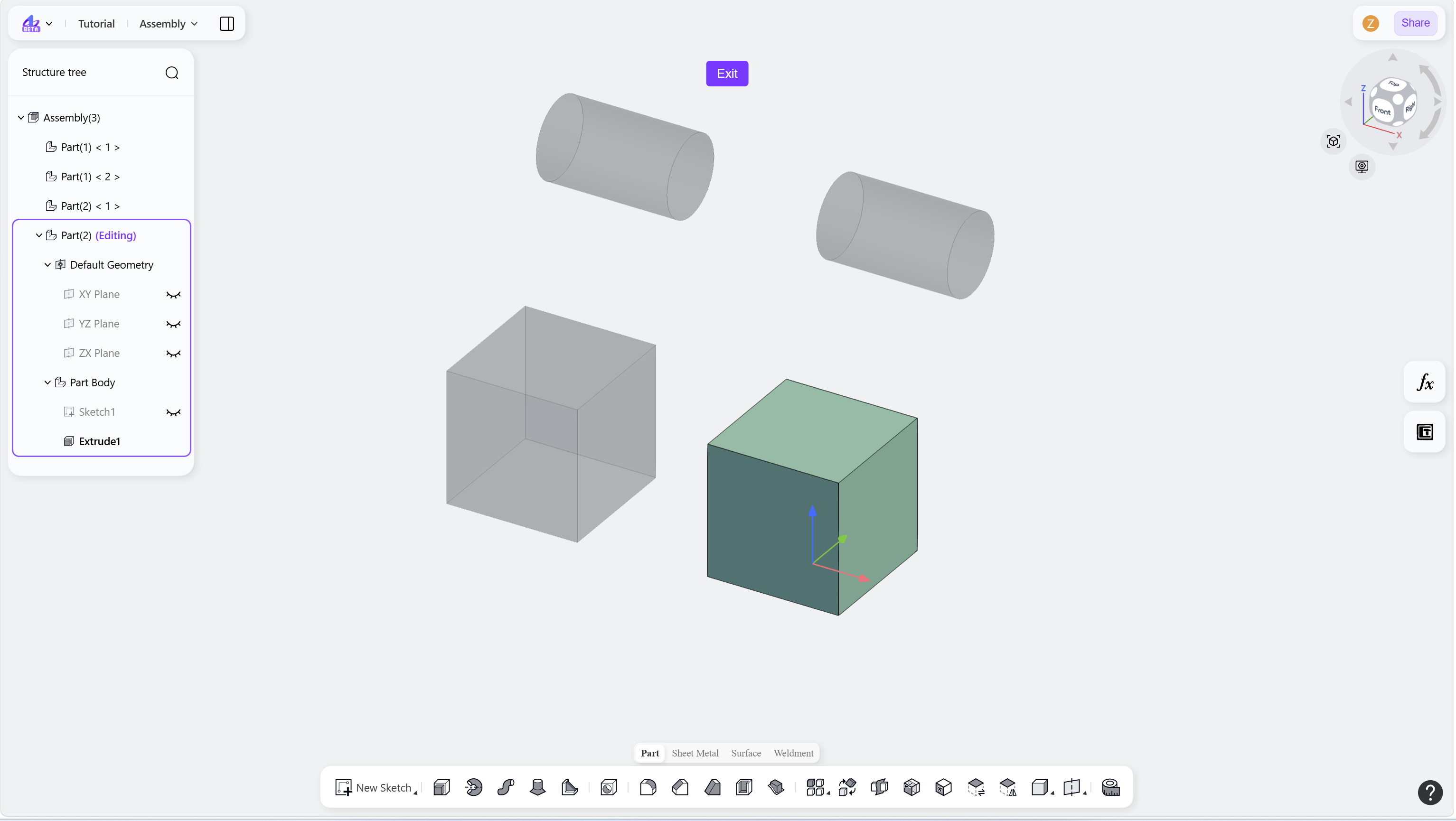
Click "Exit" at the top of the interface to return to the assembly environment.
Notes
In the graphics area, the Edit command is available for parts only.