
Steps
Modify the reference feature, then exit Edit Mode.
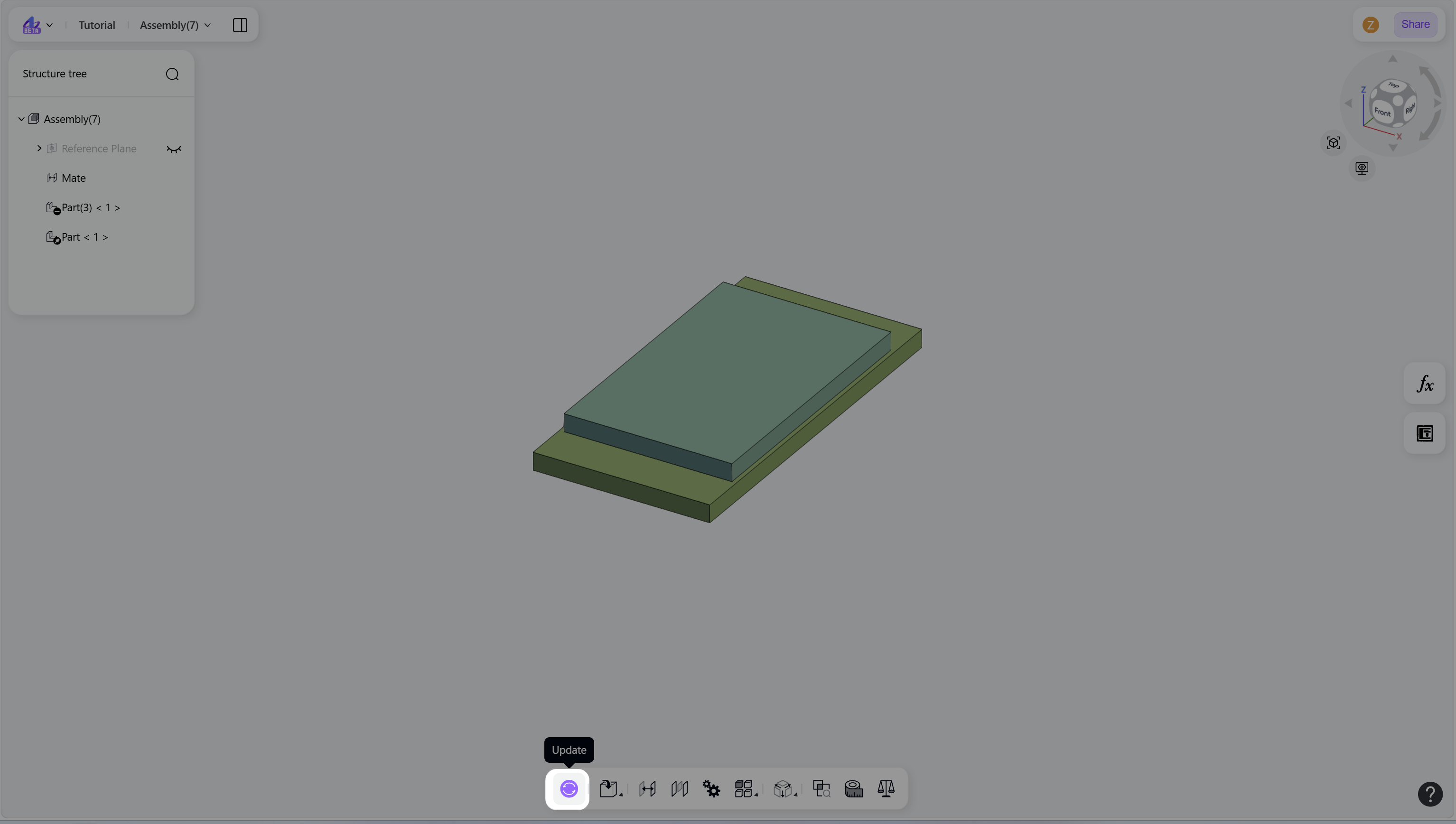
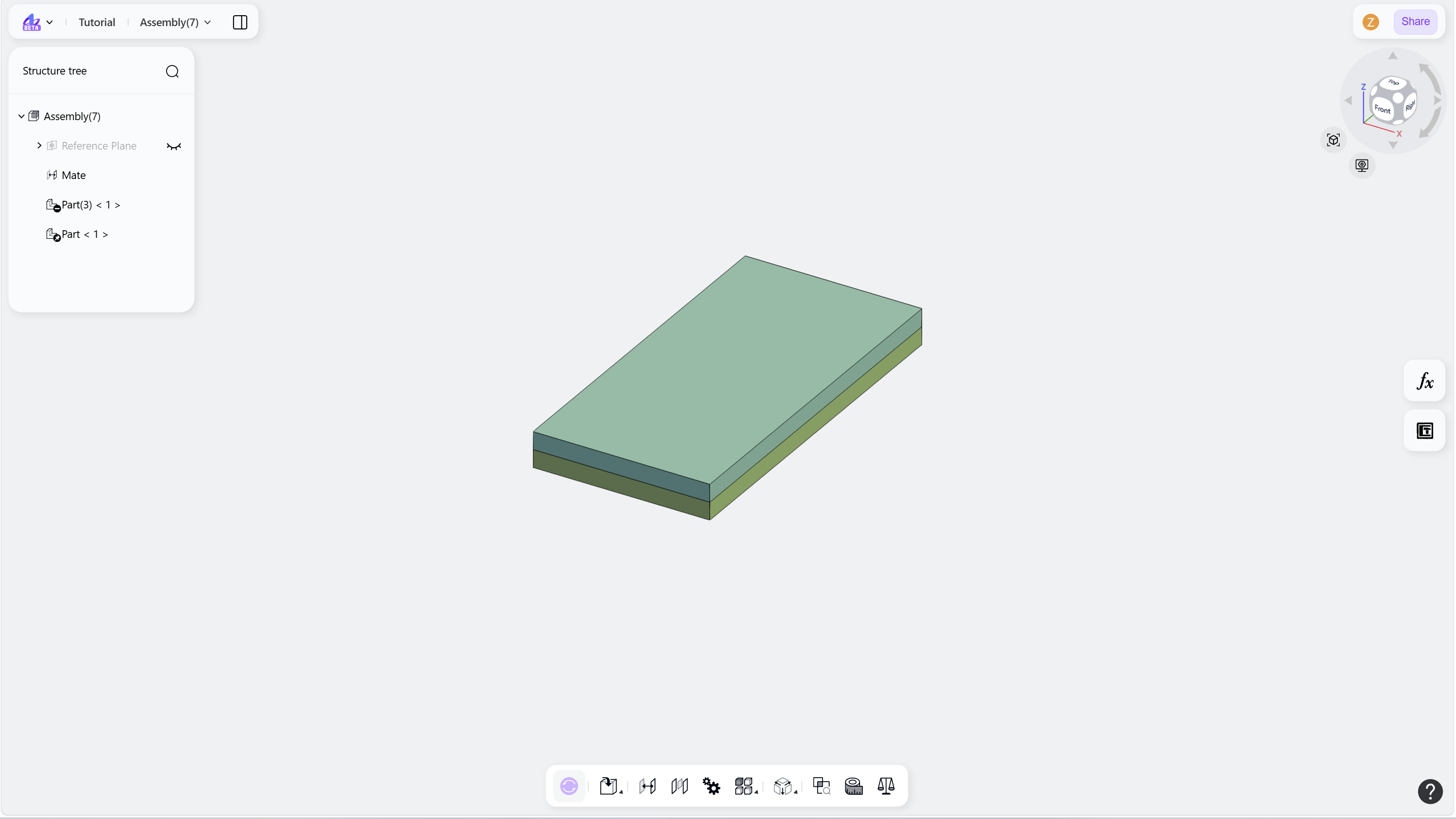
Click the "Update" icon to apply changes. The associated parts are updated automatically.
Step 1 - Modify the reference feature, then exit Edit Mode:
Step 2 - Click the Update icon to synchronize changes:
Notes
When updates are available, the Update icon is automatically highlighted to indicate pending changes.