The Rib feature adds a local reinforcing rib based on a sketch profile to increase structural stiffness and connection stability without thickening the entire part wall.
Steps:
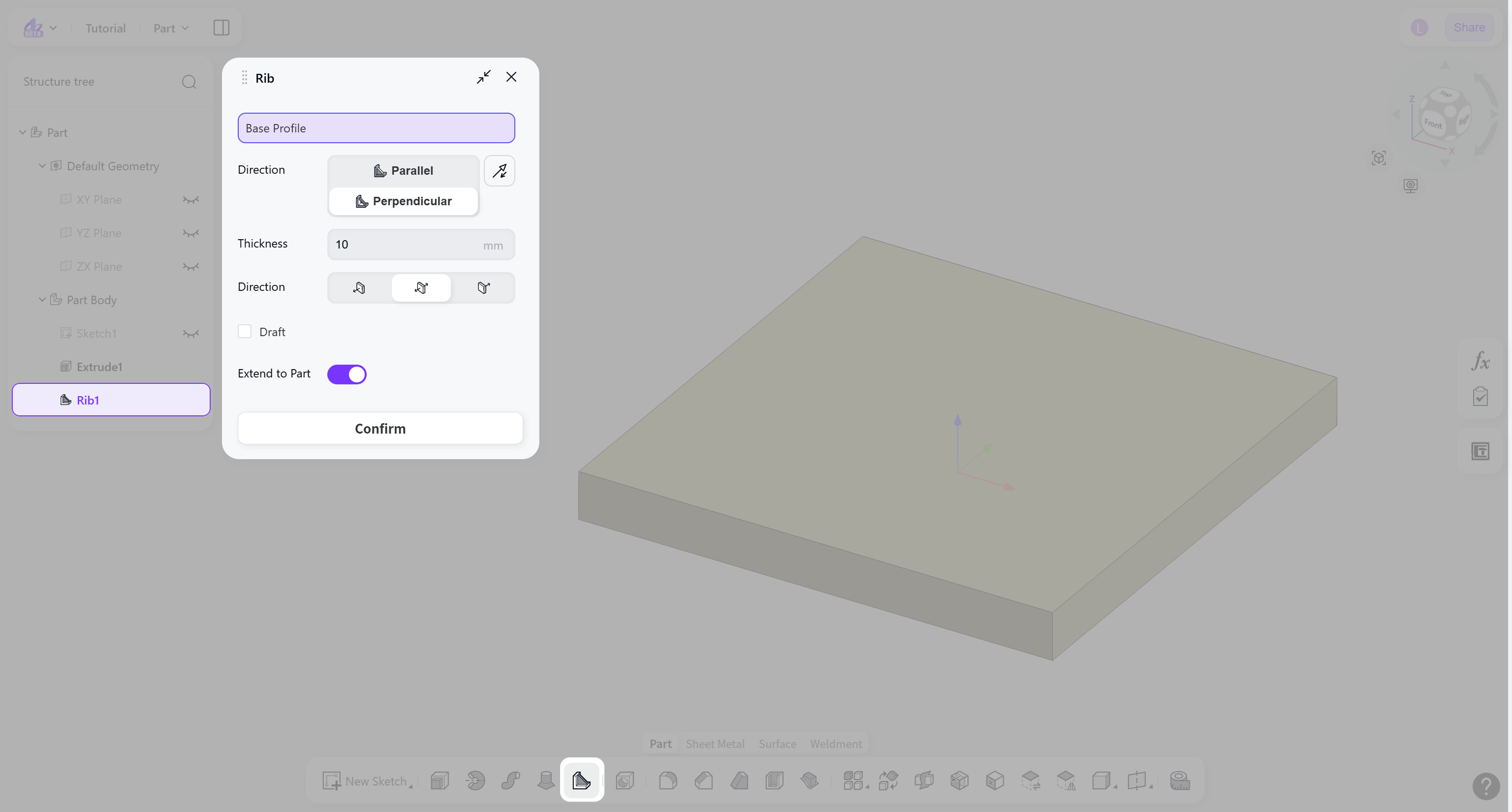
Select the base profile.
Select the forming direction: "Parallel" or "Perpendicular".
Set the thickness and thickness direction.
(Optional) Enable "Draft" to apply a draft angle to the rib side faces for manufacturing or structural requirements.
Forming Direction
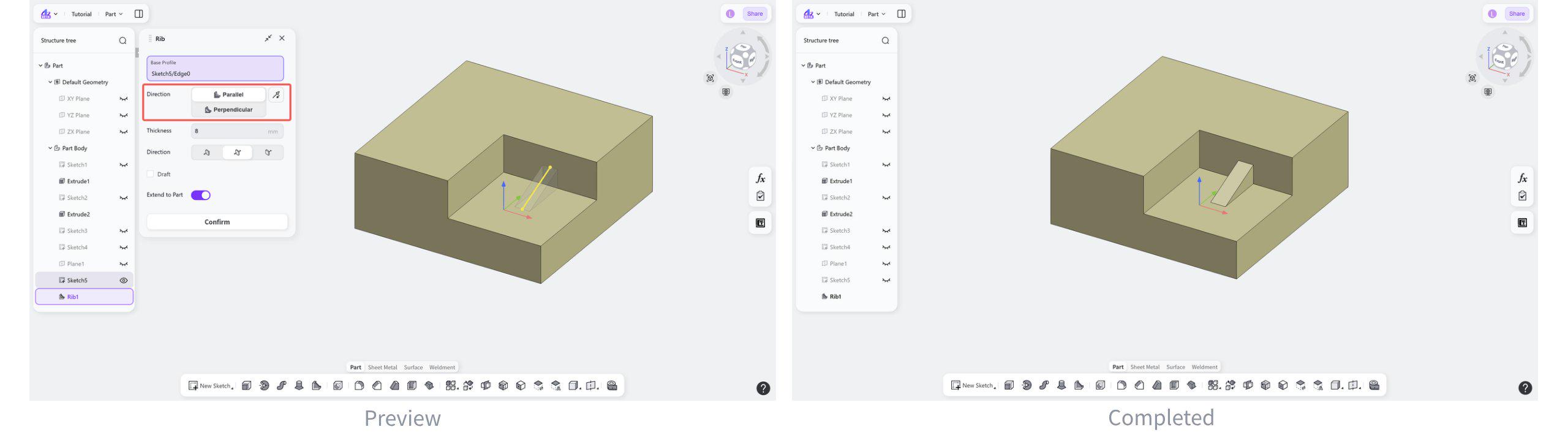
Direction: Parallel
Generate ribs along the plane direction of the basic profile.
Select "Parallel".
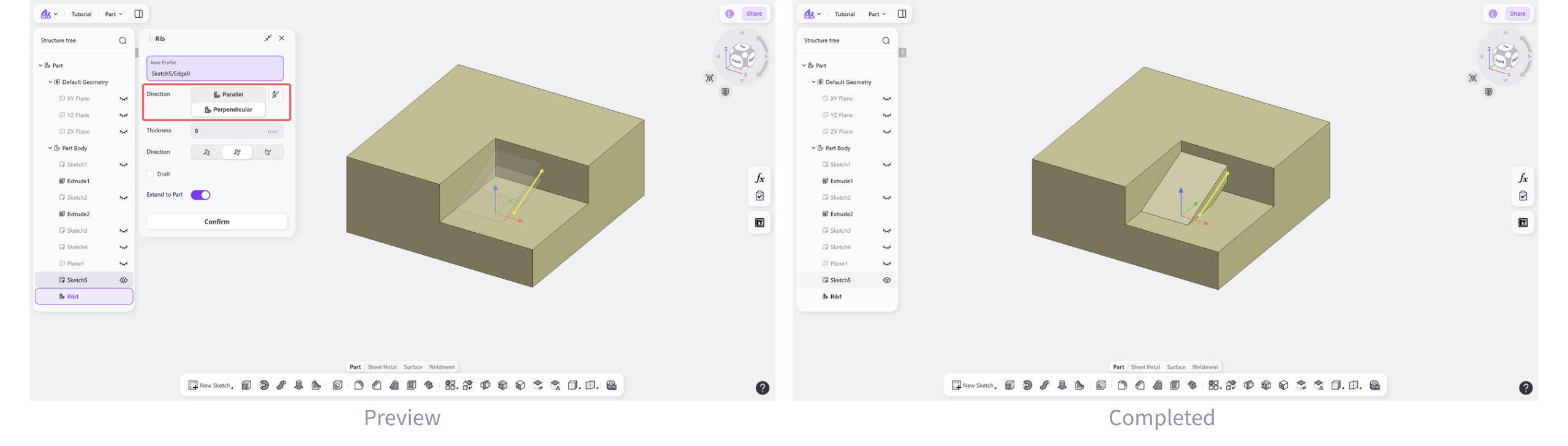
Direction: Perpendicular
Generate ribs perpendicular to the plane of the basic profile.
Steps:
Select "Perpendicular".
(Optional) Click the "Reverse" button to switch the forming direction.
Notes:
When generating a rib perpendicular to the base profile plane, the forming direction must point toward the solid body. Otherwise, the end face cannot be recognized and the rib cannot be created.
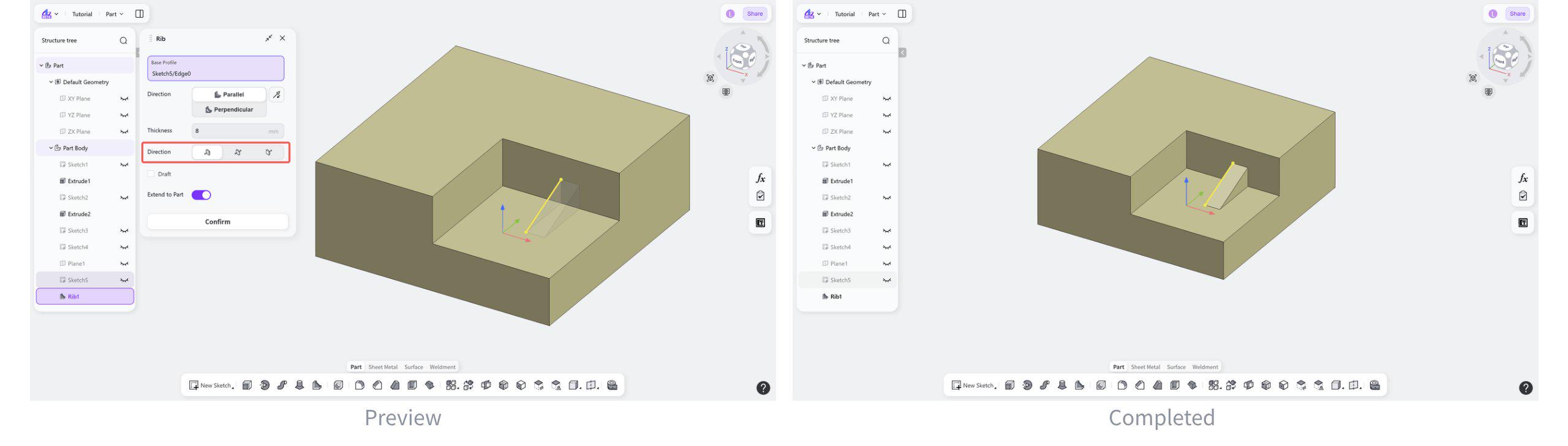
Thickness Direction
Thickness direction: Right
The rib is created by offsetting the thickness to the right side of the base profile.
Select "Right".
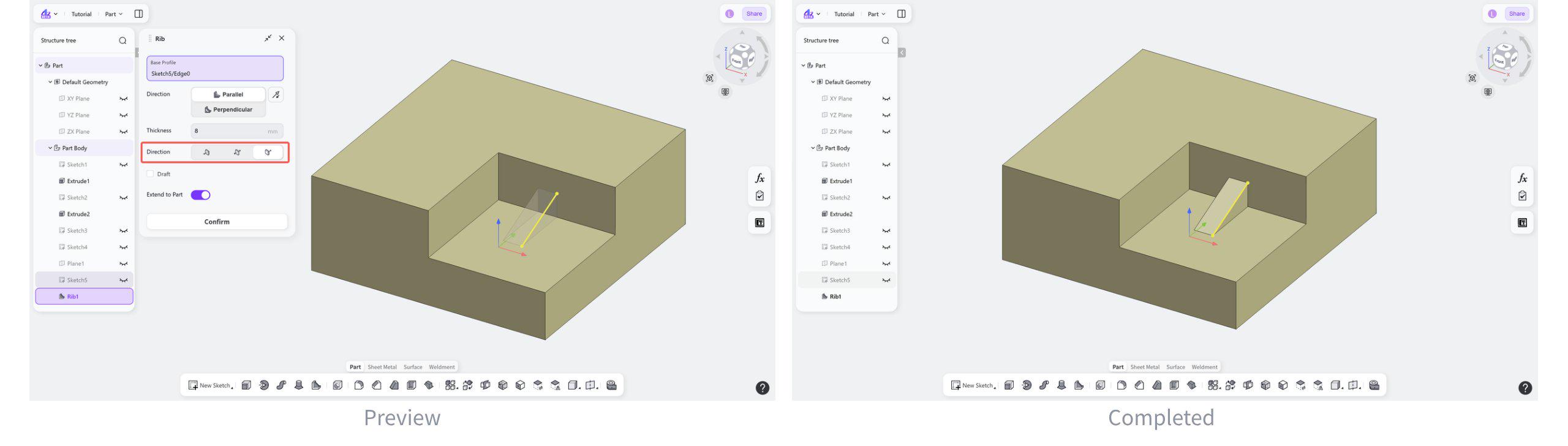
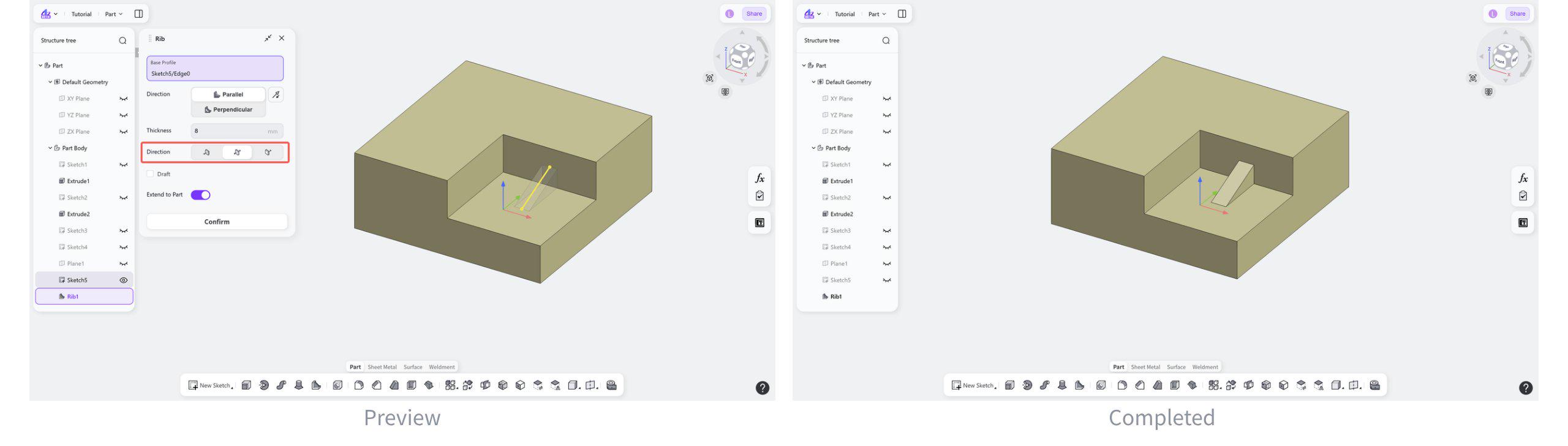
Thickness direction: Symmetric
The rib thickness is distributed symmetrically about the base profile.
Select "Symmetric".
Thickness direction: Left
The rib is created by offsetting the thickness to the left side of the base profile.
Select "Left".