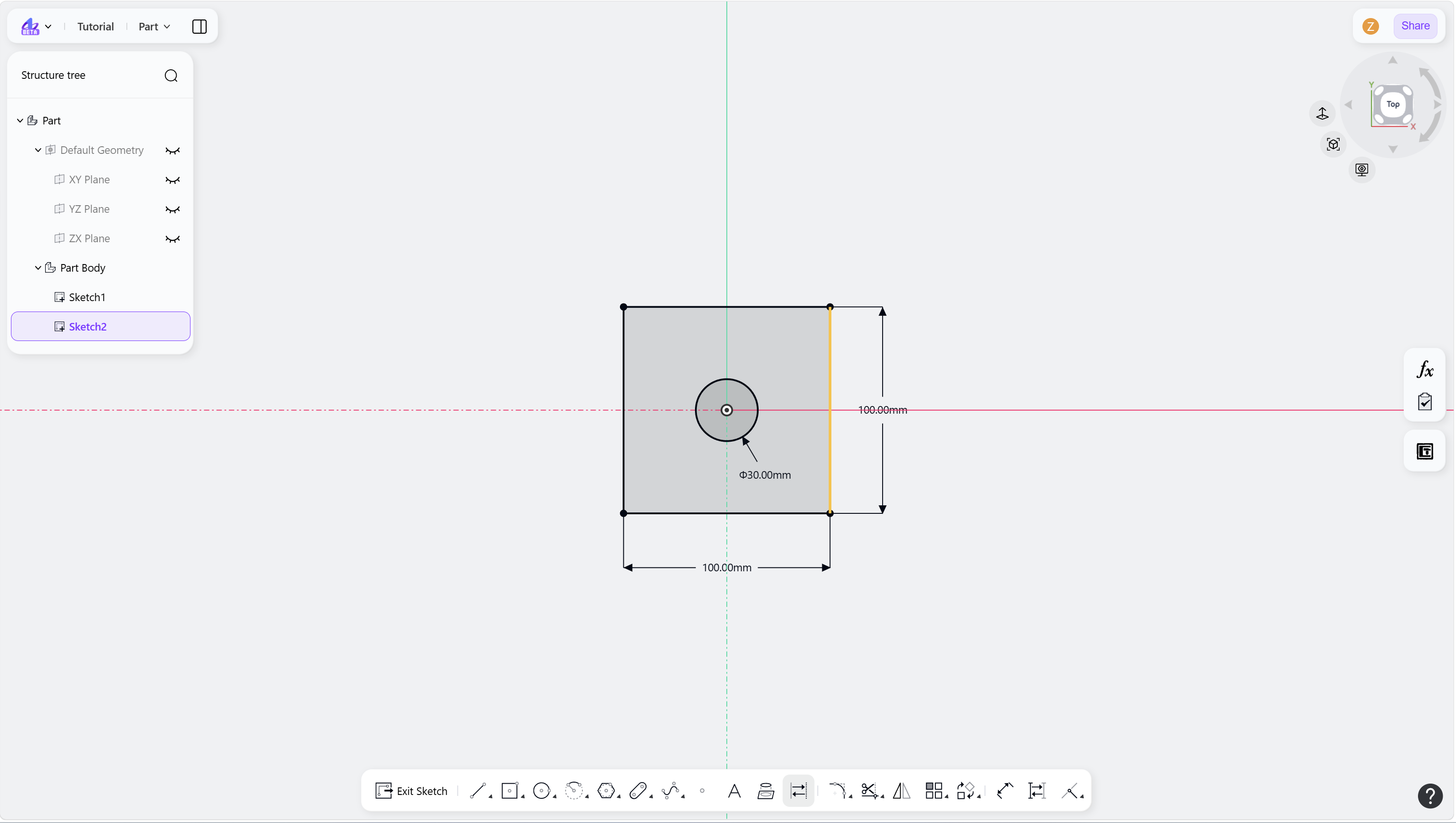
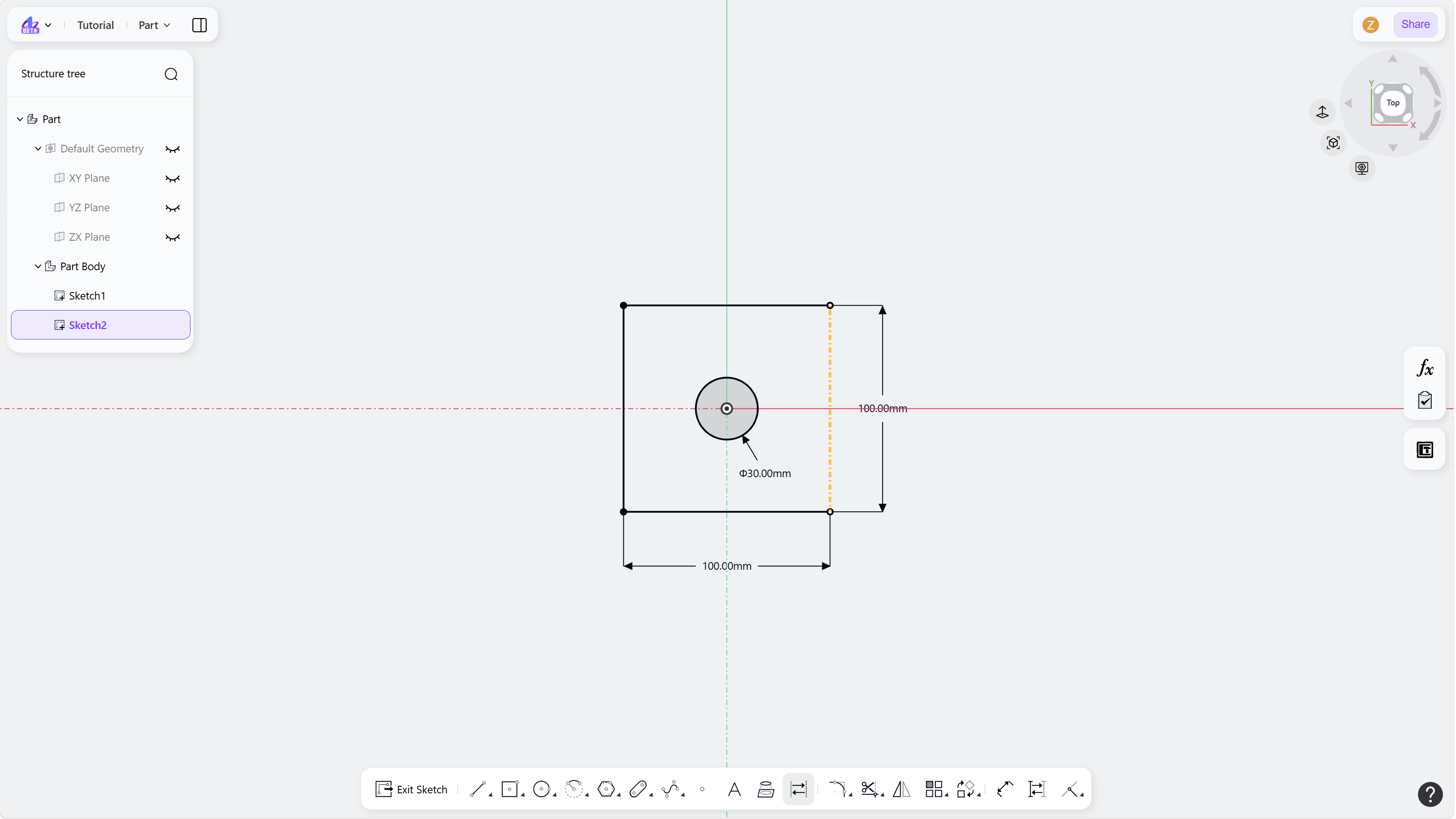
The Toggle Construction Line tool switches sketch geometry between solid and construction geometry.
Steps
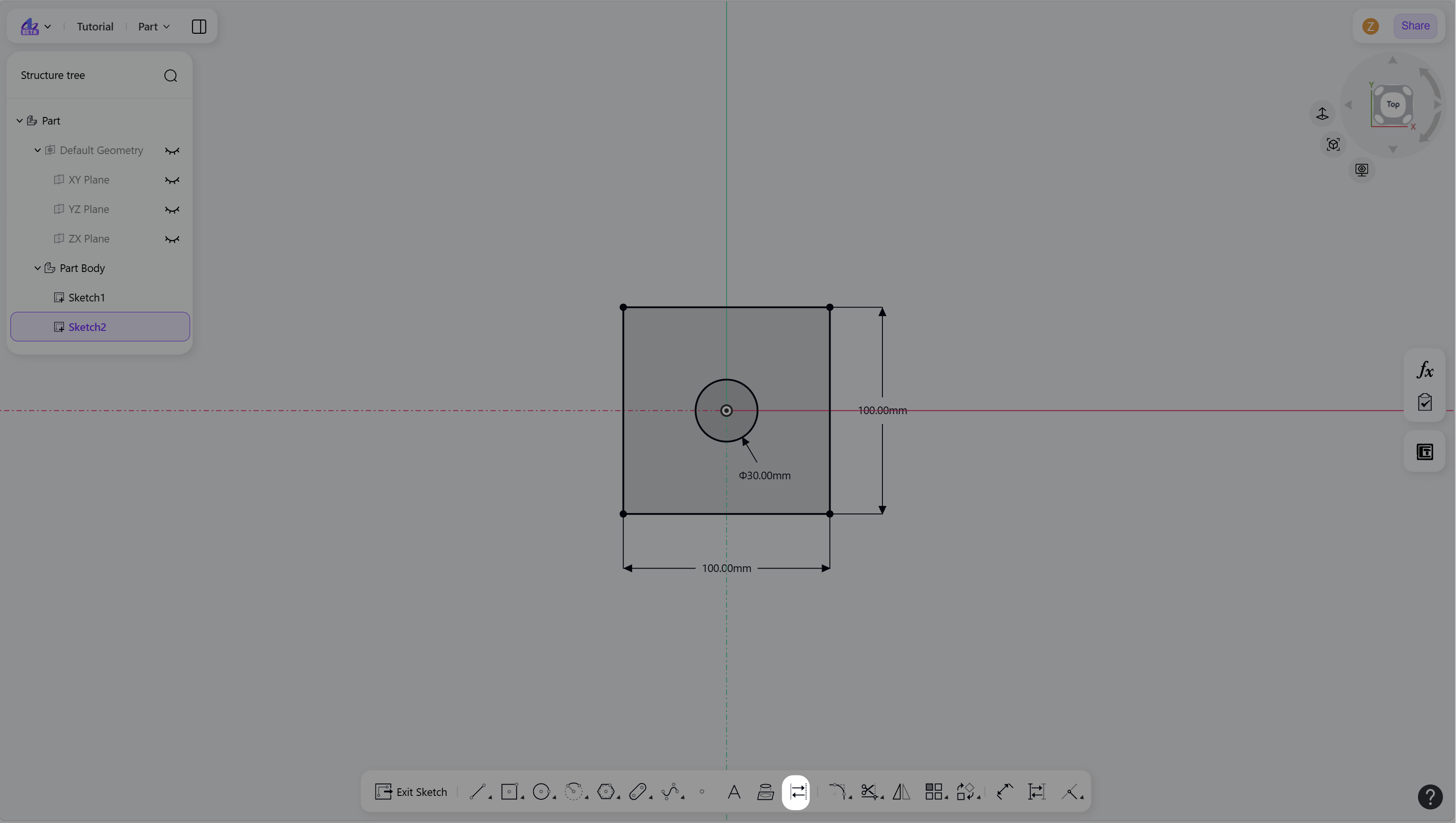
Click the "Toggle Construction Line" icon in the toolbar.
Select sketch geometry to toggle its type.
To note that, the construction geometry is displayed using dashed lines while the standard geometry is displayed using solid lines.
Right-click or press Esc to exit.
Step 1 - Click the "Toggle Construction Line" icon in the toolbar:
Step 2 - Left-click the solid line or construction line in the sketch: