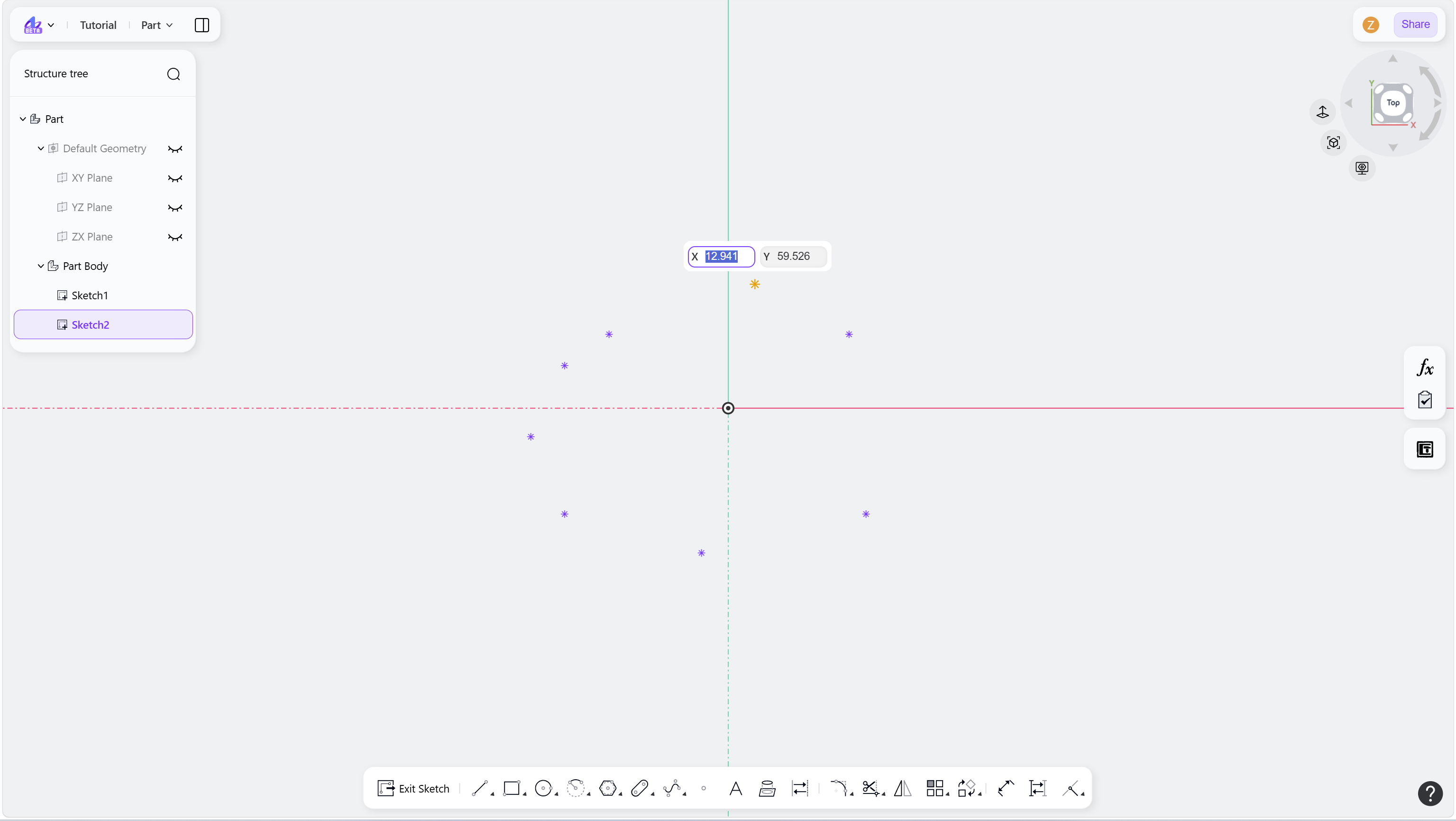
The Point tool is used to create reference points in a sketch. Points can be used for hole positioning, constraint references, or auxiliary geometry.
Steps
Click the "Point" icon in the toolbar.
Create points:
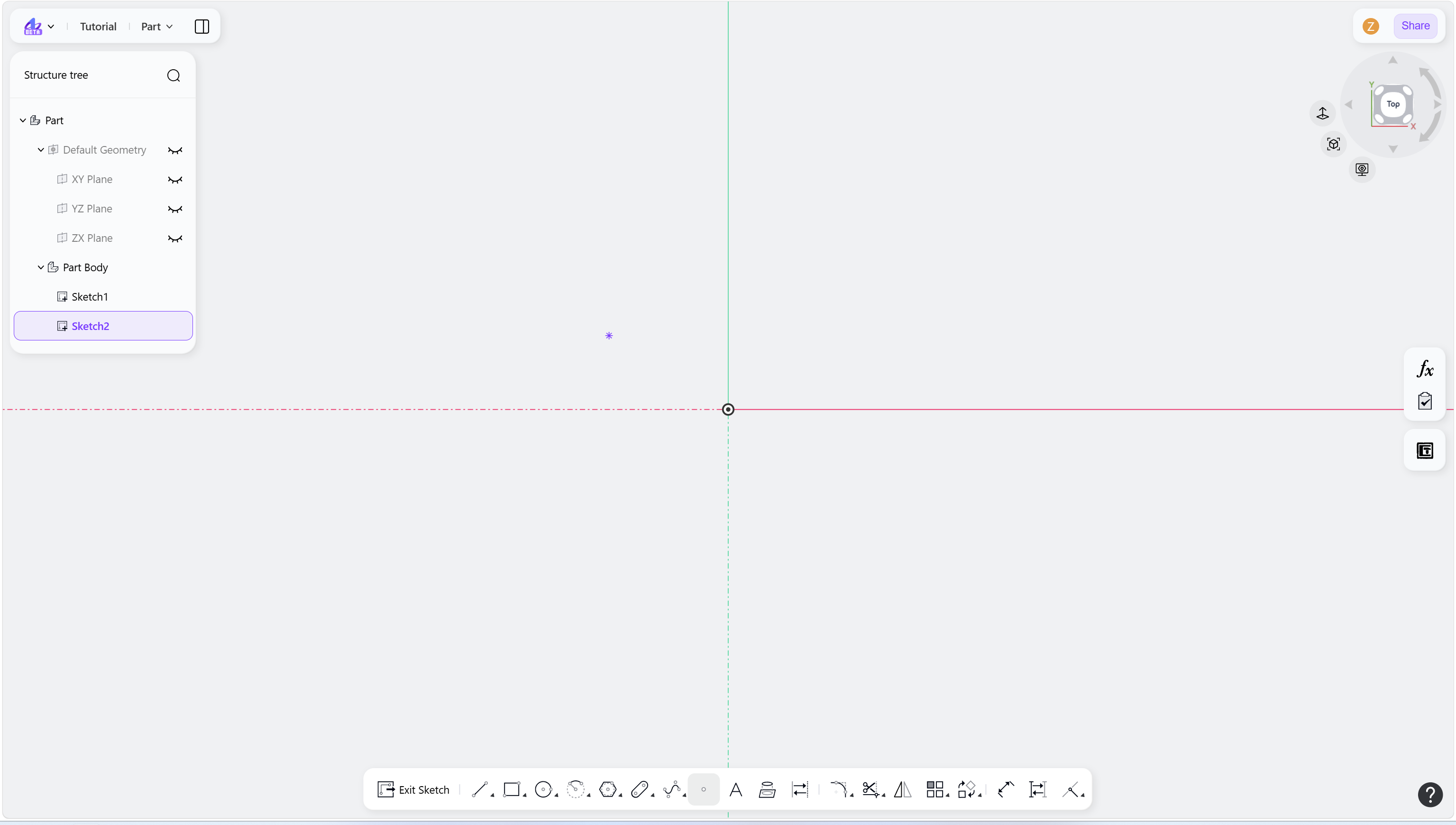
Left-click to place the point.
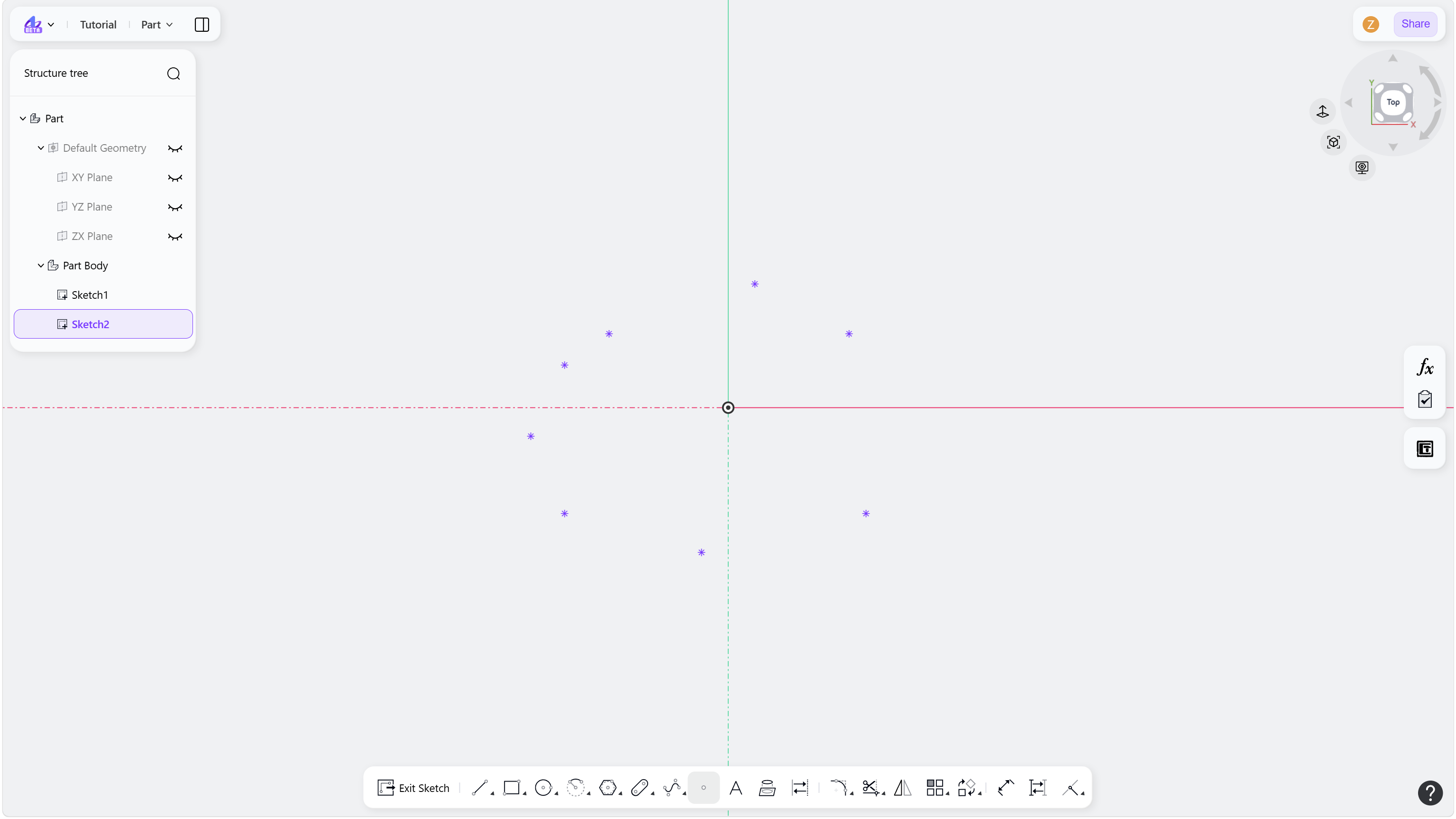
Continue clicking to create additional points (tool remains active).
(Optional) Enter coordinate values and press Enter to define precise positions.
Right-click or press Esc to exit.
Step 1 - Click the "Point" icon in the toolbar:
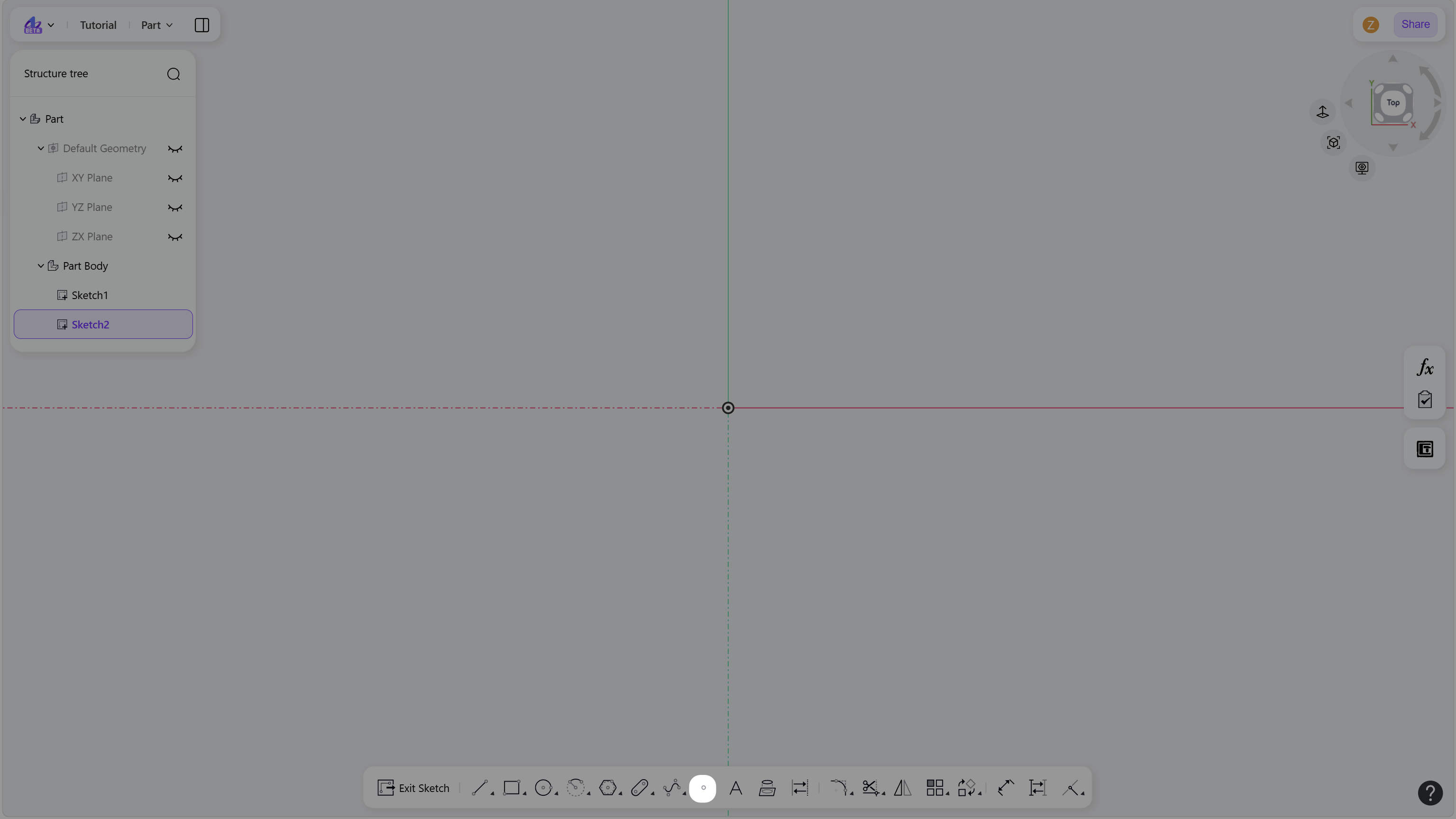
Step 2 - Left-click to place the point:
Step 3 - Continue clicking to place additional points:
Step 4 - Select one point:
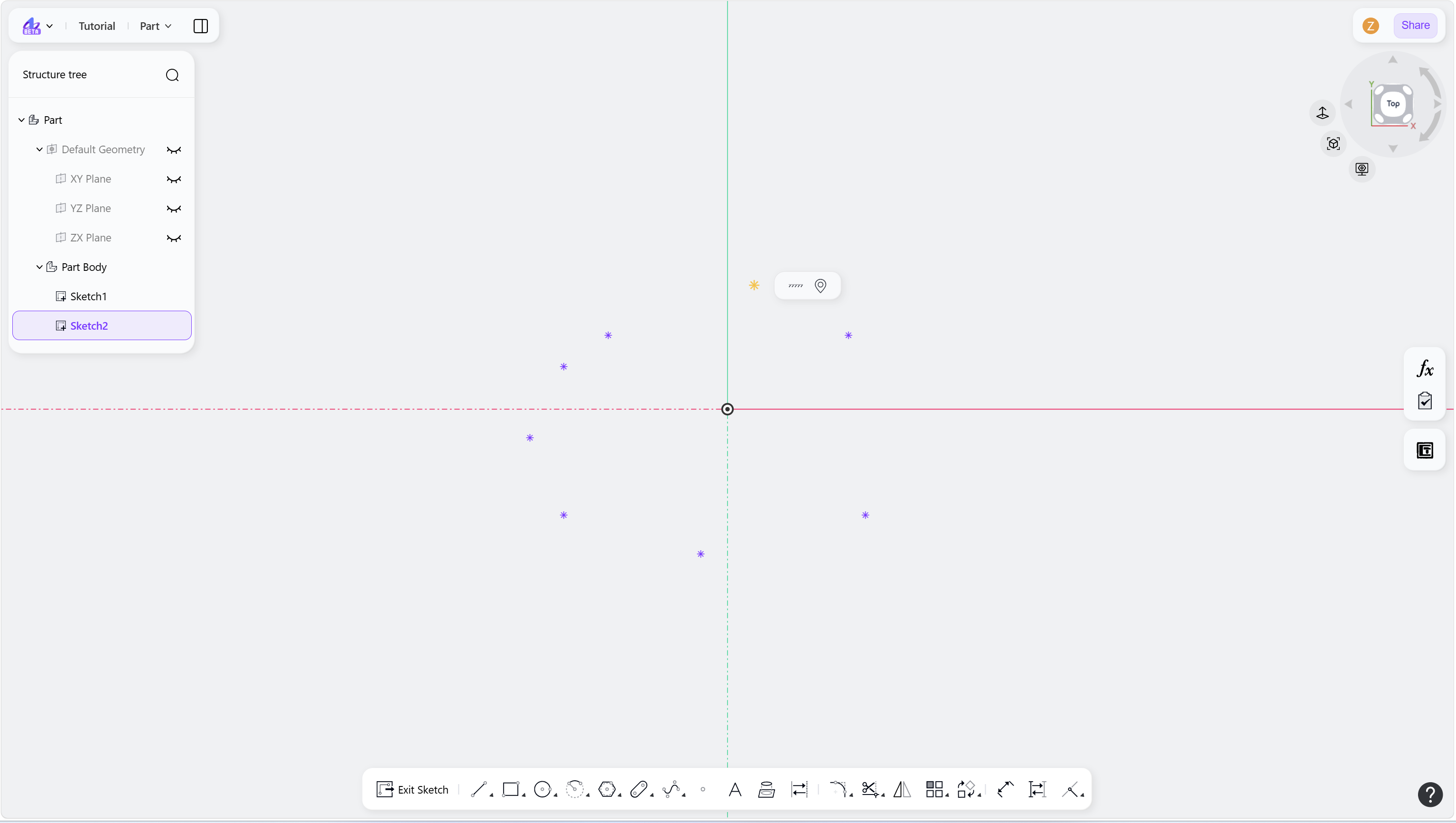
Step 5 - Click the coordinate edit icon:
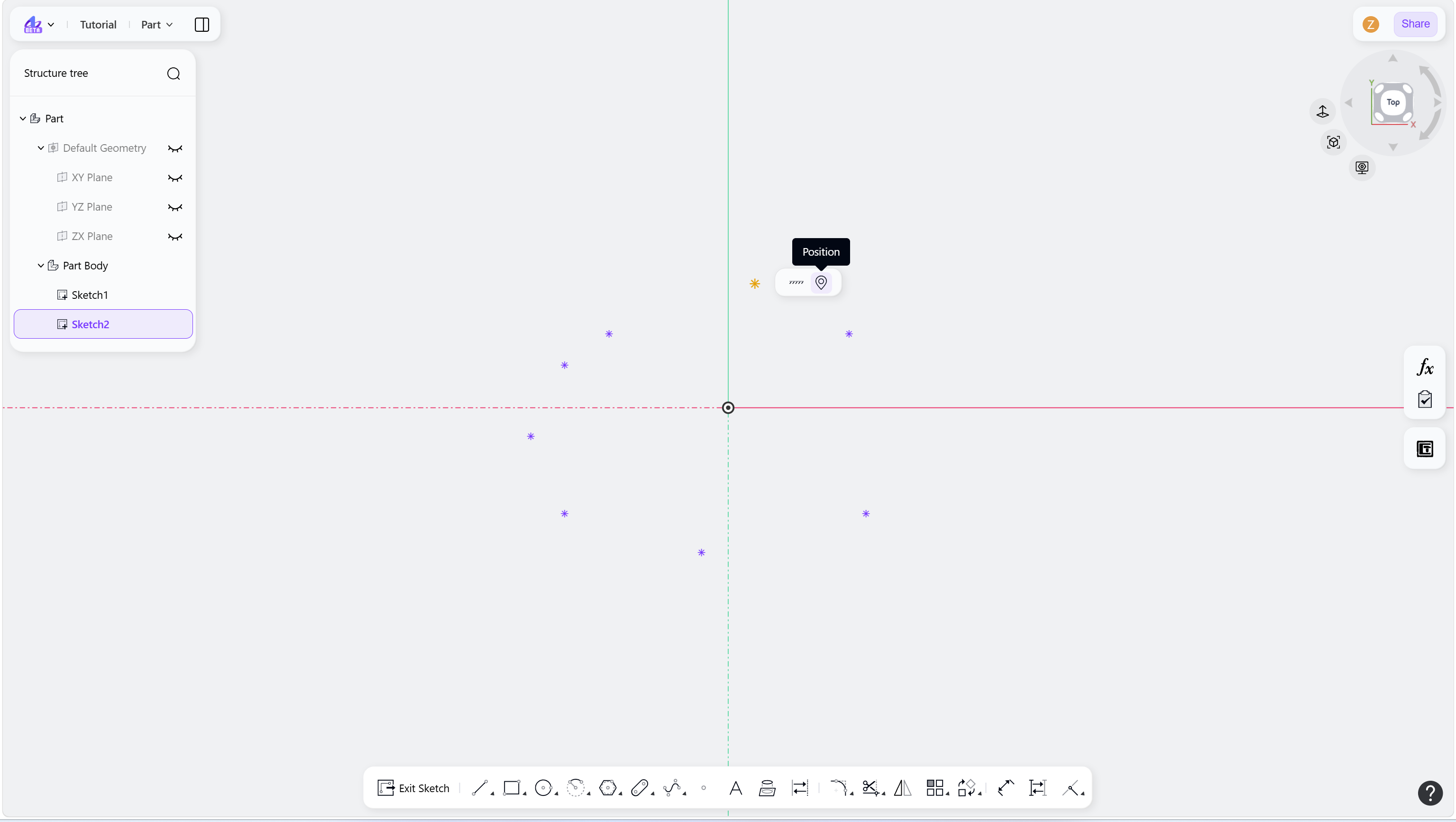
Step 6 - Enter coordinate values to define the precise point position: