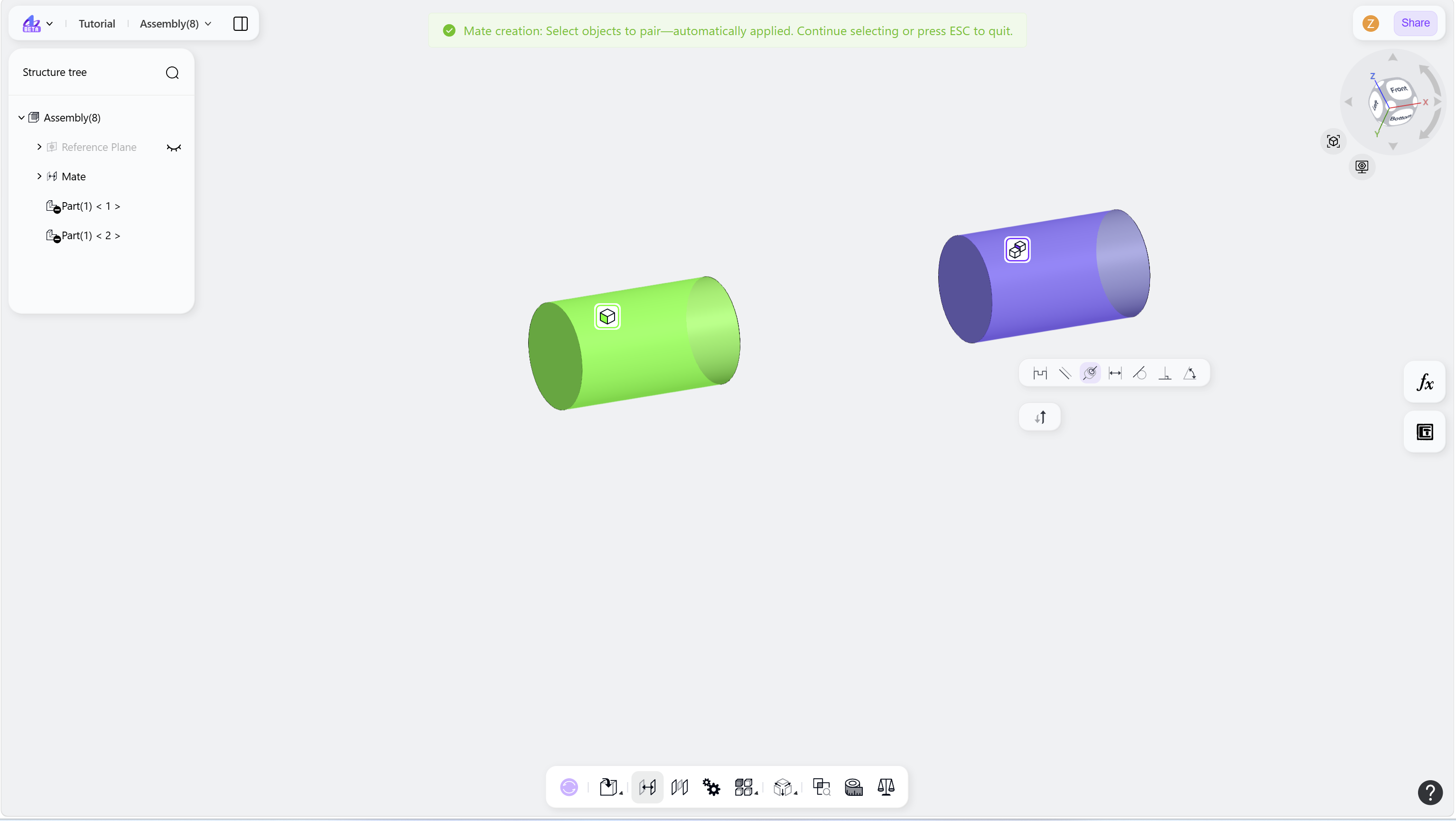
The Coaxial mate aligns two mate objects to the same center axis. It is commonly used for cylindrical or circular geometry, such as shafts, holes, and cylinders.
Steps
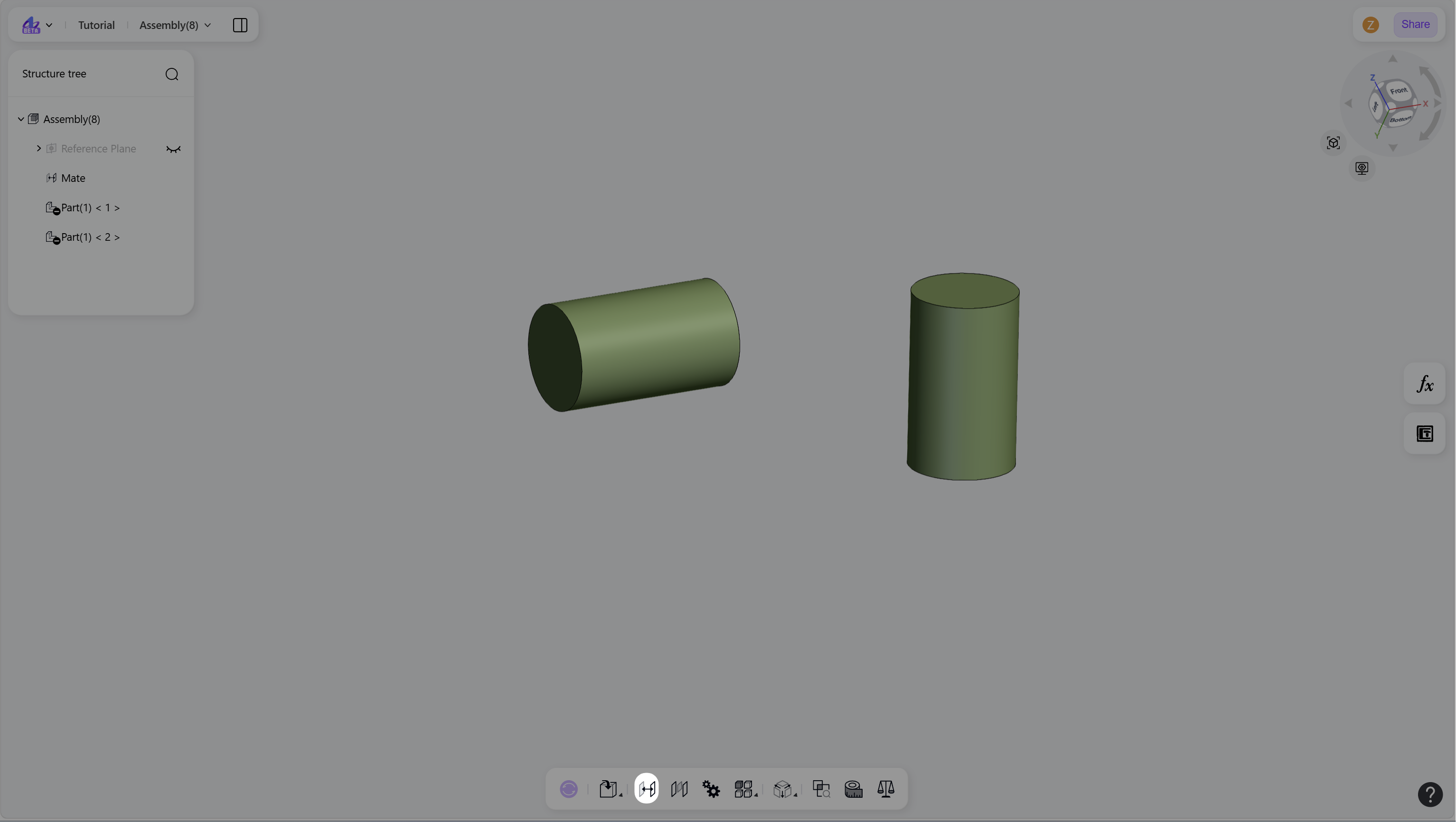
Press M or click the "New Mate" icon to enter mate mode.
Create a mate:
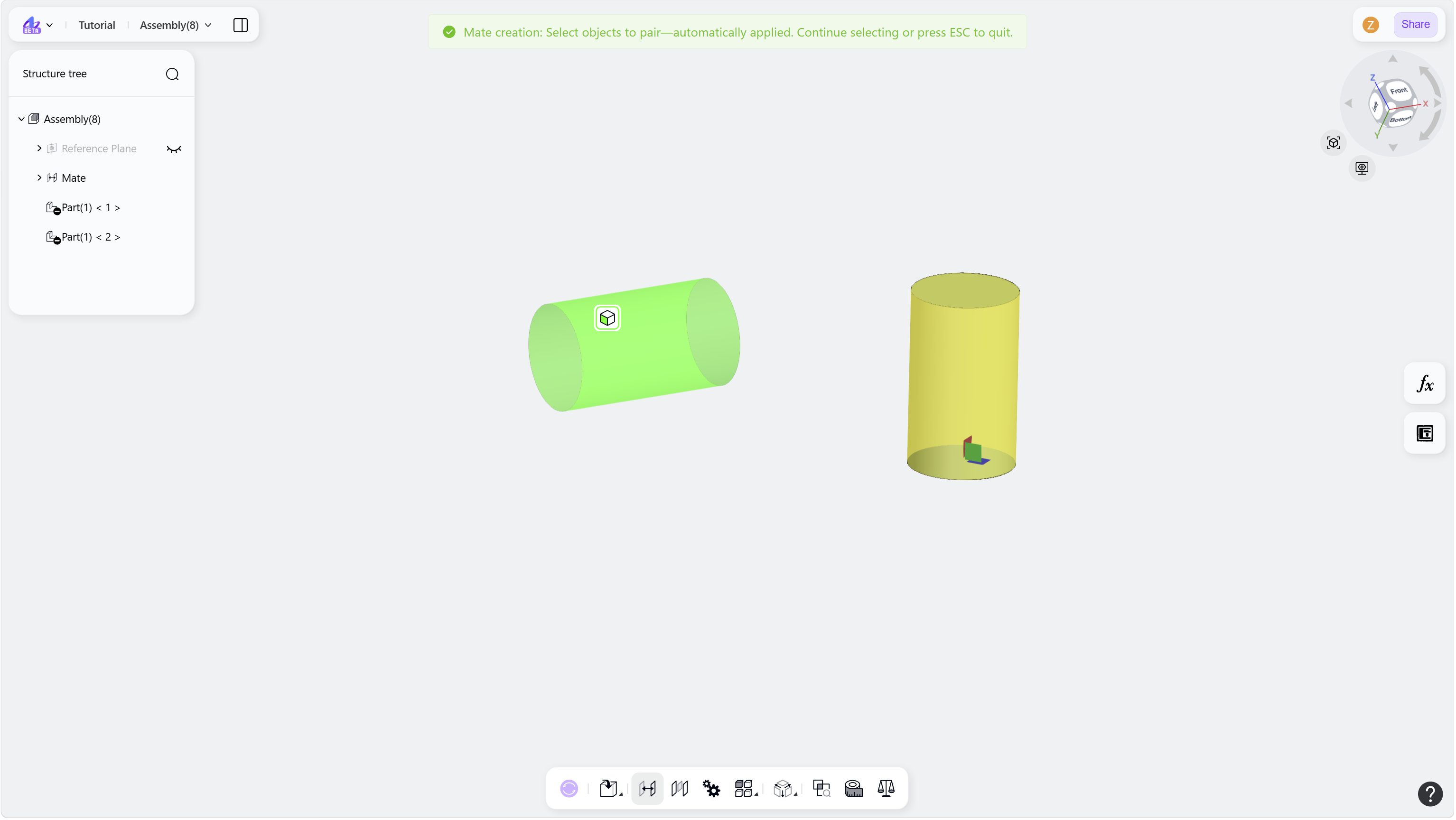
Select a pair of mate objects in the graphics area.
Select "Coaxial" in the Mate menu.
Optional: Click the Flip button to reverse the alignment direction of the mating faces.
Press Esc or click the "New Mate" icon again to exit mate mode.
Step 1 - Press M or click the "New Mate" icon:
Step 2 - Select a pair of mate objects in the graphics area:
Step 3 - Select "Coaxial" in the Mate menu: