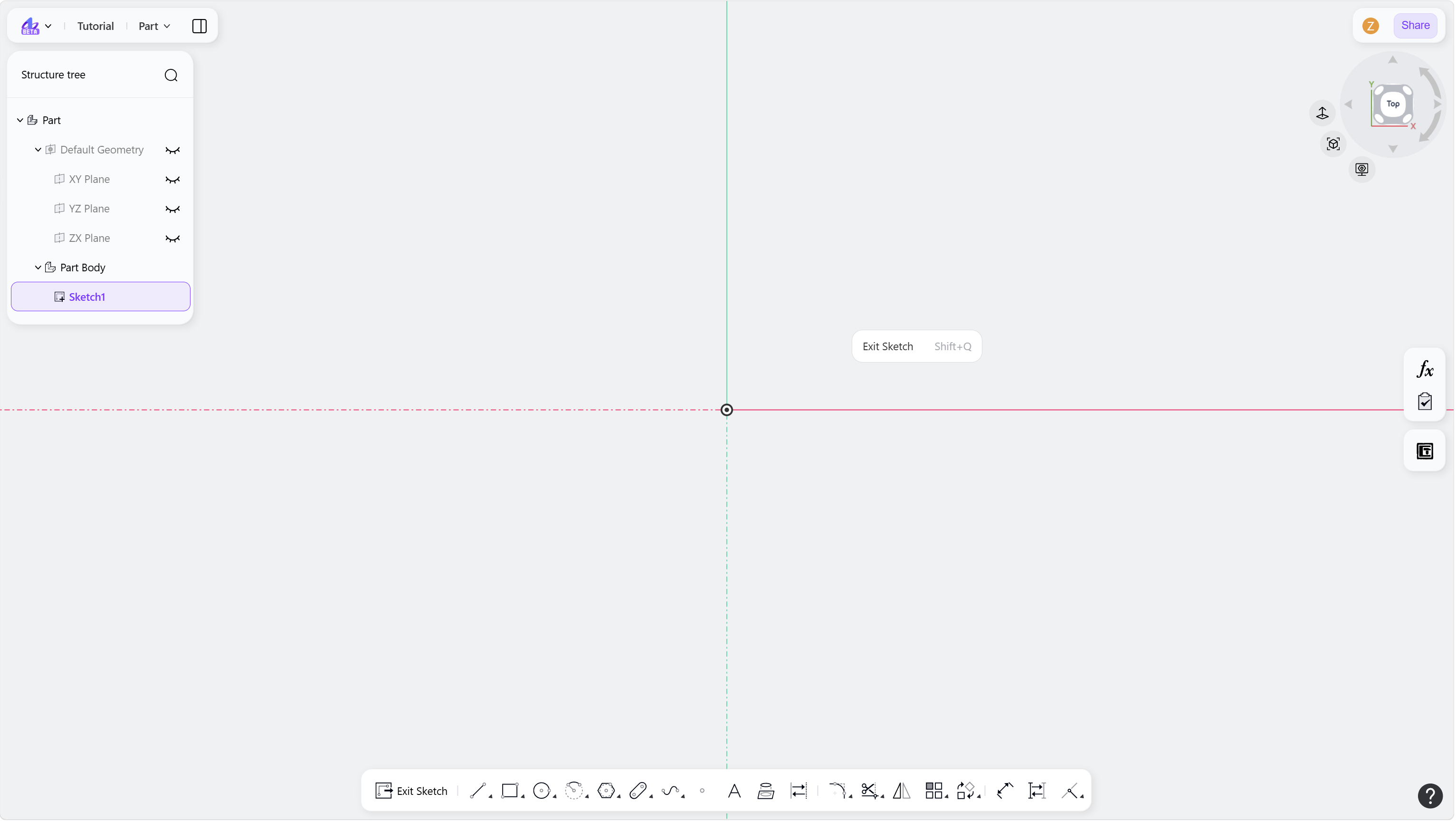
Enter Sketch
Steps:
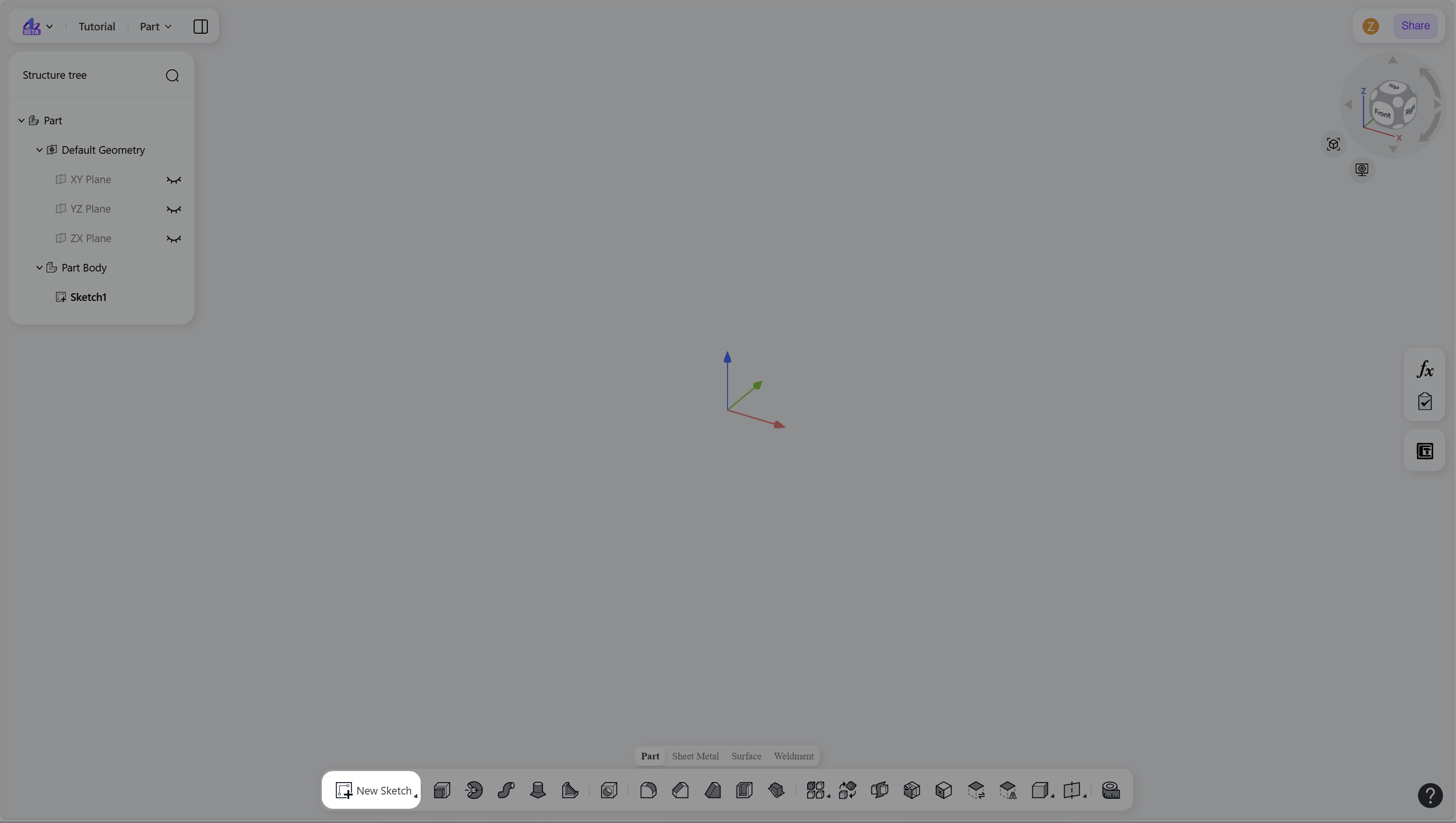
Click the "New Sketch" in the toolbar, or press Shift+S.
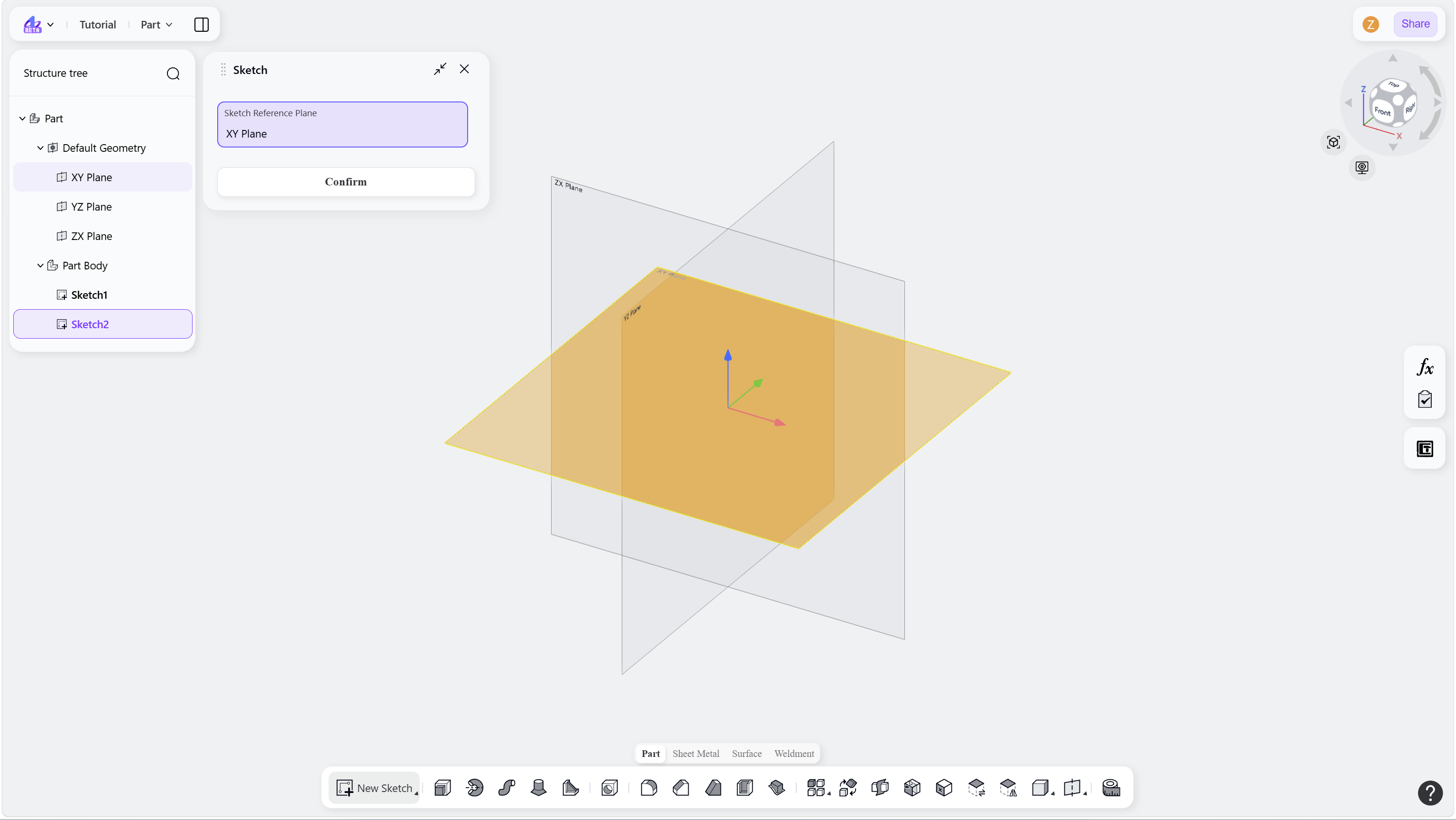
Select the sketch reference plane, then click "Confirm" to enter sketch mode.
Step 1 - Click the "New Sketch" in the toolbar:
Step 2 - Select the sketch reference plane and confirm:
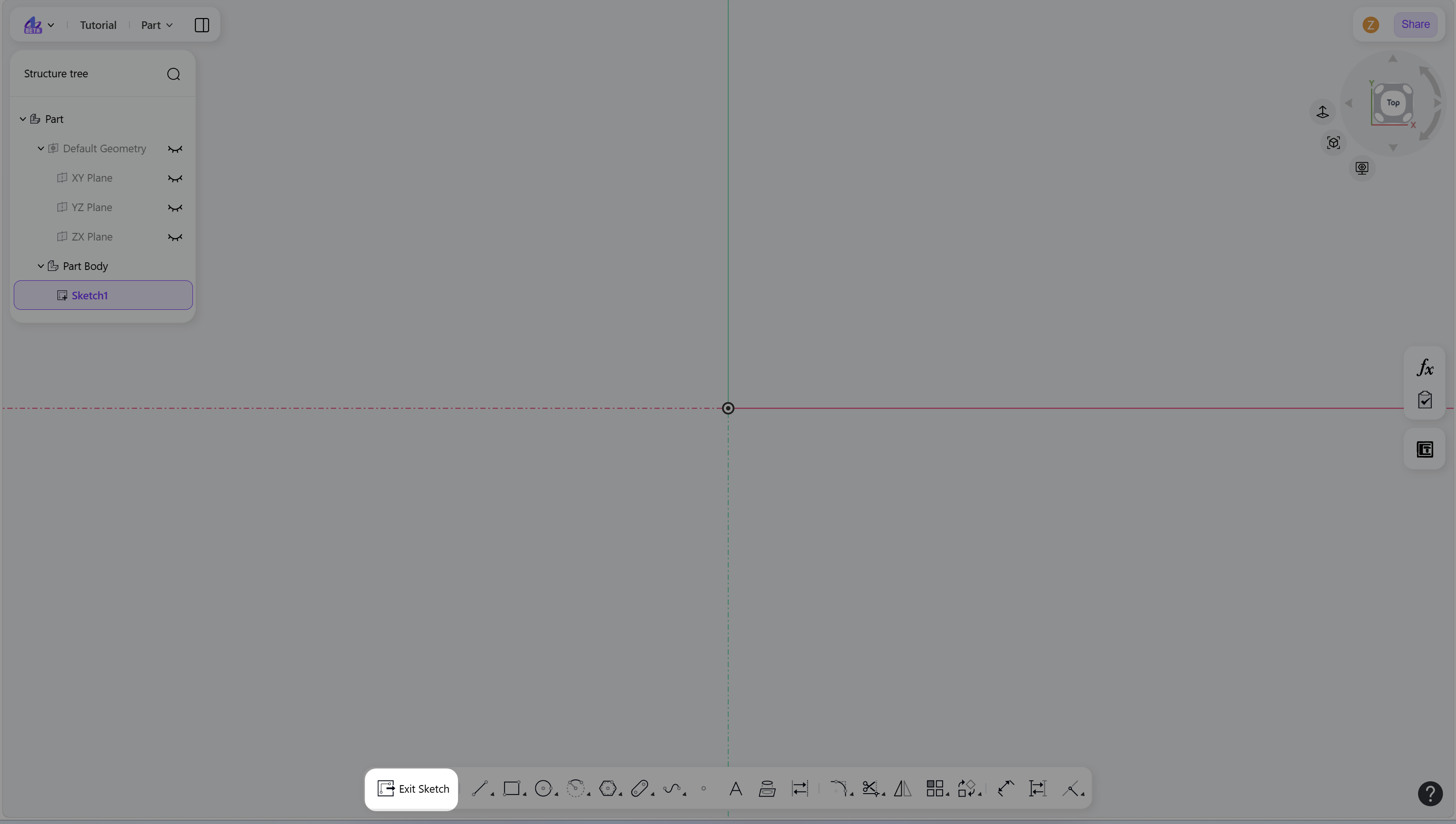
After entering Sketch mode, the toolbar switches to the Sketch-specific toolset.
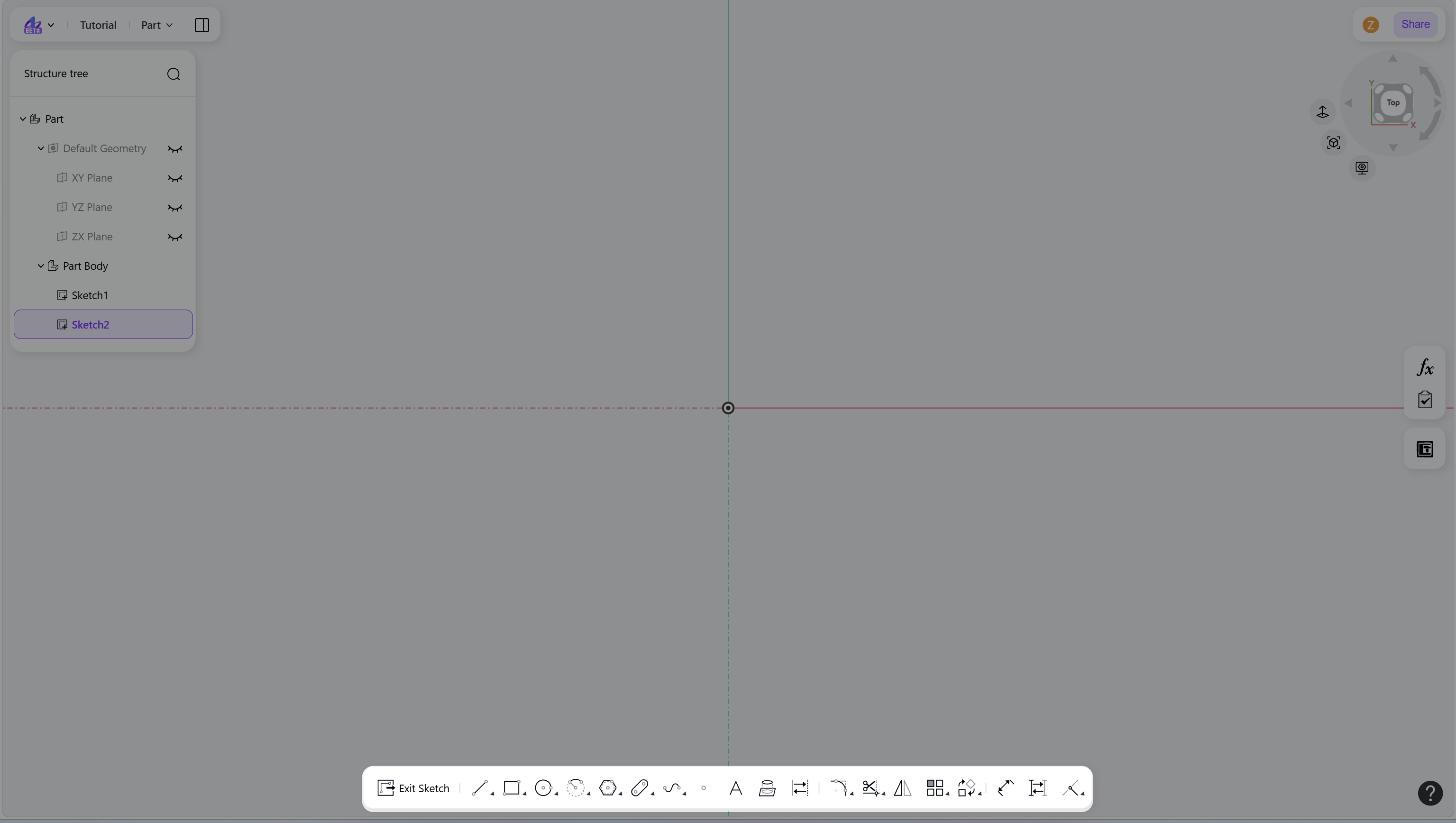
Notes
XY/YZ/XZ plane, a datum plane, or a planar solid face can be used as the sketch reference planes.
Exit Sketch
You can To exit Sketch in any of the following ways:
Click the "Exit Sketch" in the toolbar.
Right-click on an empty area to open the context menu, then select "Exit Sketch".
Press Shift+Q.
Click "Exit Sketch":
Right-click on an empty area, then select "Exit Sketch":