

The Axis tool is used to create linear reference benchmarks in 3D modeling. By selecting reference objects such as cylindrical surfaces, conical surfaces, solid edges, and two points to define the axis position, reference axes can be created for rotation, mirroring, and linear array guidance.
Steps
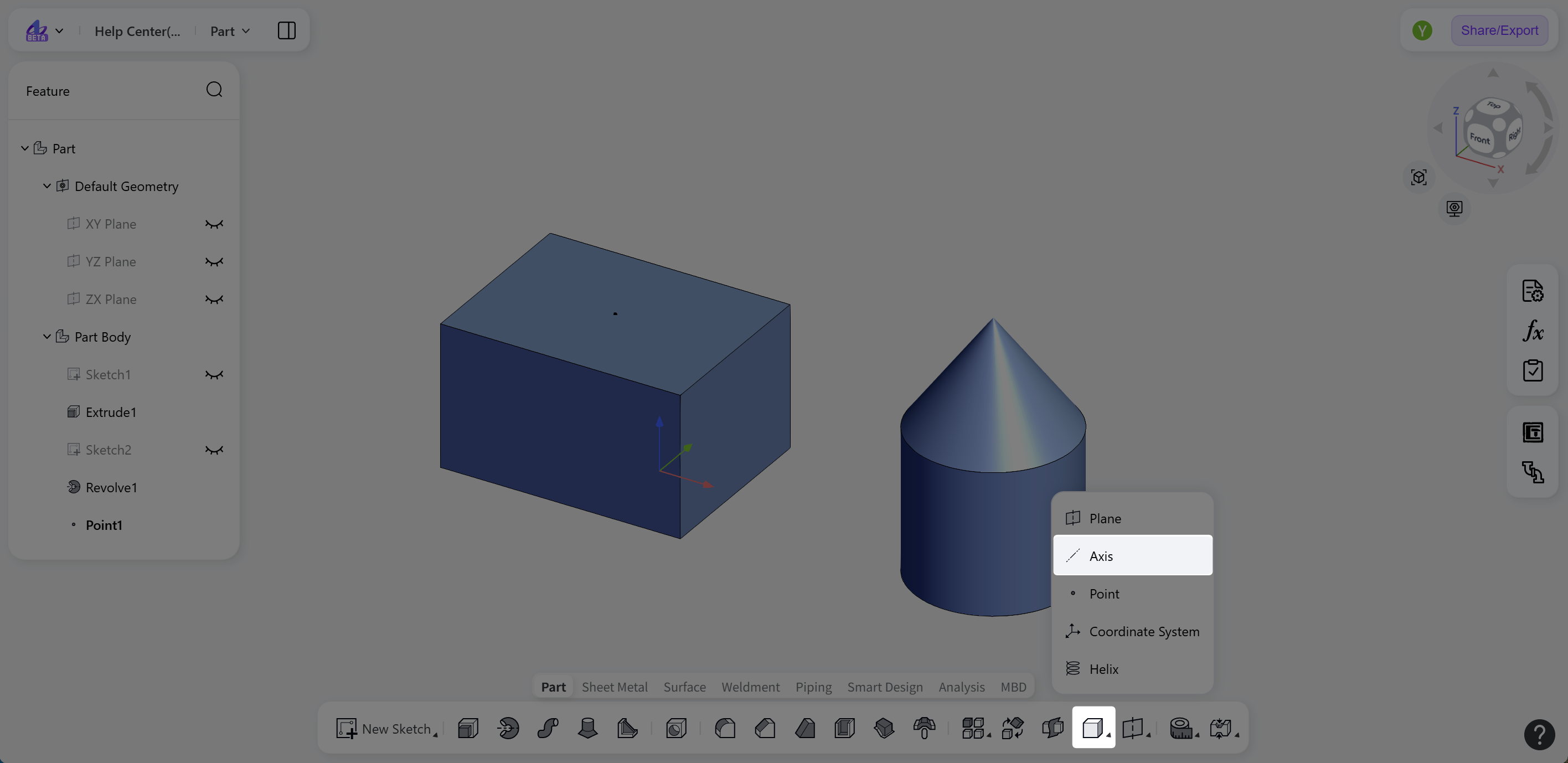
Click the "Axis" icon on the toolbar to activate the tool.
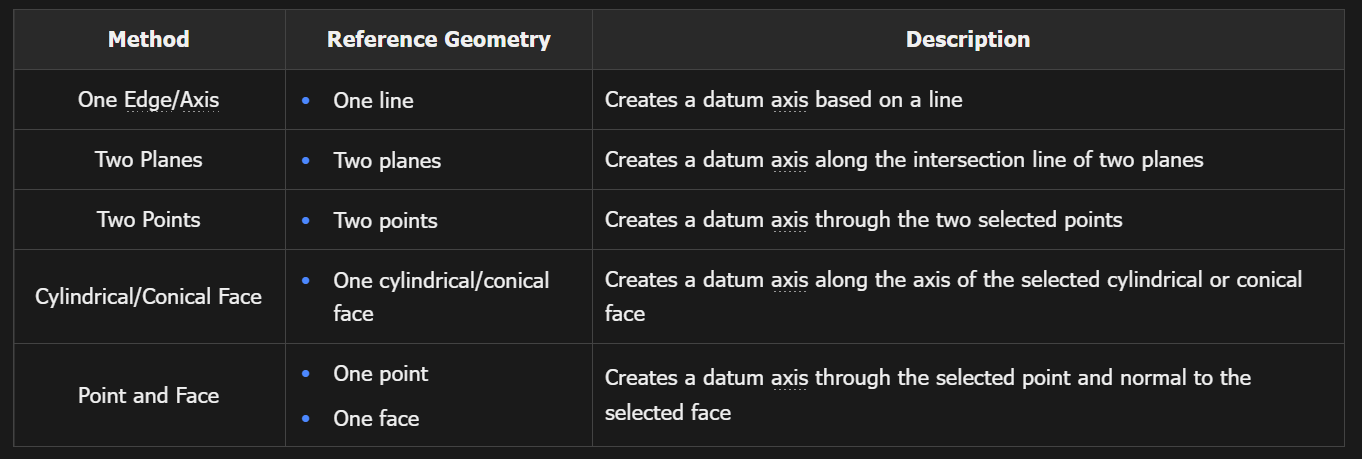
Set "Type" to "One Edge/Axis", "Two Planes", "Two Points", "Cylindrical/Conical Face", or "Point and Face".
Click the "Object" selection box, and select the reference geometry for the axis in the model.
Click "Confirm" to create the reference line and exit the "Axis" editing state.
Creation Methods
Examples
Notes:
Supported reference lines include solid edges, datum axes, and sketch lines.
Supported reference planes include planar solid faces, datum planes, and sketch planes.