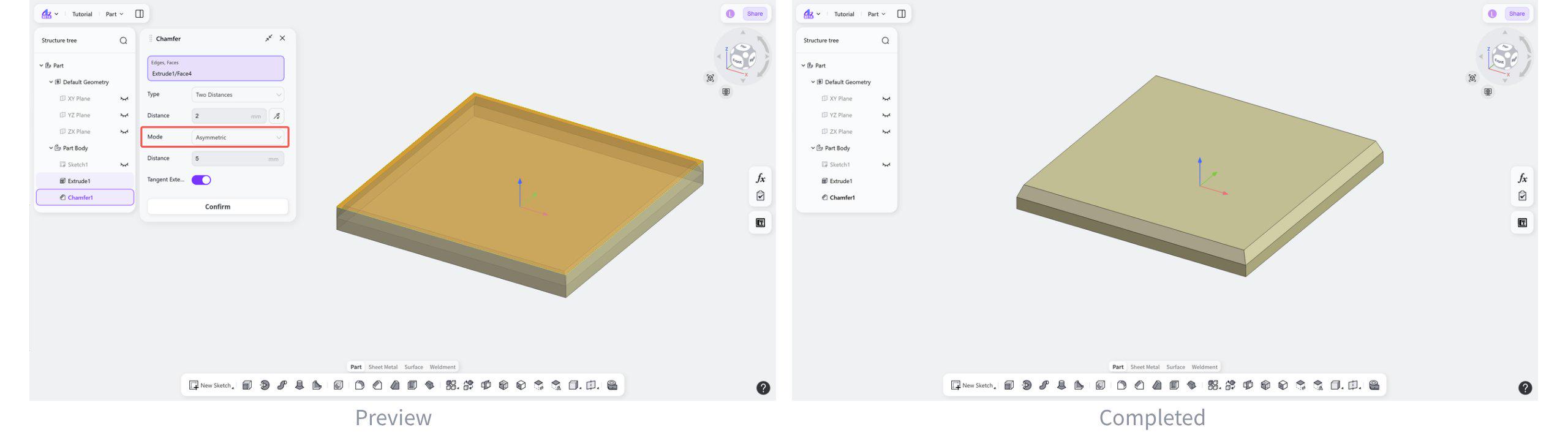
The Chamfer tool bevels the edges or corners of a solid in the Part module. By removing material along a specified distance or angle, chamfer features with inclined faces are created.
Steps:
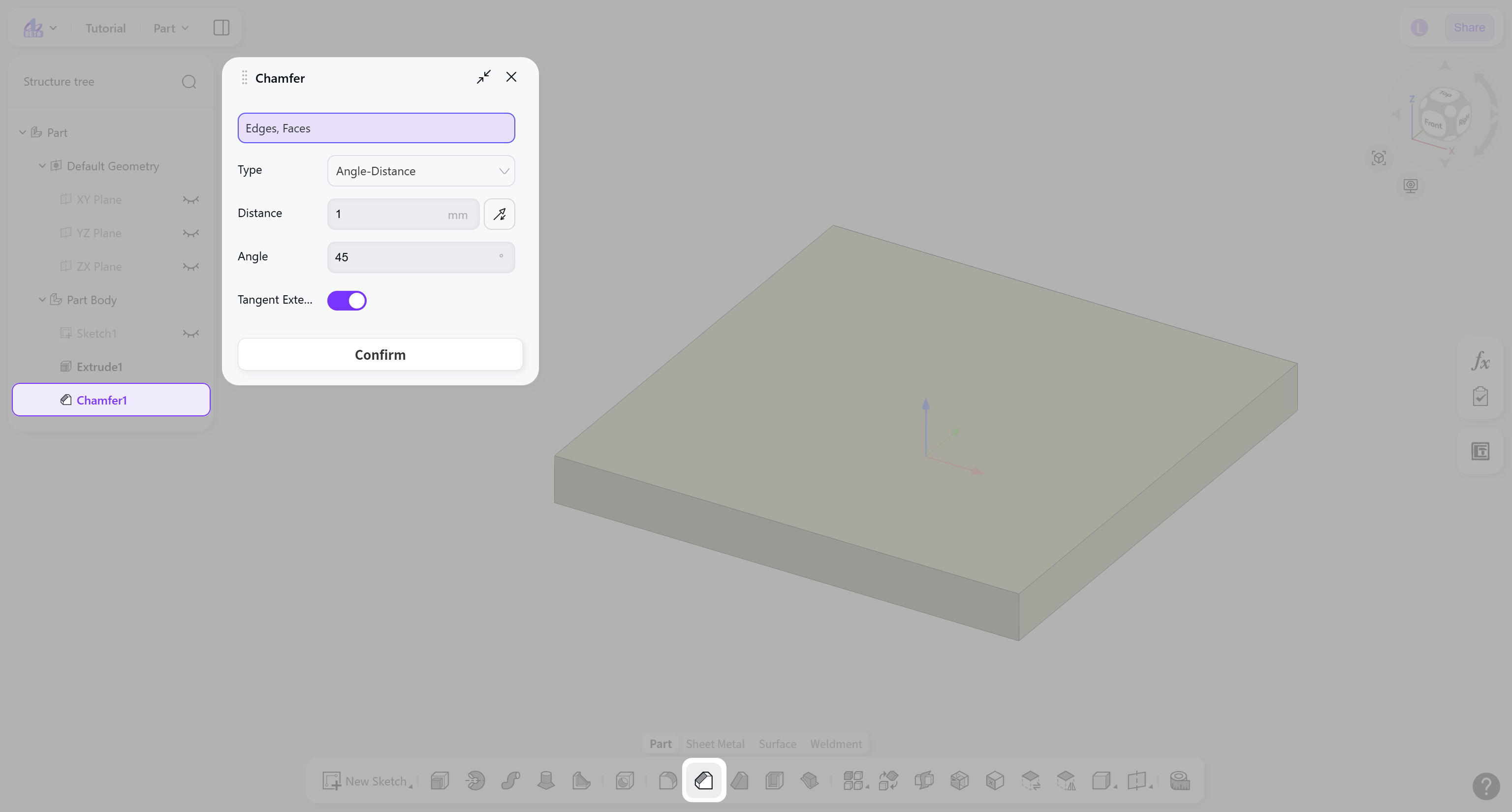
Select the edges or faces to be chamfered.
Select the chamfer type: "Angle-Distance" or "Two Distances".
Set the chamfer parameters.
(Optional) Enable "Tangent Extension" to allow the chamfer to extend along the tangent direction of adjacent faces.
Chamfer Type
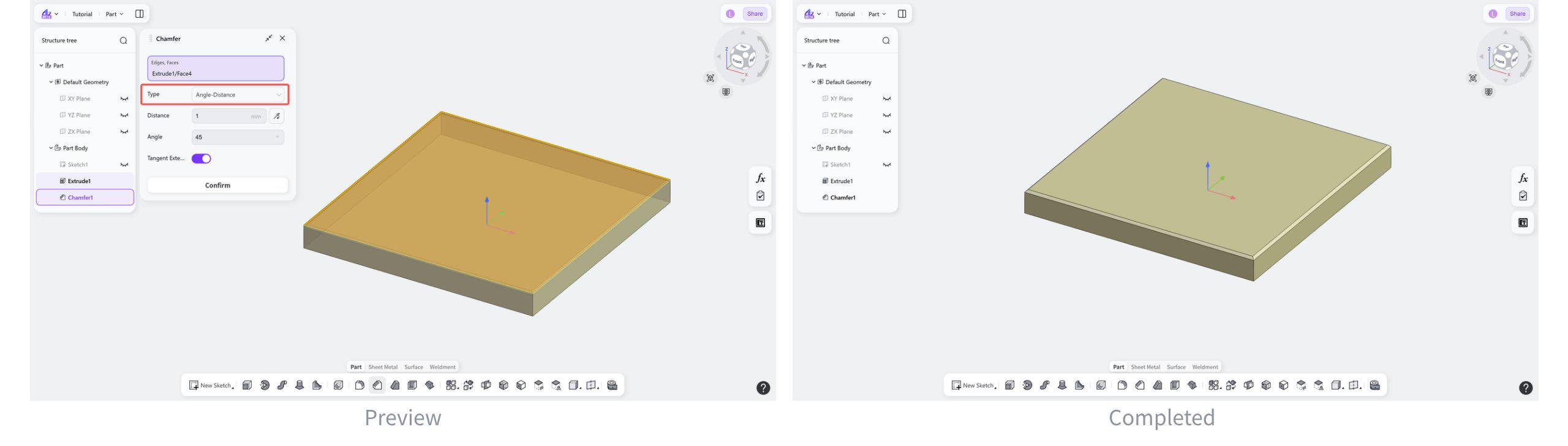
Angle-Distance
Generates a chamfer feature by setting the chamfer angle and chamfer distance.
Steps:
Select "Angle-Distance".
Set the chamfer angle and the chamfer distance.
(Optional) Click the "Reverse" button to switch the direction.
Two Distances
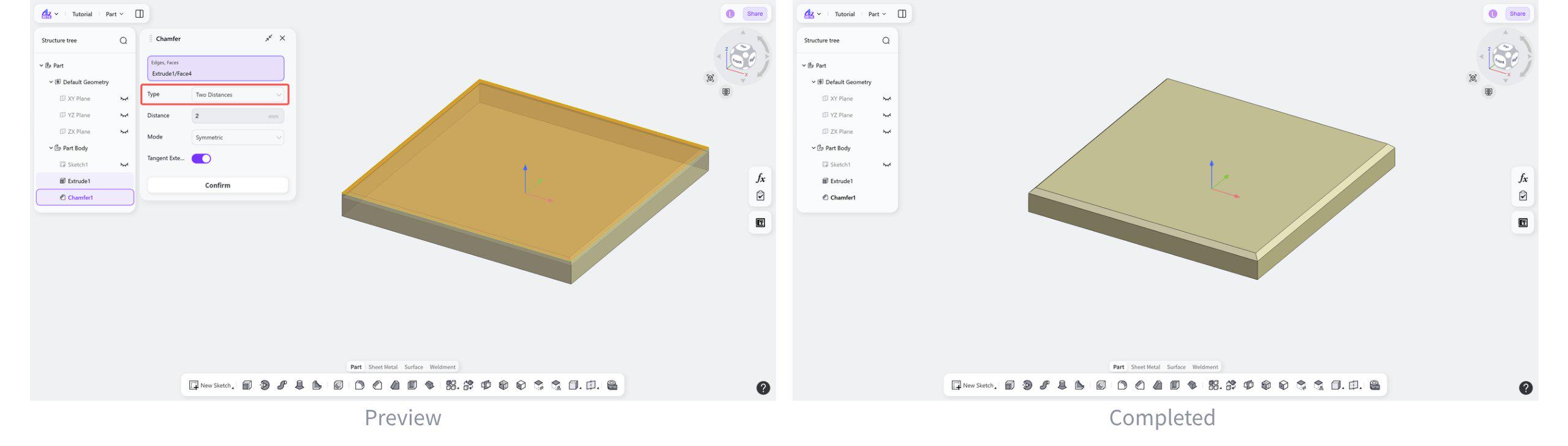
Generates a chamfer feature by setting the chamfer distance on both sides.
Steps:
Select "Two Distances".
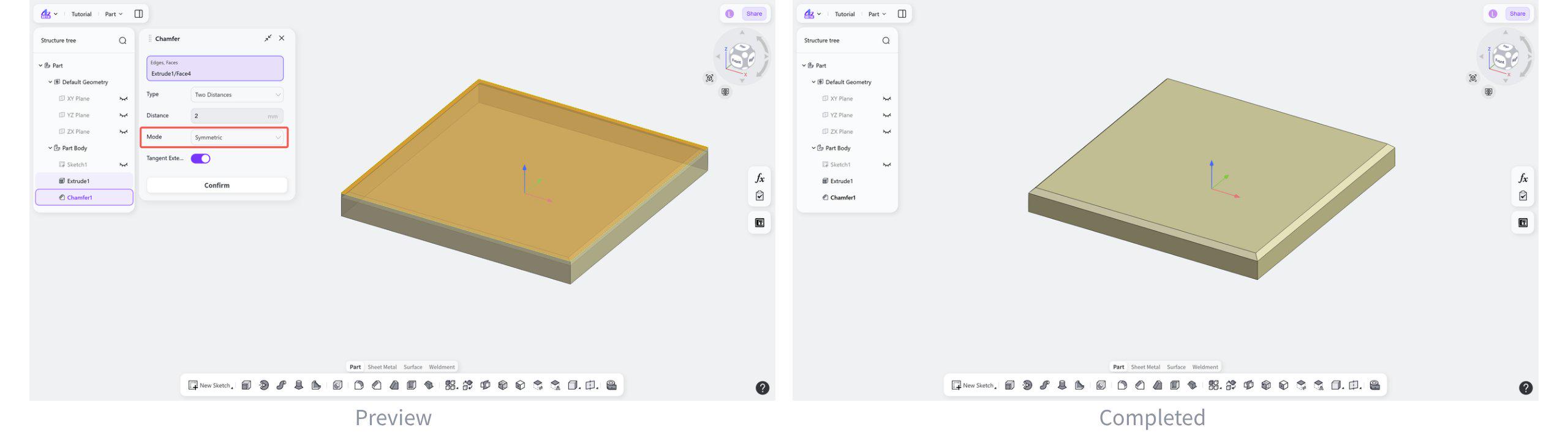
Select the dimension mode: "Symmetric" or "Asymmetric".
Set the chamfer distance.
Dimension Type
Type: Symmetric
The chamfer distances on both sides are the same.
Select "Symmetric".
Type: Asymmetric
The chamfer distances on both sides are different.
Steps:
Select "Asymmetric".
Set the chamfer distances on both sides.