

The Curve Scale tool is used to enlarge or reduce target curves in surface modeling. Select the curves to adjust, then specify the scale type, scale factor, and scale center to generate the resized curves.
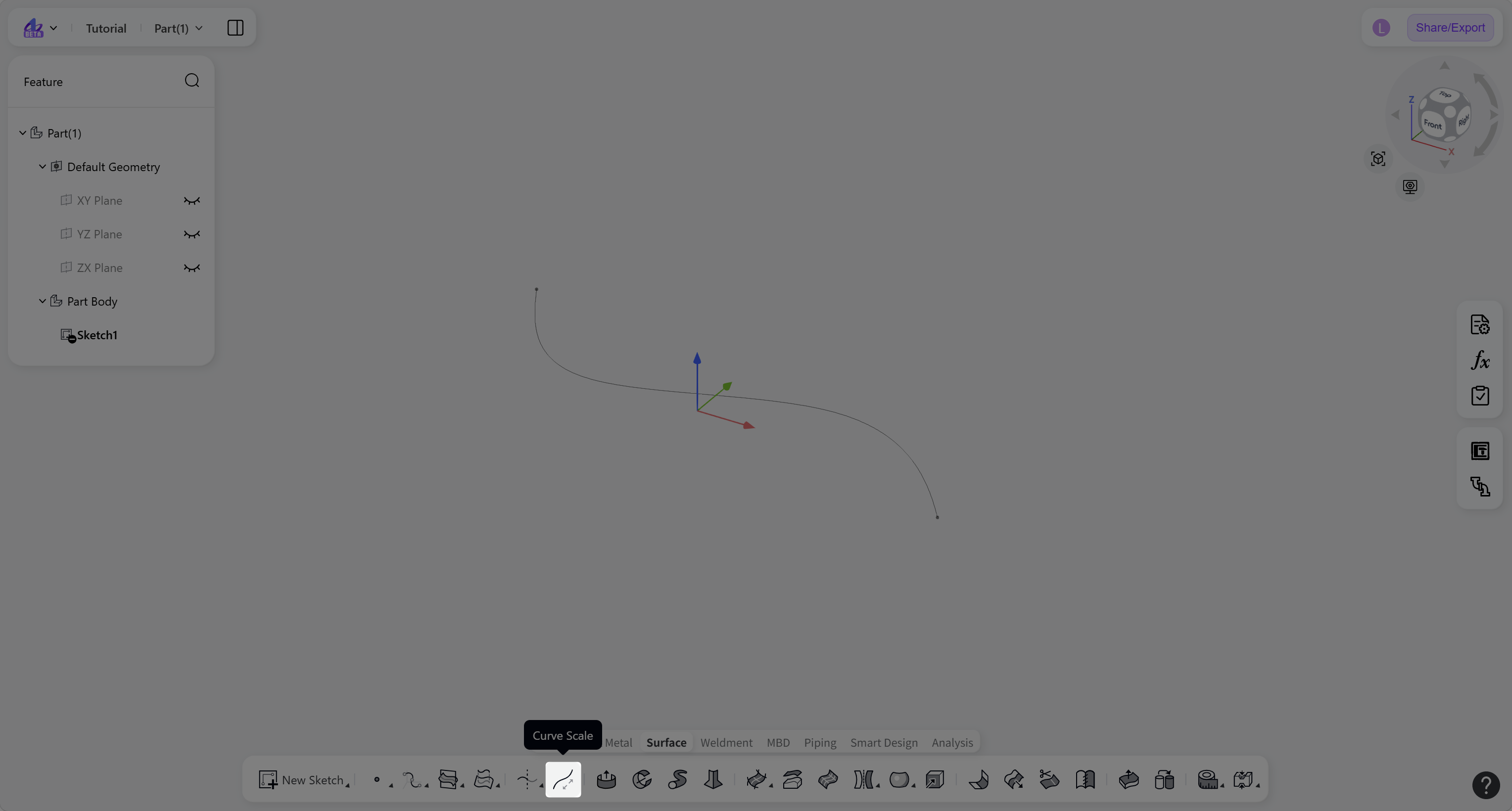
Steps:
Click the "Curve Scale" icon on the toolbar.
Under "Select Curve(s)", select one or more curves to scale.
Select a "Scale Type": "Uniform" or "Non-uniform", then enter the corresponding scale factor.
Select a "Scale Center": "Select Point" or "Input Coordinates".
Click "Confirm" to create the scaled curves.
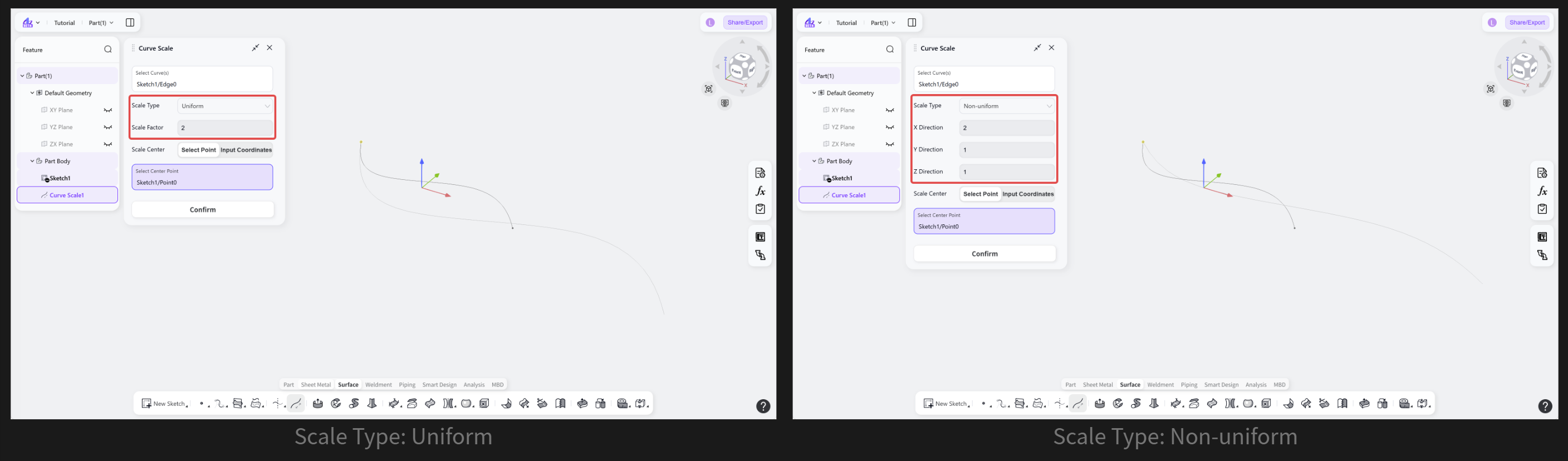
Scale Type: Uniform or Non-uniform
Defines how the curve is scaled. "Uniform" applies the same scale factor in all directions, while "Non-uniform" allows separate scale factors to be specified along the X, Y, and Z directions.
Steps:
For "Uniform" scaling, enter the "Scale Factor".
For "Non-uniform" scaling, enter the scale factors for the X, Y, and Z directions separately.
Notes:
Multiple non-coplanar curves can be scaled at the same time.