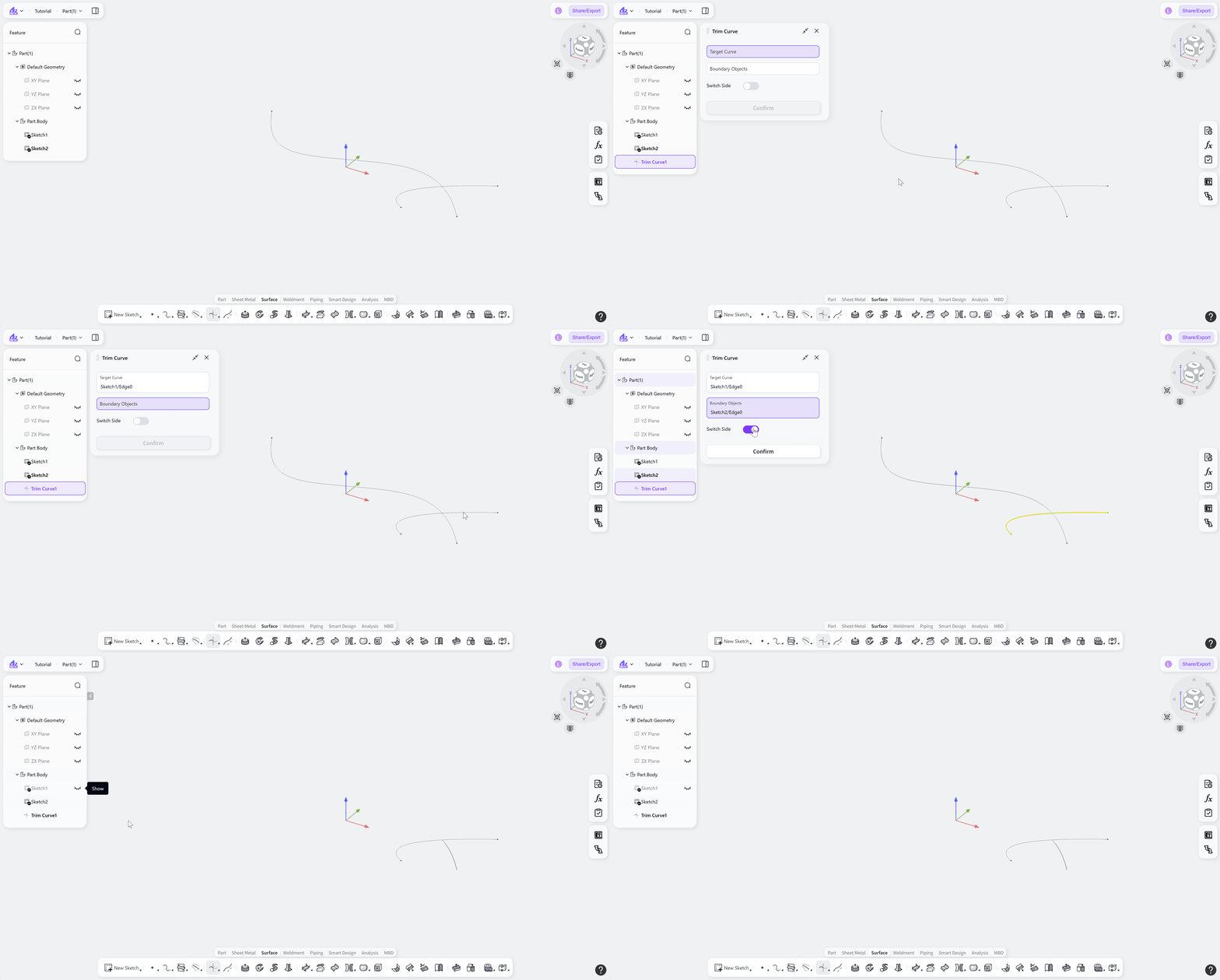

The Trim Curve tool is used to trim target curves in surface modeling. By selecting the target curves and the boundary objects used for trimming, it generates the trimmed curves.
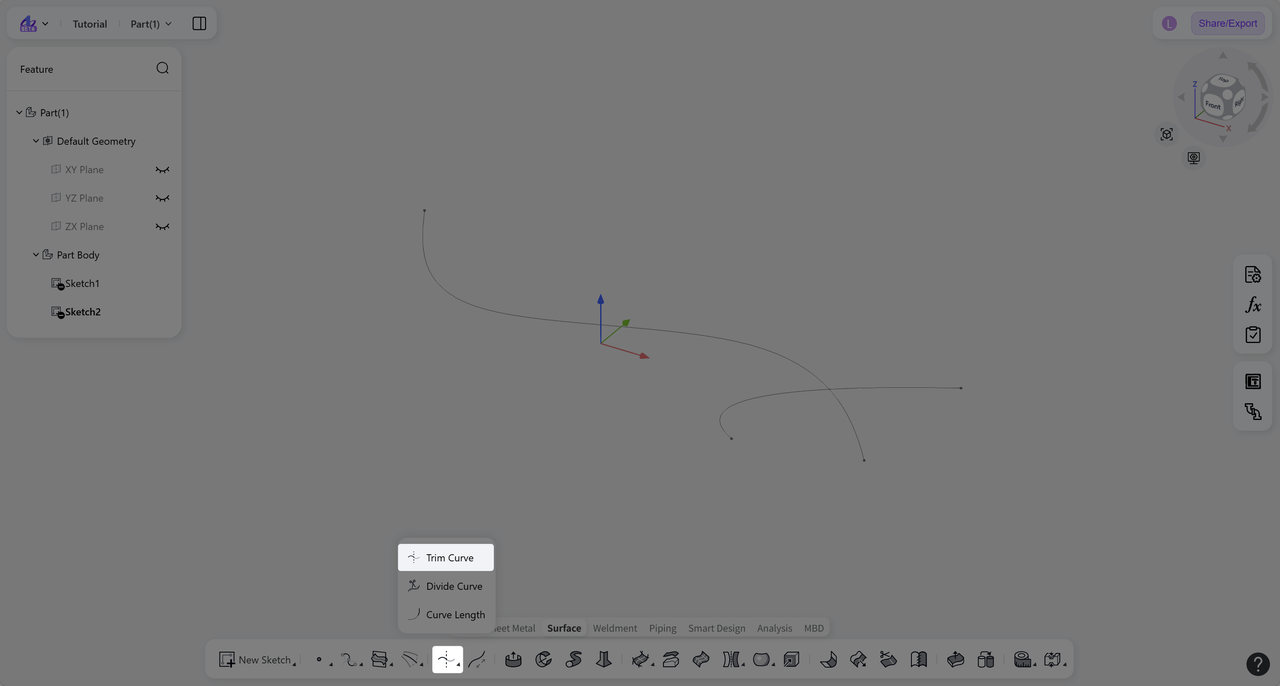
Steps:
Click the "Trim Curve" icon on the toolbar.
Select the "Target Curve" to trim.
Select the "Boundary Objects" used for trimming.
(Optional) Use the "Switch Side" option to switch which portion of the target curve is retained across the boundary objects.
Click "Confirm" to create the trimmed curve.