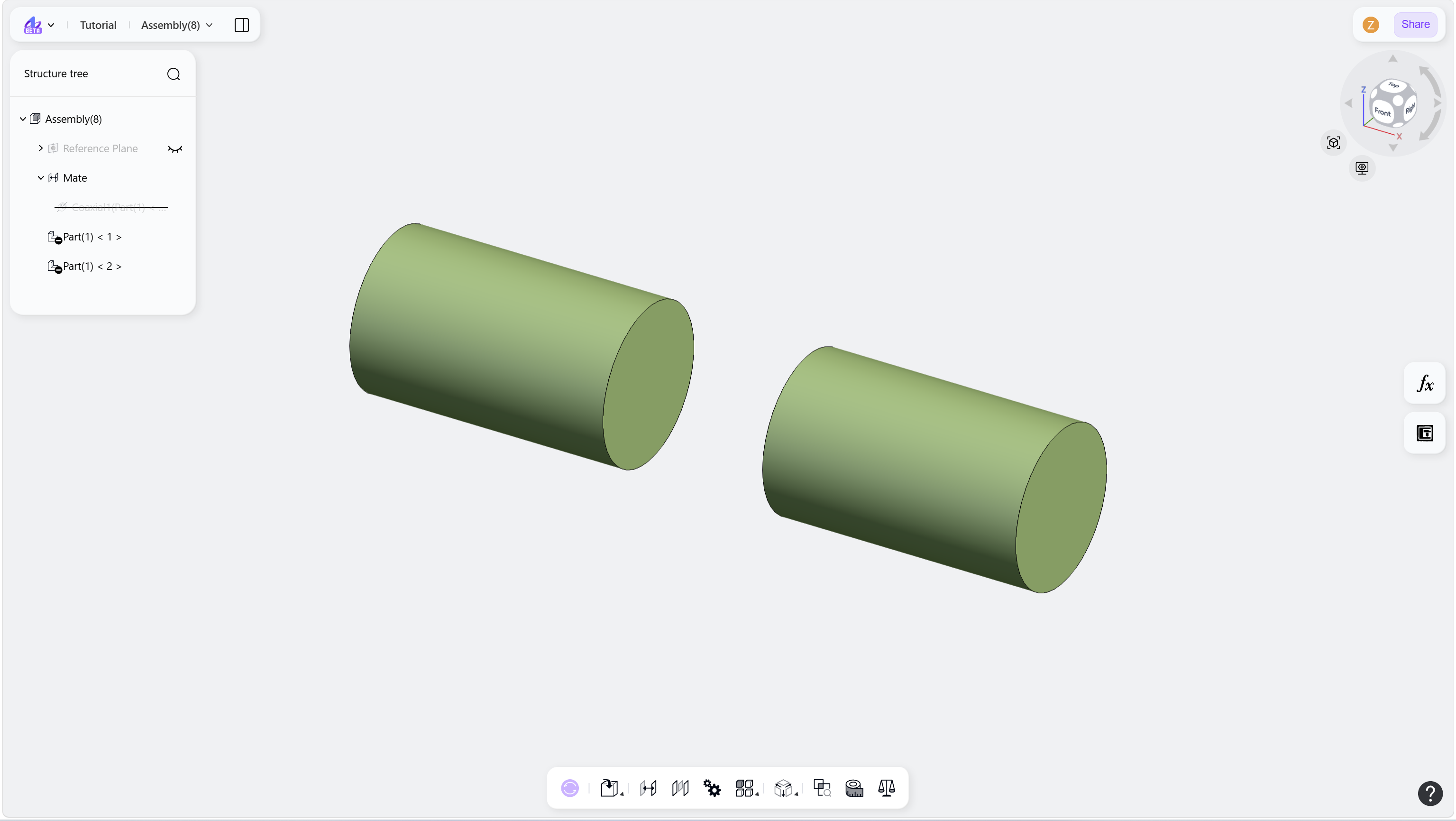
The Suppress Mate command temporarily disables a mate. Use it when checking assembly constraints or troubleshooting conflicts. A suppressed mate can be restored later.
Steps
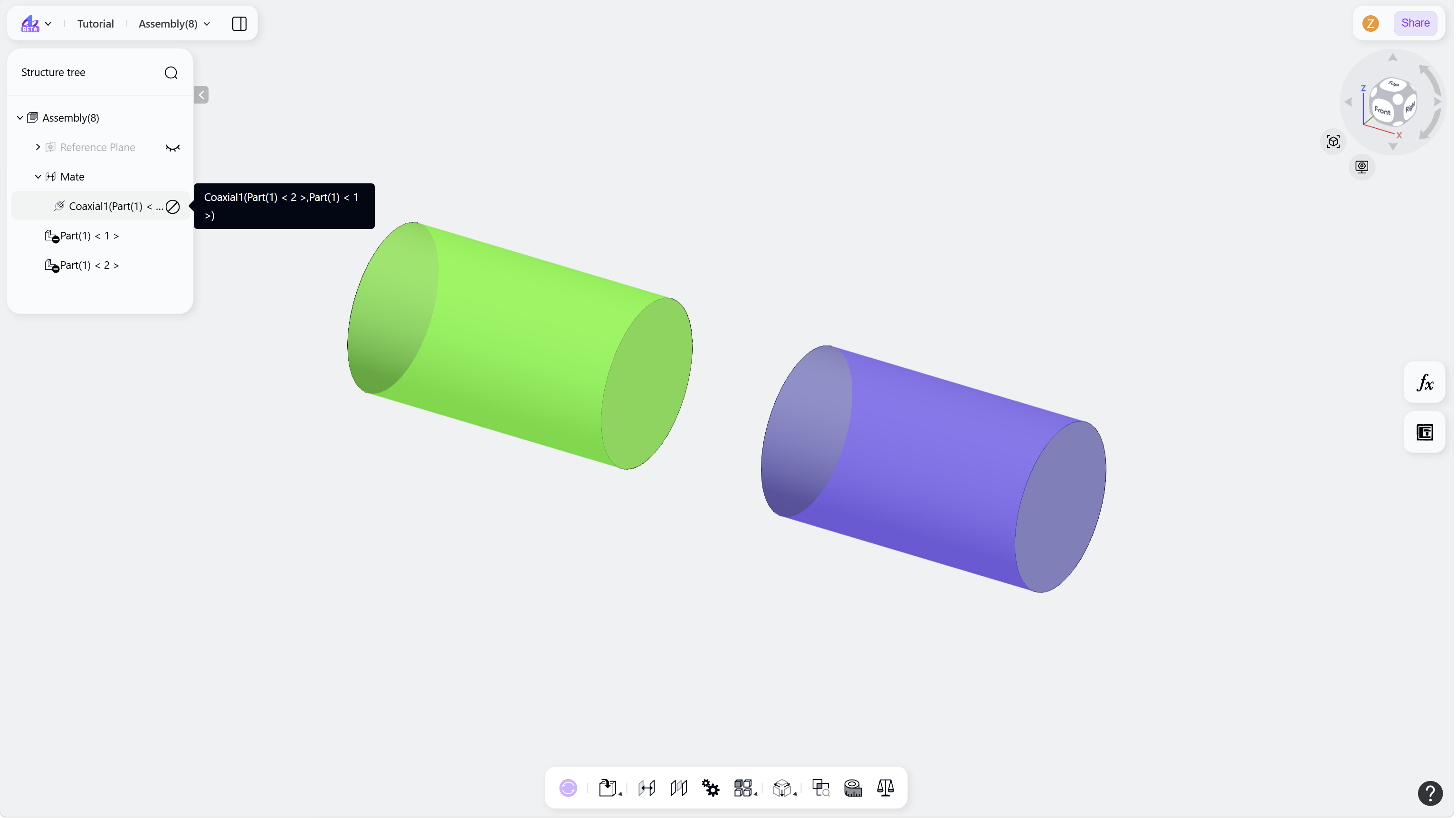
Hover over the mate node to suppress
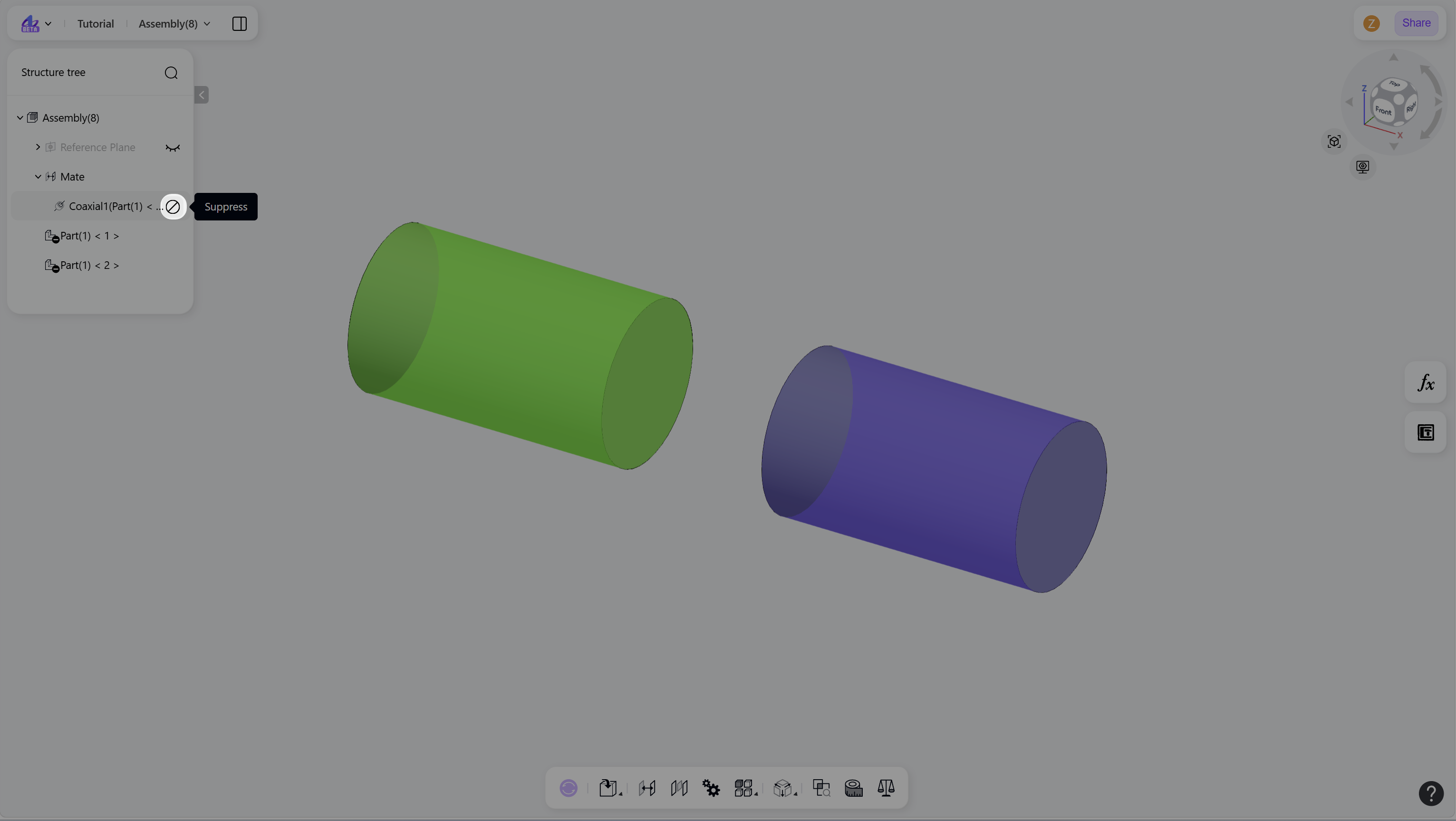
Click the "Suppress" icon on the right side of the node.
Step 1 - Hover over the mate node to suppress:
Step 2 - Click the "Suppress" icon:
Notes
To restore a suppressed mate, click the "Unsuppress" icon on the right side of the mate node.
Suppressed mate nodes appear differently in the structure tree.