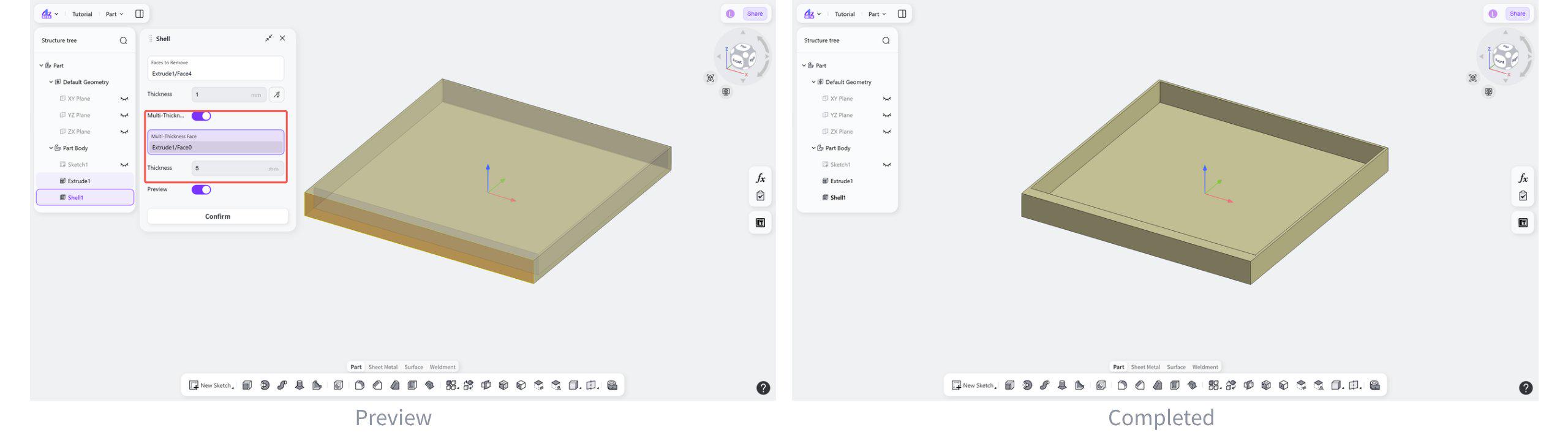
The Shell tool hollows out 3D solids in the Part module and creates hollow structures with a specified shell thickness, such as containers and pipes.
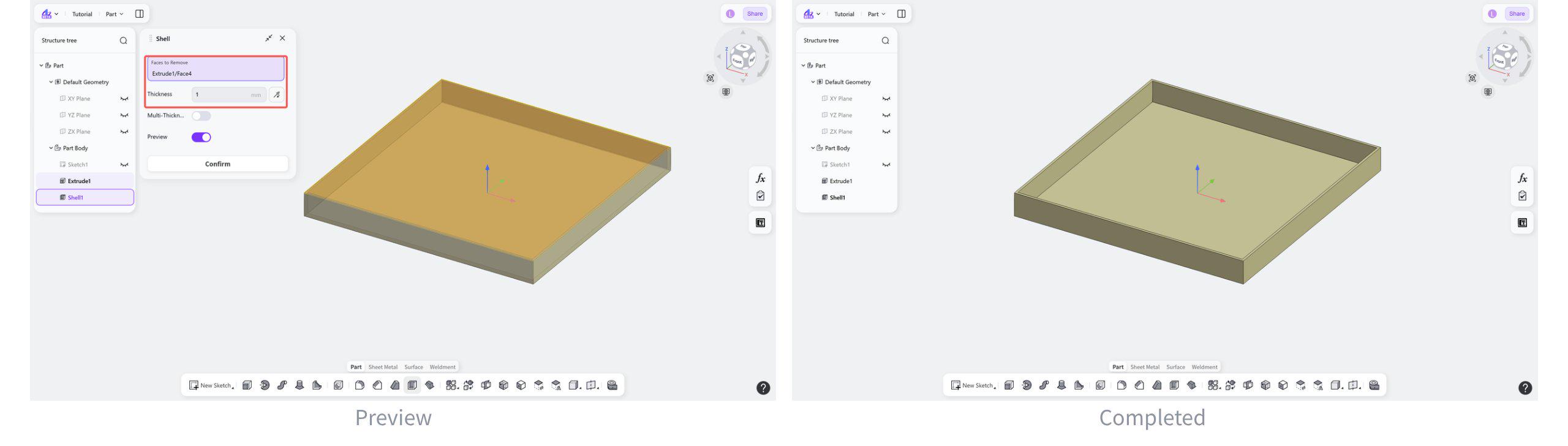
Uniform Thickness
Creates a hollow body with uniform shell thickness.
Steps:
Select the faces to be removed.
Set the shelling thickness.
(Optional) Click the "Flip" button to switch between inward and outward shelling.
Multi-Thickness
Set different shell thicknesses for different shell faces.
Steps:
Enable "Multi-Thickness".
Select the faces to set different thicknesses.