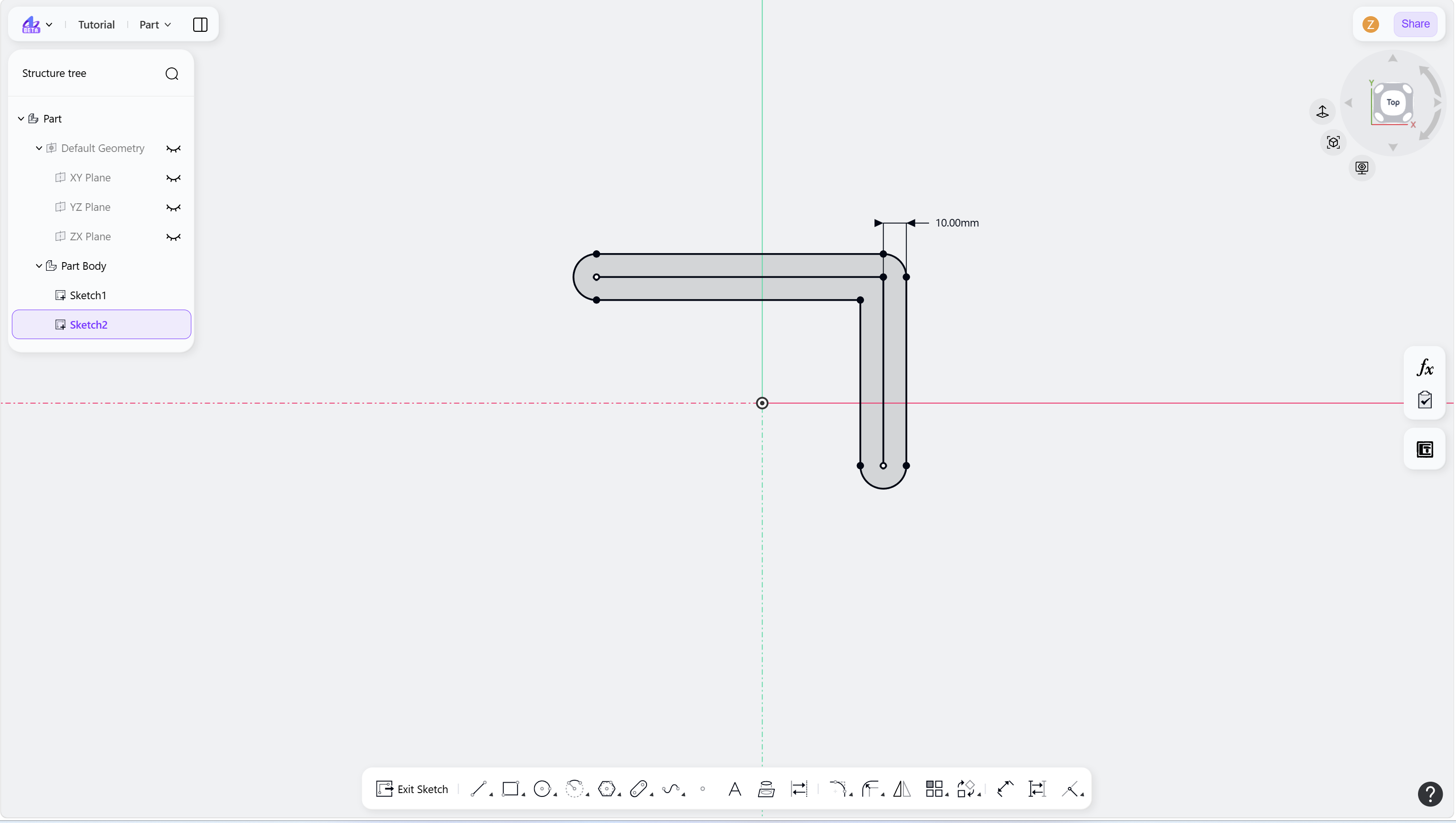
The Rounded Offset tool creates offset geometry with automatic corner fillets.
Steps
Select the element to be offset.
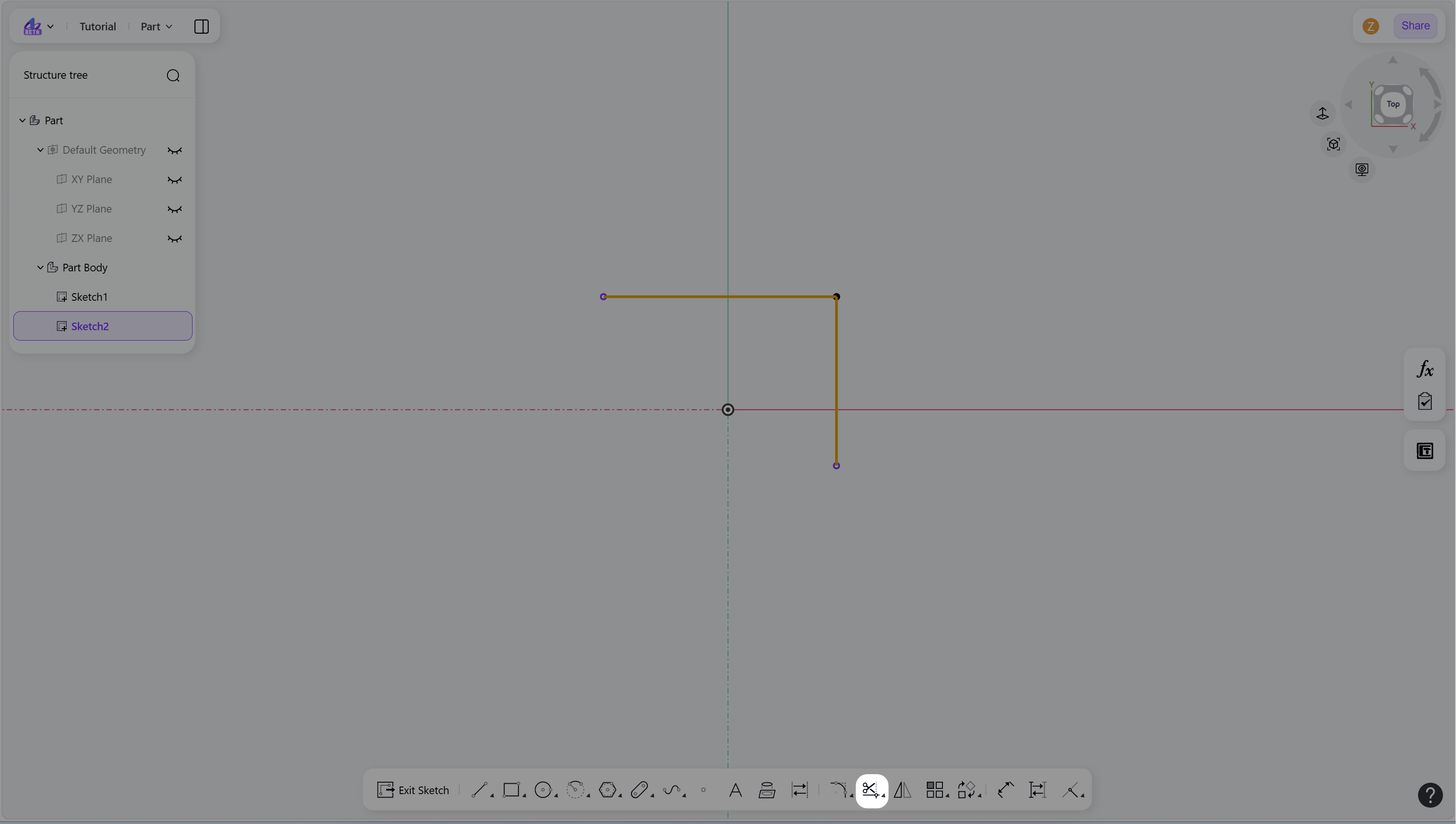
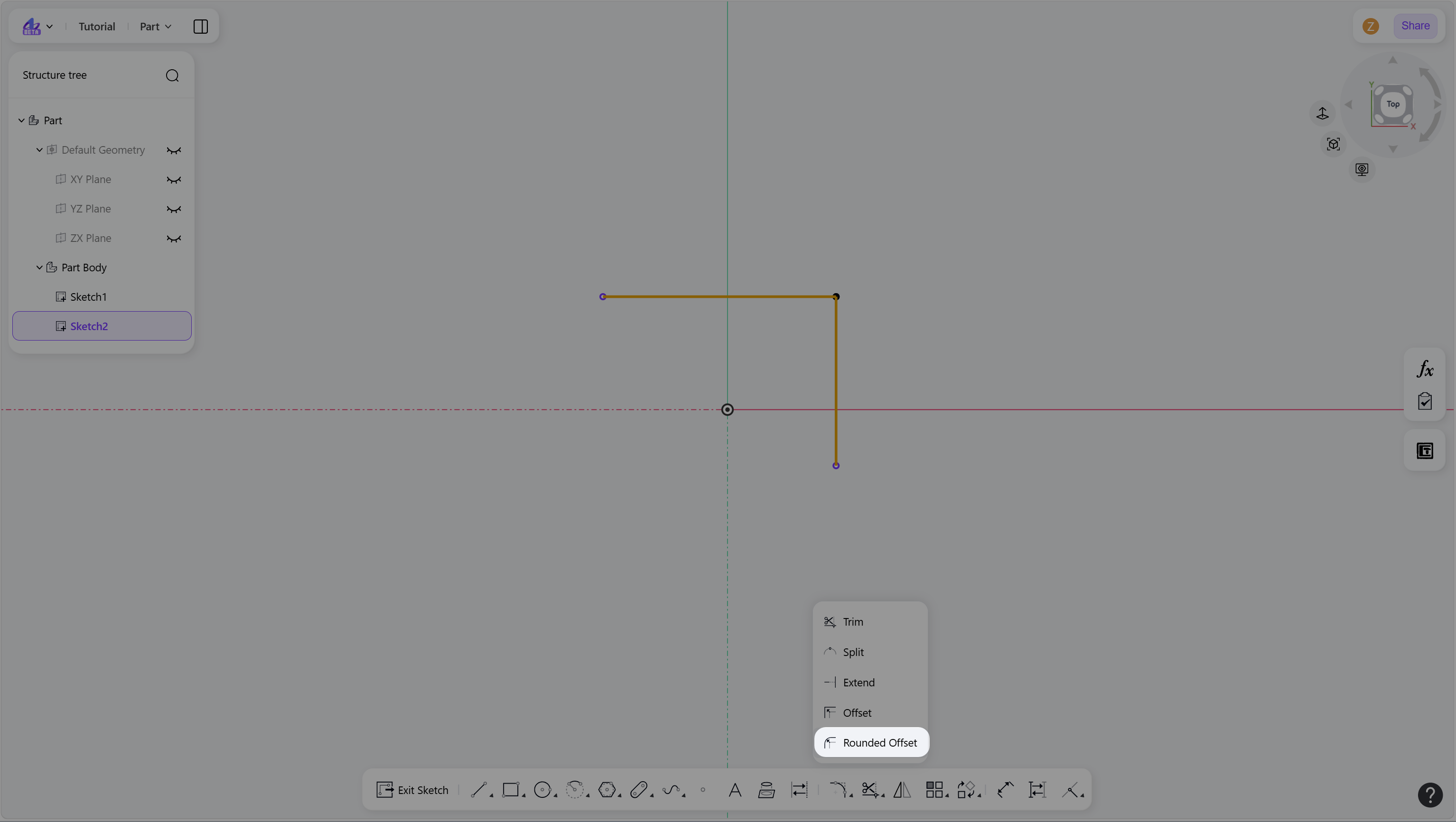
Hover over the "Trim" icon in the toolbar, then click the "Rounded Offset".
Click to define the offset direction and position.
Enter an offset value and press Enter.
Right-click or press Esc to exit.
Step 1 - Select the elements to offset:
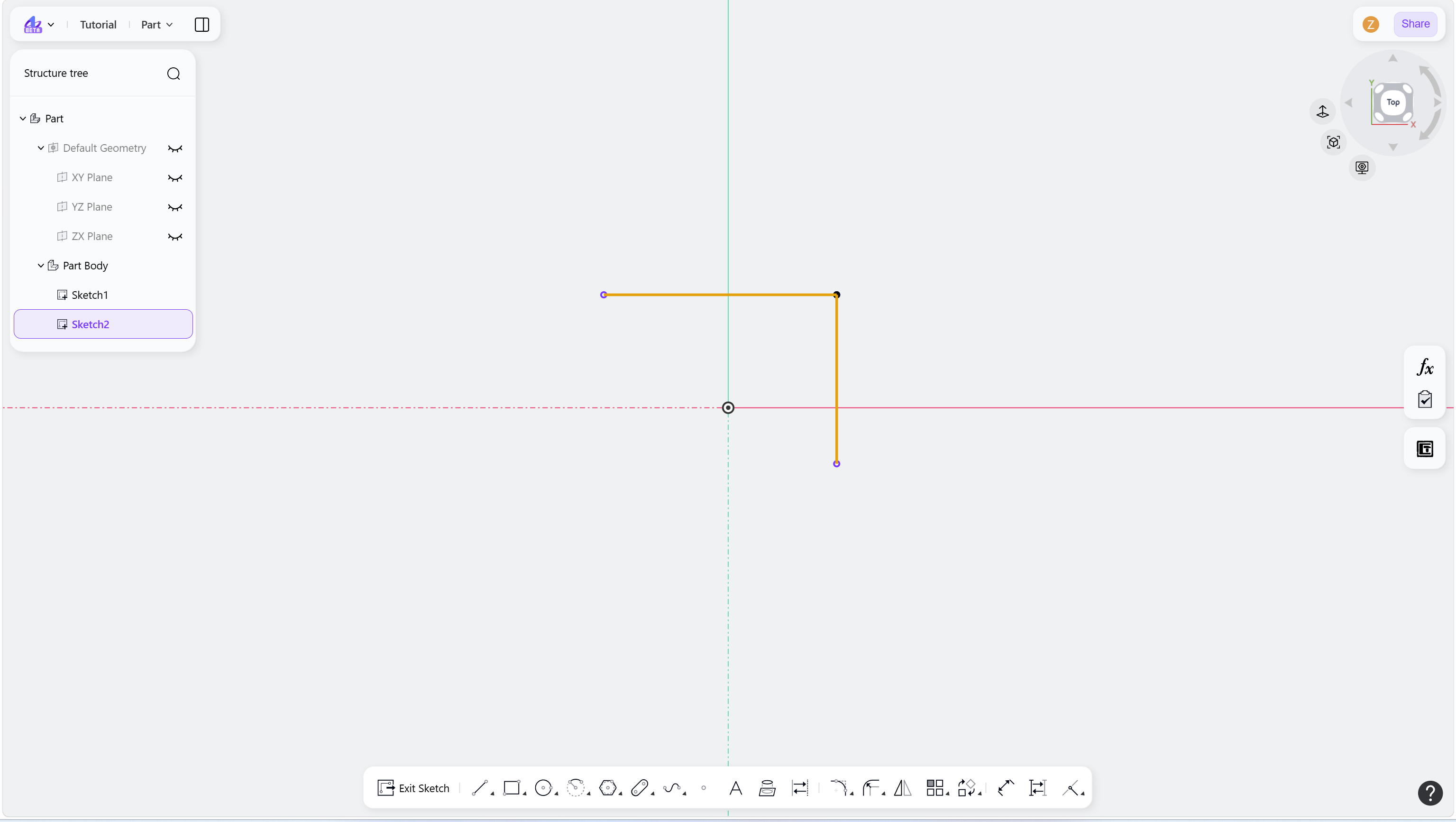
Step 2 - Hover over the "Trim" icon in the toolbar:
Step 3 - Click the Rounded Offset:
Step 4 - Click to define the offset direction and position:
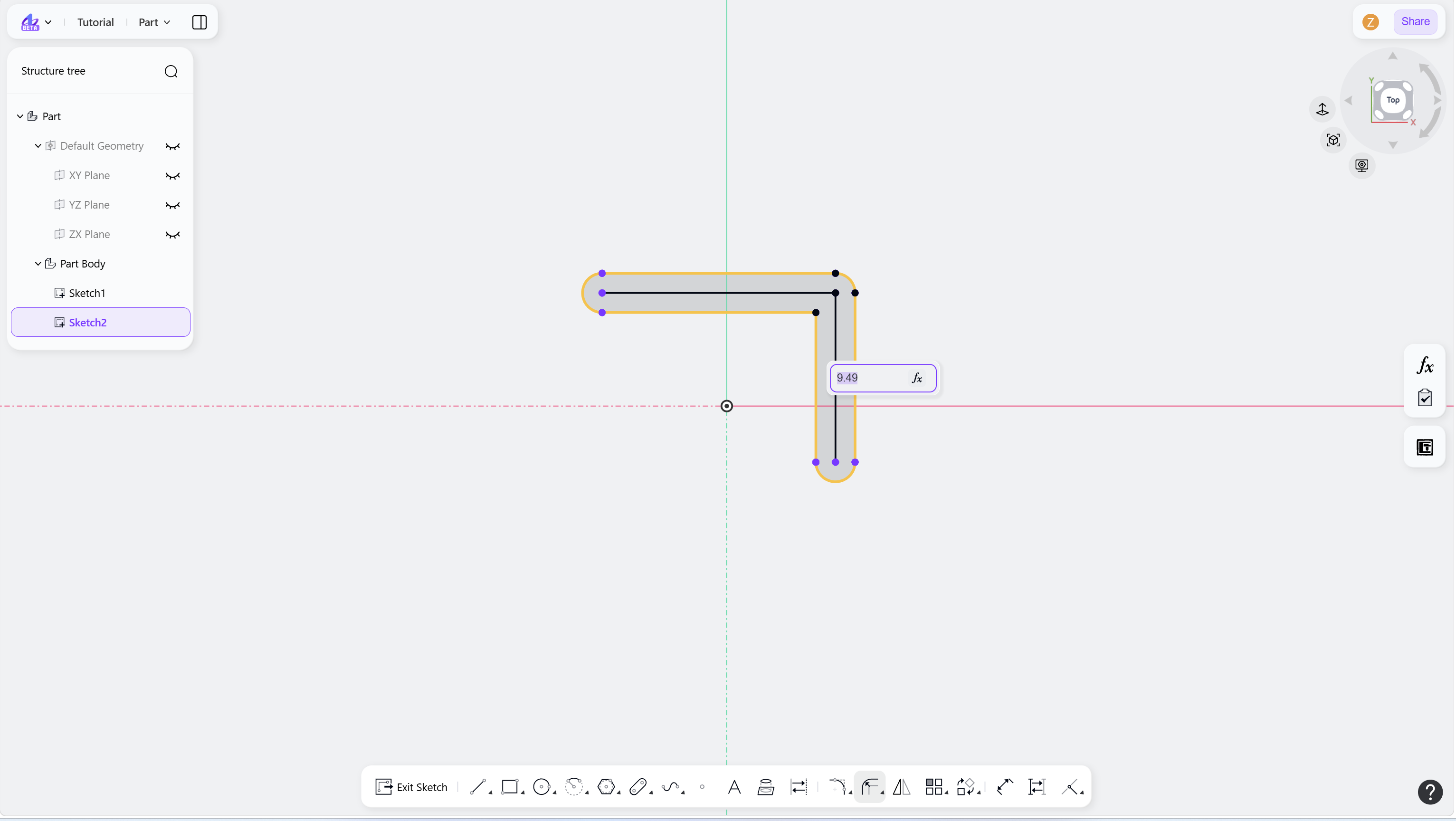
Step 5 - Add a dimensional constraint: