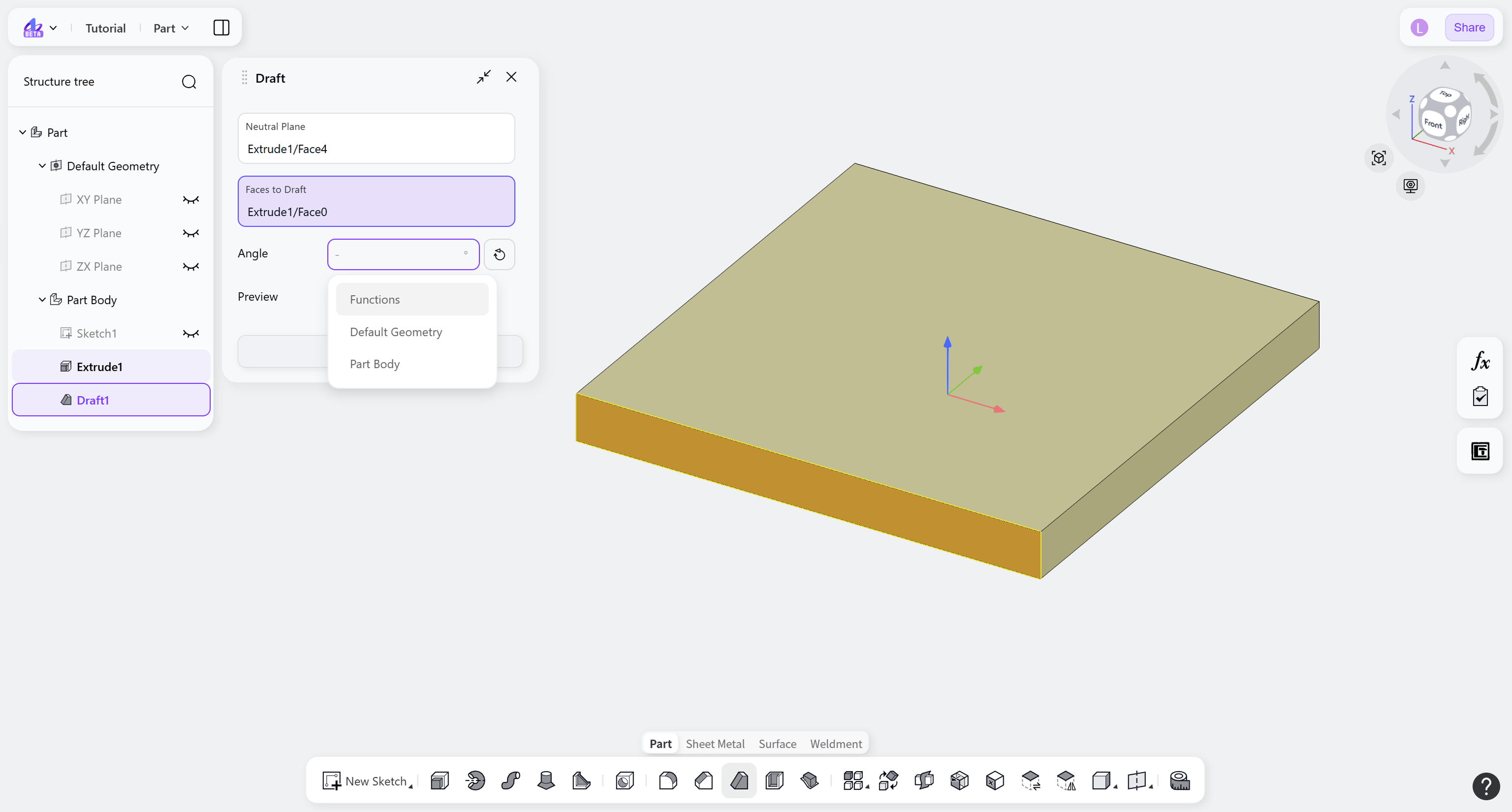
The Draft tool applies draft angles to 3D models in the Part module. By specifying the draft angle and direction, geometry suitable for mold release—such as injection-molded parts and castings—can be created.
Steps:
Select the neutral plane.
Select the faces to draft.
Set the "Draft Angle".
(Optional) Click the "Flip" button to switch the draft direction.
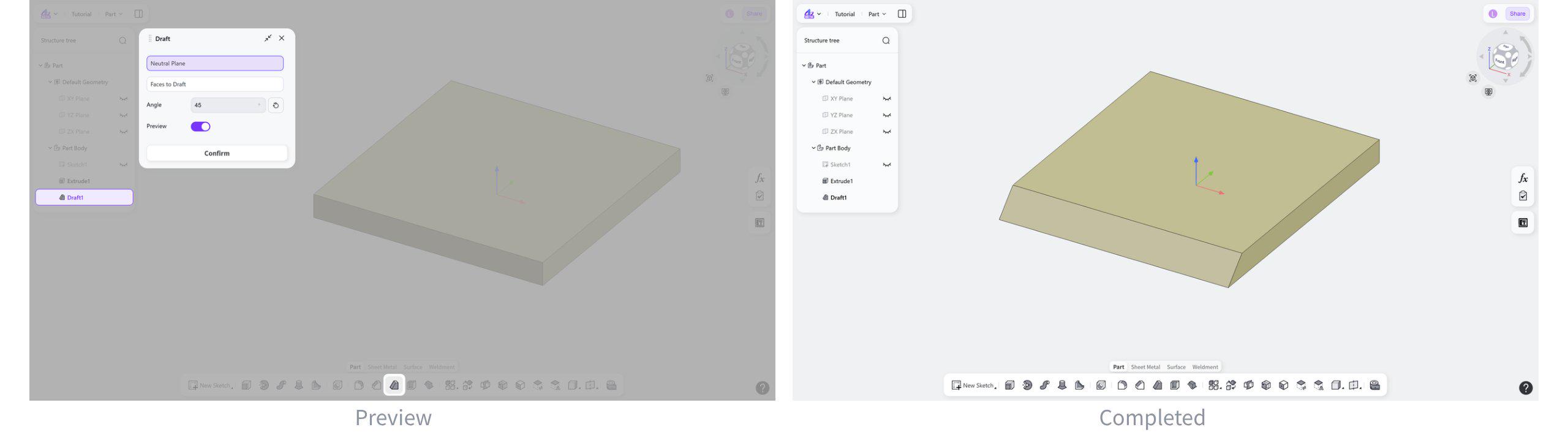
Neutral Plane
The draft feature tilts the selected faces relative to the neutral plane.
Click the "Neutral Plane" selection box, then select the target plane to use as the neutral plane.
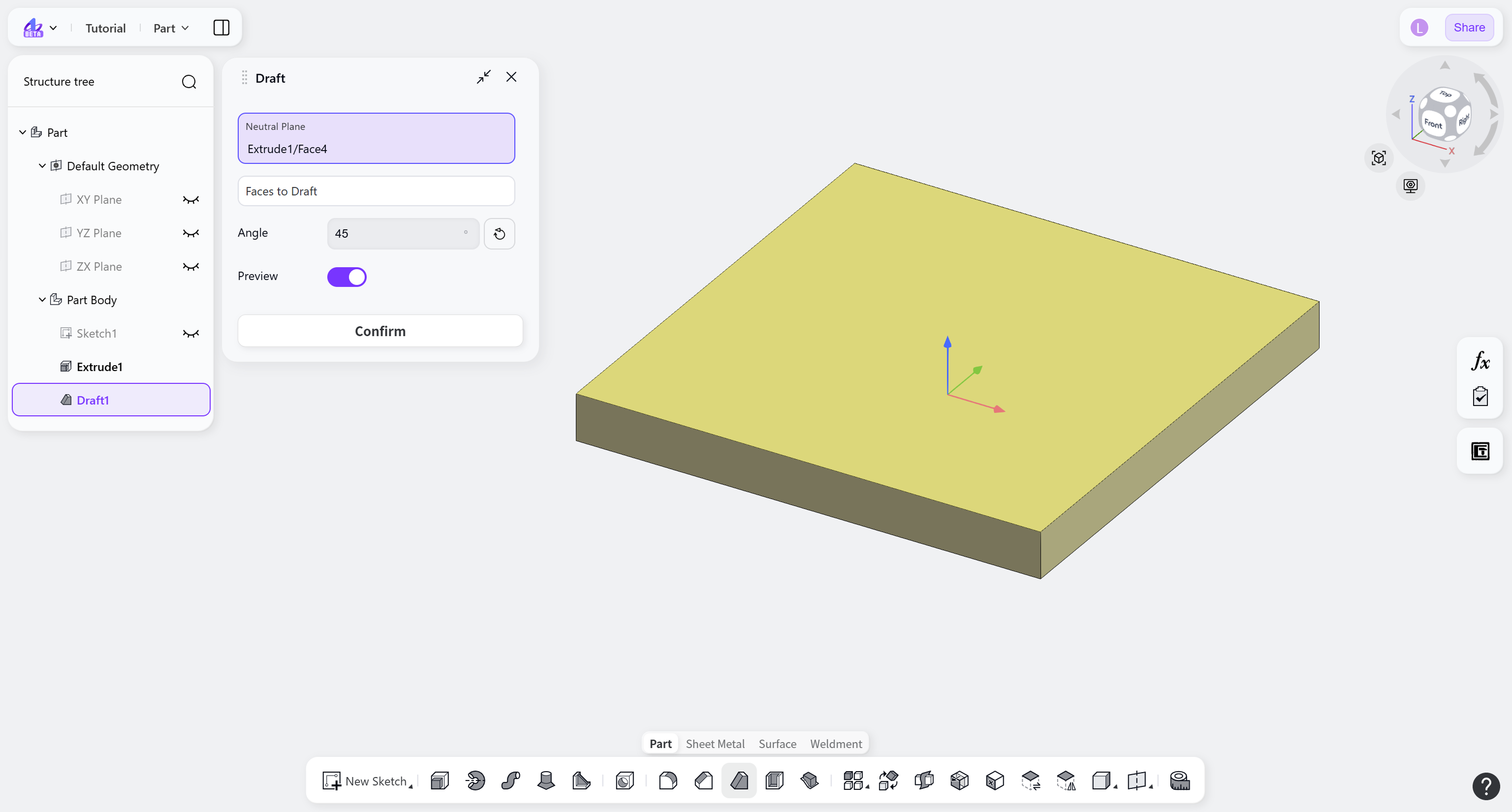
Faces to Draft
Specifies the target faces for the draft operation.
Click the "Faces to draft" selection box, then select the target faces.
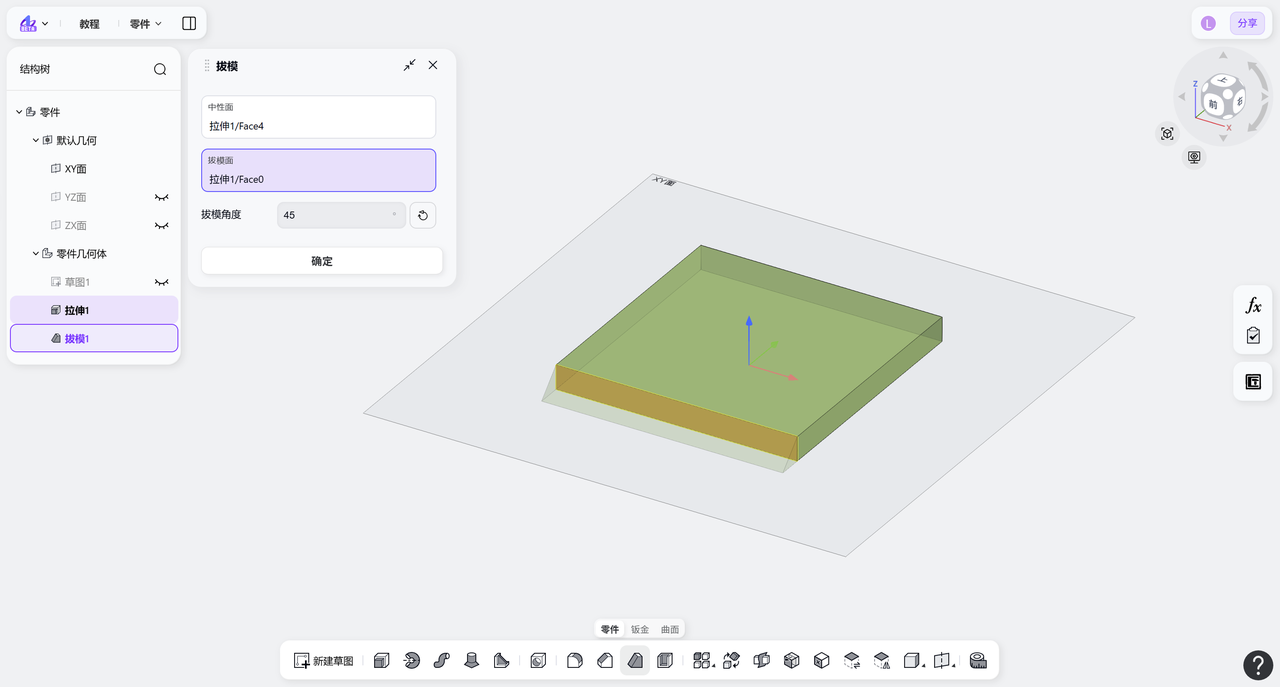
Draft Angle
Steps:
Enter the "Draft Angle".
(Optional) Click the "Flip" button to switch the draft direction.