
Steps
Select a part and the mate icons related to this selection appear near the part.
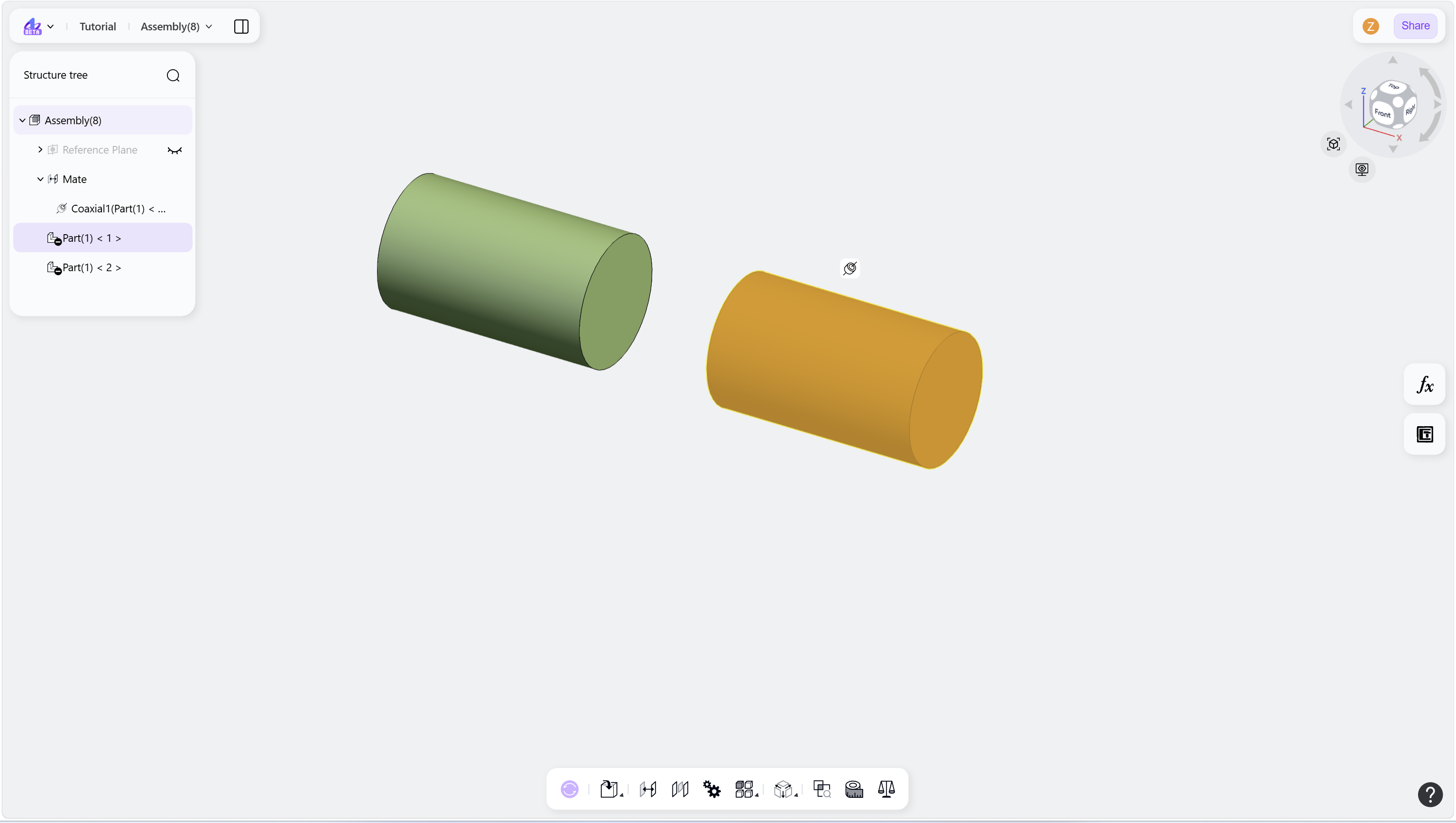
Hover over a mate icon. The corresponding mate objects are highlighted.
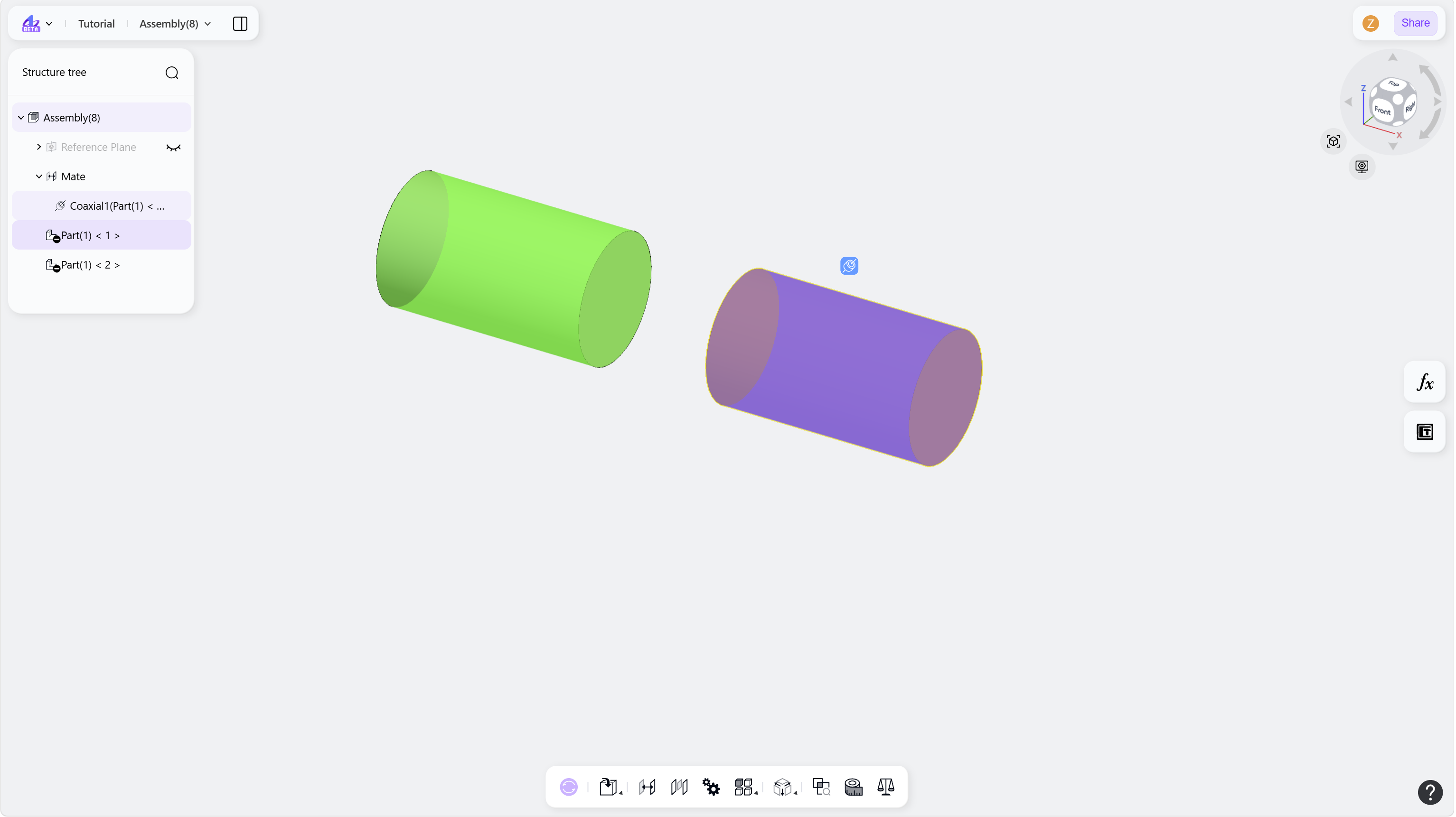
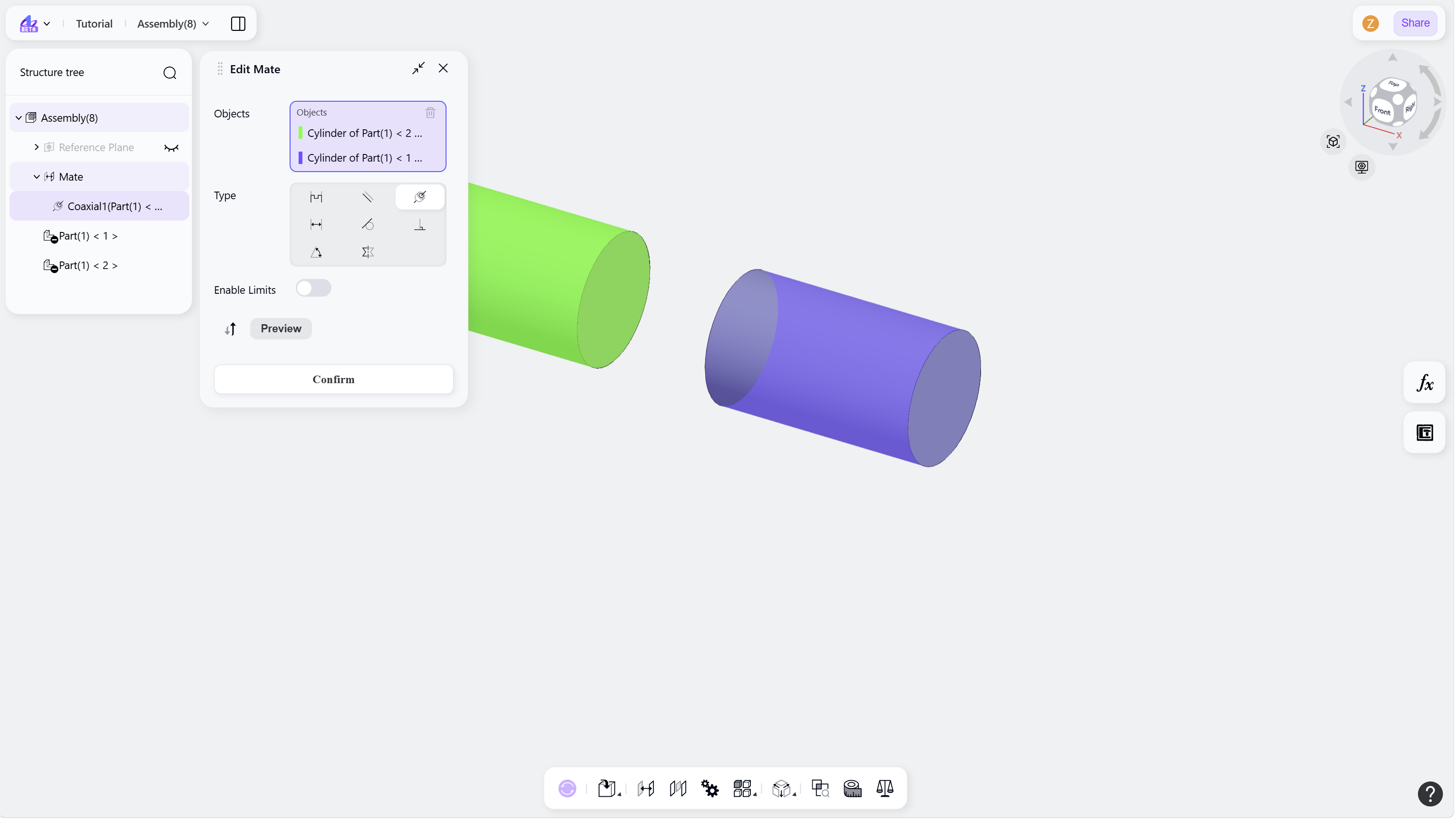
Click the mate icon to open the Mate panel.
Select a part and the mate icons related to this selection appear near the part.
Hover over a mate icon. The corresponding mate objects are highlighted.
Click the mate icon to open the Mate panel.