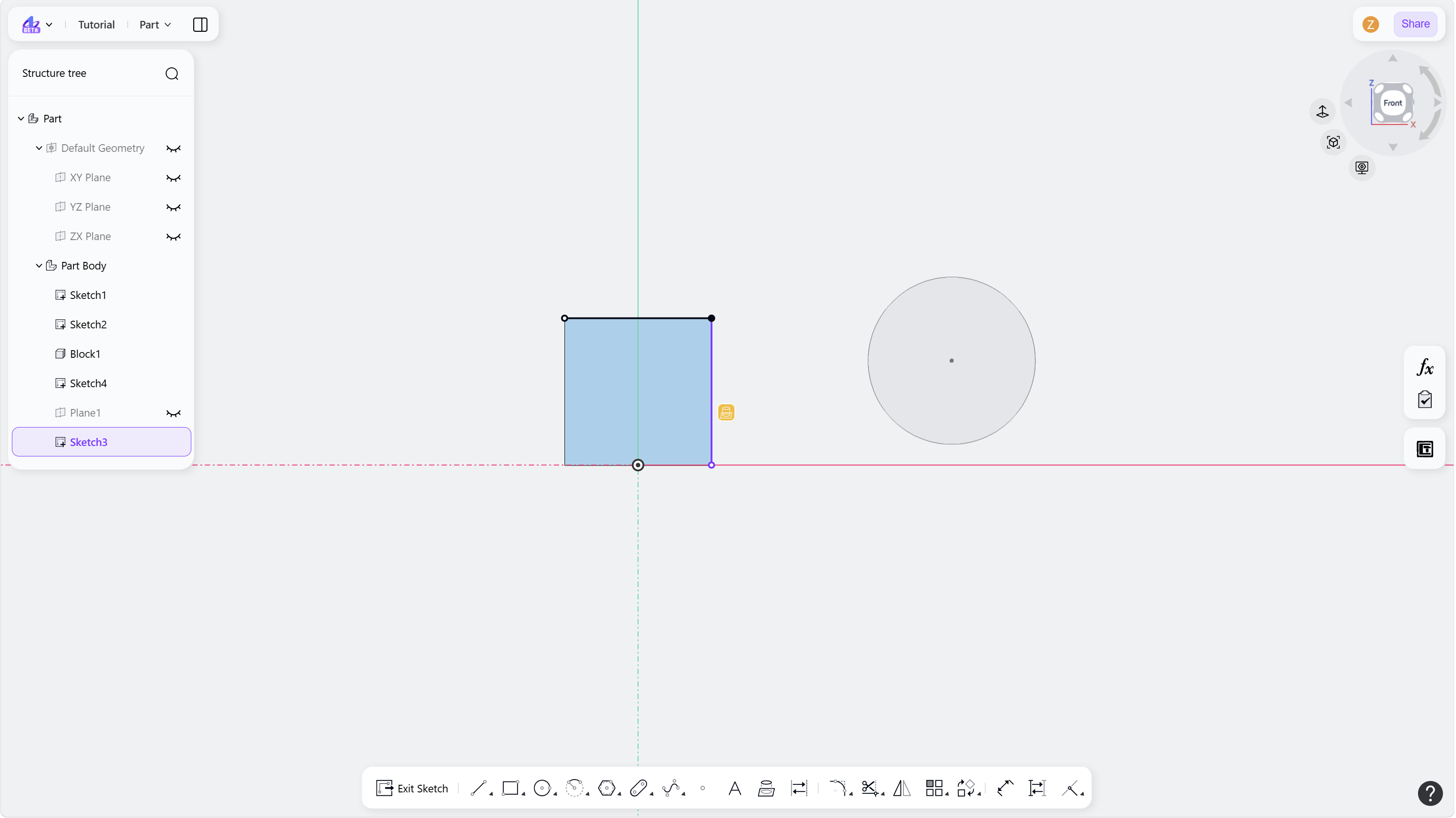
The Convert Entities tool projects external geometry, such as model edges or sketch curves, onto the current sketch plane while maintaining associative references.
Steps
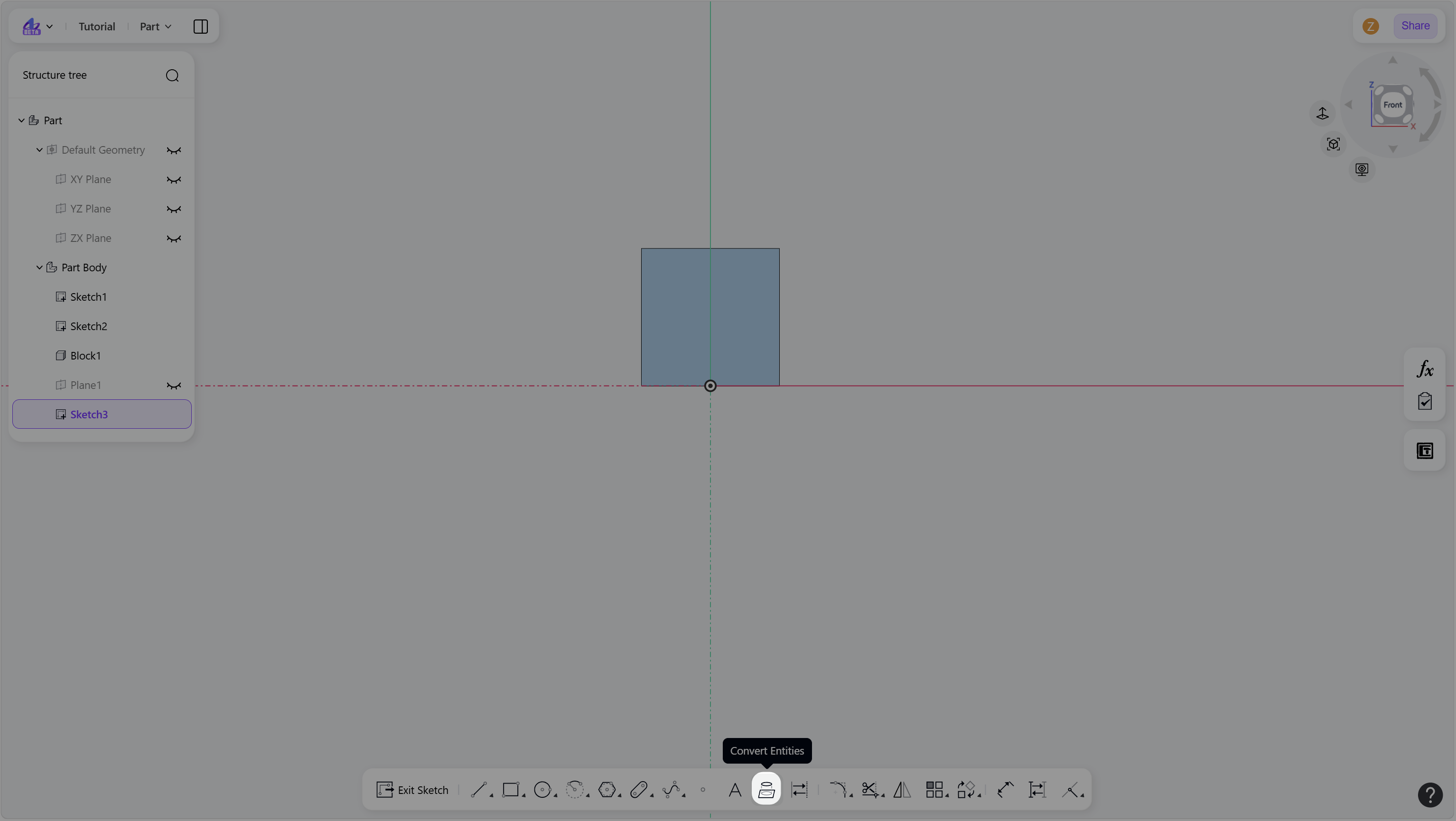
Click the "Convert Entities" icon in the toolbar.
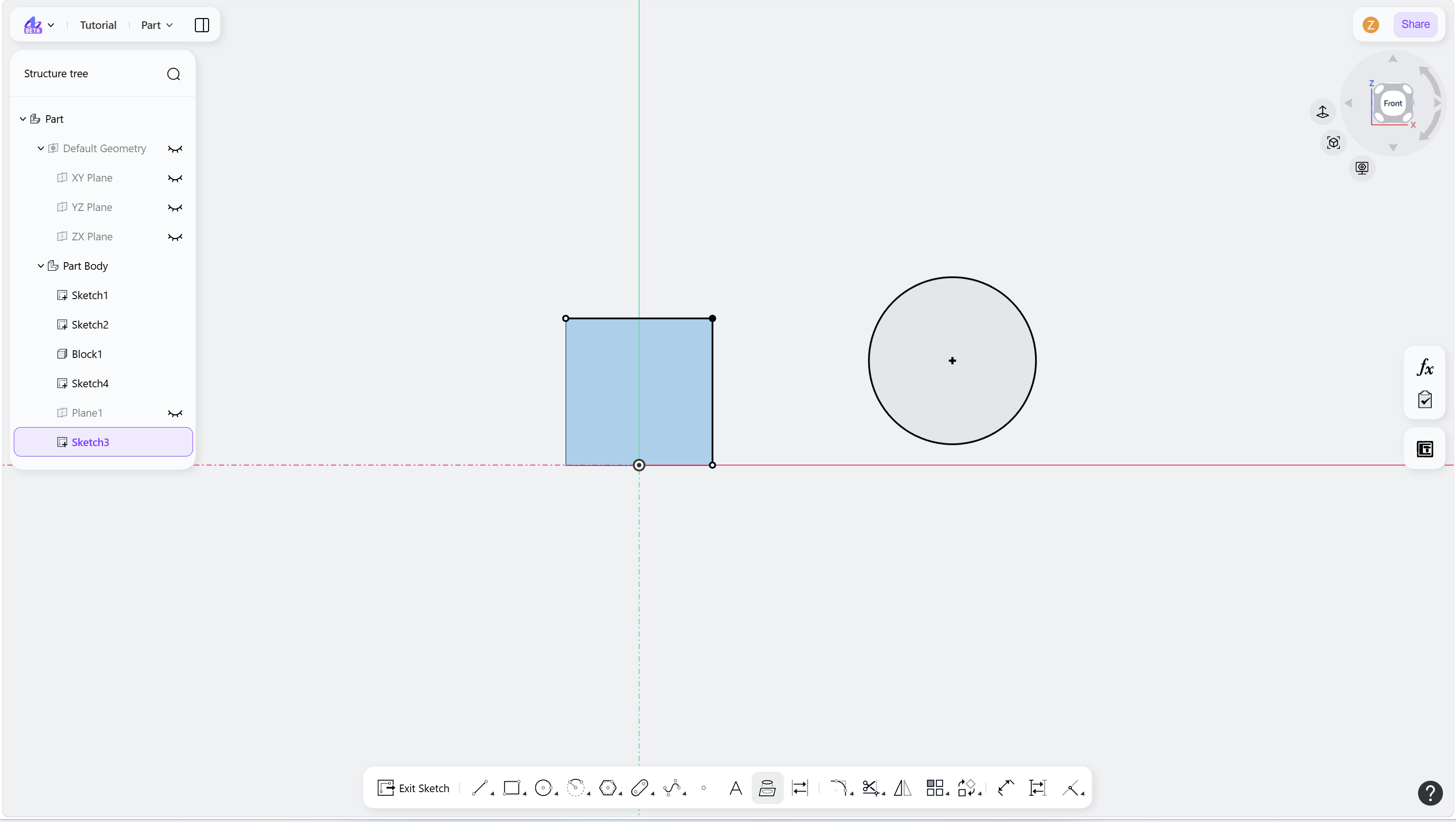
Select external edges or sketch geometry to project them into the current sketch.
Projected geometry is fully constrained and can participate in additional sketch constraints.
(Optional) To remove the associative reference, click the Convert Entities constraint icon and press Delete. The projected geometry is then converted into regular sketch geometry.
Right-click or press Esc to exit.
Step 1 - Click the "Convert Entities" icon in the toolbar:
Step 2 - Select external edges of the solid / sketches:
Step 3 - Hover over the edge / sketch:
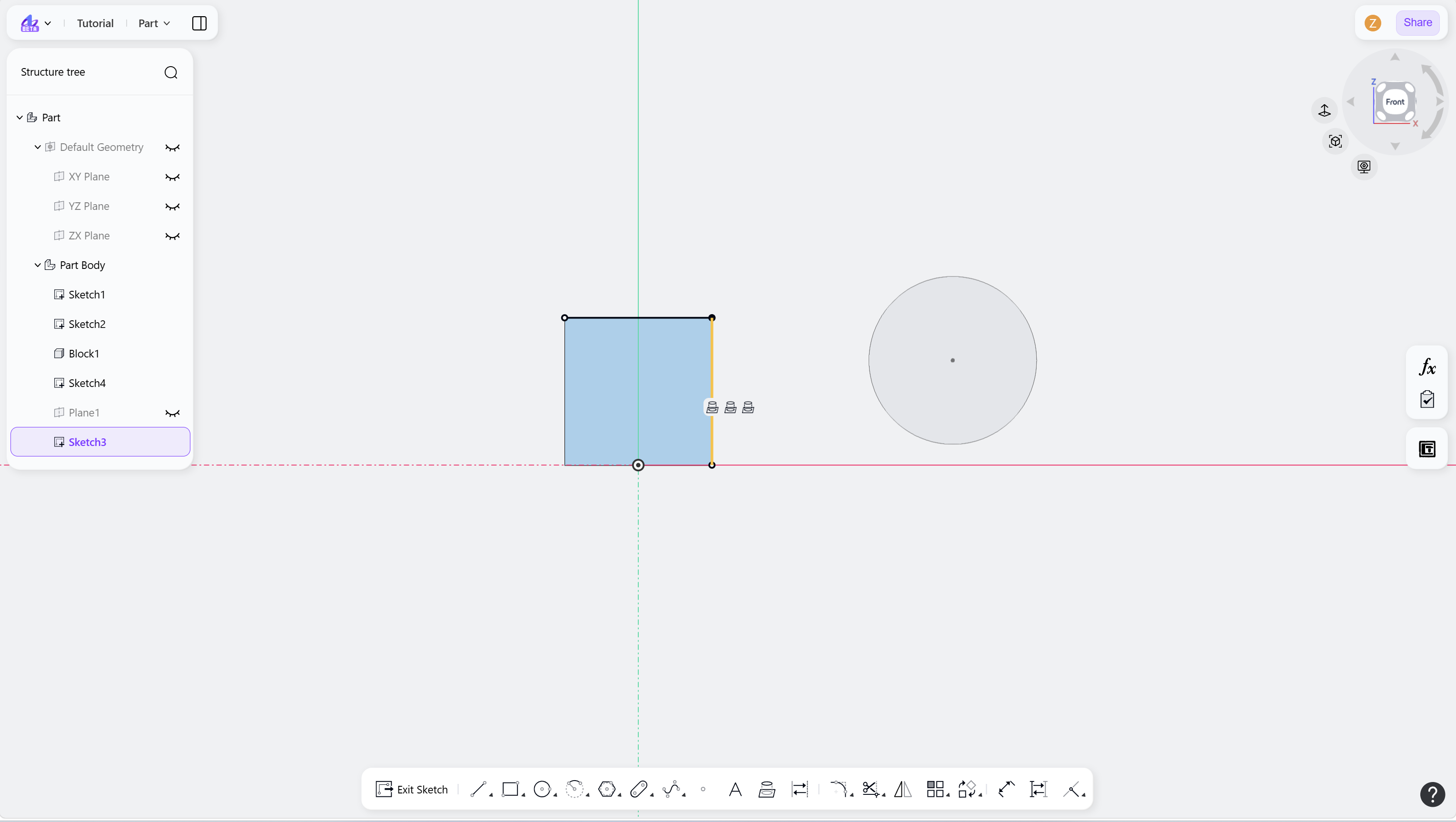
Step 4 - Left-click to select the Convert Entities icon:
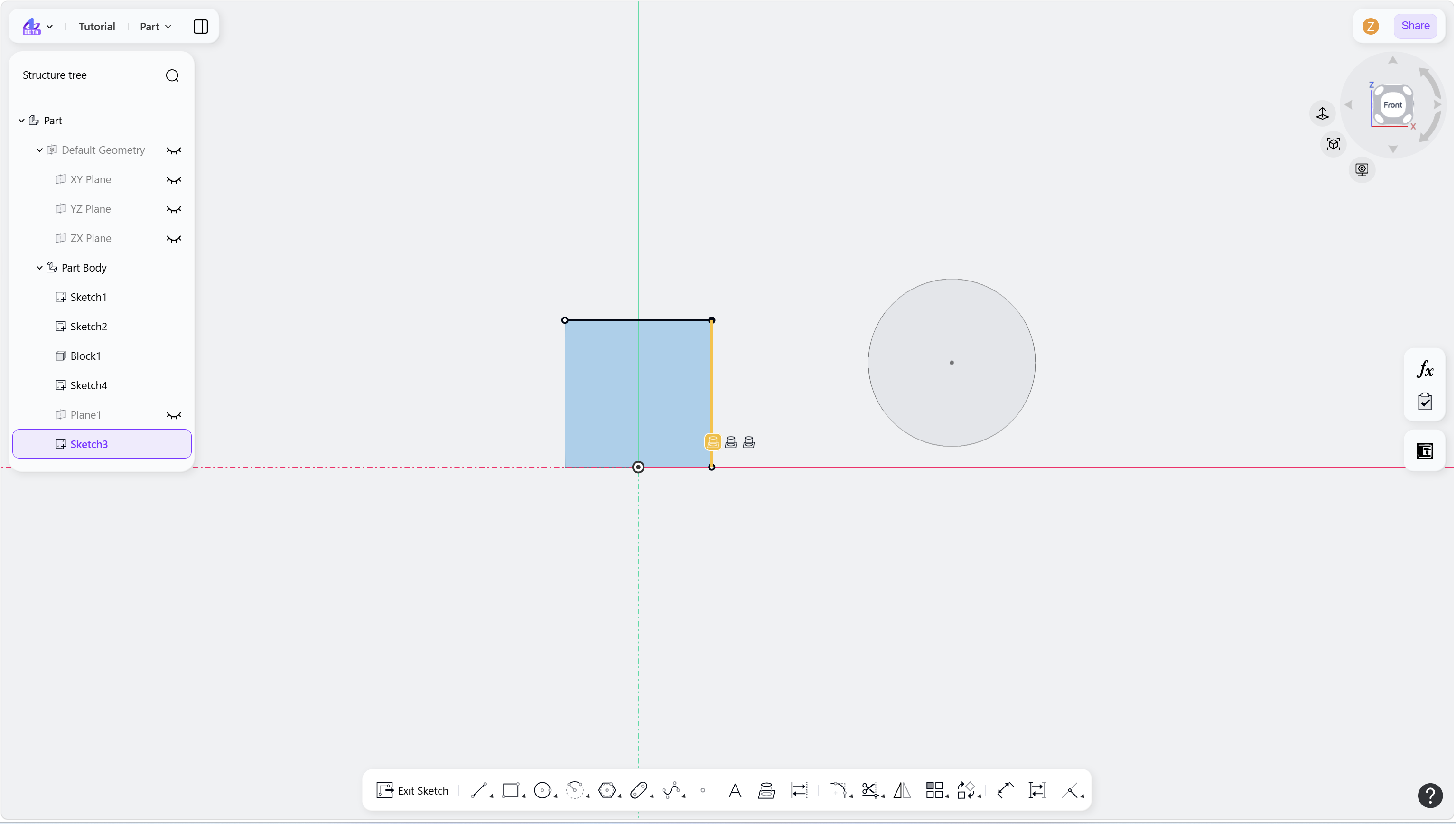
Step 5 - Press Delete to delete the constraint and convert it to an internal element: