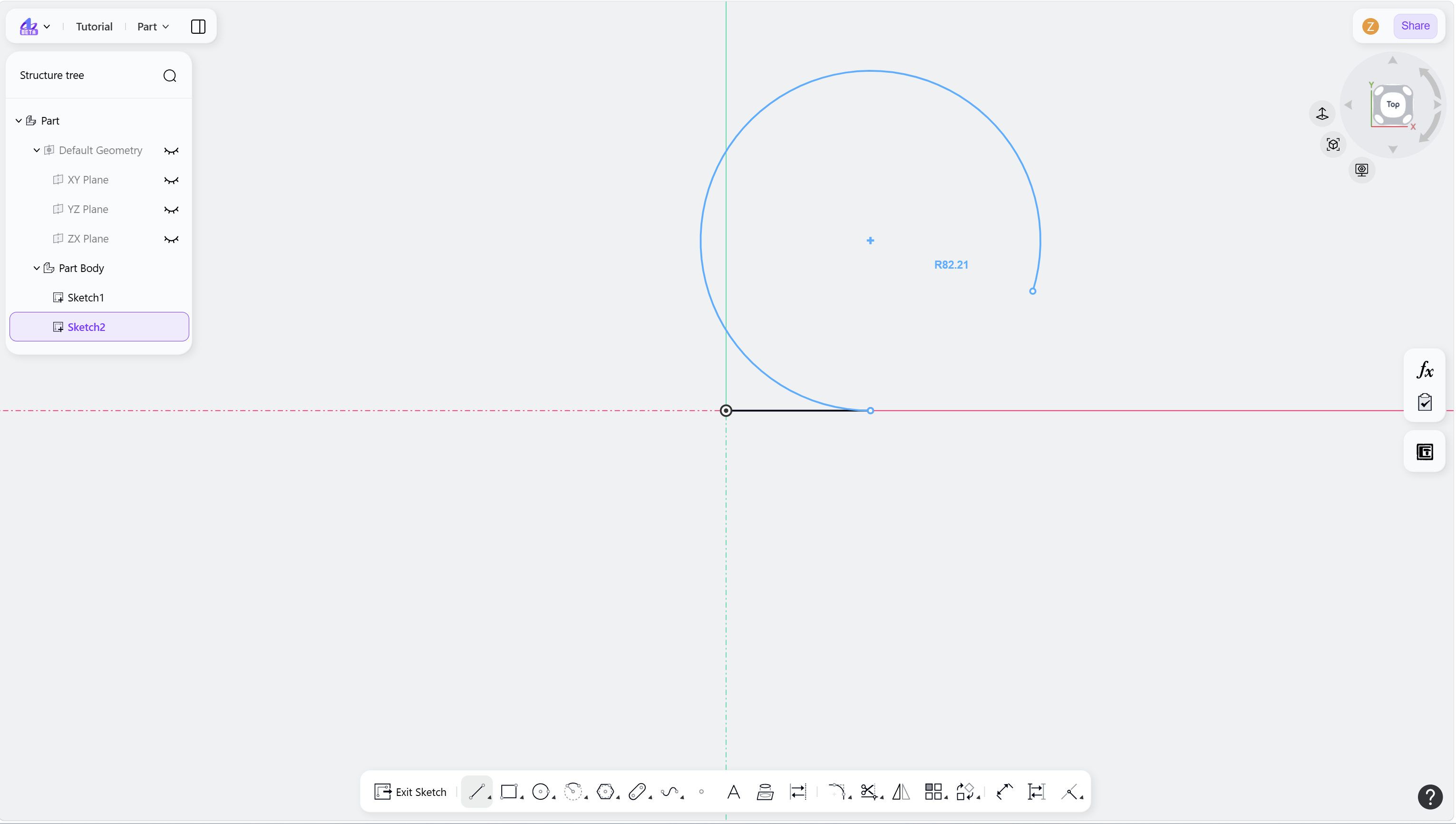
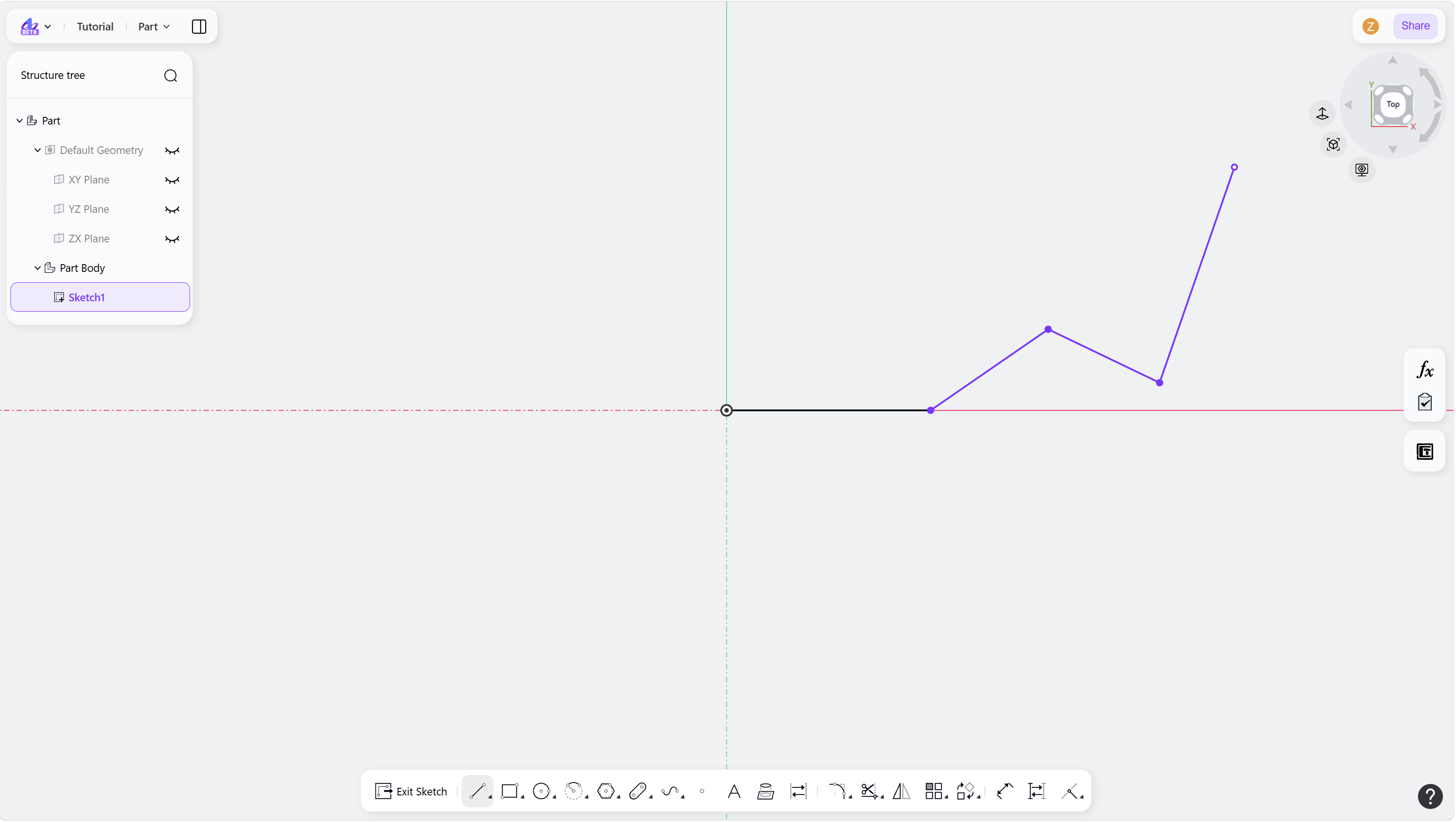
The Line tool is used to create basic line segments in a sketch. It is commonly used to construct sketch outlines and geometric structures. Both individual line segments and continuous polylines are supported.
Steps:
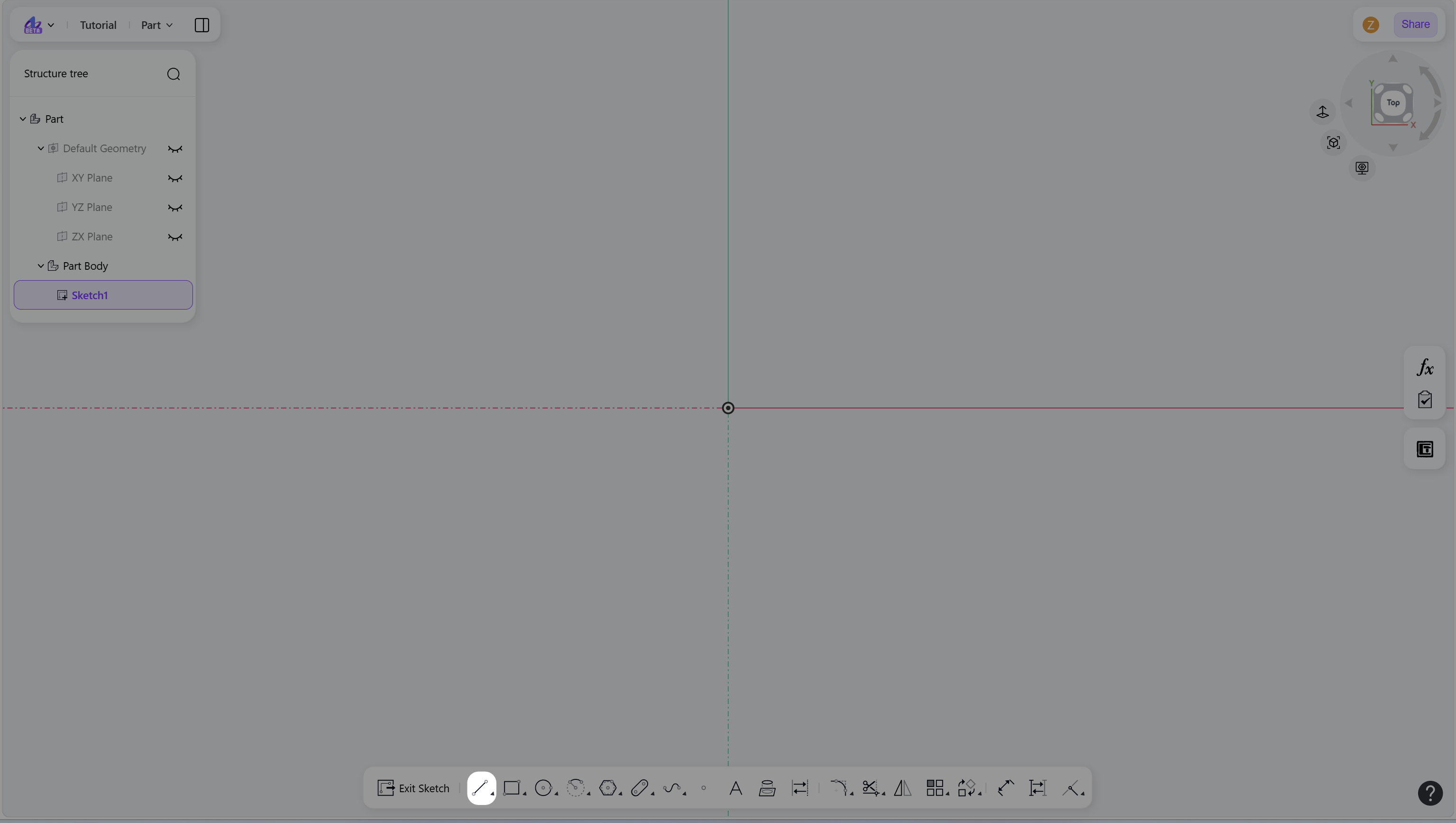
Hover over the "Line" icon in the toolbar.
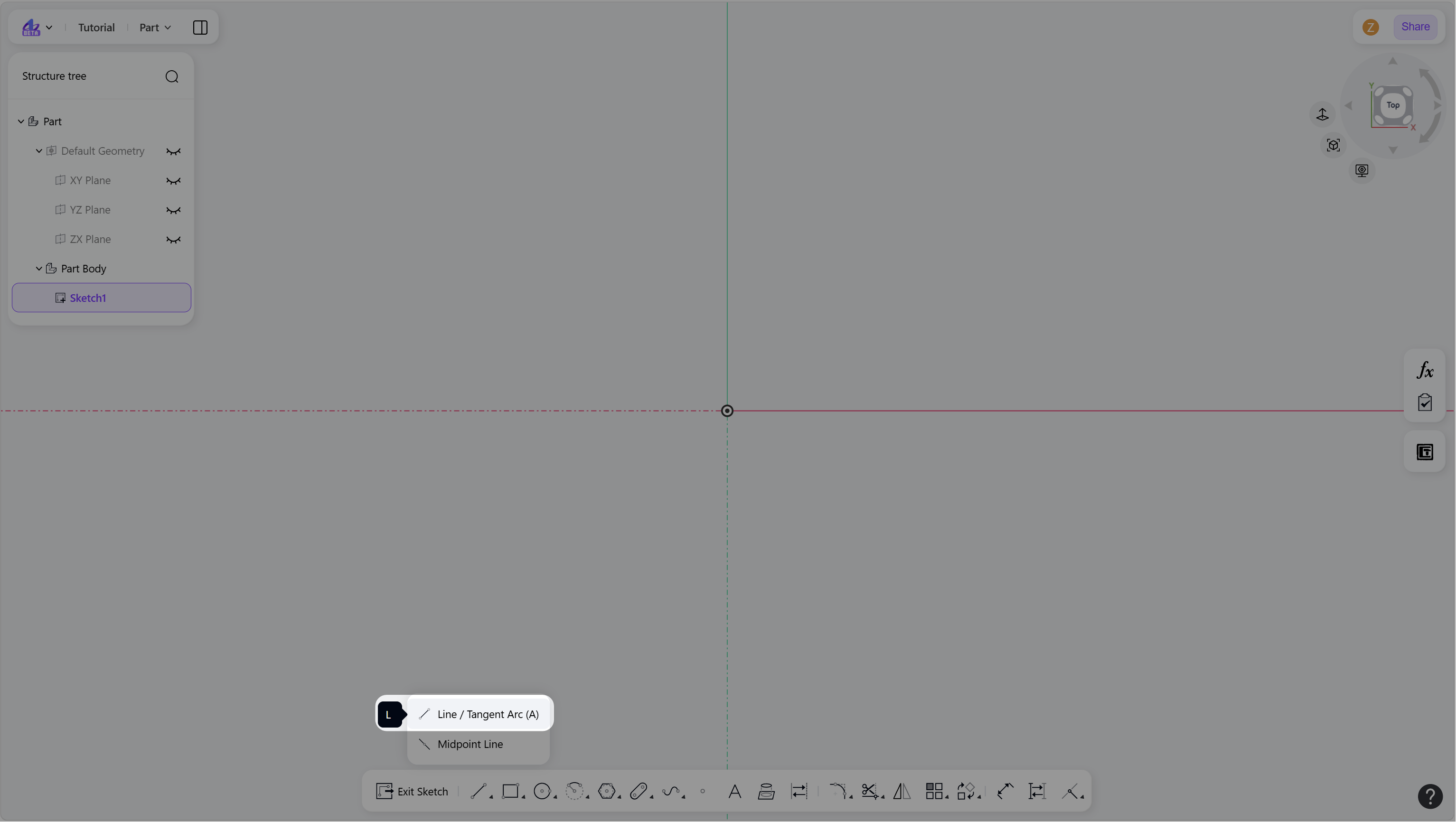
Select "Line/Tangent Arc" to enter Line mode.
Create a line:
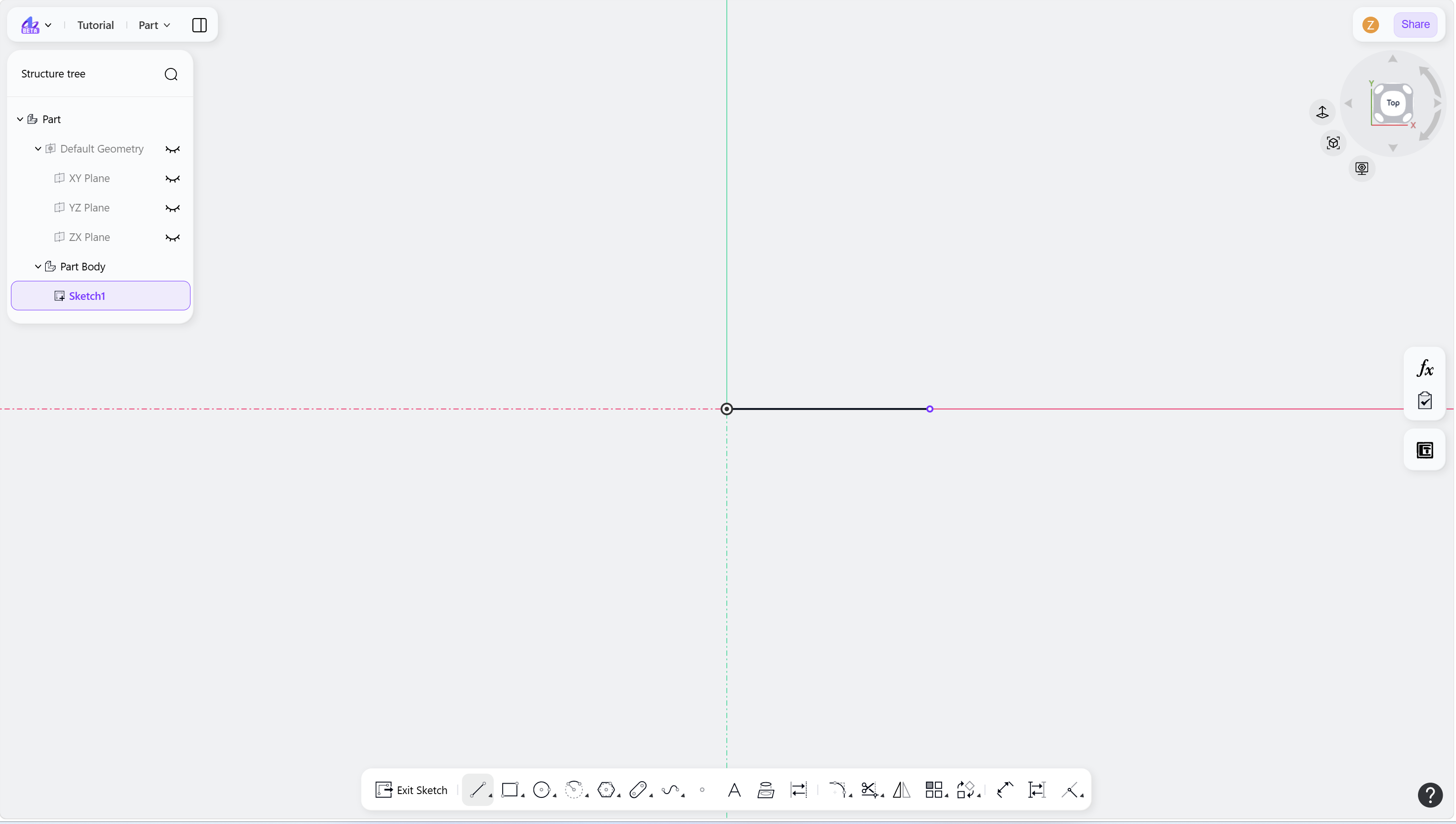
Left-click in the drawing area to define the start point.
Move the cursor and left-click again to define the endpoint.
(Optional) Enter a value and press Enter to apply a dimensional constraint.
Continue moving the cursor to draw additional segments, or right-click to finish the current segment.
Right-click again or press Esc to exit Line mode.
Step 1 - Hover over the "Line" icon in the toolbar:
Step 2 - Select "Line/Tangent Arc" to enter Line mode:
Step 3 - Left-click to define the start point of the line:
Step 4 - Continue drawing connected line segments:
Notes
Lines can be used to form open or closed profiles for downstream features such as extrusions or revolutions.
After you draw a line segment, the tool remains in Line mode for continuous drawing.
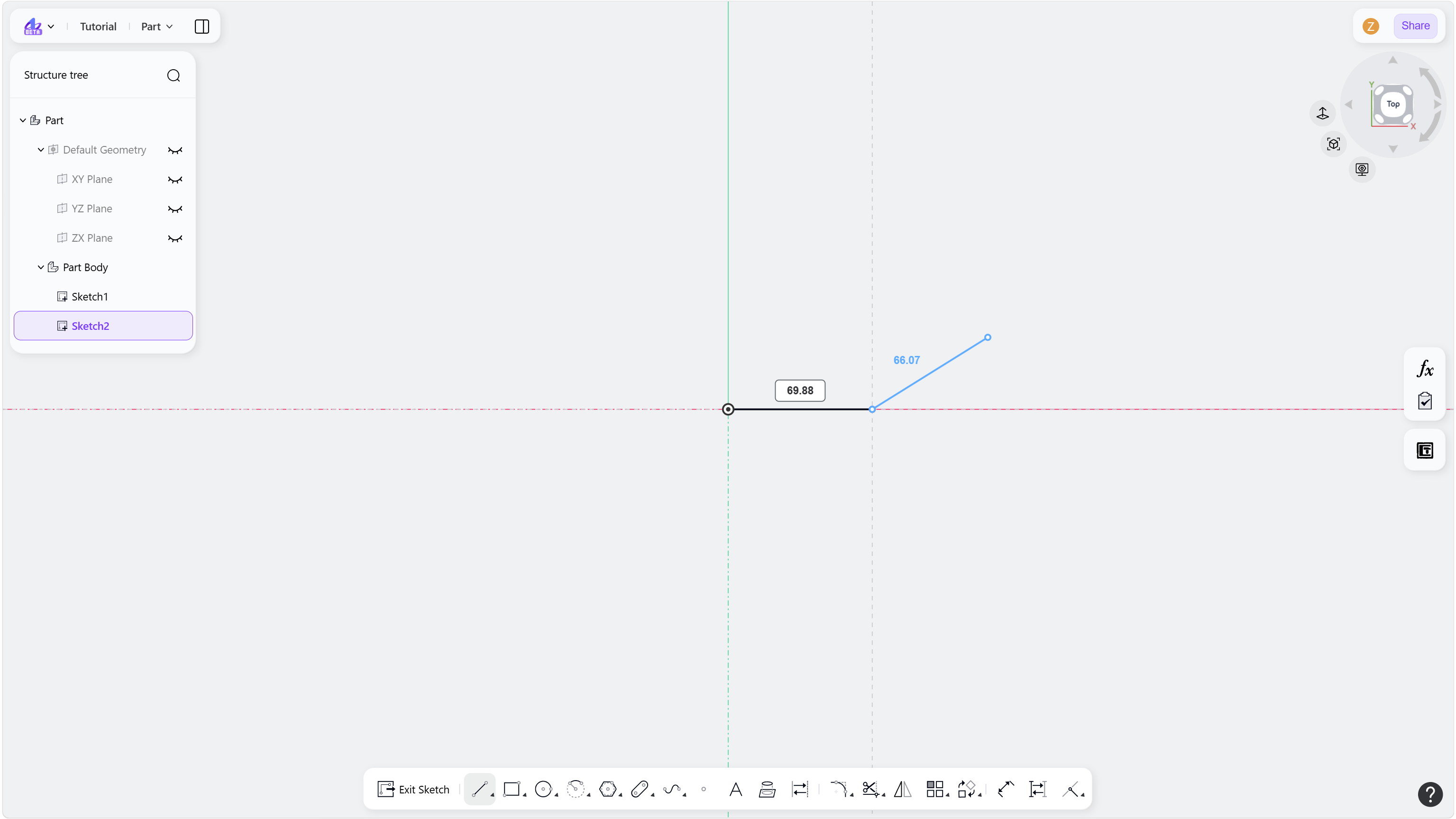
Press A to switch between Line and Tangent Arc modes.
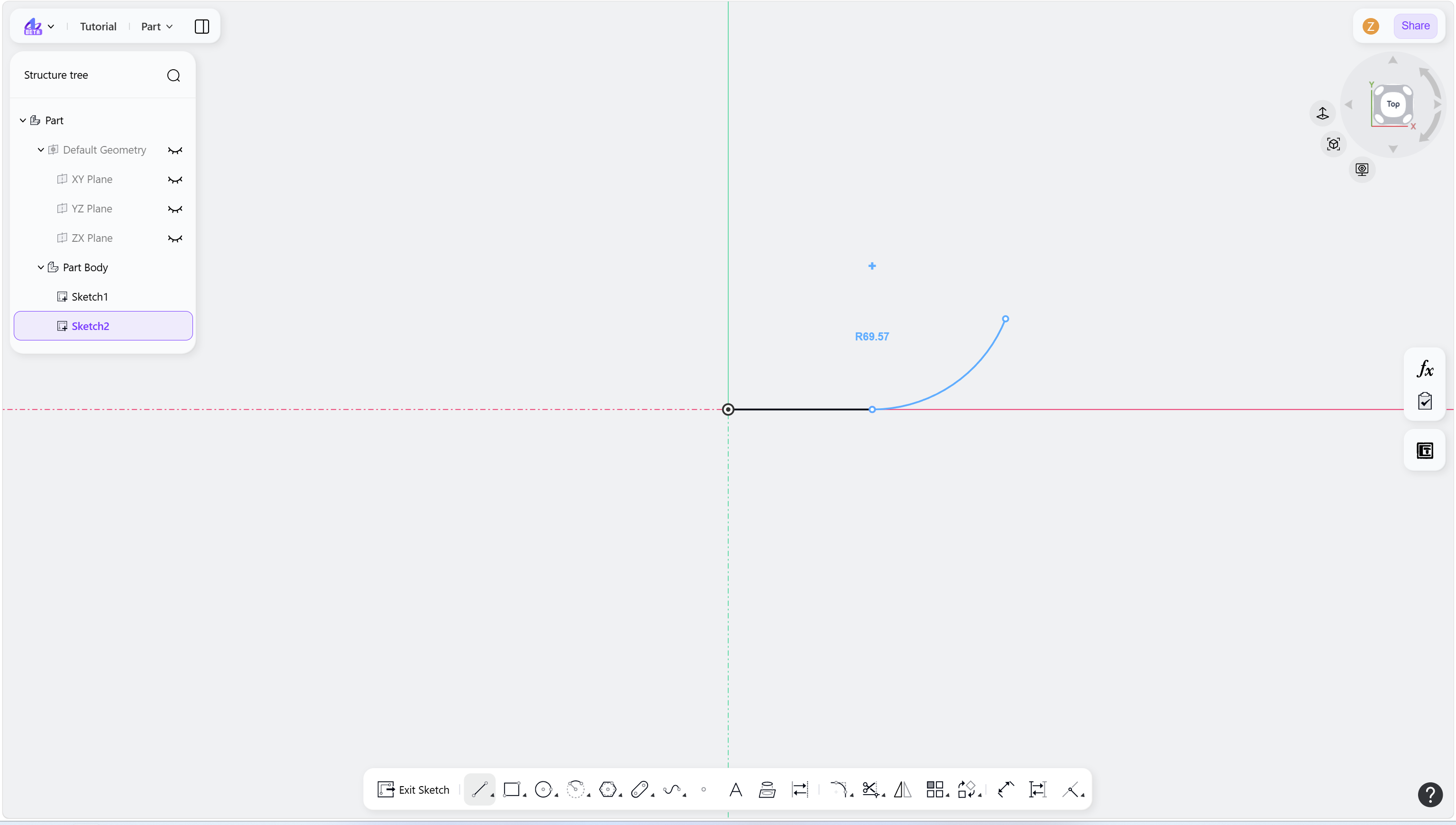
Press Tab to reverse tangent arc direction.