

The Fillet tool is used to create a smooth transition for intersecting line segments in a sketch. It is a commonly used command to optimize contours and eliminate sharp corners.
Steps
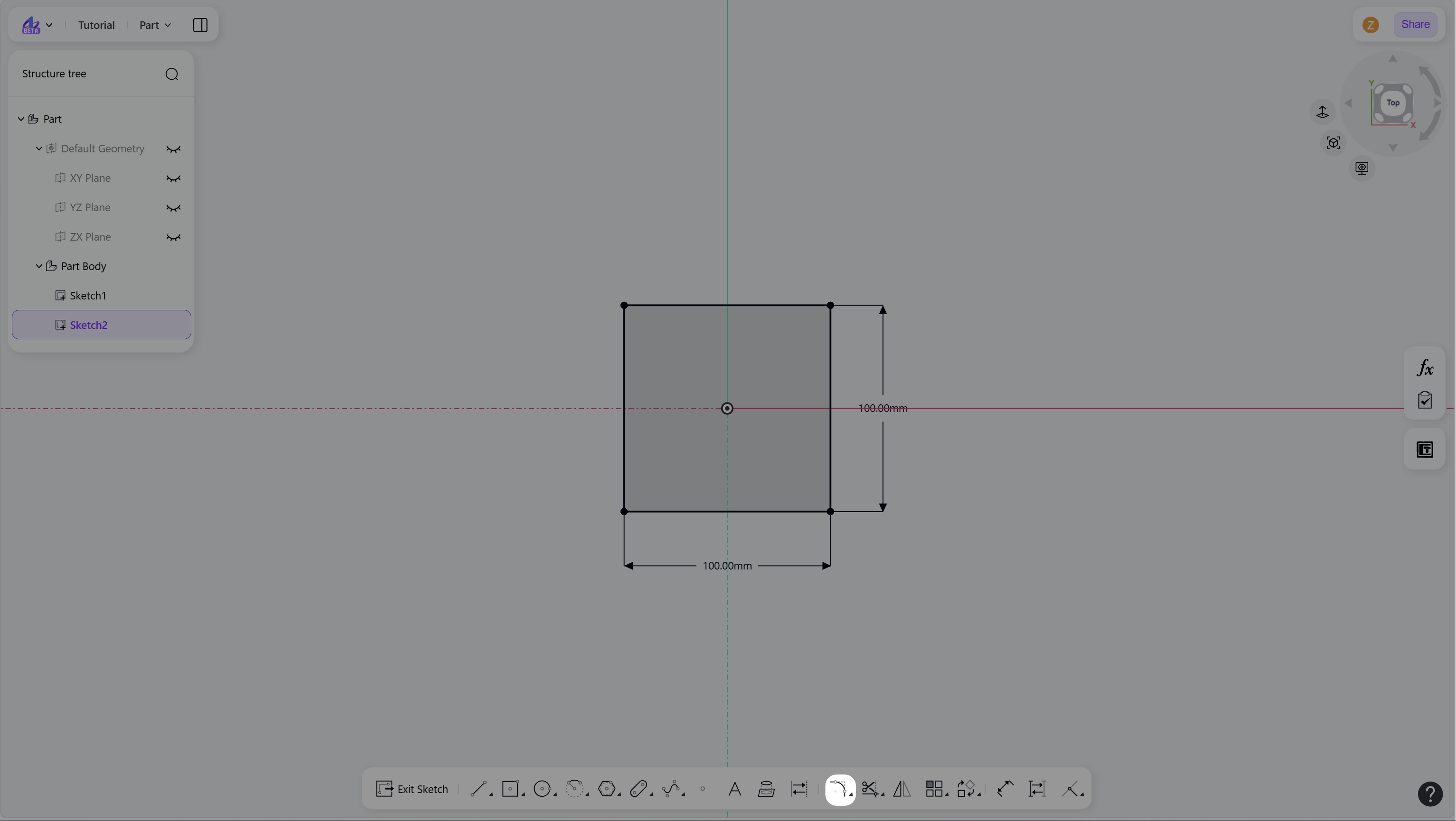
Hover over the "Fillet/Chamfer" icon in the toolbar.
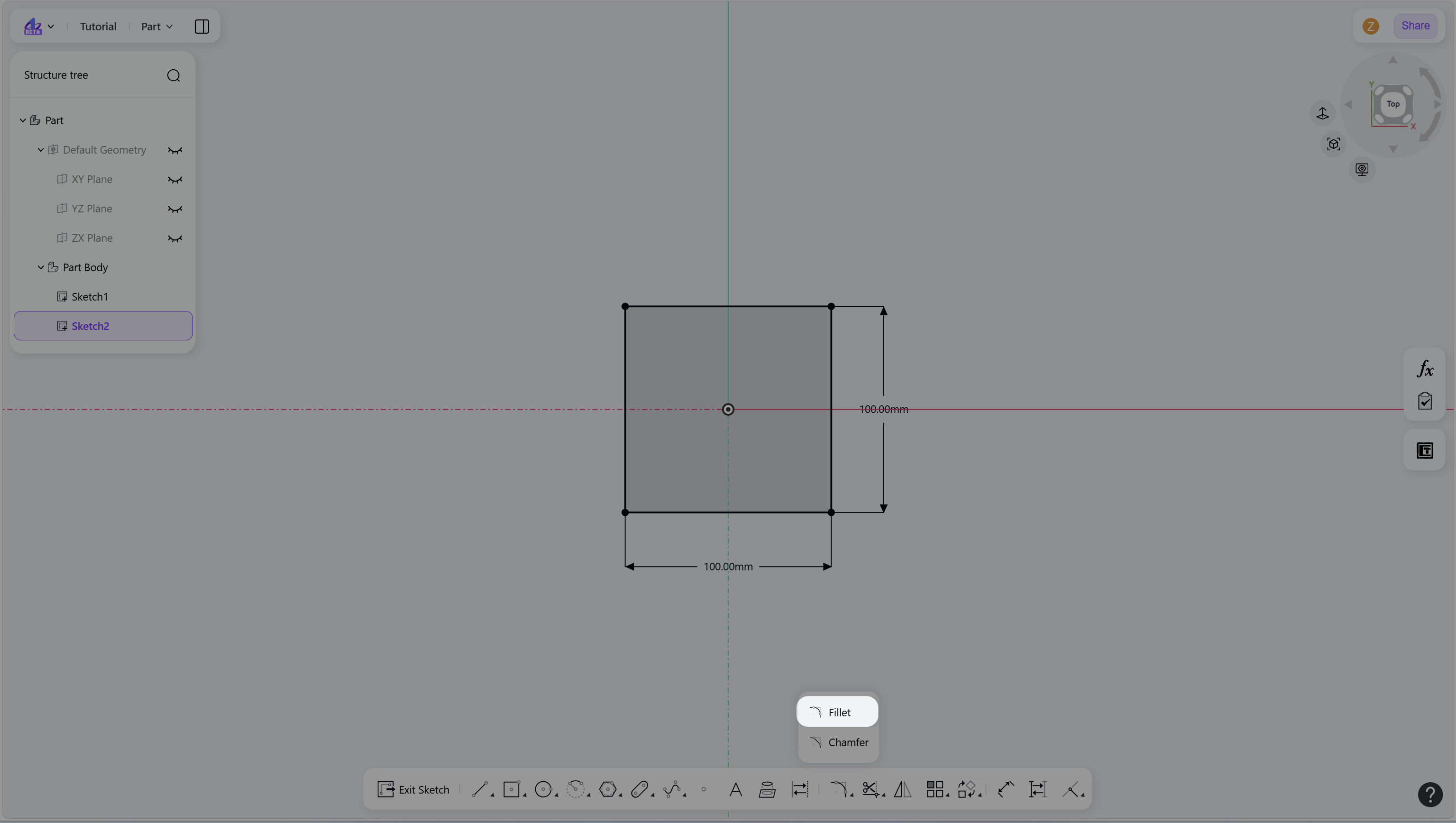
Click the "Fillet" icon to enter fillet mode.
Create a fillet:
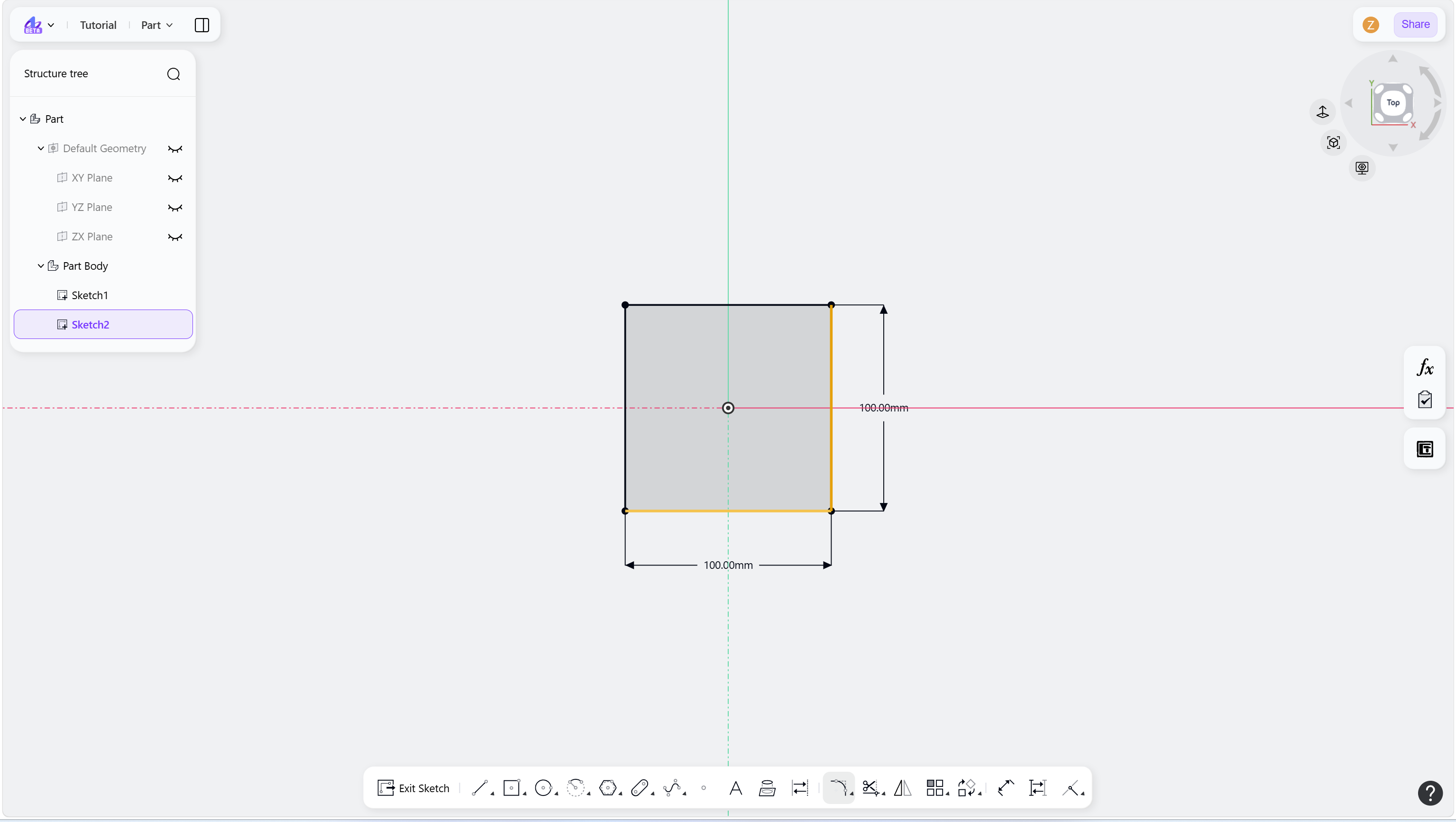
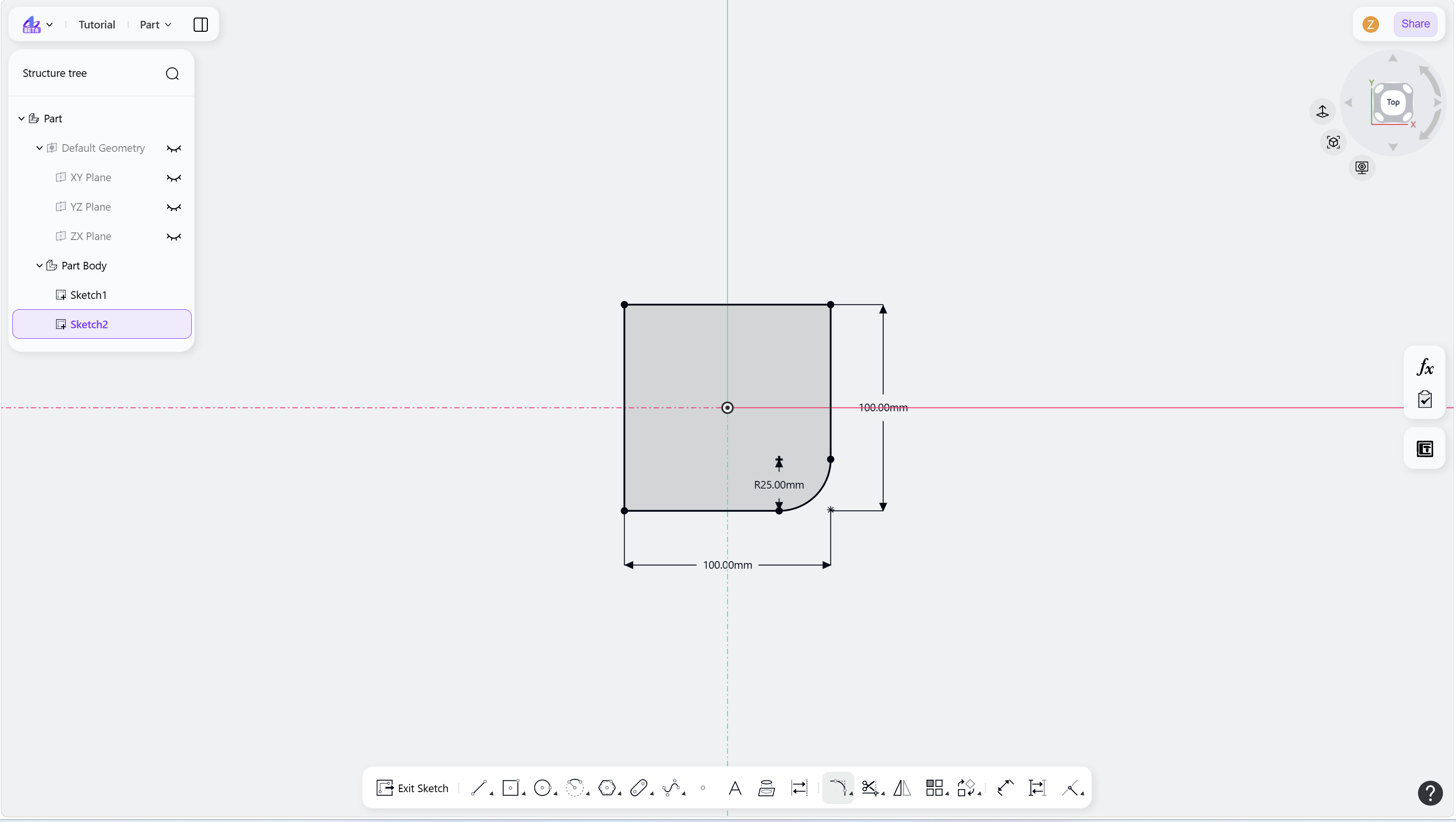
Select the two non-tangent elements (edges or arcs) or corner points.
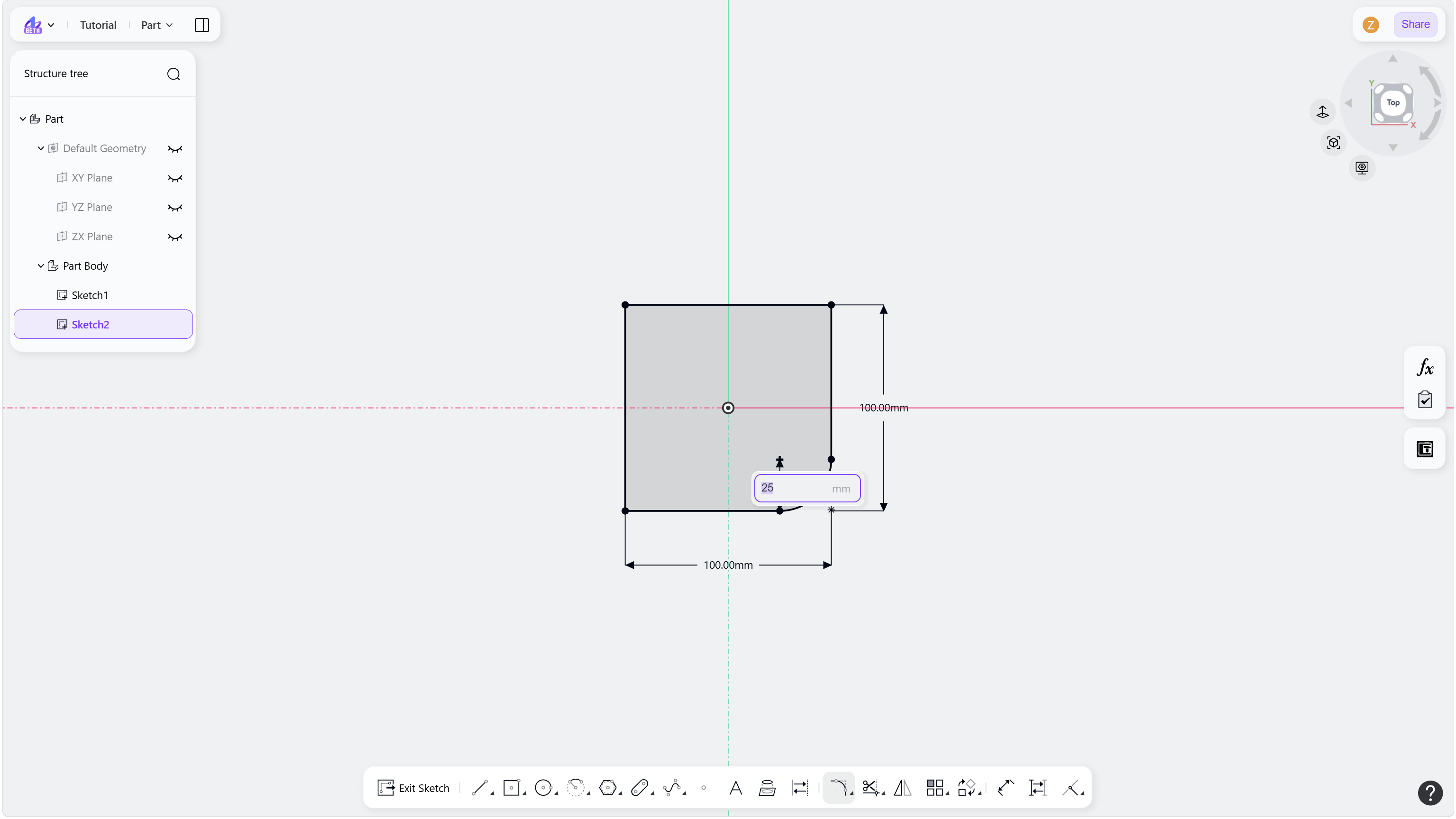
(Optional) Enter a radius value and press Enter to apply a dimensional constraint.
Right-click or press Esc to exit.
Step 1 - Hover over the "Fillet/Chamfer" icon in the toolbar:
Step 2 - Click the "Fillet" icon to enter fillet mode:
Step 3 - Select two elements / points that need to add a fillet:
Notes
Fillets can be applied between lines and arcs.
Corner selection and box selection are supported.